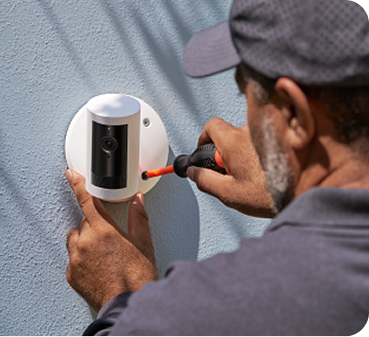
Add professional installation
Available as soon as
How it works
Customer Reviews, including Product Star Ratings help customers to learn more about the product and decide whether it is the right product for them.
To calculate the overall star rating and percentage breakdown by star, Amazon doesn't use a simple average. Instead, Amazon's system considers things like how recent a review is and if the reviewer bought the item on Amazon. It also analyzed reviews to verify trustworthiness.
Modifications and extensions to existing wiring available at additional cost (billed separately). Extension available only for low-voltage wiring (PoE or Plug-in USB-C).
Ships to the U.S. (excluding Alaska and Hawaii) and Canada (excluding Pleasant Camp, British Columbia; Fort Severn, Ontario; Nain, Newfoundland and Labrador; Old Crow, Yukon; Kangiqsualujjuaq, Quebec; Ivujivik, Quebec; Bathurst Inlet, Nunavut; Sachs Harbour, Northwest Territories; Grise Fiord, Nunavut; and Alert, Nunavut).
Show MoreYou might also like
Complete your security setup with these commonly bought items.
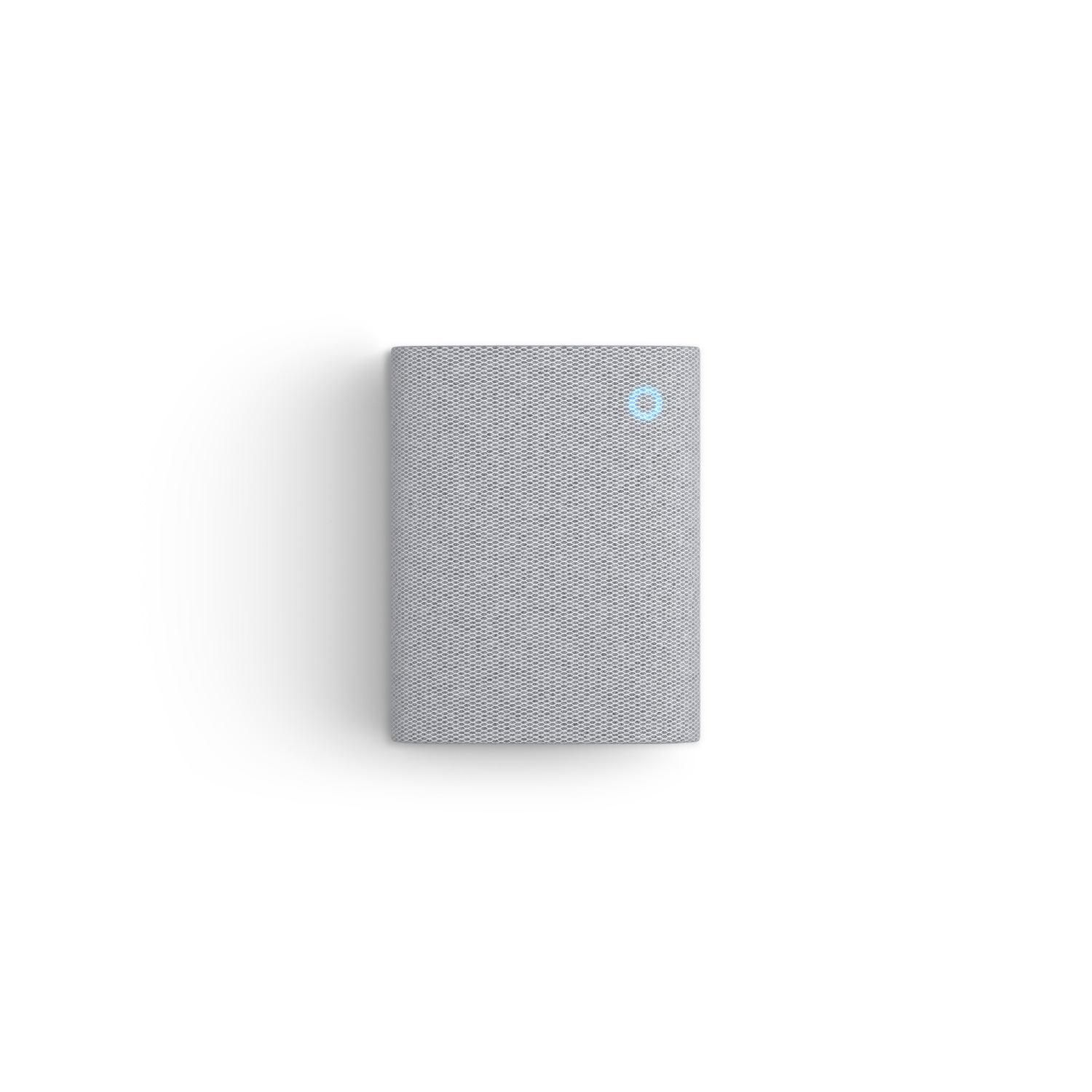
Plug it in and hear real-time doorbell and camera alerts from anywhere.
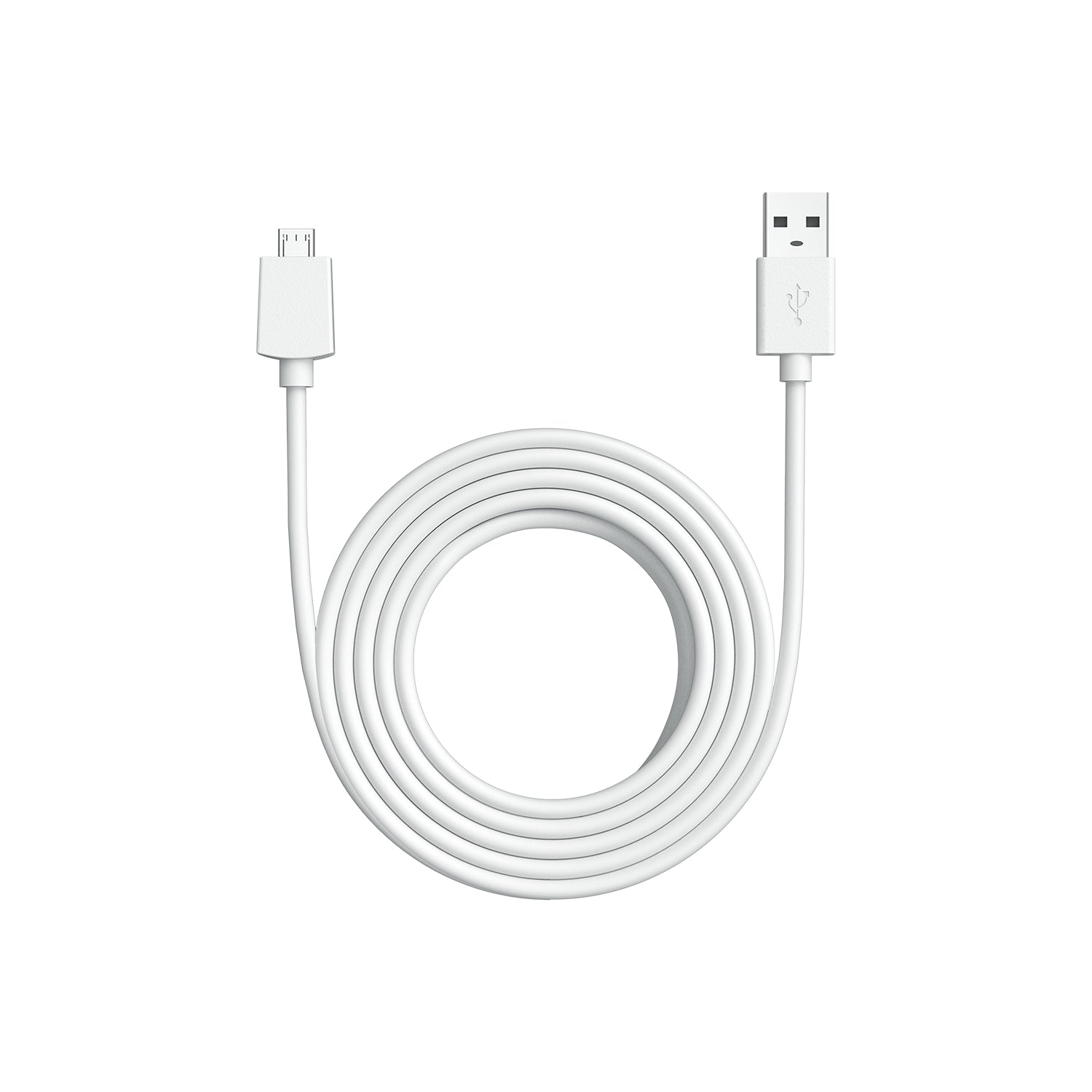
Add an extra-long 10ft power cable to get your camera in the perfect position.
Help your missing pet make it home safe.
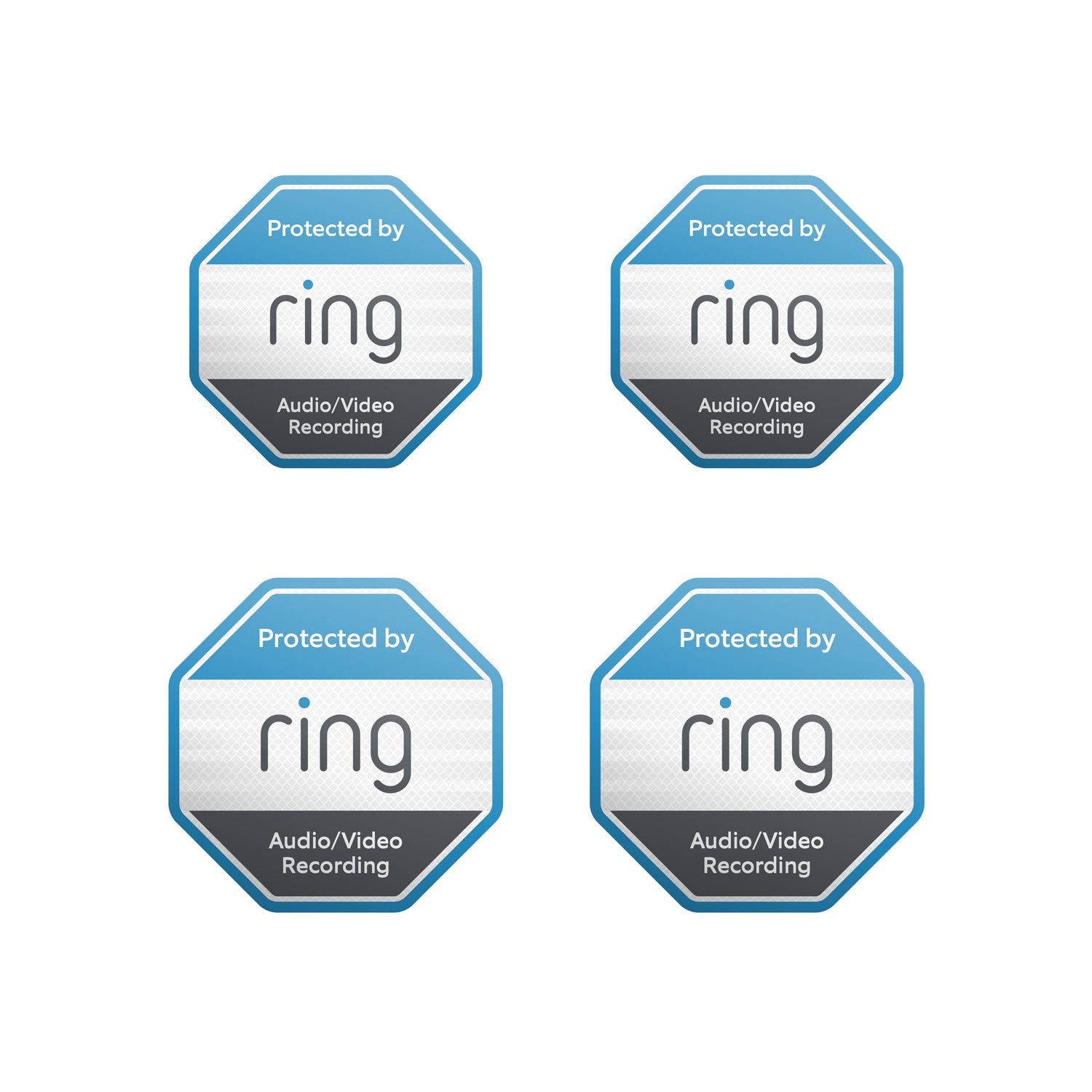
Show everyone that you're protected with door and window stickers.
Retinal Vision
Manual Audio & VideoPrivacy Cover
Motion Alerts withAdvanced Pre-Roll
Two-Way Talk
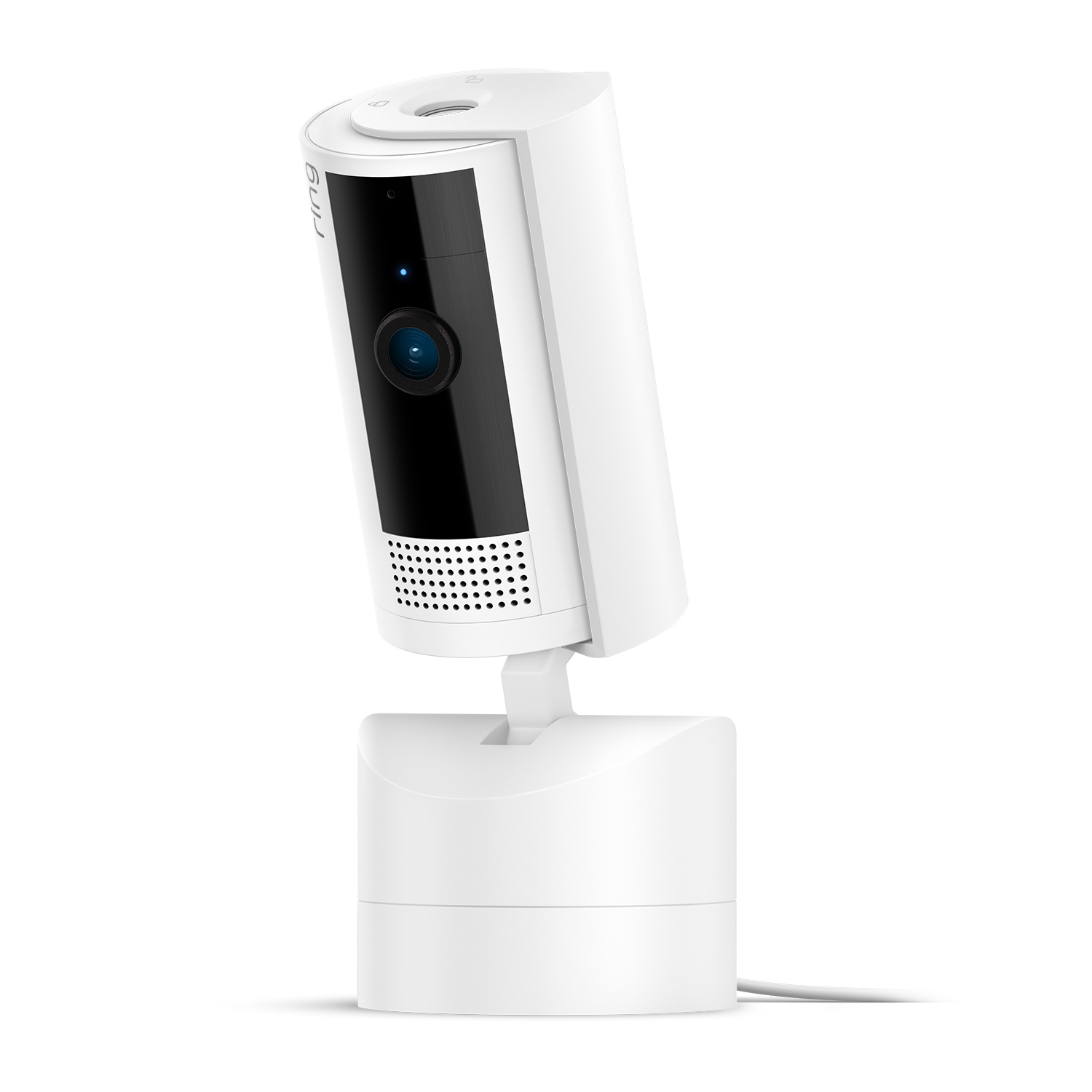
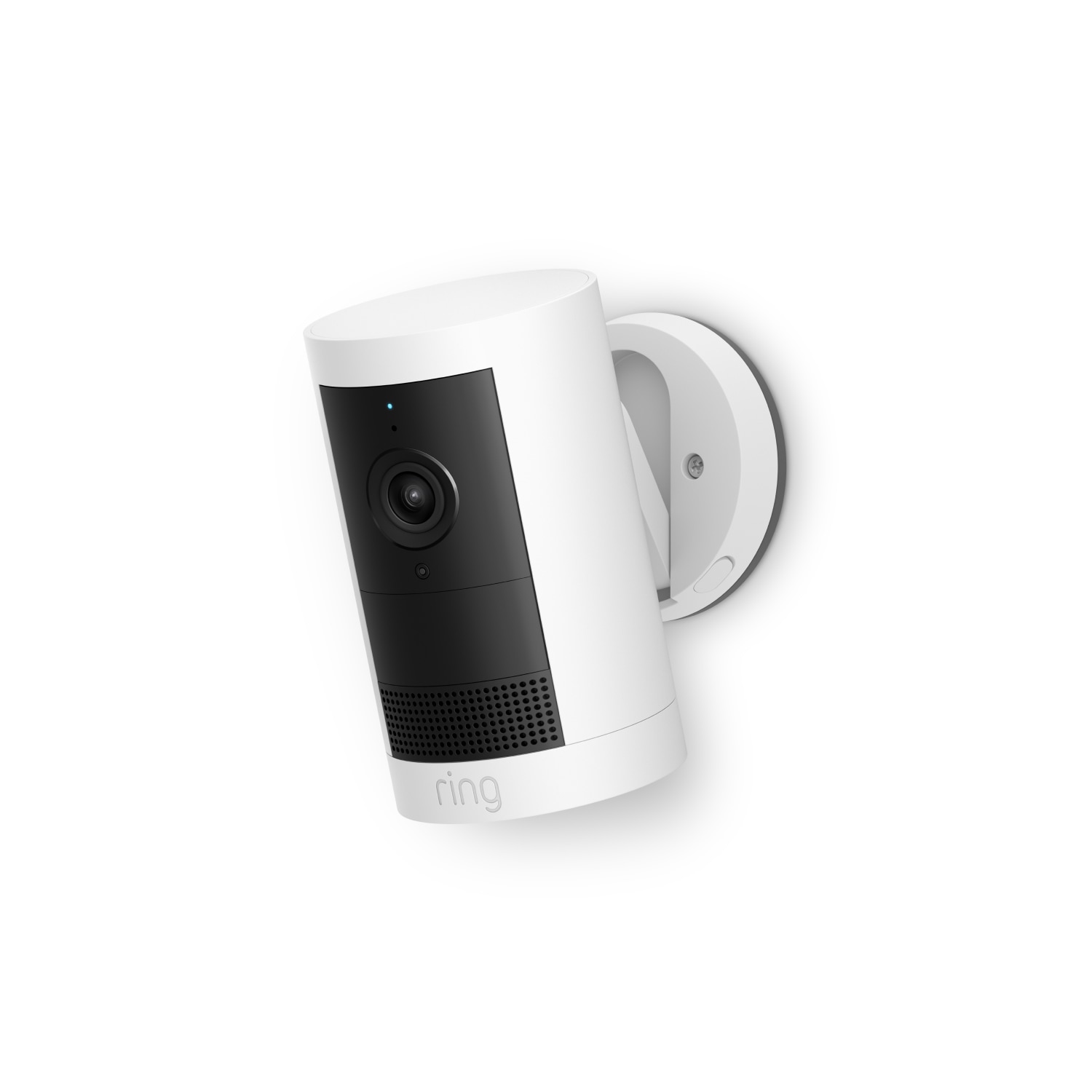


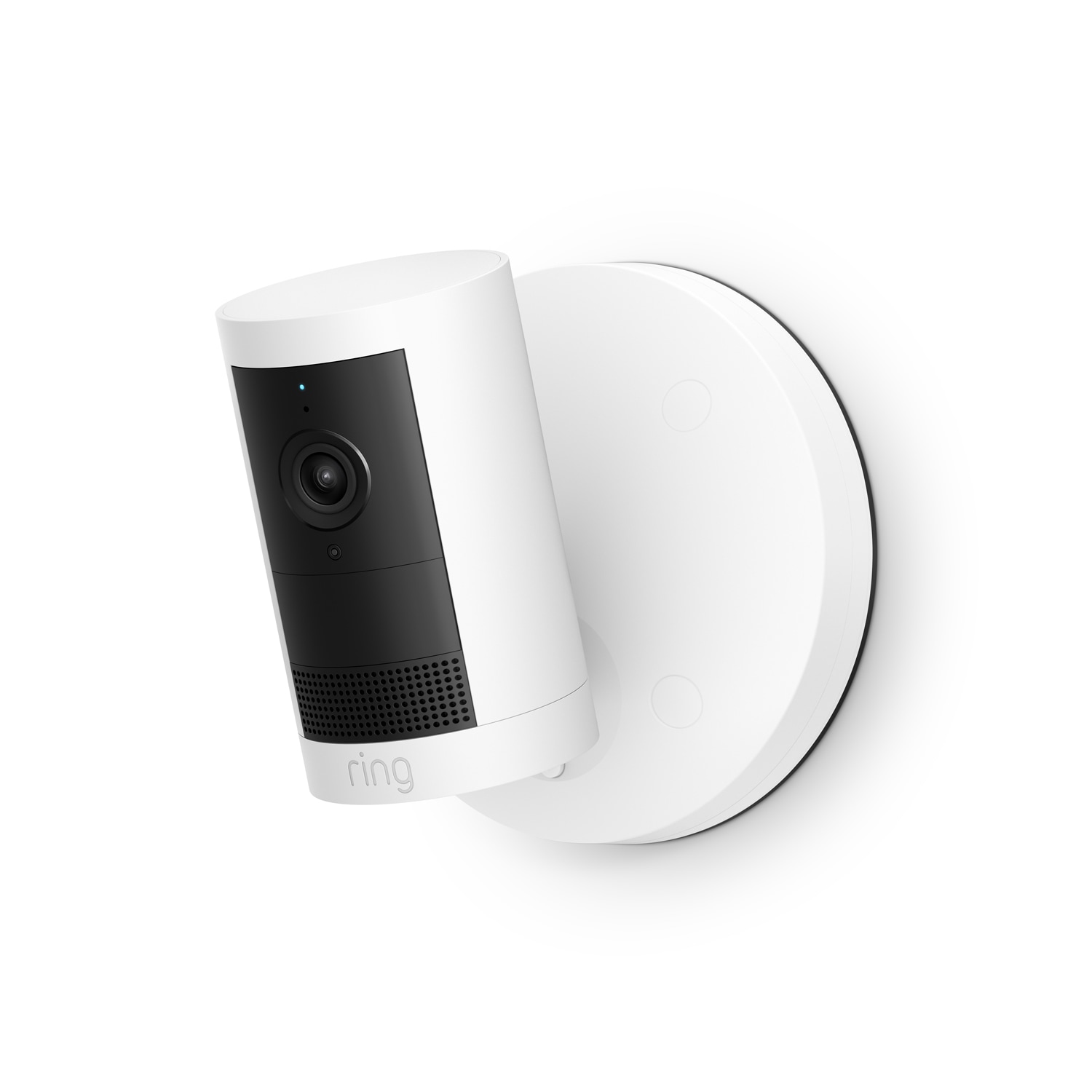
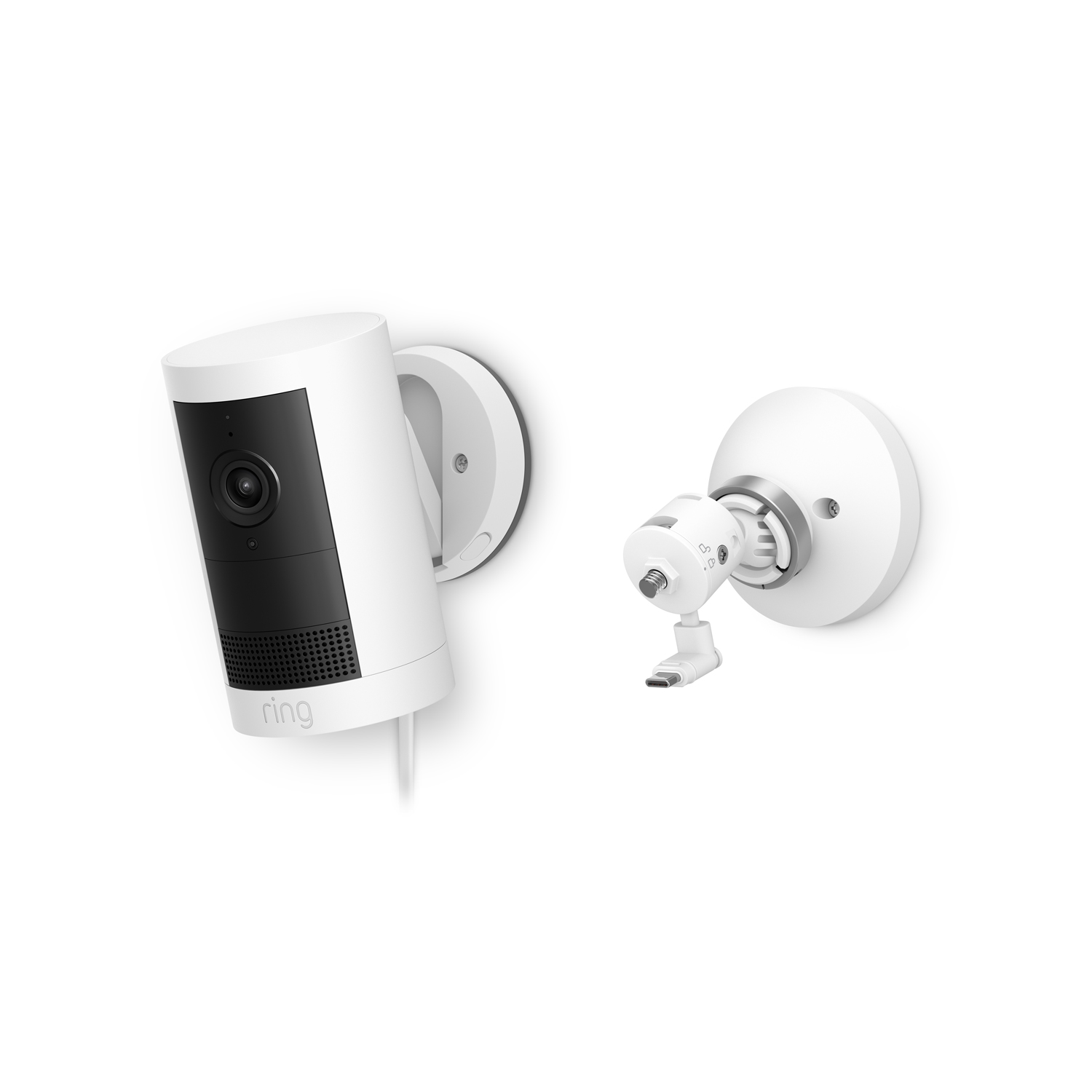
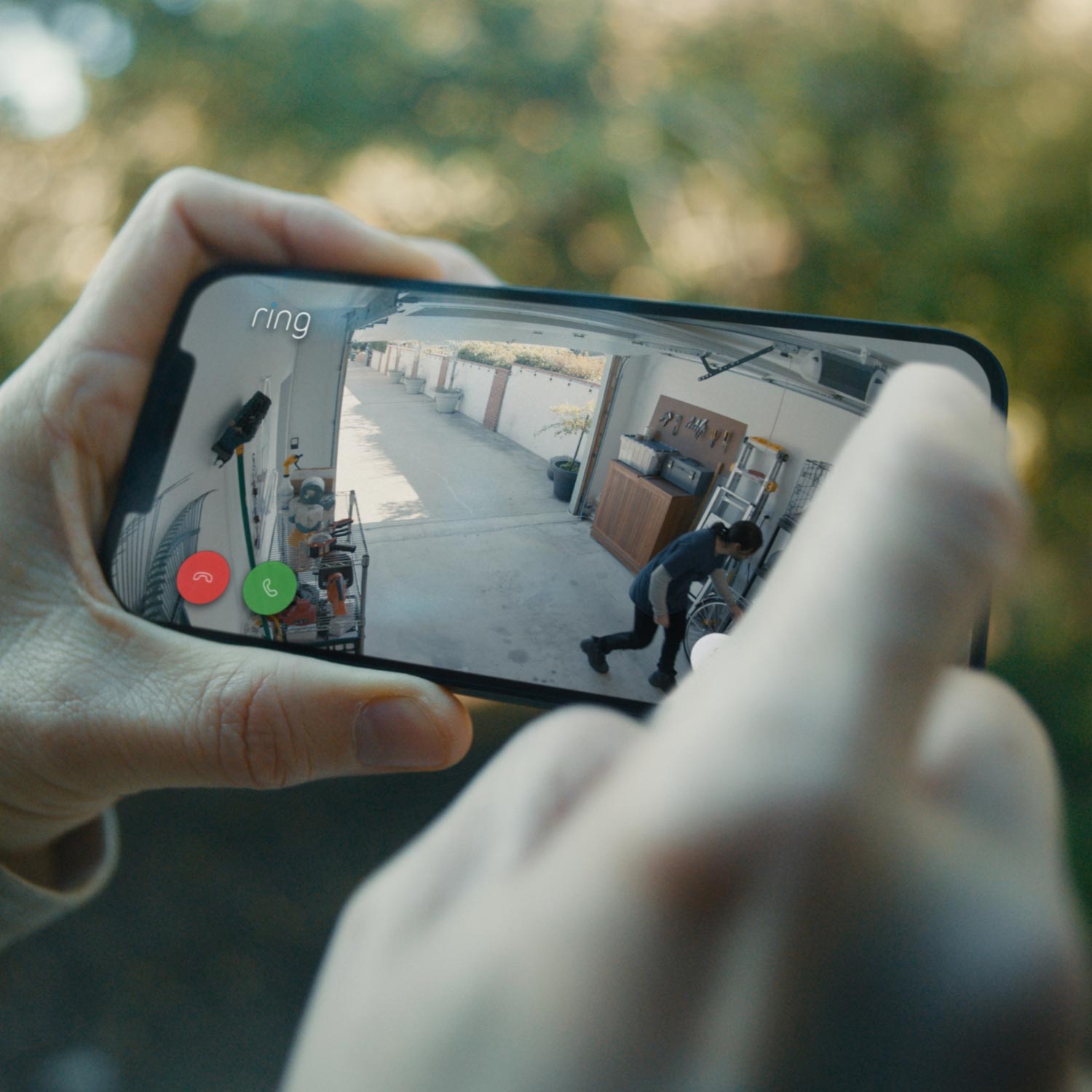
Stay connected to home and respond in real time. If something’s up, you’ll know as soon as Indoor Cam does—whether you’re there or not.
Choose specific areas you want Indoor Cam to cover to help reduce unnecessary alerts caused by ceiling fans or TV screens.
When Indoor Cam senses movement, you’ll get notified on your phone. It’ll even tell your other cams to start recording—and capture motion a few seconds early to help piece together what’s happening.
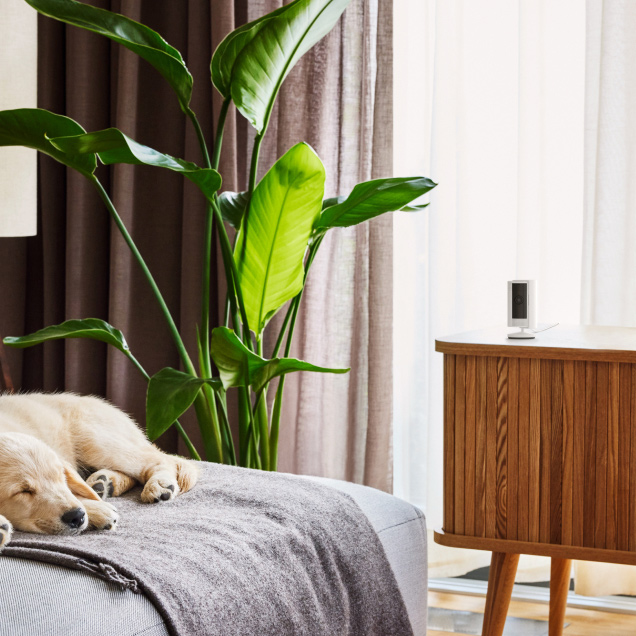
Make sure home is safe and sound. Say hey to your pets. Or tell the family you’re picking up pizza. With Indoor Cam, it’s easy to see, hear, and speak with live audio and video.
Don’t like what you see? Sound off your powerful siren from the Ring App—whether you’re scaring off intruders or breaking up a cat fight.
Feel safe knowing your home’s privacy is protected with thoughtful features that put you in control of what Indoor Cam sees—and when you want it active.
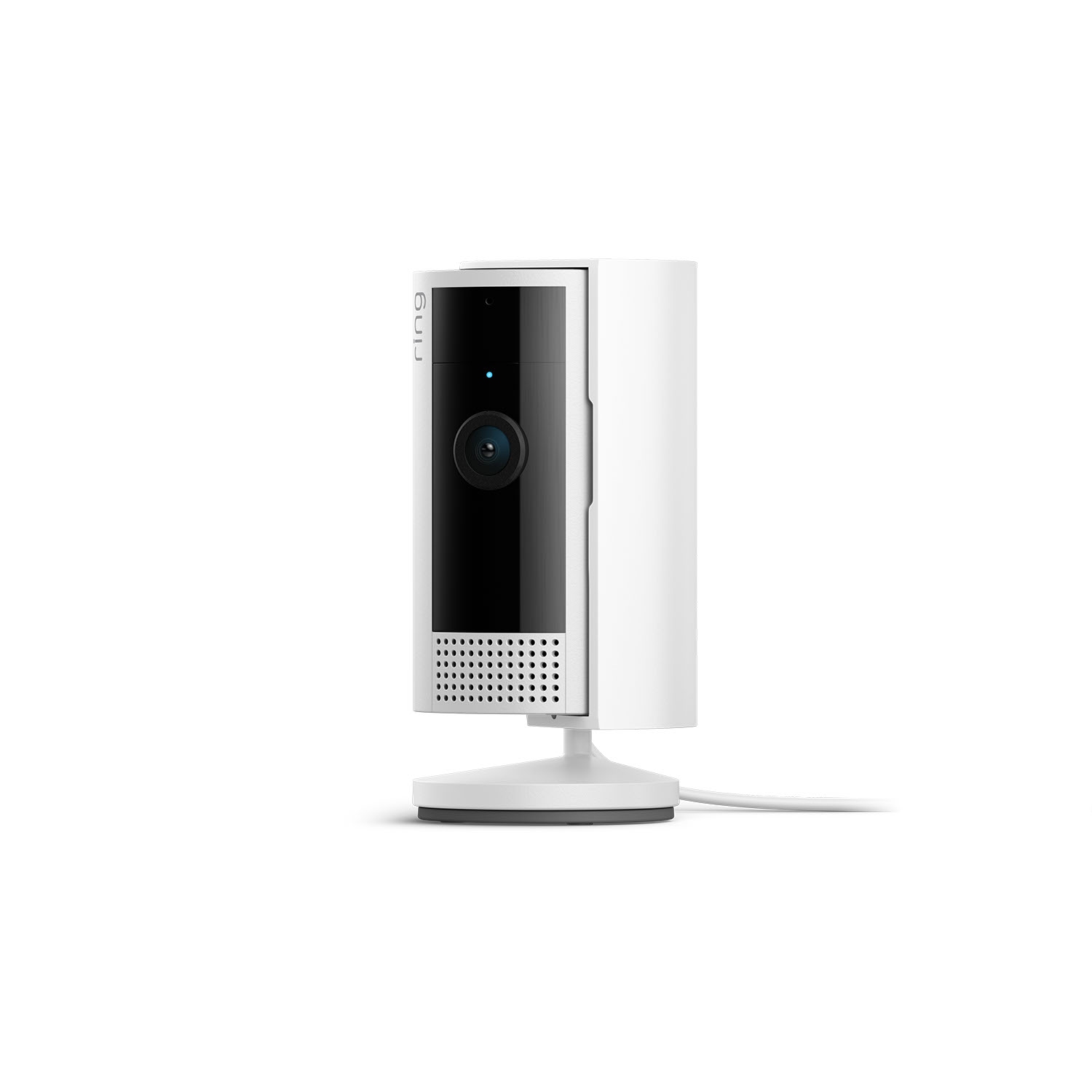
Turn off your camera and mic with the manual Privacy Cover. Swivel it to the side to reactivate. Or remove it entirely for total protection at all hours.
Control what your cameras can see or record by blacking out off-limits areas, such as the bathroom door, your work desk, or a neighbor’s window.
Customize who can see your videos with End-to-End Encryption, add extra layers of security to your account, and more. All your privacy settings, all in the Ring App.
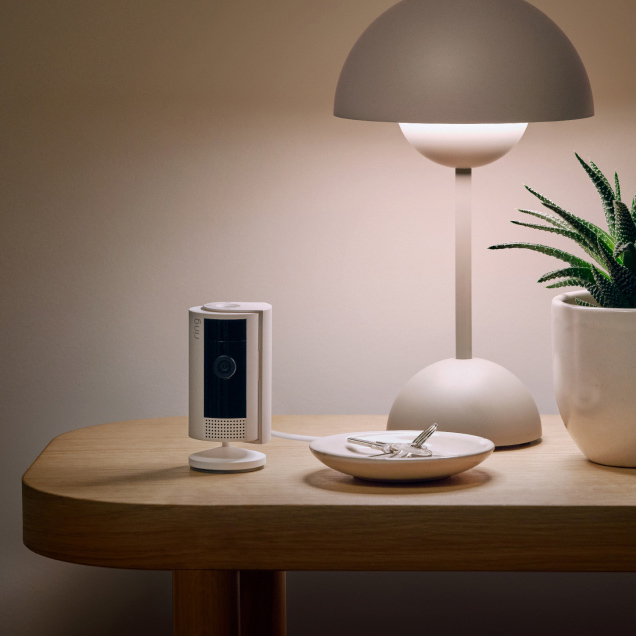
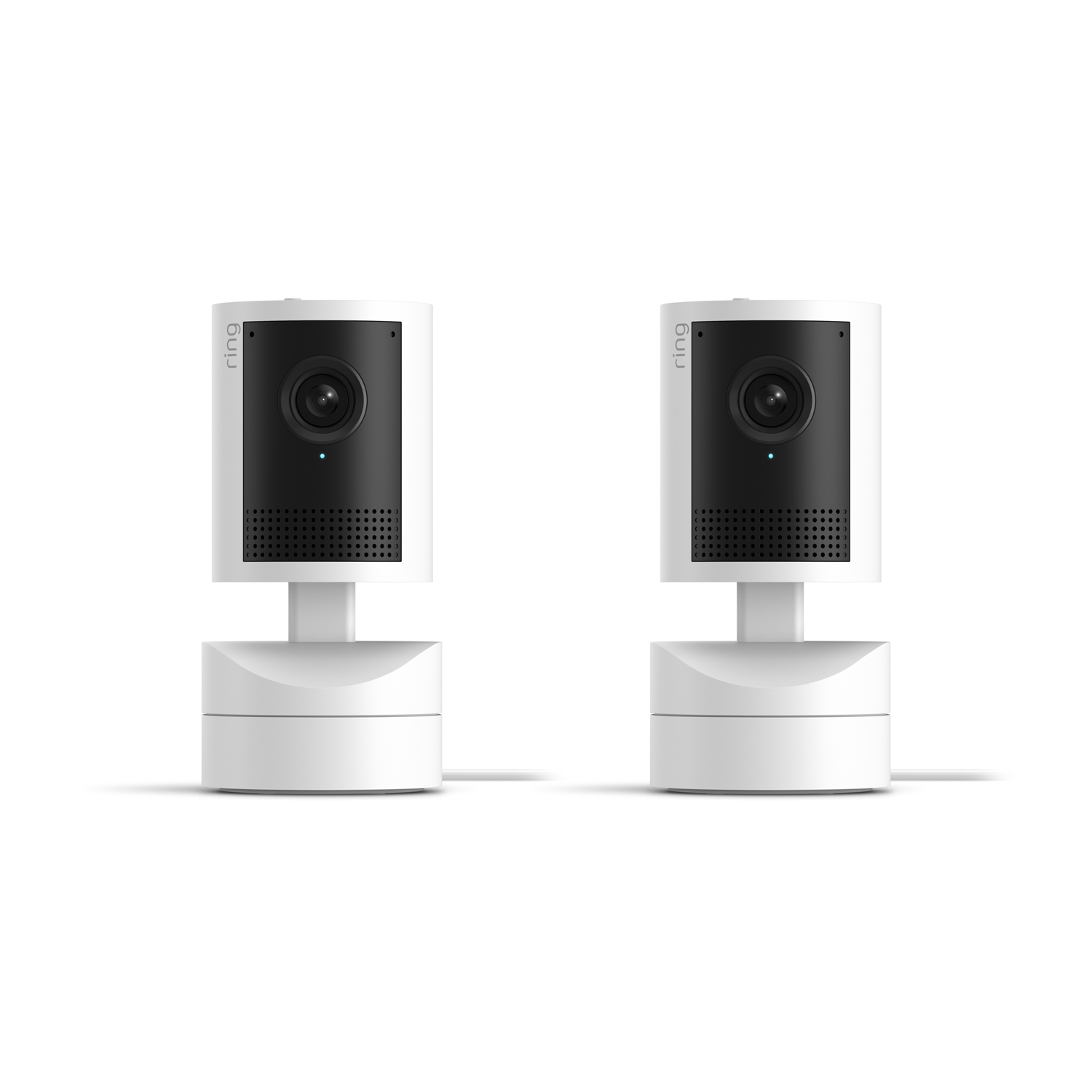
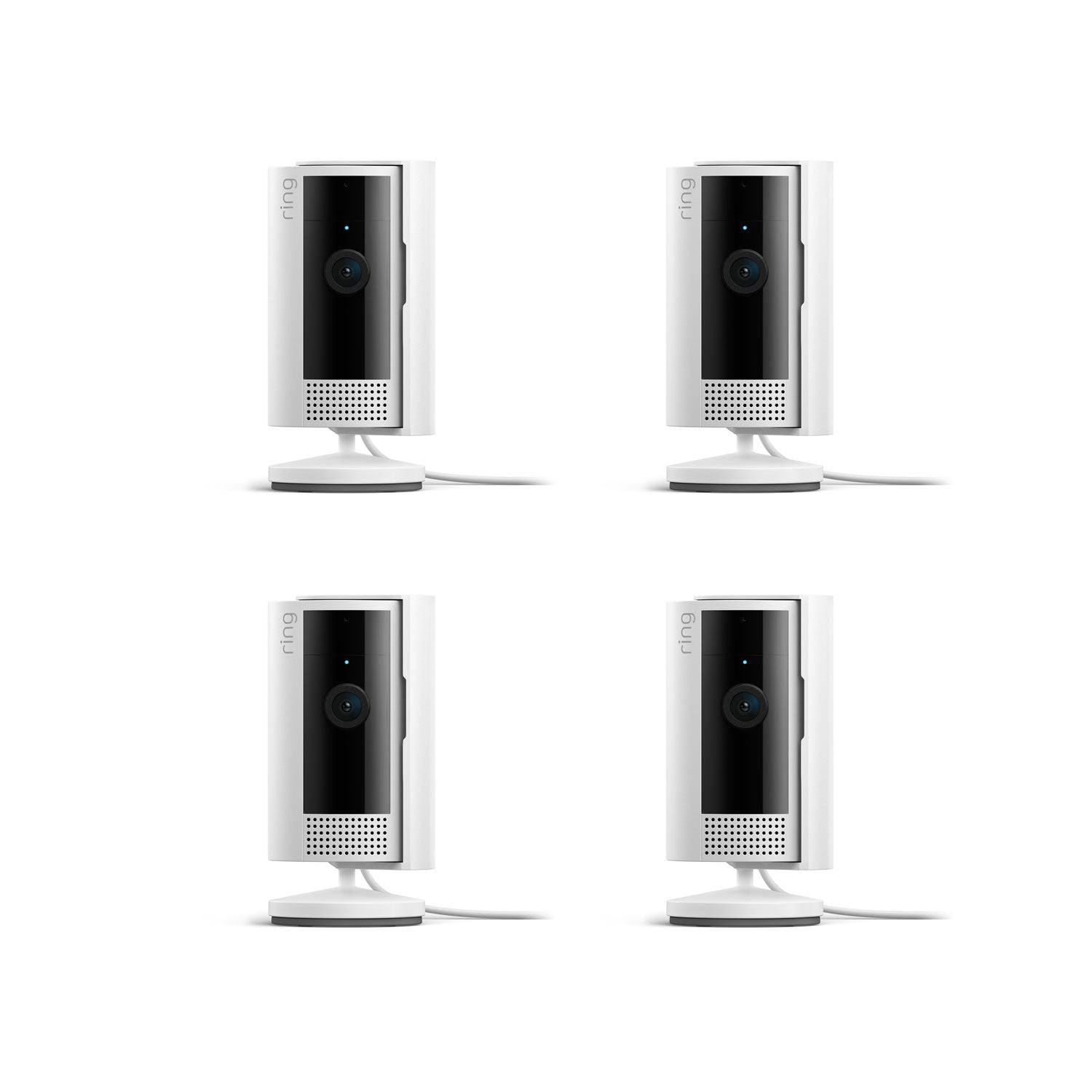
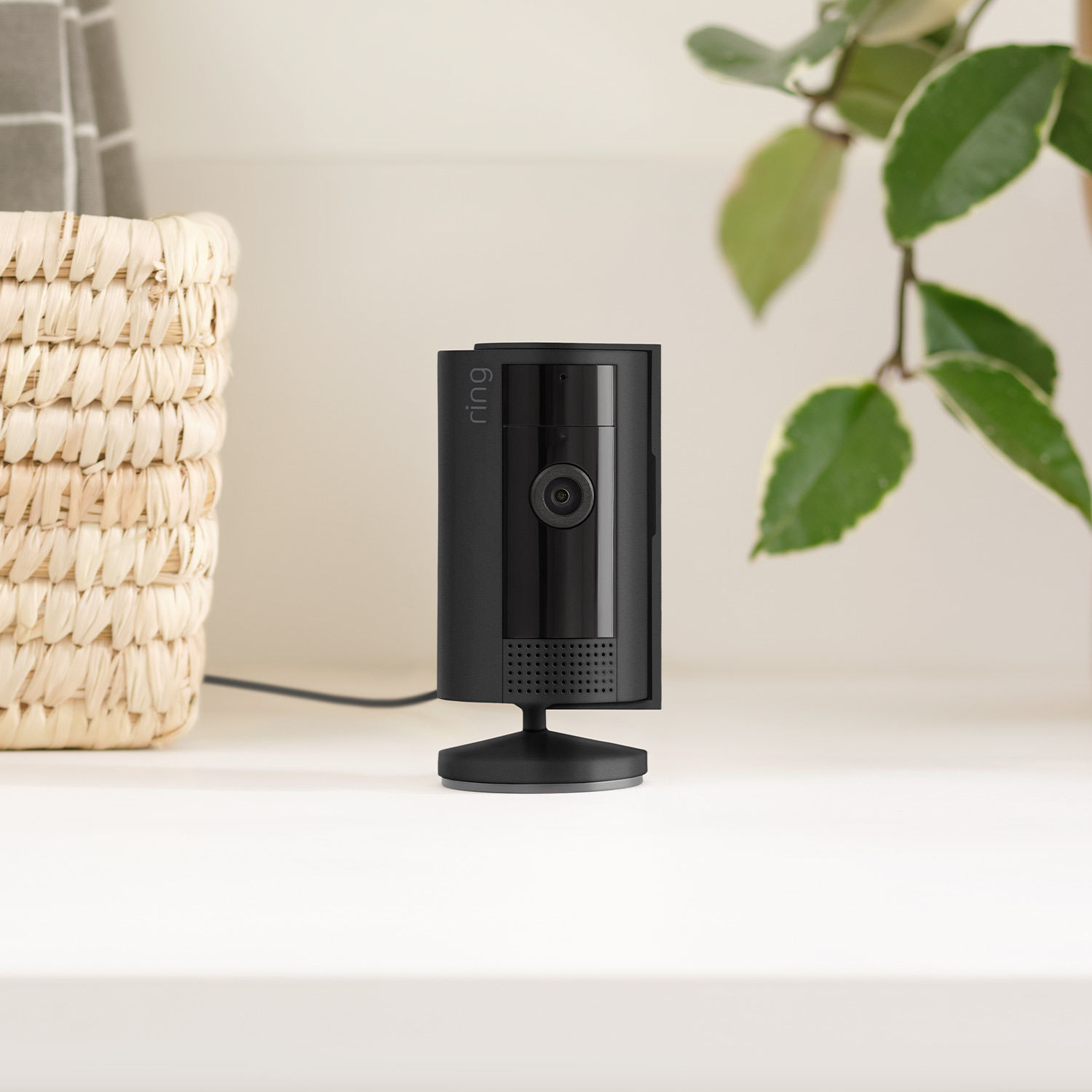
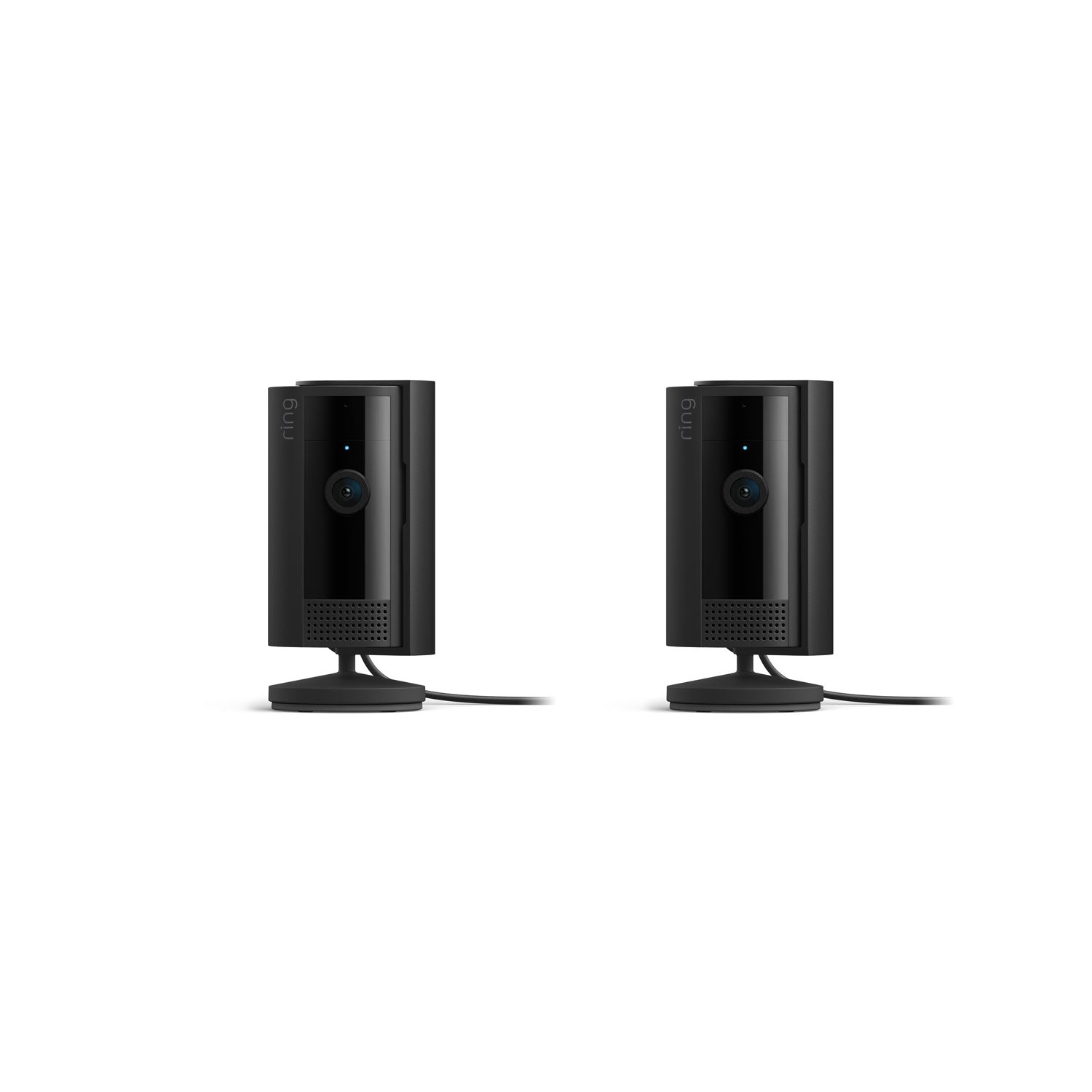
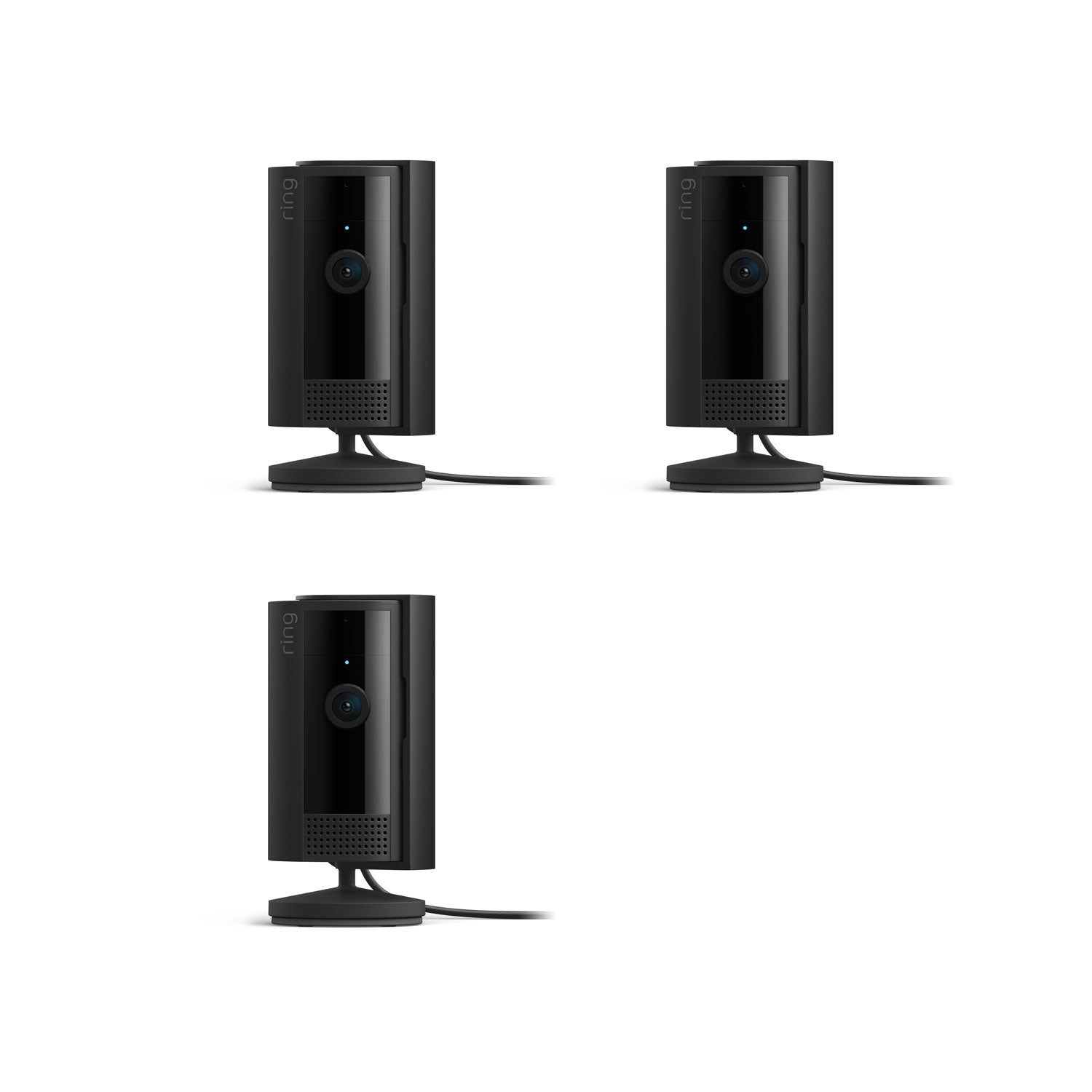
1.93 in x 1.93 in x 3.81 in (49.02 mm x 49.02 mm x 96.77 mm), including stand
White, Black
1080p HD, Live View, Night Vision
Customizable Motion Detection
143° diagonal, 115° horizontal, 59° vertical
Two-way audio with noise cancellation
6.5 ft Micro USB Power Cable + Power Adapter
(10 ft USB-A to Micro USB Power Cable sold separately)
Requires a minimum upload speed of 2 Mbps for optimal performance
802.11 b/g/n Wi-Fi connection @ 2.4GHz
5 to 10 minutes
-4°F to 113°F (-20°C to 45°C)
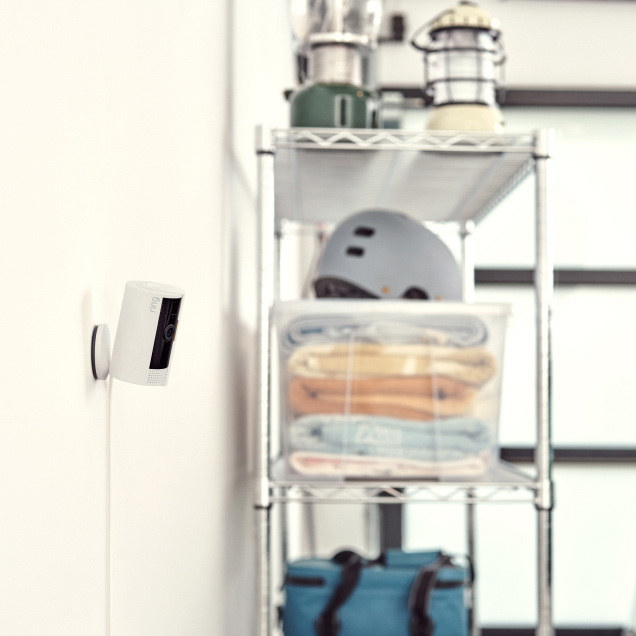
Standard power outlet
Indoor Cam (2nd Gen) - 2023 release
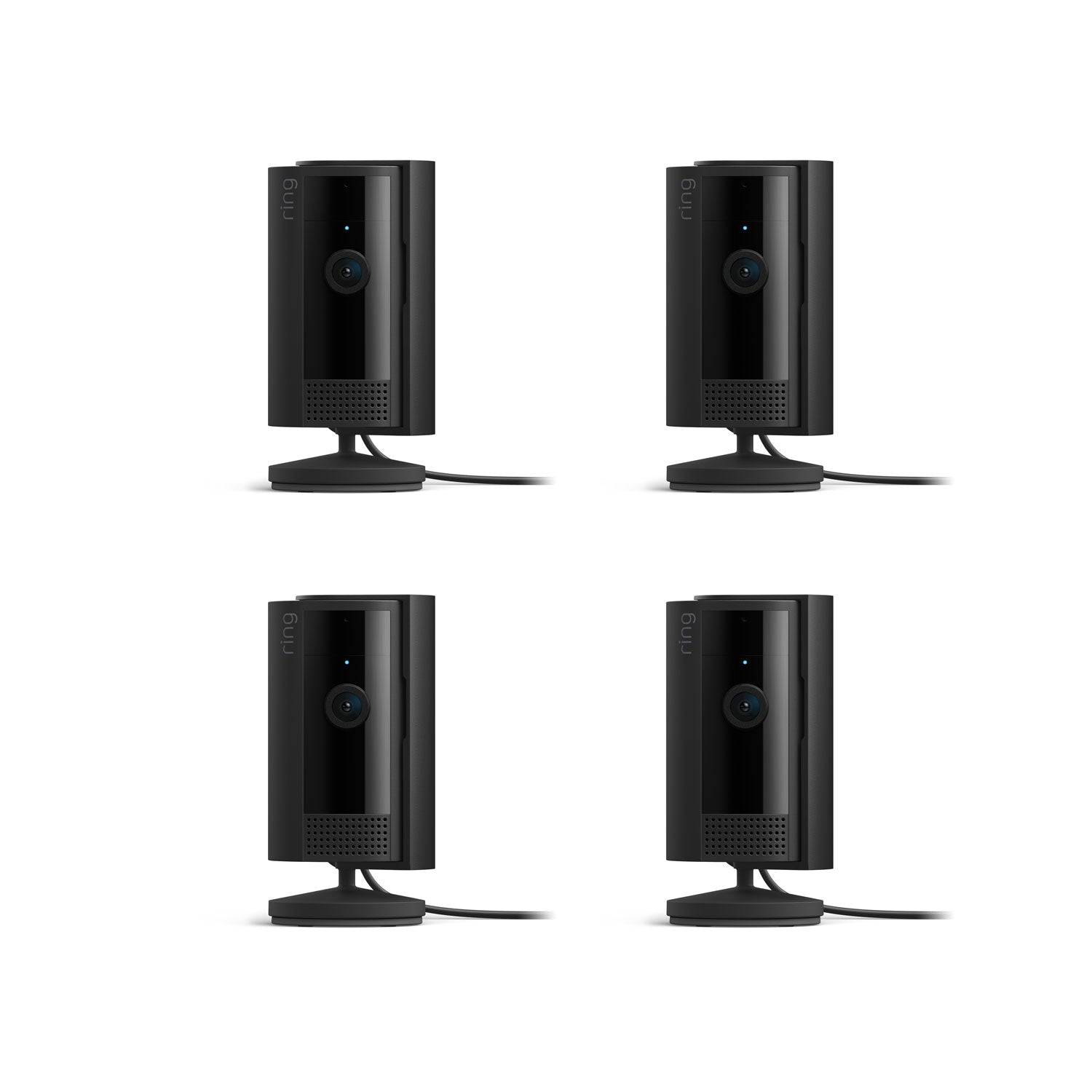
Indoor Cam
Privacy cover (attached to camera)
10W USB-A Power Adapter
USB-A to Micro USB Charge Cable (6.5 ft)
Install hardware
Setup Guide
Warranty and Safety document
Security sticker
Learn more about these software security updates. If you already own this device, visit Software Security Updates in Ring Control Center for information specific to your device.
The main difference between Indoor Cam and Outdoor Cam is where you can place them and how they receive power. Indoor Cam is an indoor-only camera that plugs into standard power outlets for nonstop power. Outdoor Cam is a versatile camera that goes almost anywhere, indoors or out. Plus, it's weather-resistant and comes in 4 different power options: battery, plug-in, solar, and Power over Ethernet.
Ships to the U.S. (excluding Alaska and Hawaii) and Canada (excluding certain areas).
This product can’t be shipped to Pleasant Camp, British Columbia; Fort Severn, Ontario; Nain, Newfoundland and Labrador; Old Crow, Yukon; Kangiqsualujjuaq, Quebec; Ivujivik, Quebec; Bathurst Inlet, Nunavut; Sachs Harbour, Northwest Territories; Grise Fiord, Nunavut; or Alert, Nunavut.
Indoor Cam comes with a manual, removable Privacy Cover. When you slide it in front of the camera lens, Indoor Cam's camera and mic will turn off. When you're ready to turn Indoor Cam back on, just swivel the Privacy Cover to the side. And if you're ever unsure how you left it, you can check the status of your camera in the Ring app at any time.
Indoor Cam includes a Privacy Cover, which you can manually adjust to cover the camera lens and turn off camera and microphone recording. Indoor Cam also allows you to configure your privacy settings based on your current needs. Toggle motion alerts, motion, or audio recording off in the Ring app at any time. Create a motion schedule to disable motion alerts and recording during the times you're usually home. Use Modes to select a camera state with Disarmed, Home, or Away Mode (subscription required, sold separately). Additionally, if you have a specific area in your home that you don't want to monitor, create Privacy Zones to black out that area to control what you want to see or record.
If you have a subscription to Ring Protect, motion event videos captured by your doorbell will be saved to your Ring account for up to 180 days. You can manage your video storage time through the Control Center. Photos captured will be saved to your Ring account for up to 7 days, so you can review them at any time. More information about video storage can be found here. Without a subscription, you can view real-time video for Ring doorbells and security cameras and answer doorbell notifications as they happen, but your videos and photos will not be saved.
A free 30-day trial is included with any Ring Doorbell or home Security Camera purchase unless you already have a Ring subscription at the same location. You may subscribe to a Ring Protect Plan at any time during your trial, and you won’t be charged for your subscription until after your trial ends.
If you have a subscription to Ring Protect, you can share your videos and photos with anyone, including neighbors, friends, family and local law enforcement.
Click here to learn more about Ring Protect.
Ring Protect is a subscription that gives your Ring experience a boost by changing how your Ring devices work for you. With a Ring Protect Plan, activate video recording and photo capture, saving and sharing for your Ring doorbell or camera, plus get access to our most advanced video, intelligence, and security features and perks.
Click here to learn more about Ring Protect.
No. You can still use your doorbell or camera to watch over your home and answer the door from anywhere, even without a subscription to Ring Protect. Without Ring Protect, you'll still receive real-time notifications when anyone comes to your door, and you can answer the notification to see, hear, and speak to visitors in real time right from your mobile device. When you access your Ring Dashboard, you'll be able to view the image last captured by active devices.
However, without a subscription to Ring Protect, you won't be able to review any videos or images you missed, and you won't be able to save your videos or photos or share them with anyone. Click here to learn more about Ring Protect and to choose a plan that works for you.
Customer Reviews, including Product Star Ratings help customers to learn more about the product and decide whether it is the right product for them.
To calculate the overall star rating and percentage breakdown by star, Amazon doesn't use a simple average. Instead, Amazon's system considers things like how recent a review is and if the reviewer bought the item on Amazon. It also analyzed reviews to verify trustworthiness.
1Free trial is not applicable for locations with an existing subscription. Your free trial begins as soon as you activate your Ring product.
2Compatible Ring subscription required. Your Ring motion event videos in the cloud are stored, up to 180 days from recording. Modifying your video storage duration affects only recordings created after the change is applied.
3Compatible Ring subscription required. Feature not available for customers in Illinois due to state-specific legislation. Video Descriptions availability limited to mobile devices with select primary languages.
4Compatible Ring subscription and select devices required. Recognition range and accuracy may vary by device model and environmental conditions. Familiar Faces is not available for customers in Illinois, Texas, Portland, Oregon, and Quebec due to specific legislation.
5Compatible Ring subscription required. Feature not available for customers in Illinois due to state-specific legislation. Single Event Alert availability limited to mobile devices with select primary languages.
Added to cart
Modifications and extensions to existing wiring available at additional cost (billed separately). Extension available only for low-voltage wiring (PoE or Plug-in USB-C).