Add professional installation
Available as soon as
How it works
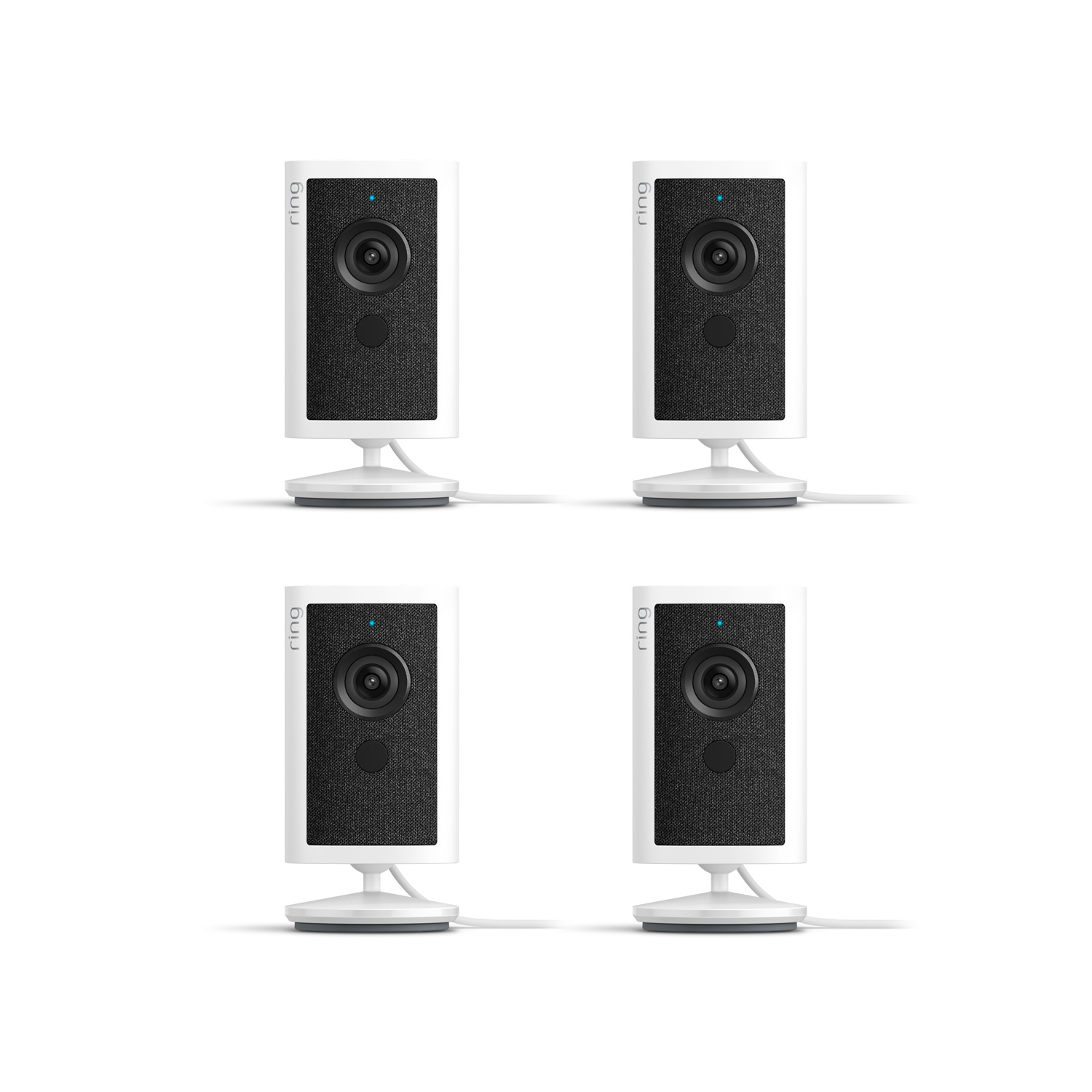
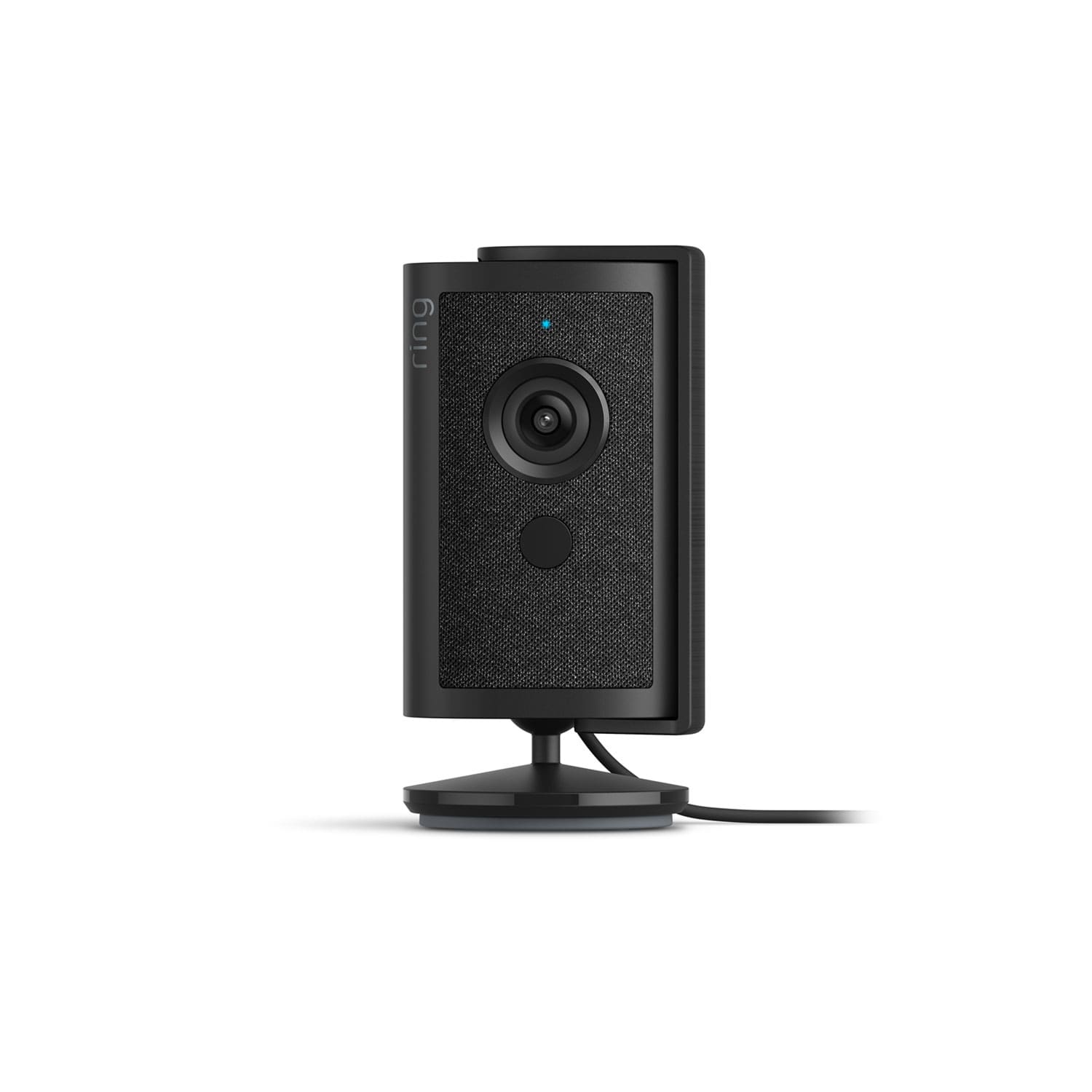
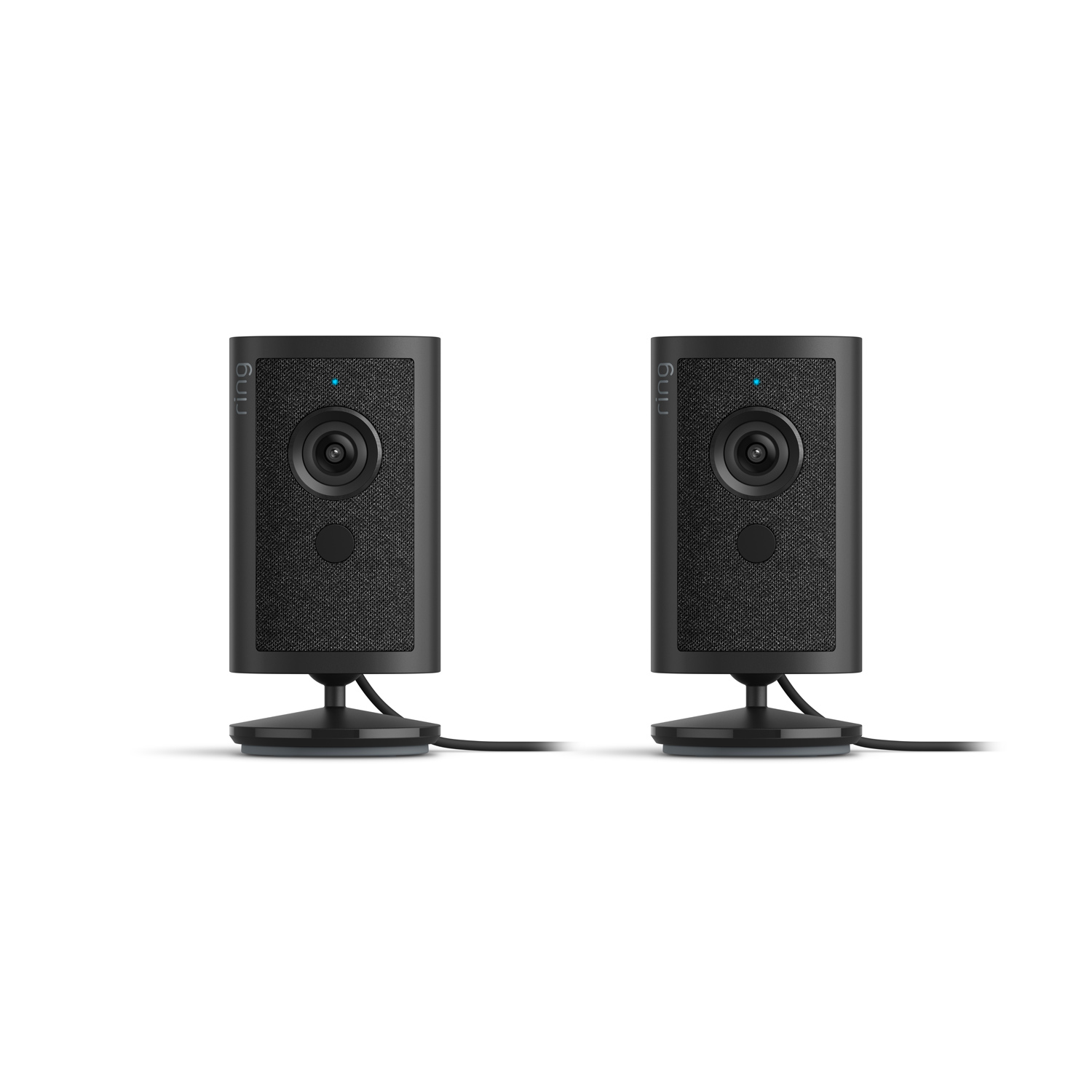
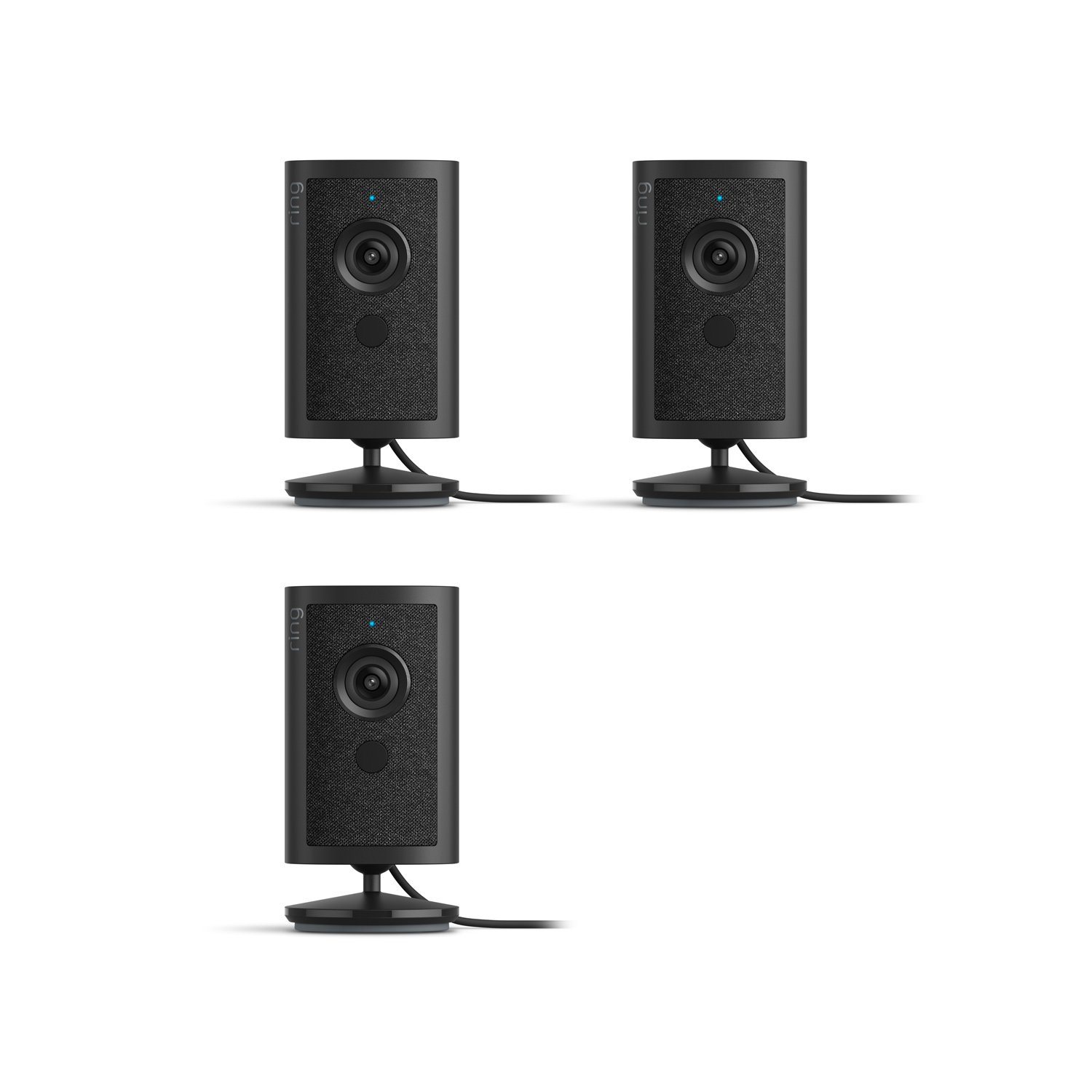
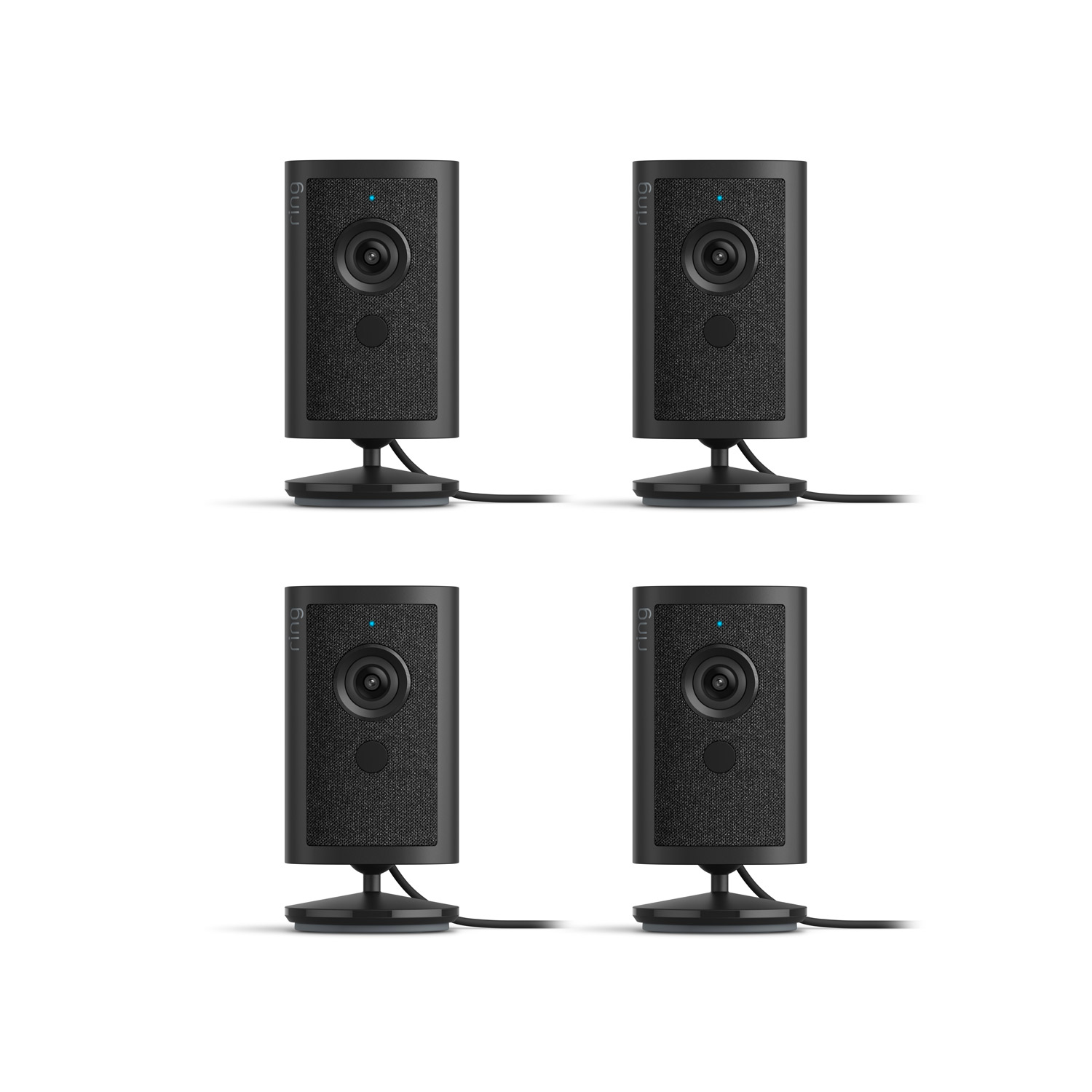
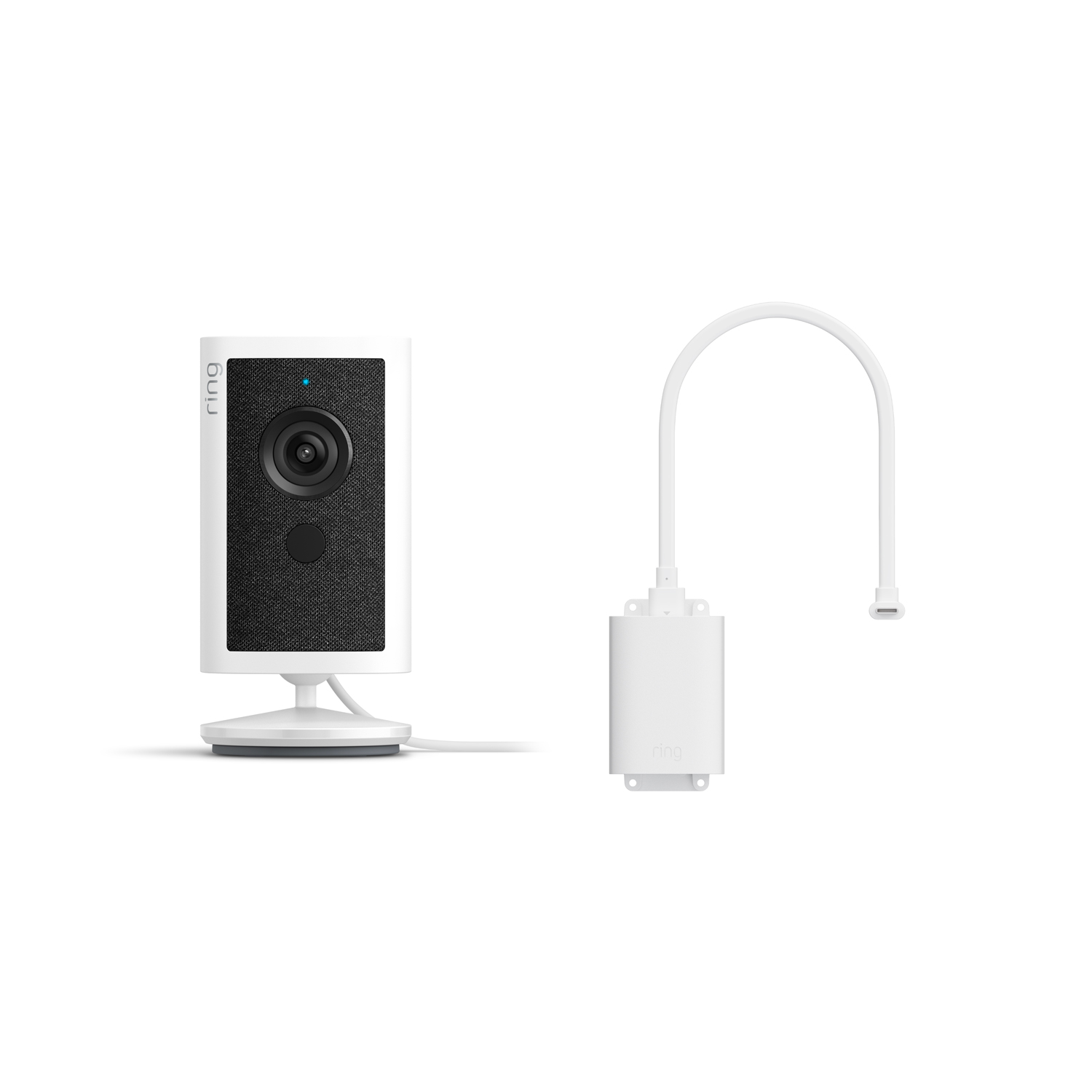
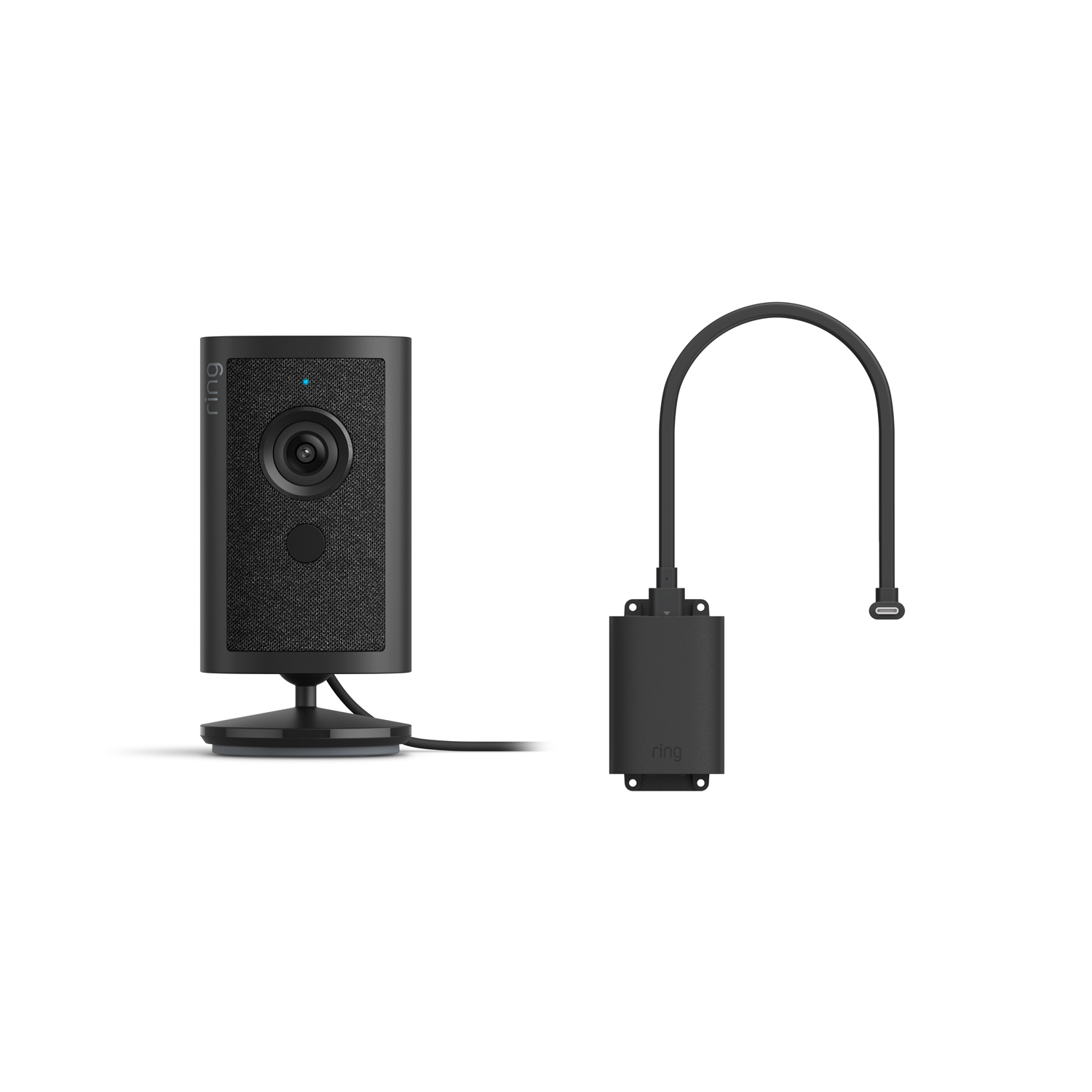
Newest Model
Customer Reviews, including Product Star Ratings help customers to learn more about the product and decide whether it is the right product for them.
To calculate the overall star rating and percentage breakdown by star, Amazon doesn't use a simple average. Instead, Amazon's system considers things like how recent a review is and if the reviewer bought the item on Amazon. It also analyzed reviews to verify trustworthiness.
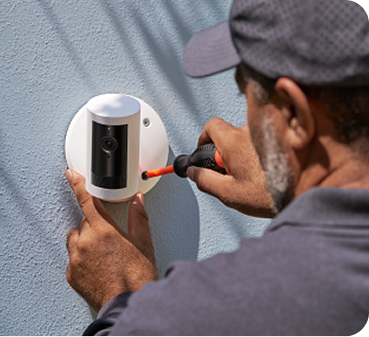
Modifications and extensions to existing wiring available at additional cost (billed separately). Extension available only for low-voltage wiring (PoE or Plug-in USB-C).
Does not ship to Canada.
Show More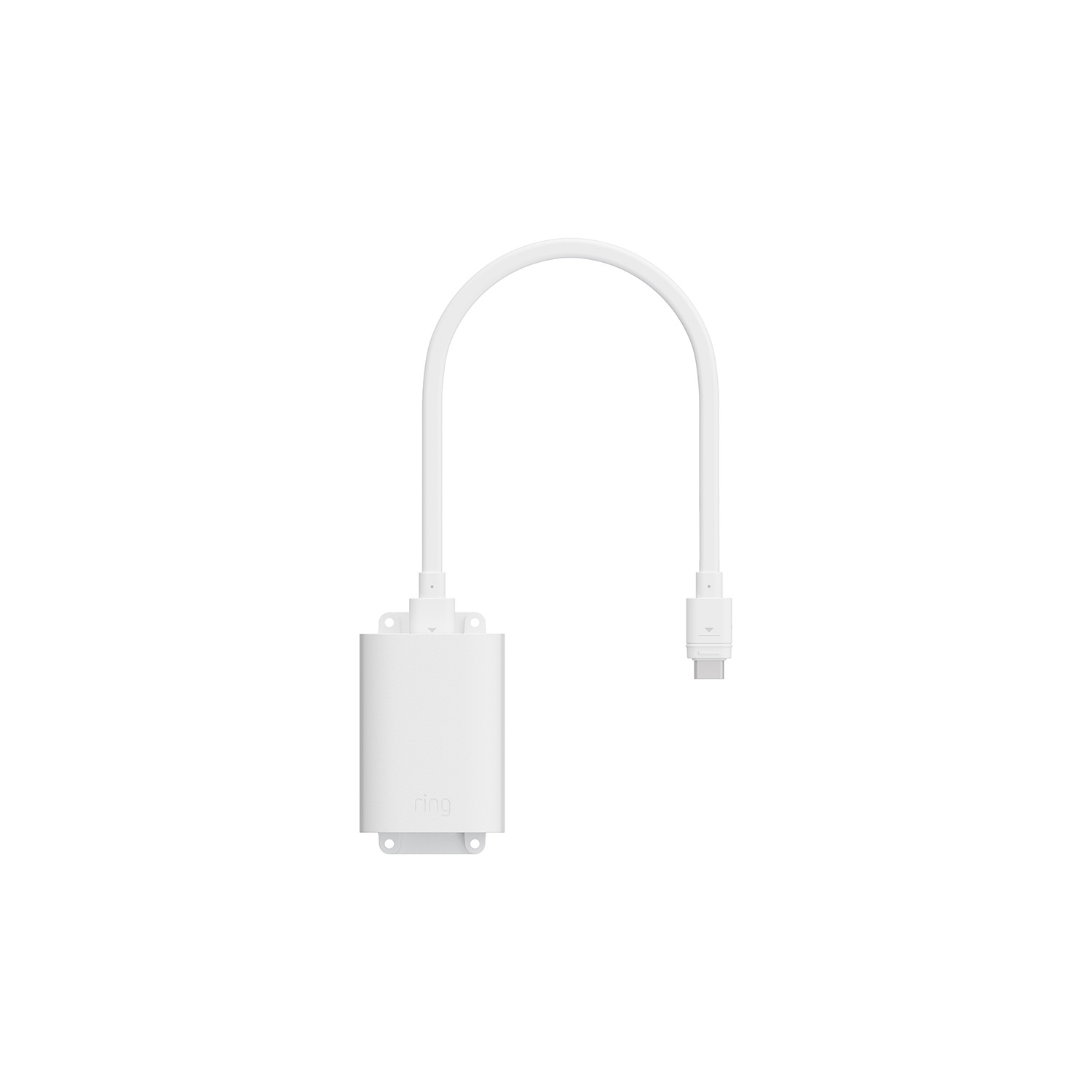
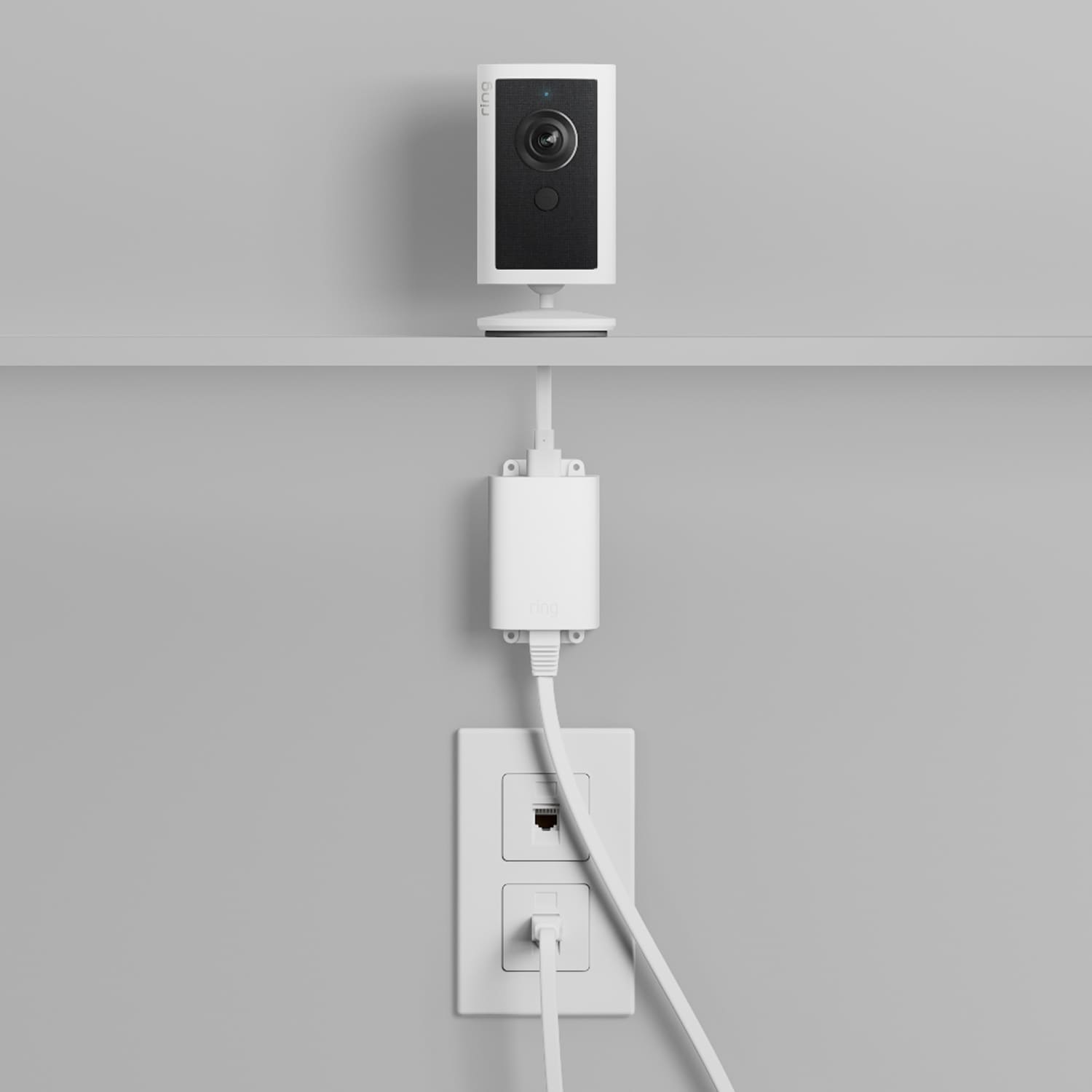
Reliable PoE+ power to your devices, rain or shine.
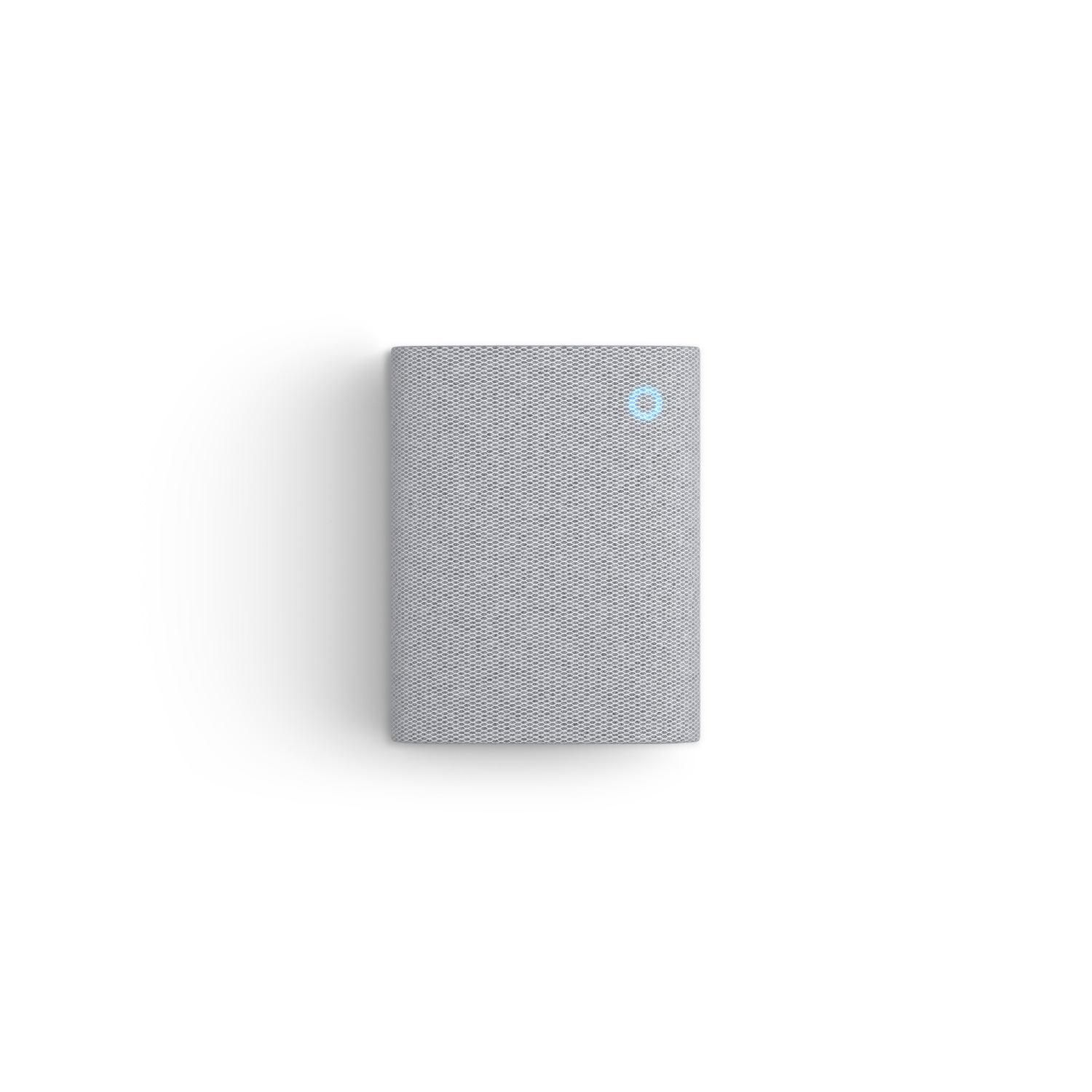
Plug it in and hear real-time doorbell and camera alerts from anywhere.
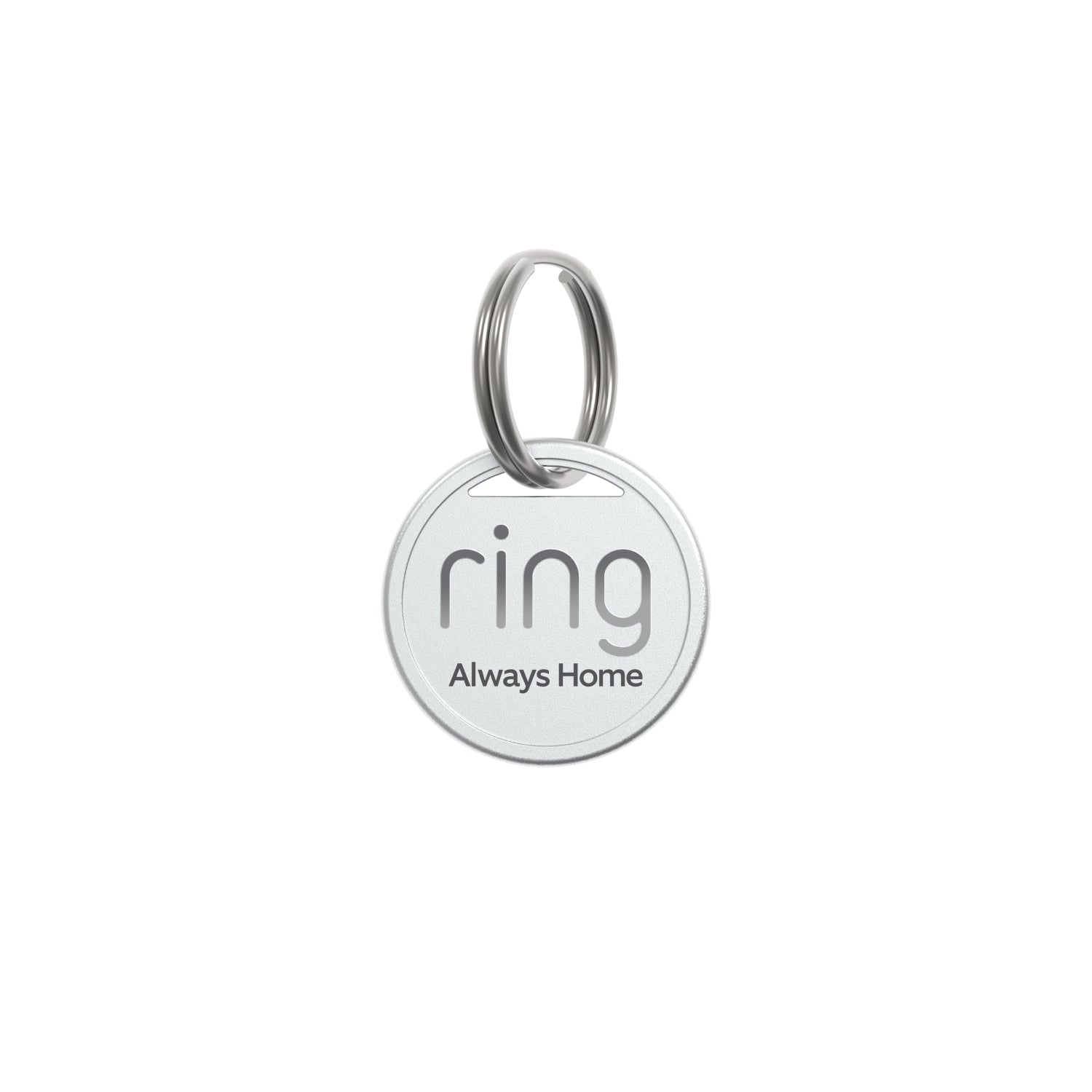
Help your missing pet make it home safe.
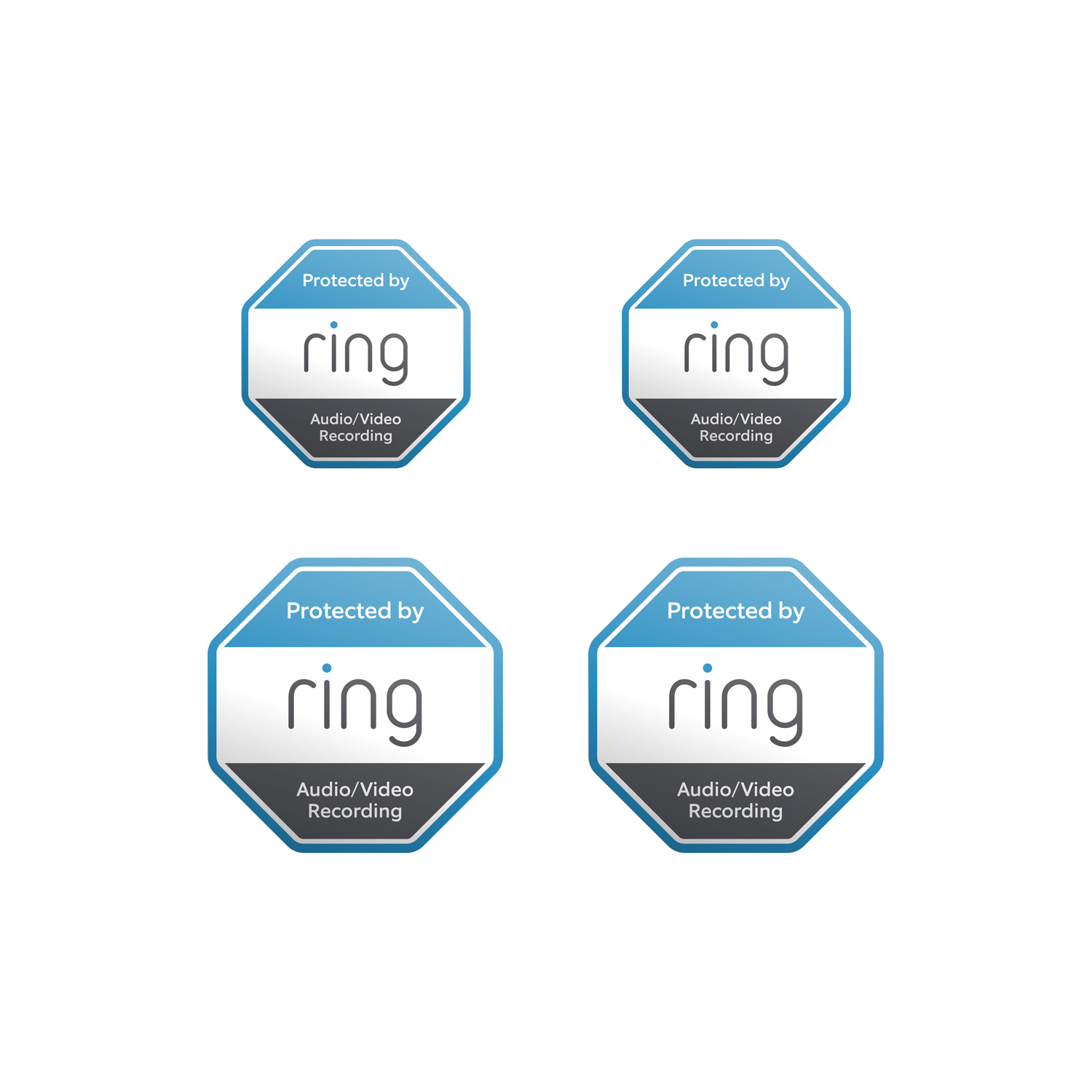
Show everyone that you're protected with door and window stickers.
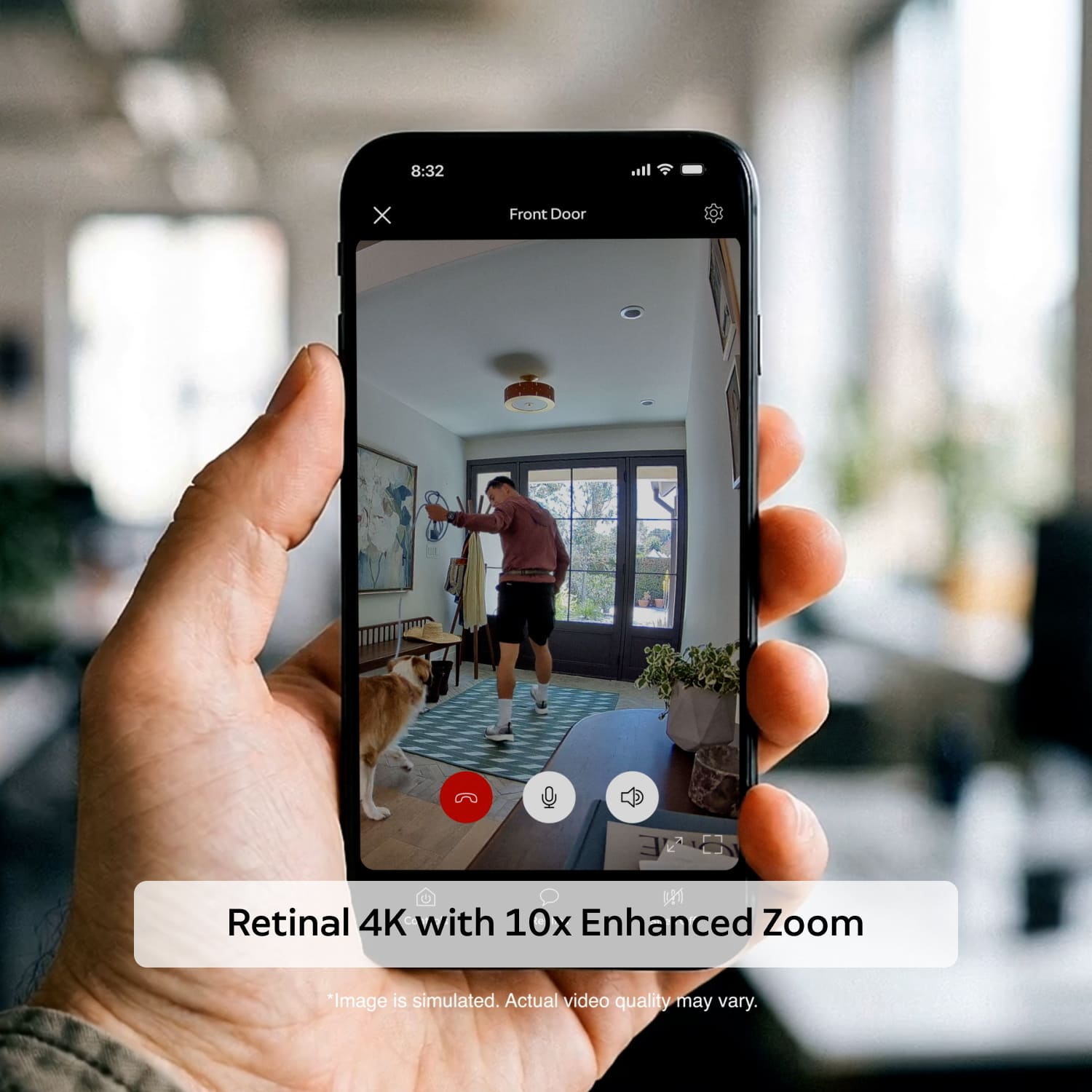
Retinal 4K
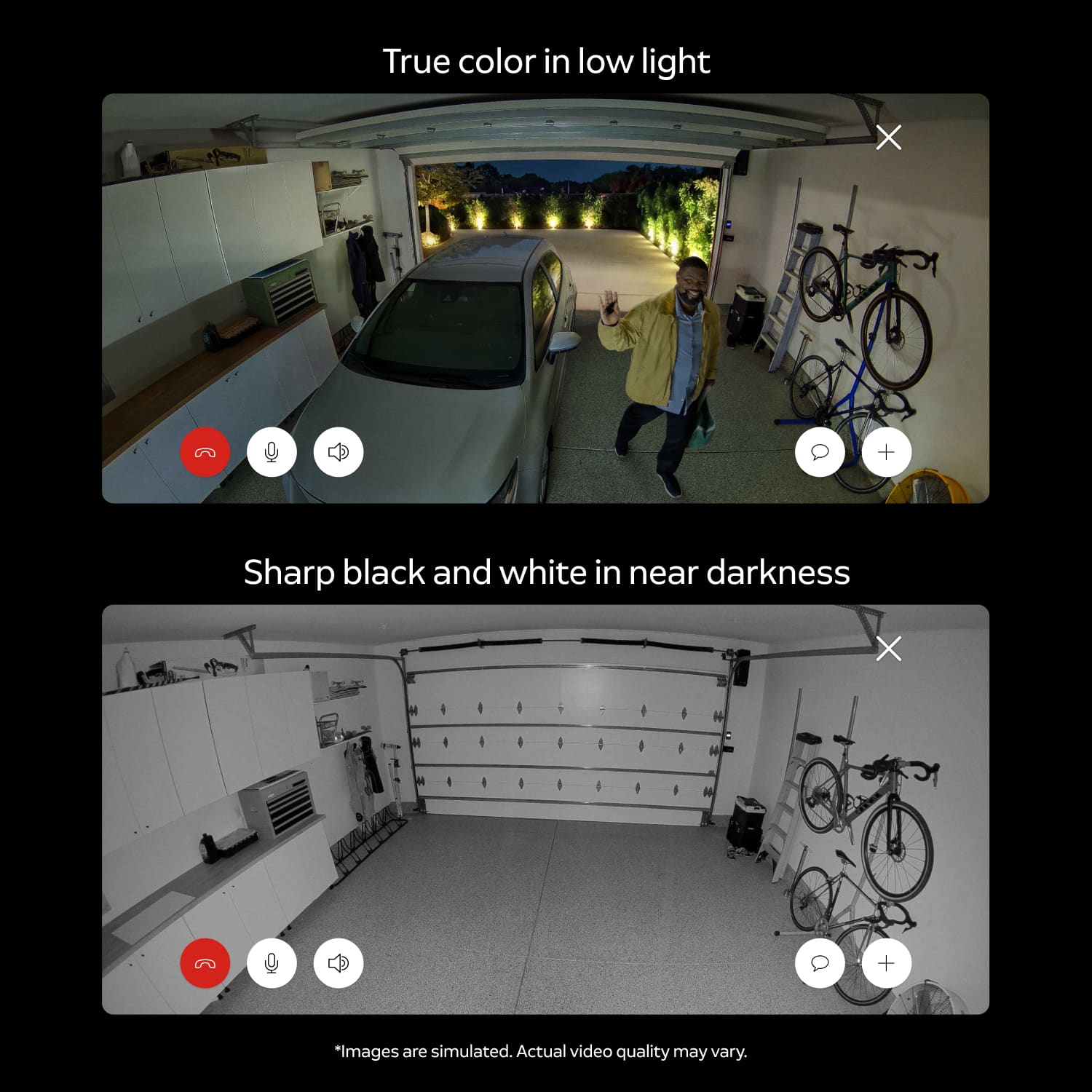
Night Vision
10x Enhanced Zoom
Motion-Activated
Notifications
Live View with Two-Way Talk
Removable Lens Cover
Feel safe knowing your home’s privacy is protected with thoughtful features that put you in control.
Block your camera with a simple slide of the manual, removable lens cover. For even more privacy control, you can also turn off the microphone in the Ring app.
Trust your video is protected. TAKE adds an additional layer of security to your video footage.5
Control what your cameras can see or record by blacking out off-limits areas, such as the bathroom door, your work desk, or a neighbor’s window.
Newest Model
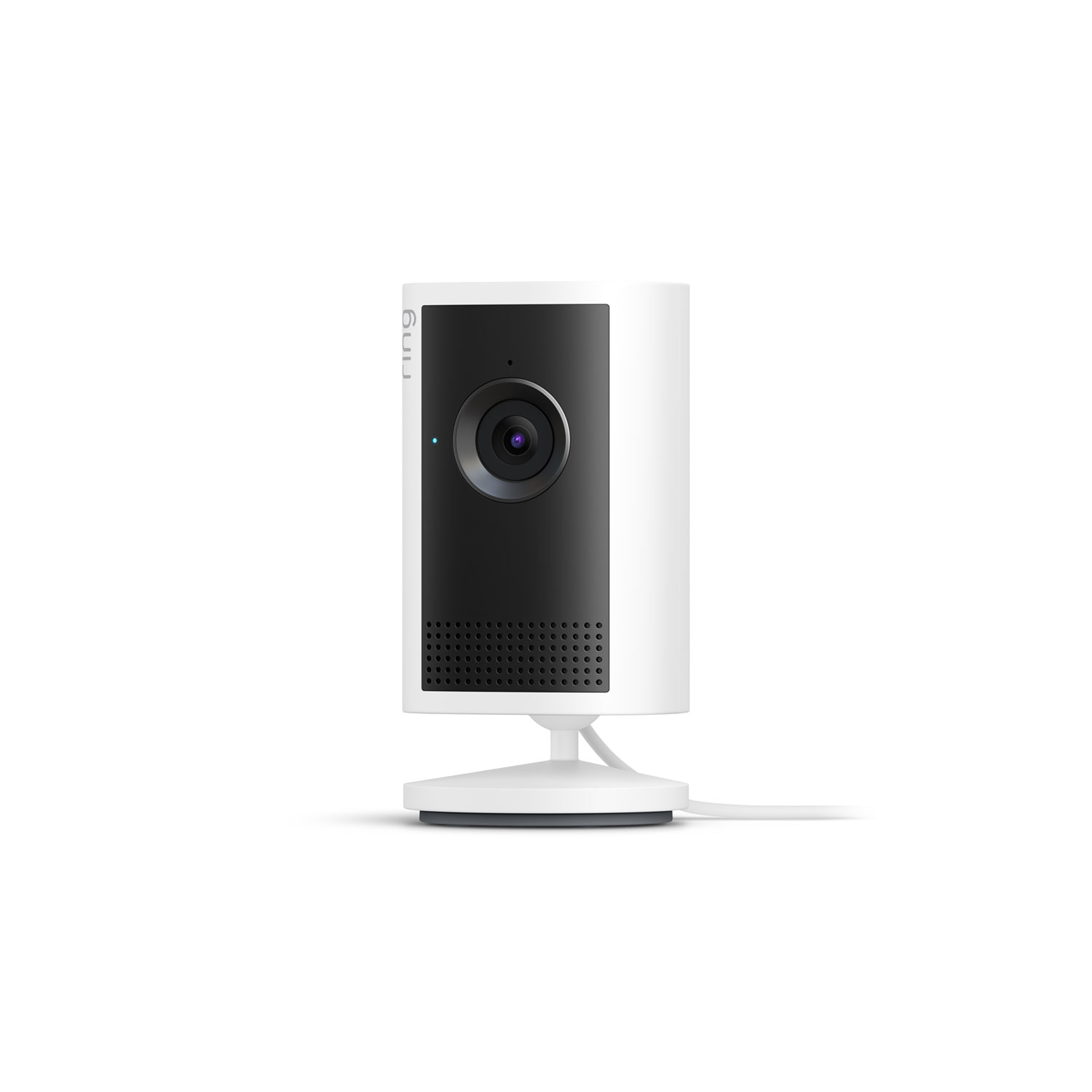
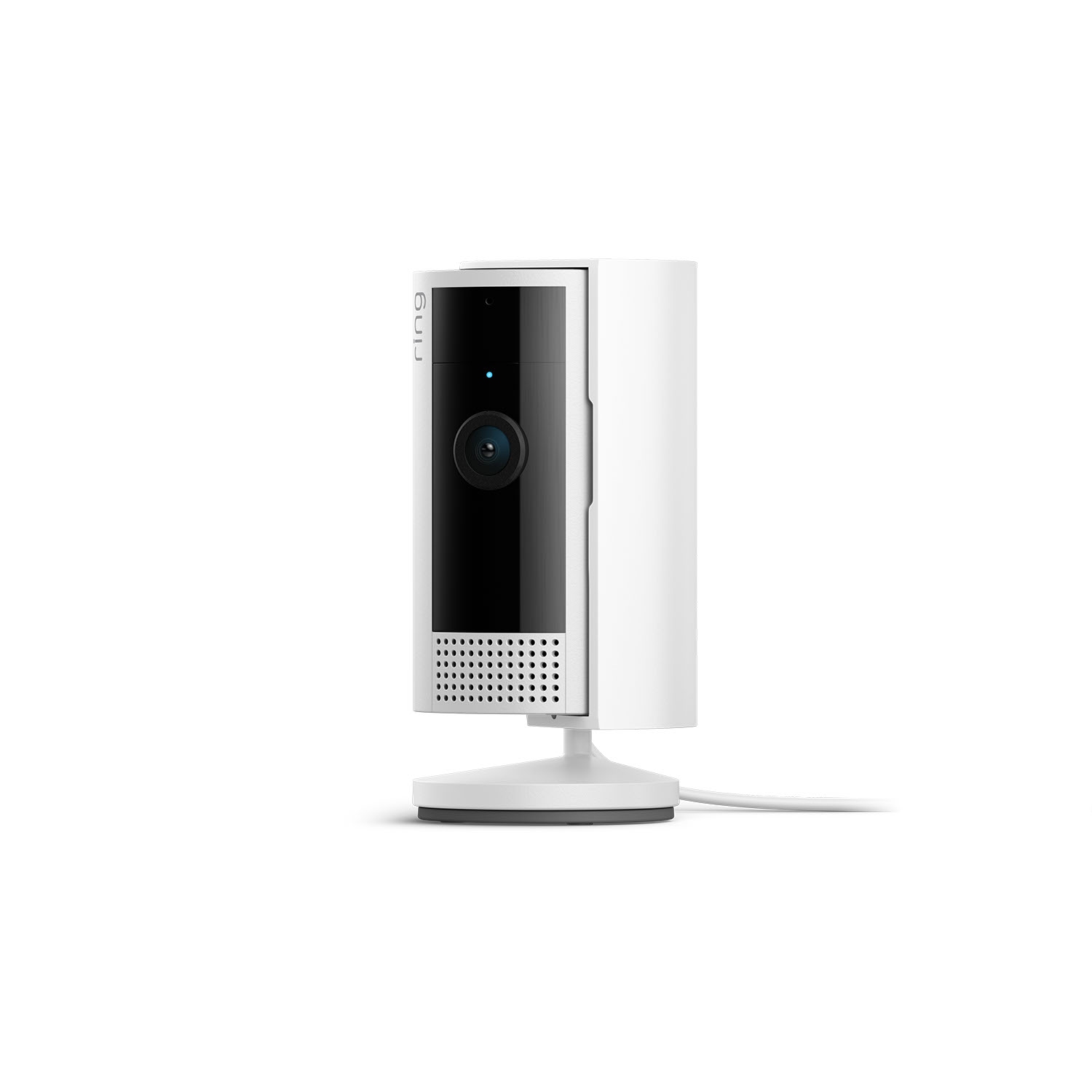
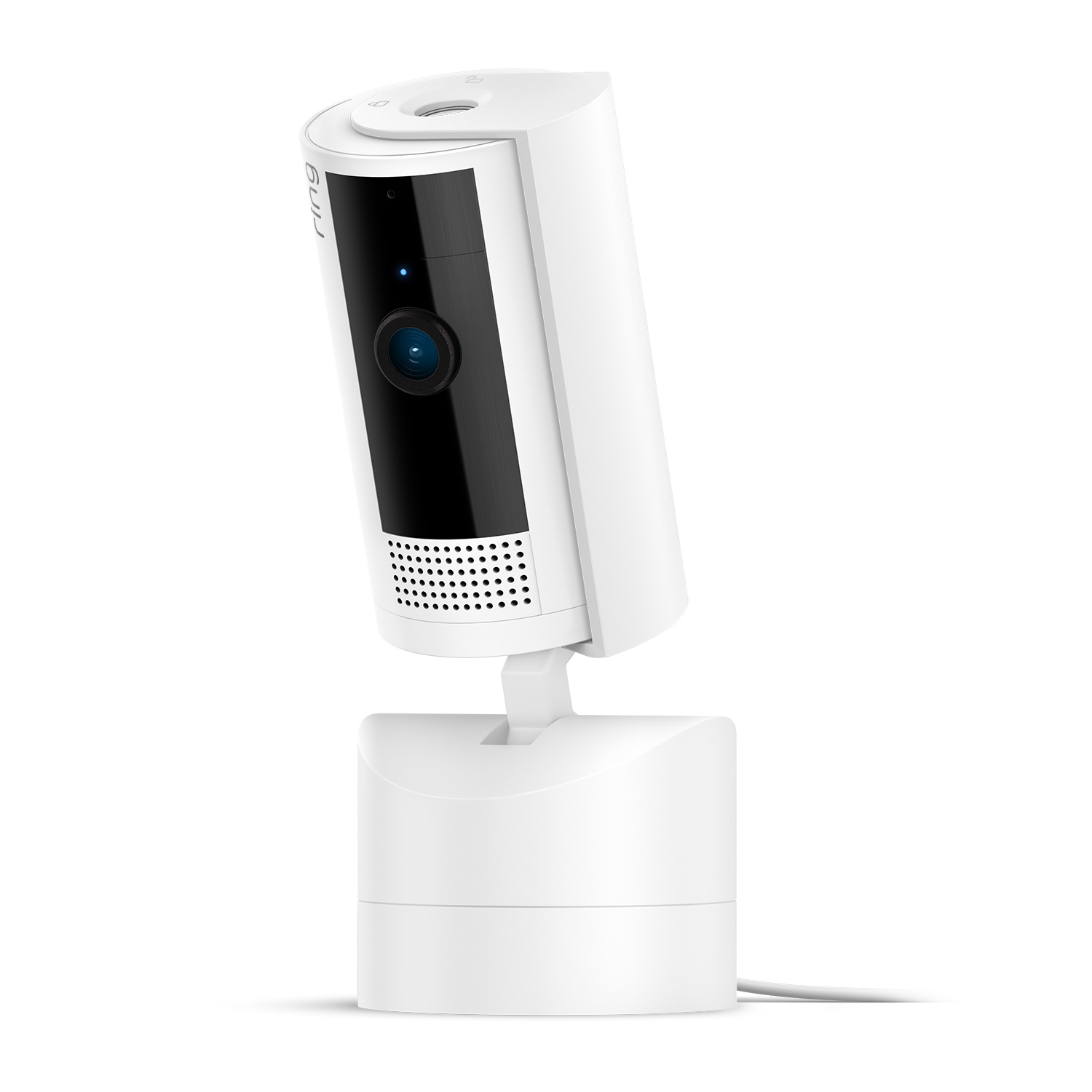
Newest Model
1.97 x 1.97 x 3.88 in (5.0 x 5.0 x 9.85 cm)
White, Black
4K Video (3840x2160) with Auto HDR
Up to 10x Enhanced Zoom
Advanced Motion Detection with Customizable Motion Zones
115° horizontal, 60° vertical
Two-way talk with advanced noise cancellation
6.5 ft USB-C cable and Power Adapter (10 ft cable sold separately); 5V, 1.5A input
PoE available (sold separately)
A minimum upload speed of 15 Mbps is recommended. For the best experience with 4K video recording and streaming, we recommend at least 20 Mbps upload speed.
Dual-band Wi-Fi 6 (2.4GHz / 5GHz)
5 to 10 minutes
-5°F to 120°F (-20.5°C to 48.5°C)
Vertical or horizontal surface for mounting; standard power outlet (plug-in) or PoE Adapter (sold separately)
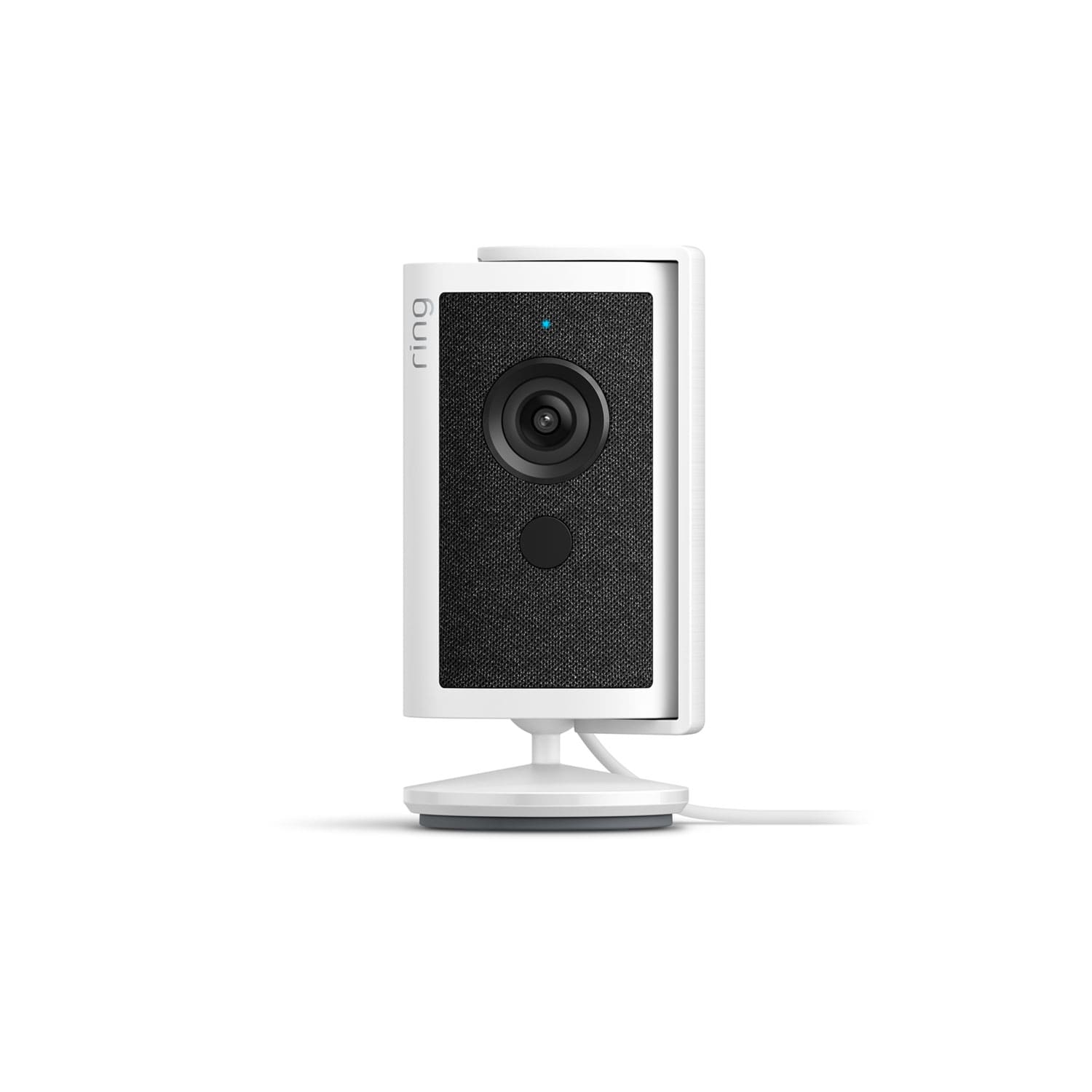
Indoor Cam 4K
Lens Cover
10W USB-A Power Adapter
USB-A to USB-C Charge Cable (6.5 ft)
Install Hardware
Setup Guide
Warranty and Safety document
Security Sticker
Learn more about these software security updates. If you already own this device, visit Software Security Updates in Ring Control Center for information specific to your device.
Indoor Cam 4K features Retinal 4K video quality, which means it captures footage at a resolution of 3840 x 2160 pixels. It also includes Retinal Tuning9 — an intelligent feature that automatically optimizes your video by reducing graininess, enhancing sharpness and color, and learning the best exposure settings for your specific location over time.
Yes, the camera features adaptive bit rate streaming technology that automatically adjusts video quality based on your available bandwidth to maintain a stable connection.
HDR (High Dynamic Range) helps your camera capture clearer video in challenging lighting conditions. It balances bright and dark areas in the same frame — so you'll get better detail in scenes with mixed lighting, like a room with a sunny window, where shadows and highlights would otherwise appear washed out or too dark.
Indoor Cam 4K comes with a detachable lens cover in the box. When you need privacy, install the lens cover onto the camera and simply slide the cover in front of the camera lens. This blocks the camera's view and muffles the microphone for quick privacy. For complete audio privacy, you can fully disable the microphone through the Ring app.
When you no longer need privacy, simply swivel the lens cover to the side. And if you ever forget whether you left the cover on, you can check the camera's live view in the Ring app to see if the lens is obstructed.
Attaching the lens cover to your Ring camera involves three simple steps:
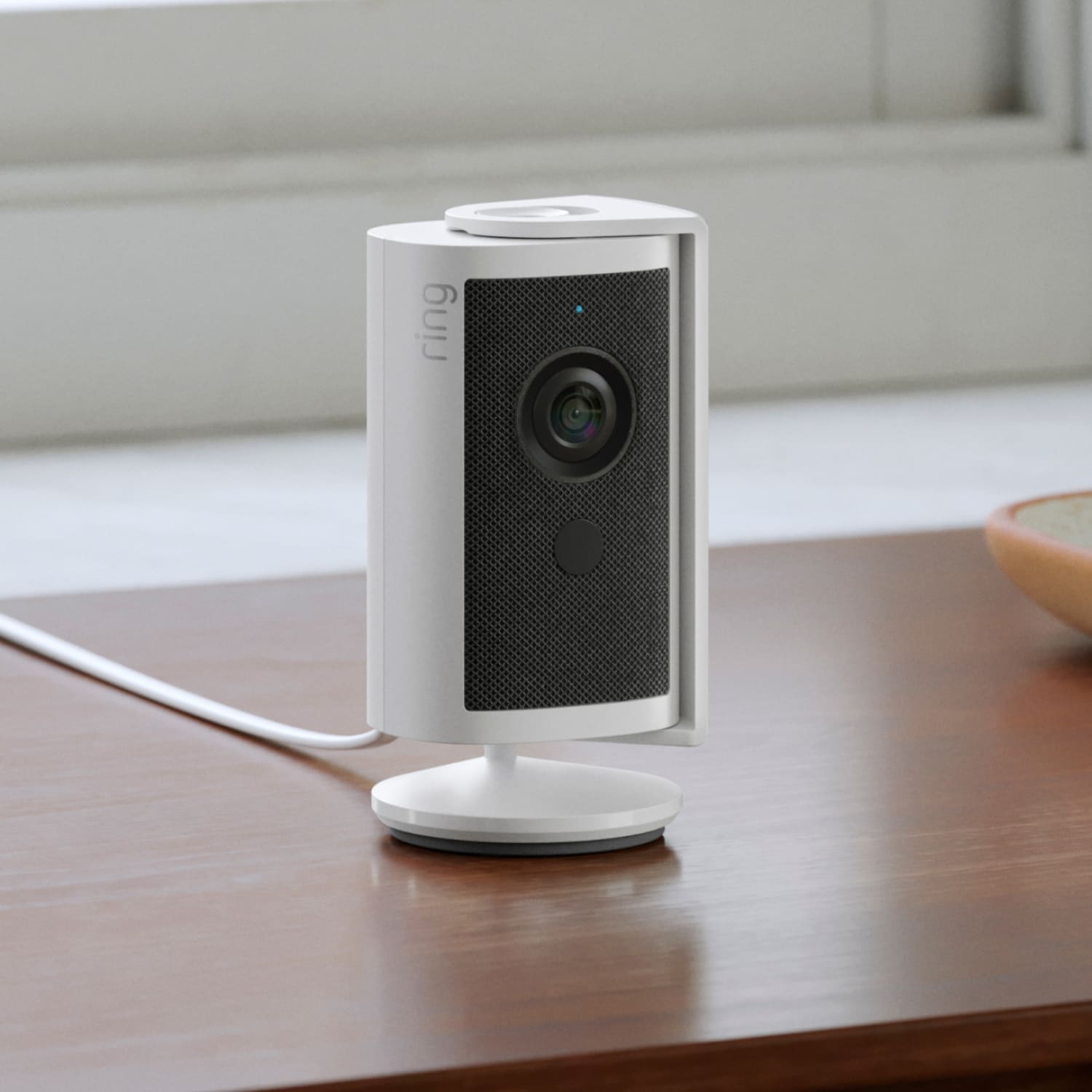
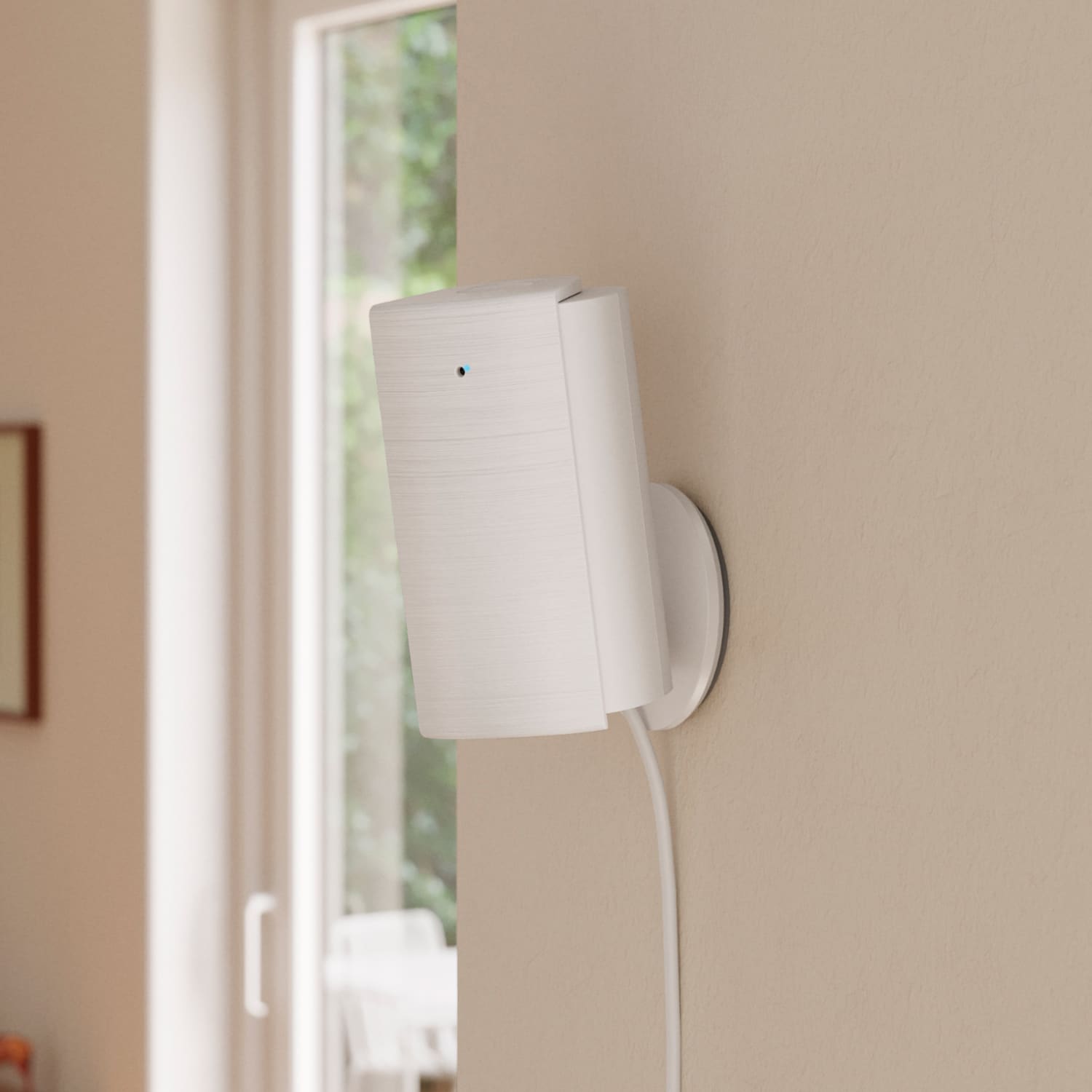
You can simply place it onto a tabletop or mount it on a ceiling or wall. With the easy-to-install mounting plate included in the box, Indoor Cam 4K goes exactly where you need it most.
No. You can still use your camera to watch over your home from anywhere, even without a subscription to Ring Protect. Without Ring Protect, you'll still receive real-time notifications when motion is detected, and you can access Live View to see, hear, and speak through your camera in real time from your mobile device. When you access your Ring Dashboard, you'll be able to view the most recent image captured by active devices.
However, without a subscription to Ring Protect, you won't be able to review any videos or images you missed, and you won't be able to save your videos or photos or share them with anyone. Click here to learn more about Ring Protect and to choose a plan that works for you.
Customer Reviews, including Product Star Ratings help customers to learn more about the product and decide whether it is the right product for them.
To calculate the overall star rating and percentage breakdown by star, Amazon doesn't use a simple average. Instead, Amazon's system considers things like how recent a review is and if the reviewer bought the item on Amazon. It also analyzed reviews to verify trustworthiness.
1Video quality may vary based on internet bandwidth and device temperature.
2Free trial is not applicable for locations with an existing subscription. Your free trial begins as soon as you activate your Ring product.
3Compatible Ring subscription required. Feature not available for customers in Illinois due to state-specific legislation. Video Descriptions availability limited to mobile devices with select primary languages.
4Compatible Ring subscription required. Feature not available for customers in Illinois due to state-specific legislation.
5Not currently available to all customers. Full feature compatibility is not yet available.
6Compatible Ring subscription required.Your Ring motion event videos in the cloud are stored, up to 180 days from recording. Modifying your video storage duration affects only recordings created after the change is applied.
7Compatible Ring subscription and select devices required. Recognition range and accuracy may vary by device model and environmental conditions. Familiar Faces is not available for customers in Illinois, Texas, Portland, Oregon, and Quebec due to specific legislation.
8Compatible Ring subscription required. Feature not available for customers in Illinois due to state-specific legislation. Single Event Alert availability limited to mobile devices with select primary languages.
9Compatible Ring subscription.
Added to cart
Modifications and extensions to existing wiring available at additional cost (billed separately). Extension available only for low-voltage wiring (PoE or Plug-in USB-C).