Ring Sensors & Alarms
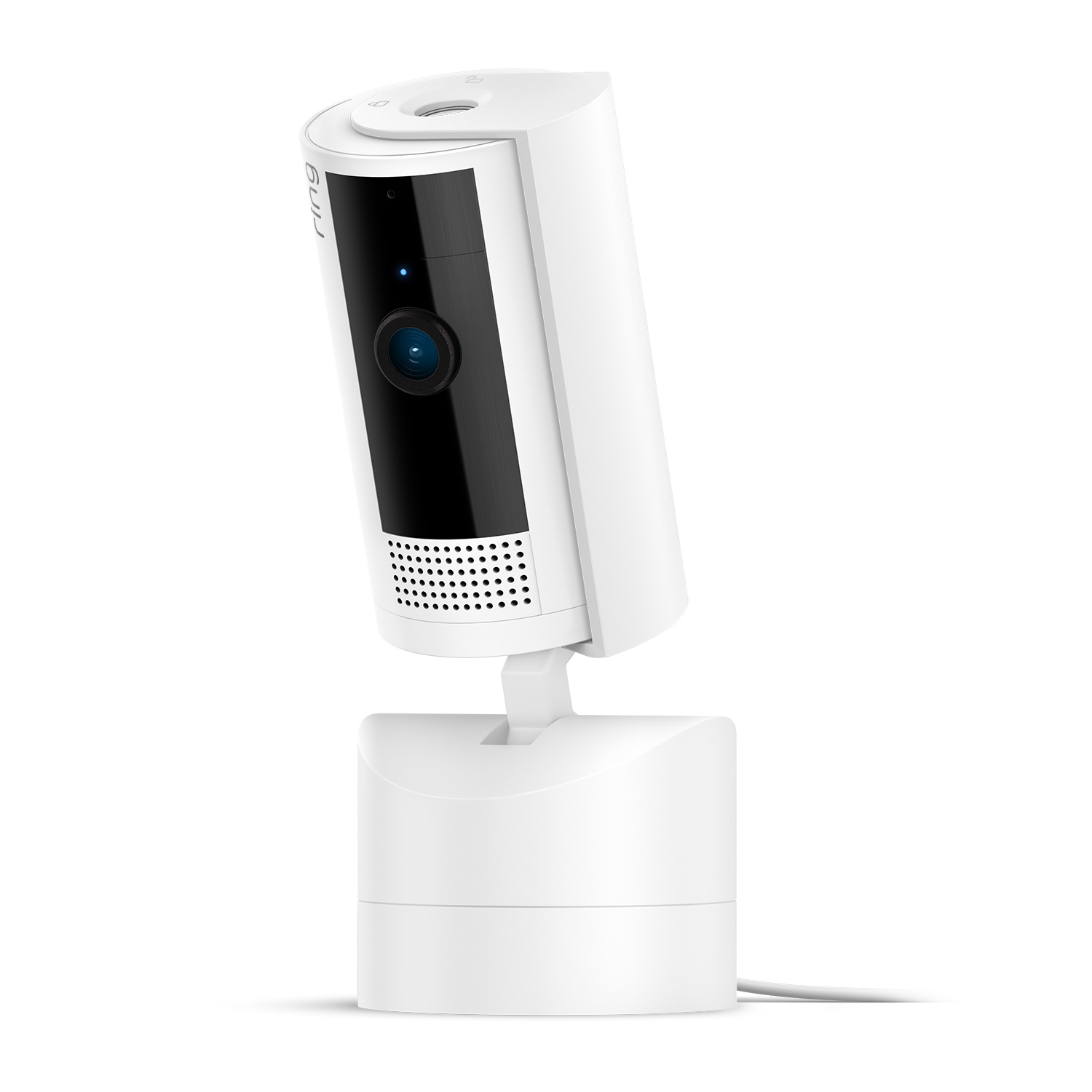
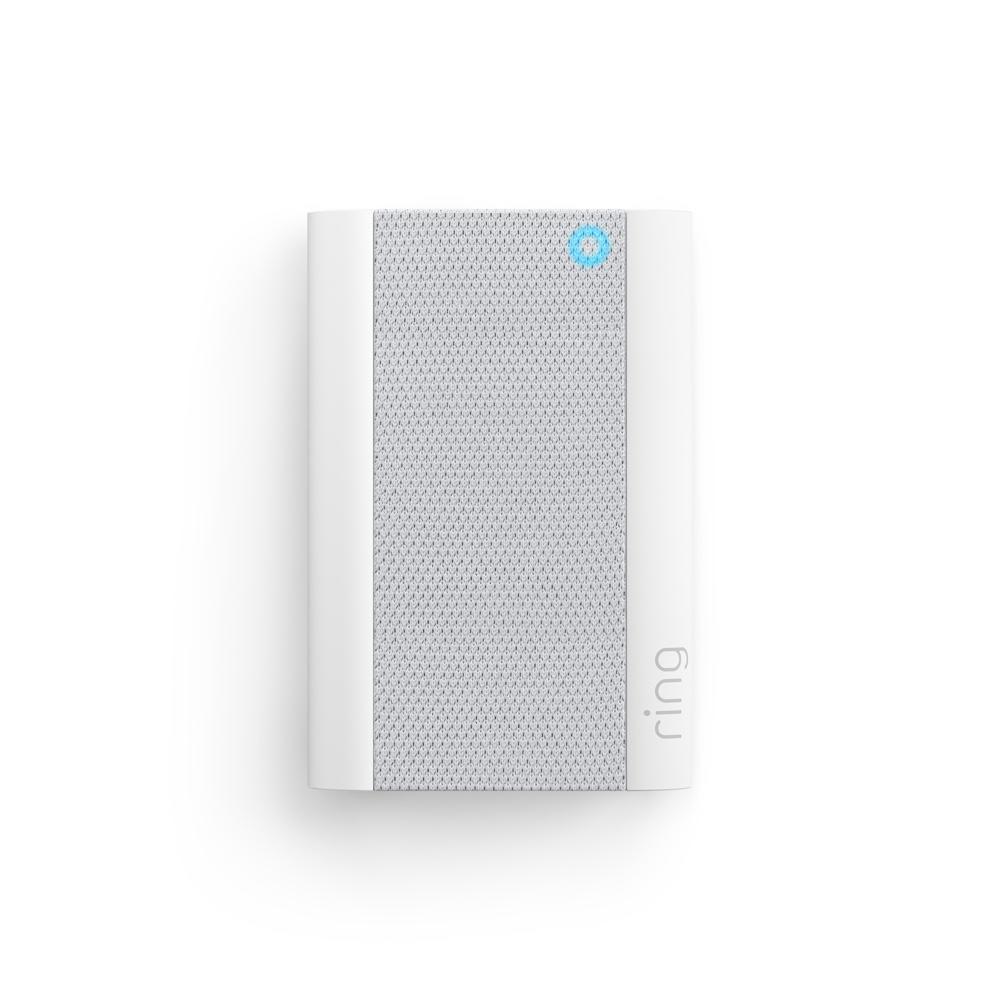
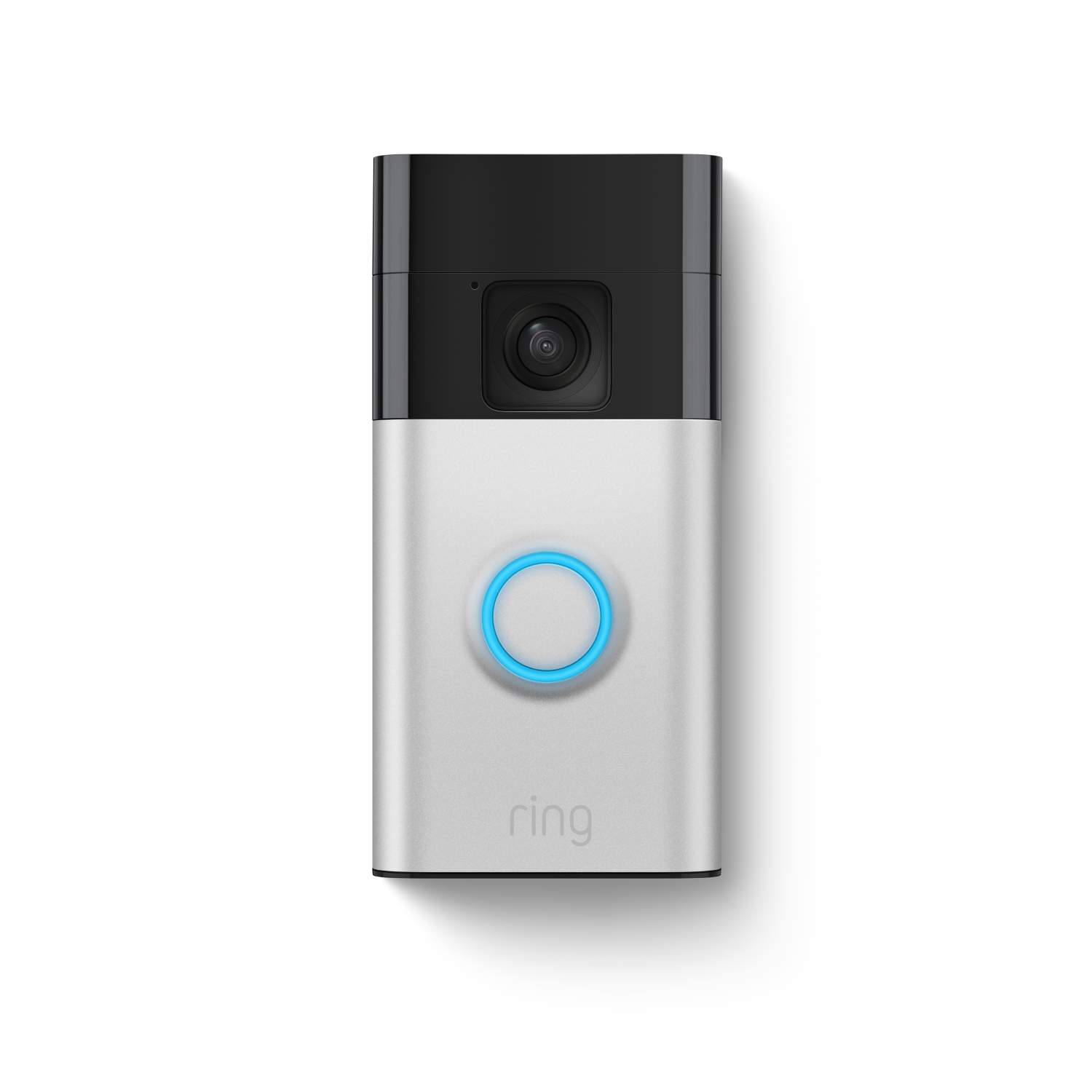
Choose Ring Sensors for flexible home protection - no base station required. Or select a pre-configured Ring Alarm Security Kit with an included base station.
Ring Sensors & Alarms
Choose Ring Sensors for flexible home protection - no base station required. Or select a pre-configured Ring Alarm Security Kit with an included base station.
Alarm Bundles
Find the kit that’s right for you. Kits with additional accessories allow you to protect your home, your way.
Frequently Asked Questions
What is the Ring Alarm and Ring Alarm Pro Security Kit?
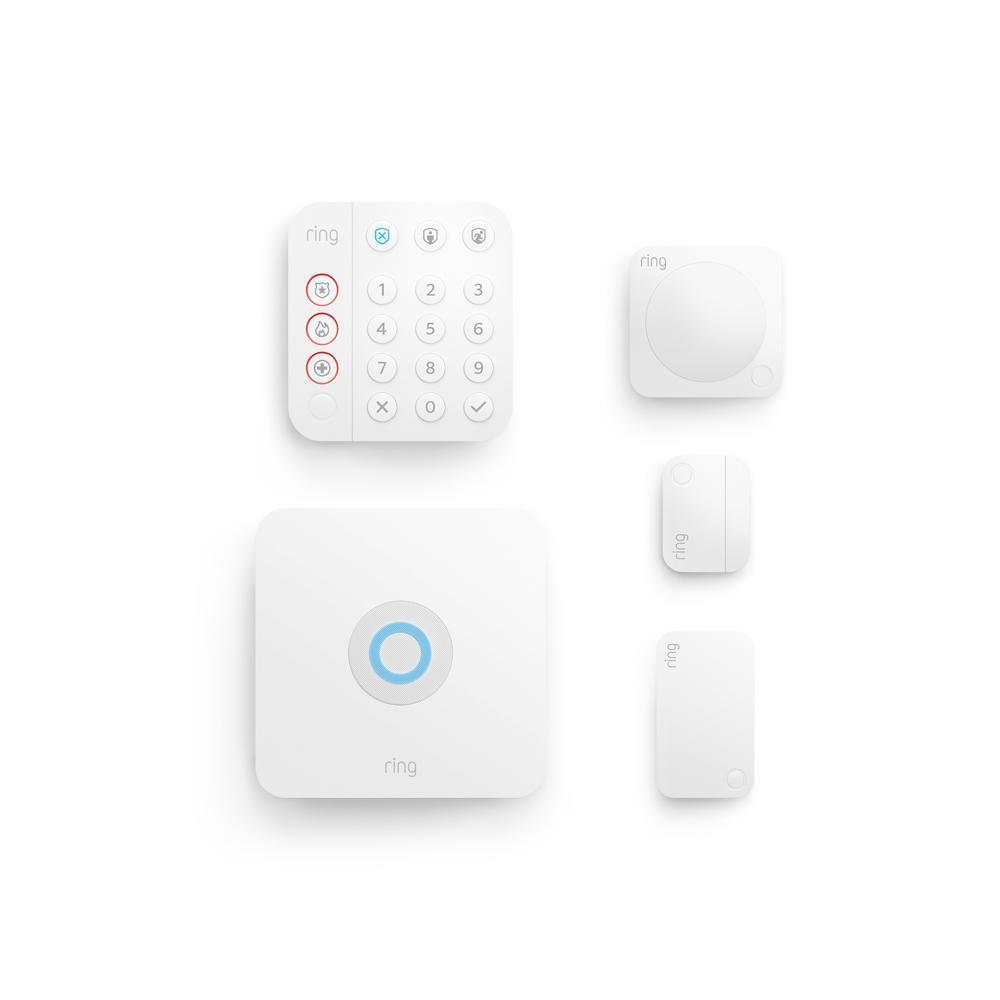
Ring Alarm and Ring Alarm Pro are home security systems to protect any house or apartment. Security kits come with a Base Station, Contact Sensor, Motion Detector, Keypad and Range Extender.
Place Contact Sensors on any door or window in your home, and the Motion Detector in any room of your home, and you'll get mobile notifications when your door or window is opened or motion is detected.
Ring Alarm Pro gives you a Ring Alarm for trusted physical security, and a built-in eero Wi-Fi 6 router for fast wifi and network security in a single system. Unlike traditional home security systems, Ring Alarm Pro also offers 24/7 Backup Internet, which provides internet to your wifi-enabled devices with a cellular internet connection during an internet or power outage. By combining Ring Alarm Pro with a Ring AI Pro or Virtual Security Guard, you have more protection, and more ways to secure your home.
Do I have to purchase the kit? Or can I buy it piece-by-piece?
The Ring Alarm Pro Security Kit comes with everything you need to protect your home including a Base Station, Contact Sensor, Motion Detector, Keypad and Range Extender. You can also purchase the Base Station on its own and customize a security system exactly to your home's needs.
Additional Contact Sensors, Motion Detectors, Keypads, Range Extenders and future Ring Alarm components can be purchased separately to expand the coverage of your system. These will connect with the Base Station at your home to protect your entire property. With a Ring subscription (sold separately), your Ring Alarm also integrates with your Ring cameras, Ring Video Doorbells, Alexa-enabled Echo devices, and more. Learn more here.
With Ring Alarm Pro you can add eero 6 Extenders to expand wifi coverage and Ring Power Packs for additional back up power.
How do I upgrade my Ring Alarm to Ring Alarm Pro?
We’ve made this step easy. Simply open the Ring app, begin to set up your Ring Alarm Pro, and choose the location which has the Ring Alarm Base Station that you’d like to replace. The app will save your Alarm settings and automatically apply them to your new Alarm Pro Base Station after it’s set up on your Ring account.
Does Ring Alarm and Ring Alarm Pro offer professional monitoring for commercial businesses?
Yes, Alarm Professional Monitoring is available for commercial businesses. However, smoke and carbon monoxide monitoring is not available at a business or commercially zoned address.
Learn more about our business security offerings, including professional monitoring at ring.com/business.
Will my existing eero products work with Alarm Pro?
Yes, all generations of eero products will work as wifi extenders for your Ring Alarm Pro, but we recommend eero 6 Mesh Wifi Extenders, which are compatible with Ring Power Packs.
Set up Ring Alarm Pro as your primary internet router or "gateway" (meaning it should be plugged directly into your modem), and then set up your existing eero devices as wifi extenders using the eero app.
Note: We do not recommend using Ring Alarm Pro as a wifi extender for your existing router. Using your Alarm Pro as an extender will prevent you from accessing many Ring Protect subscription features, including 24/7 Backup Internet.
Does Ring have special programs for HOAs and communities?
Yes, we offer a number of customizable options and promotions to help keep communities safe. Please visit our community programs page to learn more.
1Compatible Ring subscription required (sold separately). Extra data charges may apply. Cellular data provided by third party carrier. Backup power required during power outage. Visit ring.com/alarm-pro for details.
2Professional Monitoring is an add-on plan that first requires a compatible Ring Home subscription. Both sold separately. Service available within the U.S. (all 50 states, but not U.S. territories) and in Canada (excluding Quebec). Ring does not own its monitoring center. Smoke and carbon monoxide monitoring is not available for business or commercially zoned addresses. See Ring Alarm licenses at: ring.com/licenses. Additional fees may be required for permits, false alarms, or Alarm Verified Guard Response, depending on your local jurisdiction.
3A compatible Ring subscription required, (sold separately). Alarm Cellular Backup uses a third-party carrier.