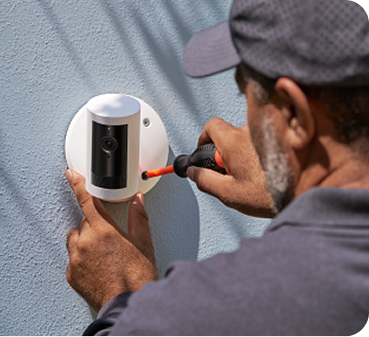
Add professional installation
Starting at $129.00.
Available as soon as

Customer Reviews, including Product Star Ratings help customers to learn more about the product and decide whether it is the right product for them.
To calculate the overall star rating and percentage breakdown by star, Amazon doesn't use a simple average. Instead, Amazon's system considers things like how recent a review is and if the reviewer bought the item on Amazon. It also analyzed reviews to verify trustworthiness.
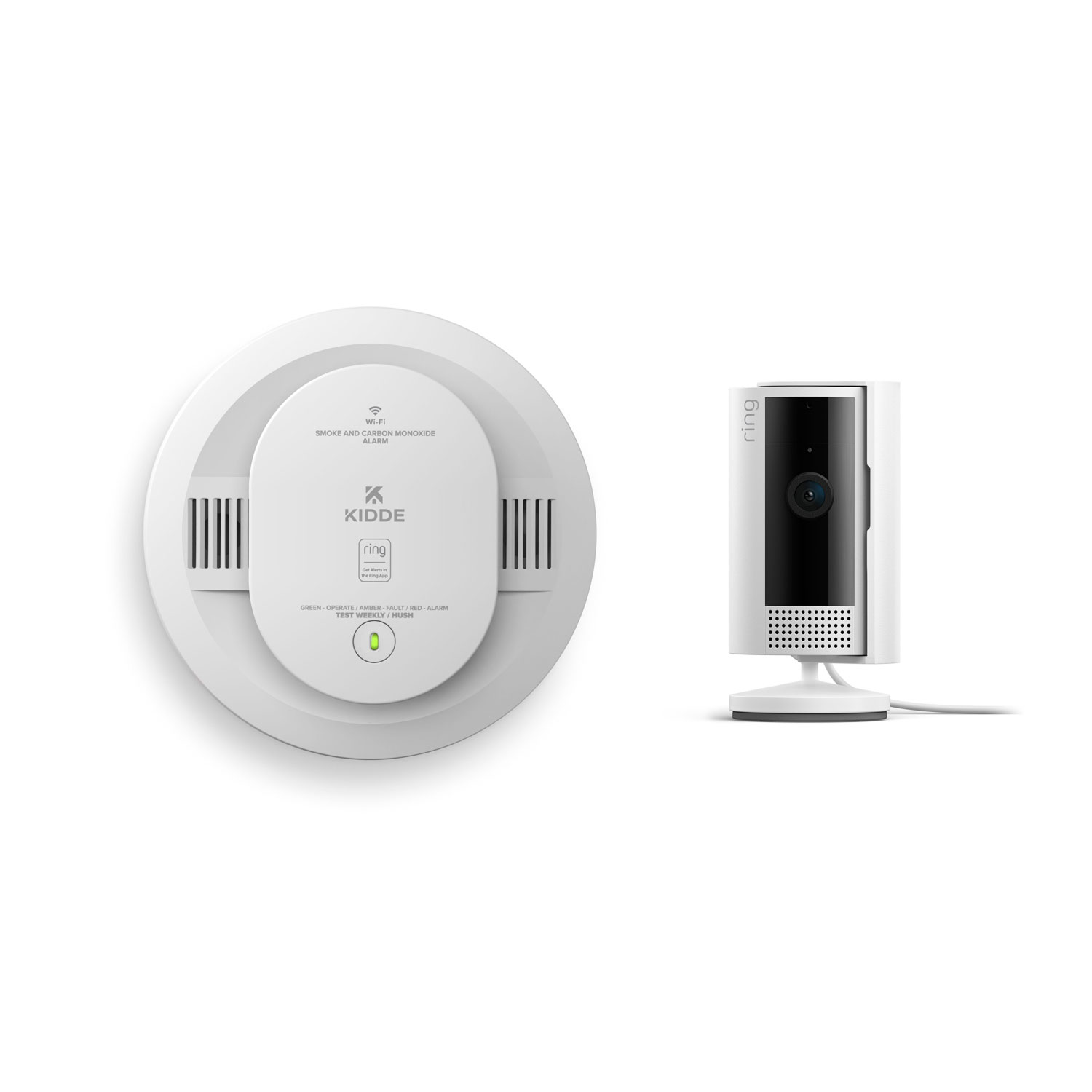
Alarm in box: 6.69" W x 2.8" D x 8.07" H
Alarm out of box: 5" W x 1.88" D x 5" H
0.45 lb
White
Photoelectric
Electrochemical
85 dB at 10 ft
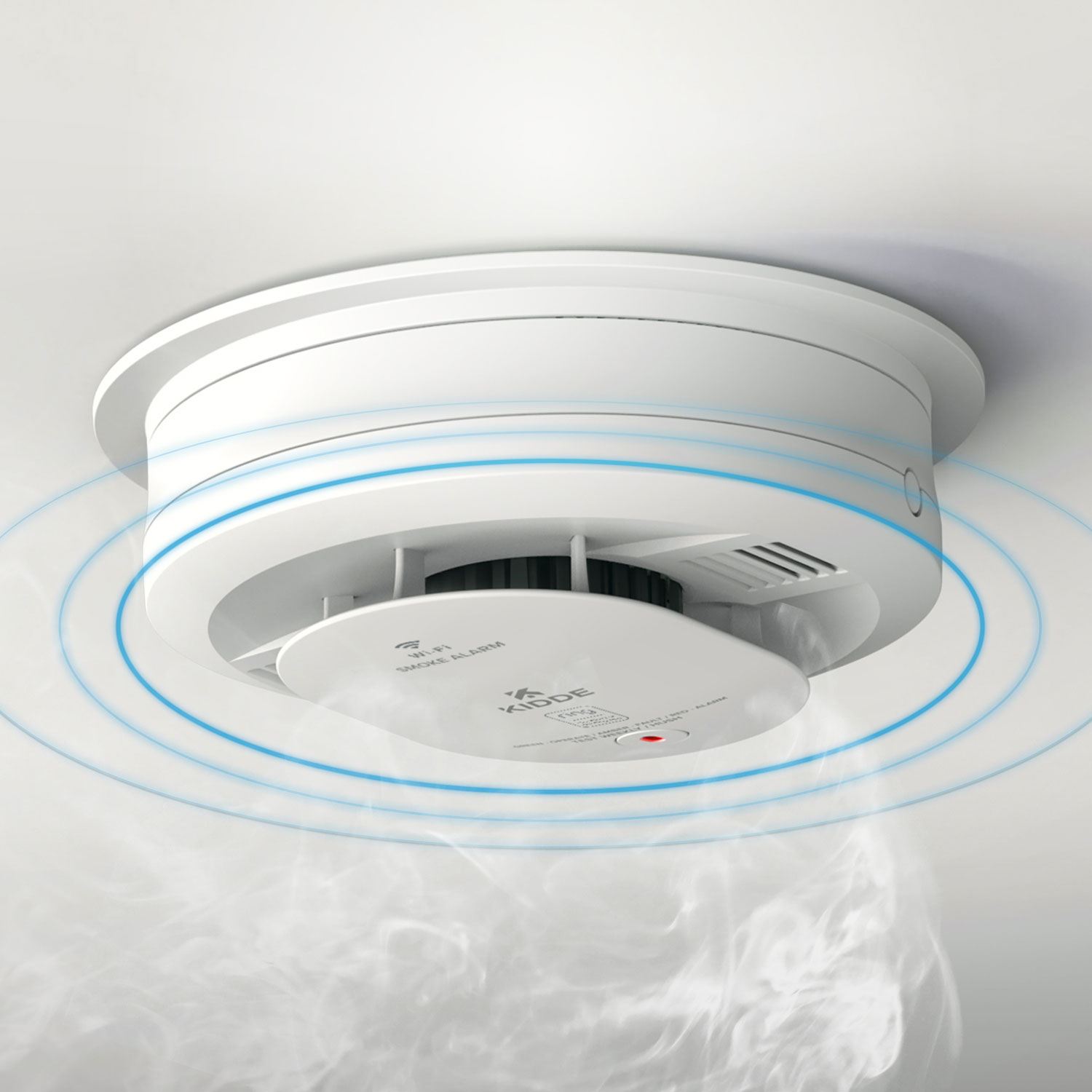
Get mobile alerts for every compatible Kidde alarm in your home through wire-free interconnectivity — when one alarm sounds, they all do. Plus, enjoy easy installation without the cost or hassle of rewiring.
2 AA Replaceable Batteries
Alarm can only pair to a 2.4 GHz WiFi network
WiFi
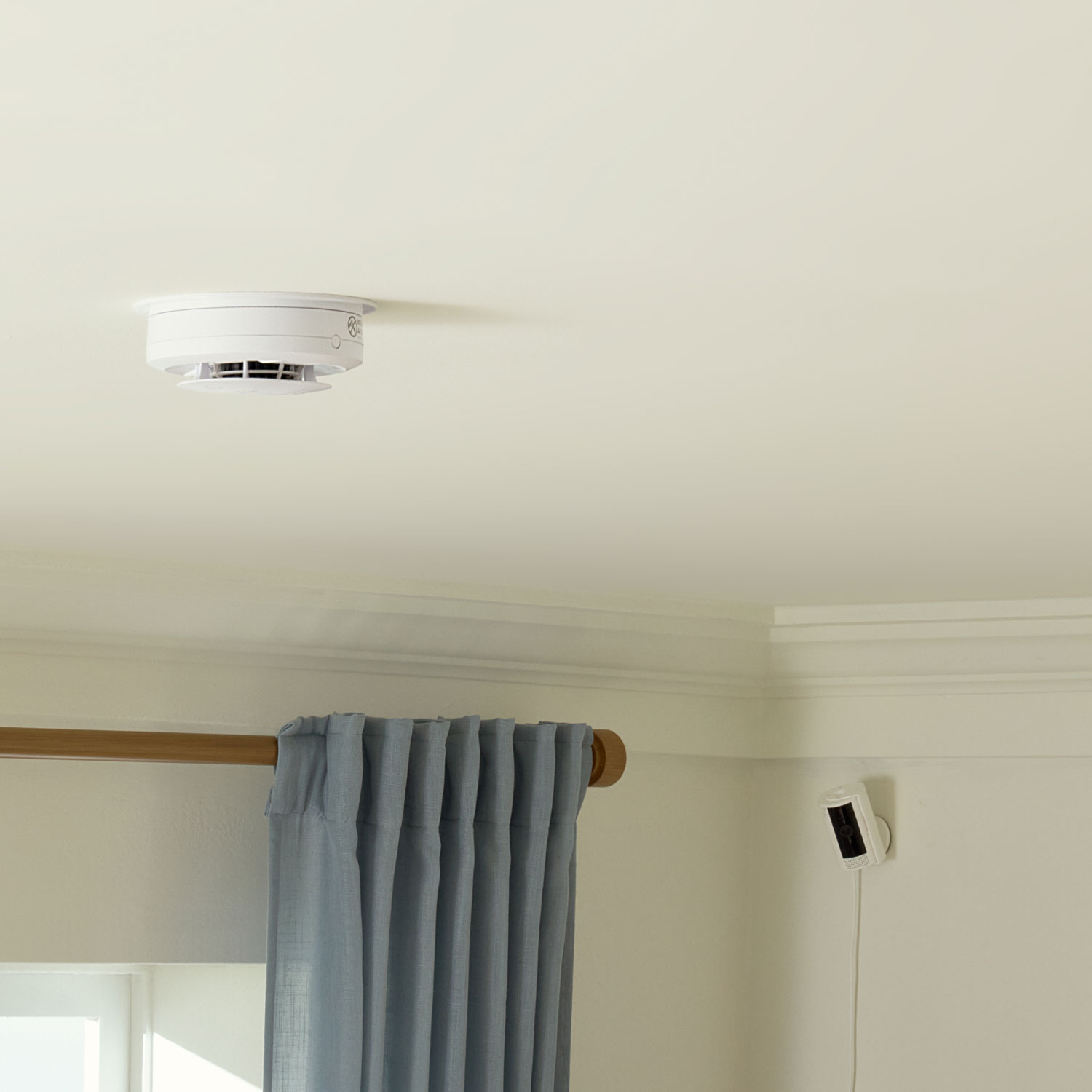
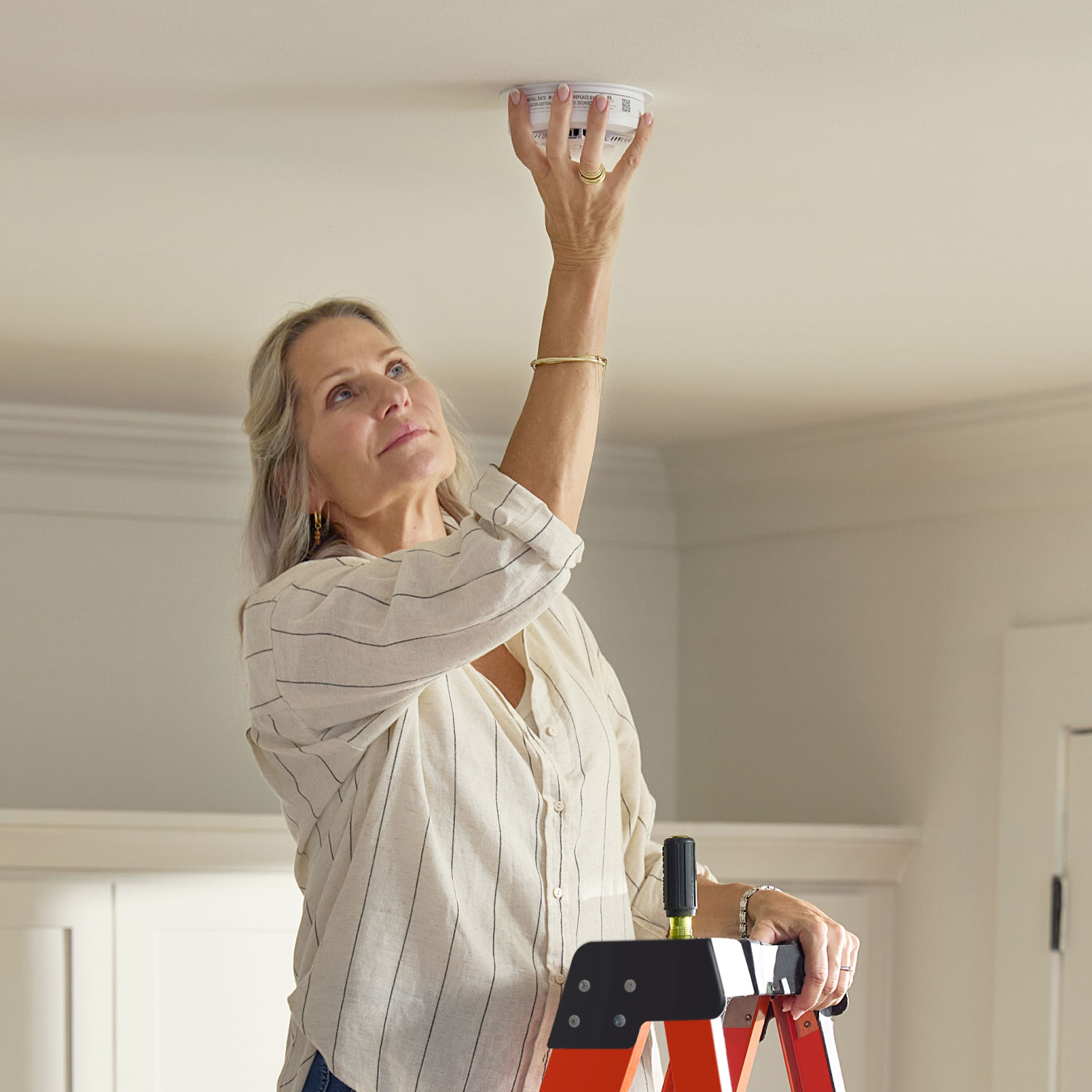
Mount to ceiling no wiring required.
Temperature Range: 40 ˚F (4.4 ˚C) to 100 ˚F (37.8 ˚C)
Humidity Range: 10 to 95% relative humidity (RH), non-condensing
10-Year Limited Manufacturer Warranty (batteries excluded)
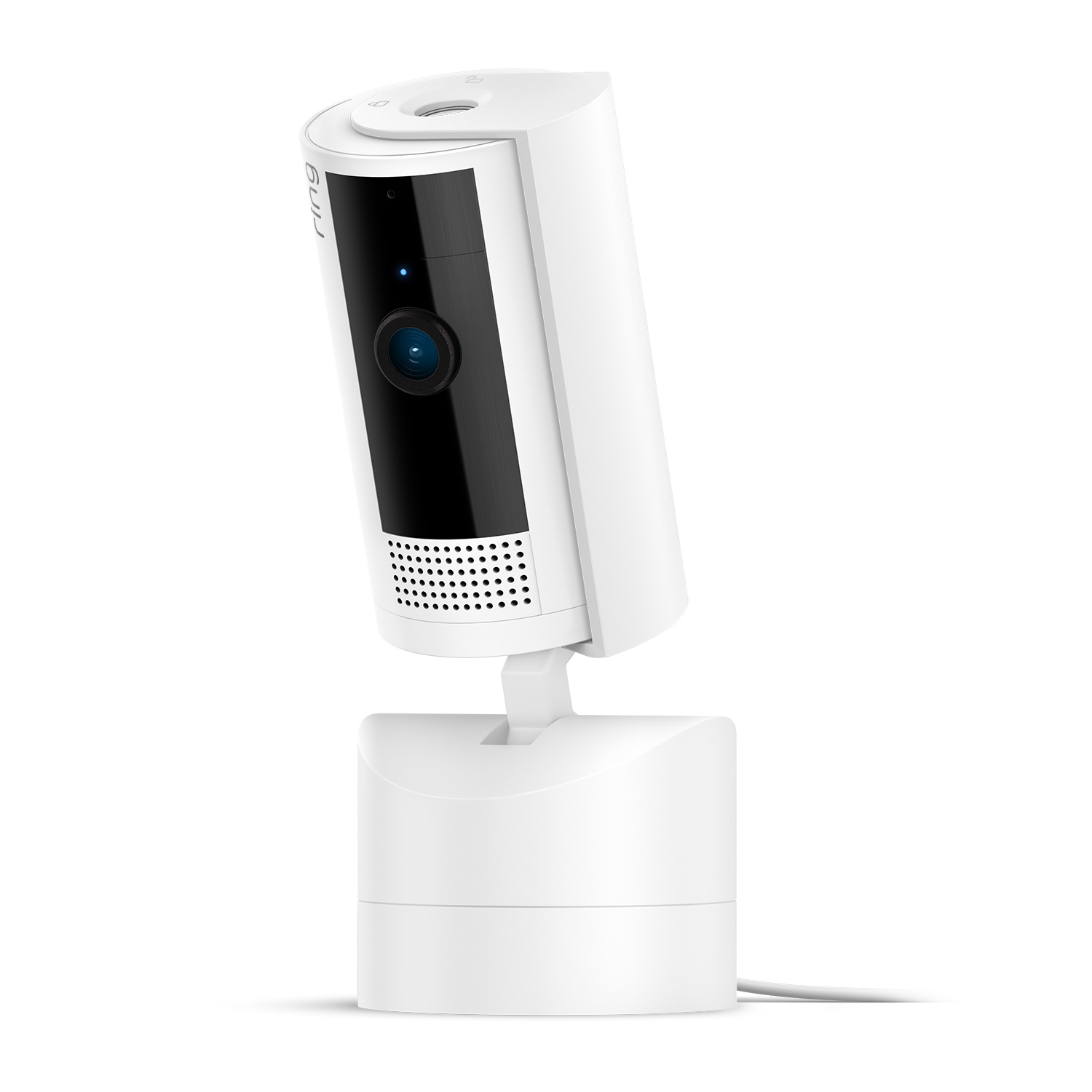
1.93 in x 1.93 in x 3.81 in (49.02 mm x 49.02 mm x 96.77 mm), including stand
White
1080p HD, Live View, Night Vision
Customizable Motion Detection
143° diagonal, 115° horizontal, 59° vertical
Two-way audio with noise cancellation
6.5 ft Micro USB Power Cable + Power Adapter
(10 ft USB-A to Micro USB Power Cable sold separately)
Requires a minimum upload speed of 2 Mbps for optimal performance
802.11 b/g/n wifi connection @ 2.4GHz
5 to 10 minutes
-4°F to 113°F (-20°C to 45°C)
Standard power outlet
Indoor Cam (2nd Gen) - 2023 release
Indoor Cam
Privacy cover (attached to camera)
10W USB-A Power Adapter
USB-A to Micro USB Charge Cable (6.5 ft)
Install hardware
Setup Guide
Warranty and Safety document
Security sticker
Learn more about these software security updates. If you already own this device, visit Software Security Updates in Ring Control Center for information specific to your device.
It ships to anywhere in the USA.
2 AA Replaceable Batteries.
A combination Smoke/CO Alarm makes it easy to provide both types of protection throughout the home. Industry experts recommend a CO alarm be installed on each level of the home - ideally on any level with fuel burning appliances and outside of sleeping areas. For added detection, Kidde also recommends installing a CO alarm inside every bedroom as well. Therefore, a combination alarm can satisfy one of your smoke alarm location requirements as well as a carbon monoxide location.
In a typical home fire, occupants have just 2 minutes or less to escape. And because smoke in one area may not reach a smoke alarm in another, the National Fire Protection Association (NFPA) recommends placement of at least one smoke alarm on every level of the home (including basements), in every bedroom, and outside each sleeping area. The NFPA also recommends interconnection of alarms to provide better whole-home protection than stand-alone alarms. Read more here.
At minimum, alarms should be installed on every level of a home (including your basement if you have one) and outside sleeping areas. For added detection, Kidde also recommends placing CO alarms in each bedroom. Ultimately, the more CO alarms you have, the more coverage you have and the better detection you have. Install carbon monoxide alarms at least 15 feet away from sources of CO, such as fuel burning appliances and make sure nothing is covering or obstructing the alarm. Do not place the alarm in dead air spaces or next to a window or door.
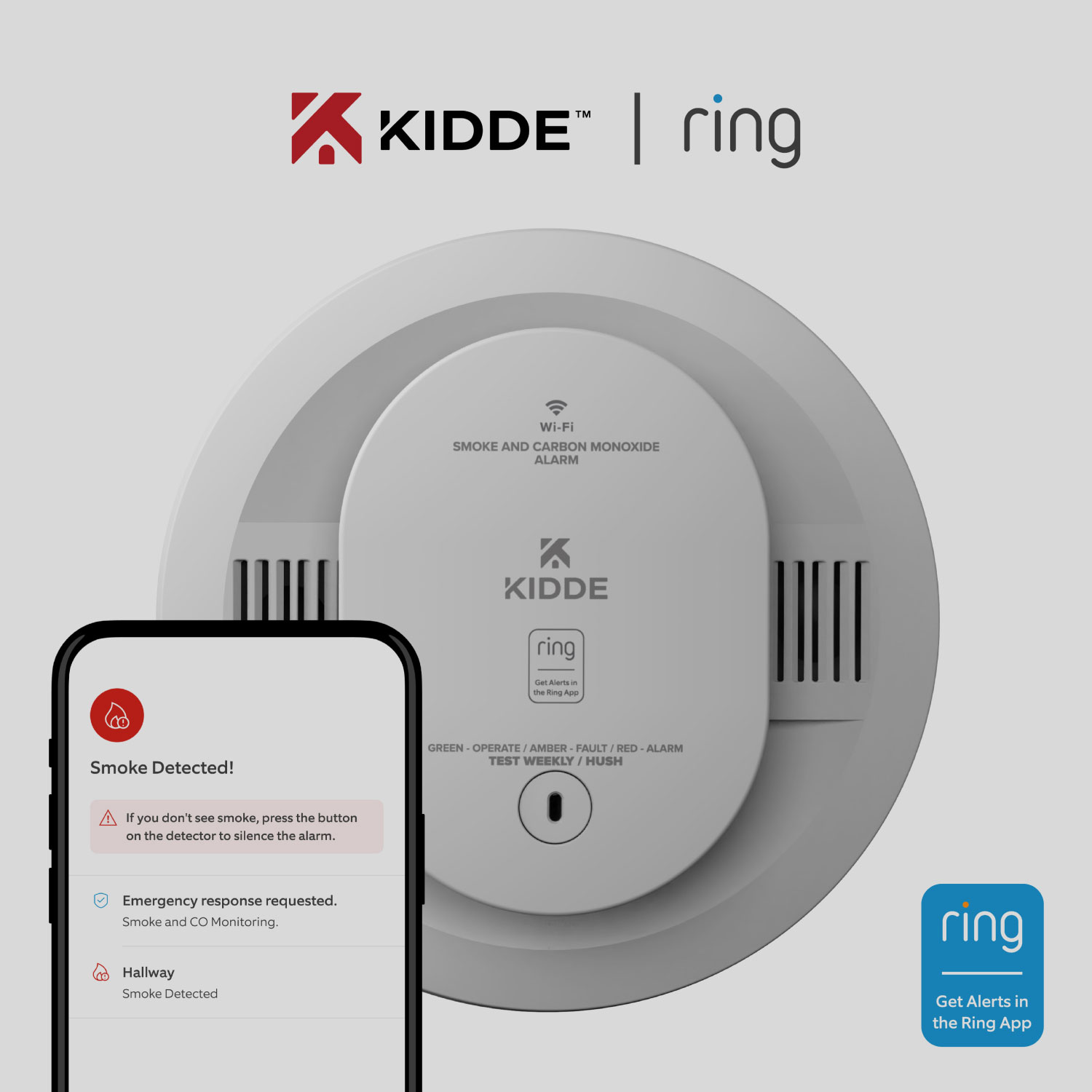
24/7 Smoke & CO Monitoring provides professional monitoring of your eligible smoke & carbon monoxide (CO) devices for $5/month or $50/year. When smoke or CO is detected, trained agents will confirm the signal via phone call and request dispatch of emergency services to your home.
No. All you need to purchase 24/7 Smoke & CO Monitoring is an eligible device–no Ring Protect subscription required. If you have Ring AI Pro or Virtual Security Guard, then Smoke & CO Monitoring is already included in your subscription.
When your eligible device detects smoke, a trained agent will call your emergency contacts to confirm the emergency. If no one answers, the agent will request dispatch from the fire department to your home.
When your eligible device detects carbon monoxide, a trained agent will immediately request dispatch from the fire department to your home. They’ll also notify your emergency contacts.
You’ll receive a notification in the Ring app anytime your device is triggered.
No, Smoke & CO Monitoring is not available for a business or commercially zoned address.
Yes, you can use the Ring app to manage your eligible Smoke & CO devices, set up monitoring, manage your emergency contacts, and view smoke and CO event history. *24 hours of smoke and CO event history without a subscription; 60 days of history included in Smoke & CO Monitoring subscription.
You can add Smoke & CO Pro Monitoring for $5/month or $50/year. If you’re subscribed to Ring AI Pro or Virtual Security Guard, Smoke & CO Pro Monitoring is already included in your subscription.
Yes, one subscription covers all eligible Smoke & CO Monitoring devices at one location.
The main difference between Indoor Cam and Outdoor Cam is where you can place them and how they receive power. Indoor Cam is an indoor-only camera that plugs into standard power outlets for nonstop power. Outdoor Cam is a versatile camera that goes almost anywhere, indoors or out. Plus, it's weather-resistant and comes in 4 different power options: battery, plug-in, solar, and Power over Ethernet.
Indoor Cam comes with a manual, removable Privacy Cover. When you slide it in front of the camera lens, Indoor Cam's camera and mic will turn off. When you're ready to turn Indoor Cam back on, just swivel the Privacy Cover to the side. And if you're ever unsure how you left it, you can check the status of your camera in the Ring app at any time.
Indoor Cam allows you to configure your privacy settings depending on your current needs. Toggle motion alerts, motion or audio recording off in the Ring App at any given time. Create a motion schedule to disable motion alerts and recording during the times you're usually home. Use Modes to select a camera state with Disarmed, Home or Away Mode (subscription required, sold separately). Additionally, if you have a specific area in your home that you don't want to monitor, define Privacy Zones to blackout that area to control what you want to see or record.
If you have a subscription to Ring Protect, motion event videos captured by your doorbell will be saved to your Ring account for up to 180 days. You can manage your video storage time through the Control Center. Photos captured will be saved to your Ring account for up to 7 days, so you can review them at any time. More information about video storage can be found here. Without a subscription, you can view real-time video for Ring doorbells and security cameras and answer doorbell notifications as they happen, but your videos and photos will not be saved.
A free 30-day trial is included with any Ring Doorbell or home Security Camera purchase unless you already have a Ring subscription at the same location. You may subscribe to a Ring Protect Plan at any time during your trial, and you won’t be charged for your subscription until after your trial ends.
If you have a subscription to Ring Protect, you can share your videos and photos with anyone, including neighbors, friends, family and local law enforcement.
Click here to learn more about Ring Protect.
Ring Protect is a subscription that gives your Ring experience a boost by changing how your Ring devices work for you. With a Ring Protect Plan, activate video recording and photo capture, saving and sharing for your Ring doorbell or camera, plus get access to our most advanced video, intelligence, and security features and perks.
Click here to learn more about Ring Protect.
While Wired Doorbell Plus works great without a subscription, a Ring Protect Plan unlocks additional features like 180-day video history, Package Alerts, Doorbell Calls, and advanced security features.
A free 30-day trial of Ring Protect is included with any Ring Doorbell purchase unless you already have a subscription at the same location. You may subscribe to a Ring Protect Plan at any time during your trial, and you won’t be charged for your subscription until after your trial ends.
Click here to learn more about Ring Protect.
Customer Reviews, including Product Star Ratings help customers to learn more about the product and decide whether it is the right product for them.
To calculate the overall star rating and percentage breakdown by star, Amazon doesn't use a simple average. Instead, Amazon's system considers things like how recent a review is and if the reviewer bought the item on Amazon. It also analyzed reviews to verify trustworthiness.
129% faster average smoke detection based on internal testing of smoldering wood fires for Kidde 9th Edition vs. leading competitor 8th Edition products.
2Compatible Ring subscription required. Service available in all 50 U.S. states (territories not included). Ring does not own its monitoring center. Smoke and carbon monoxide monitoring is not available for business or commercially zoned addresses. See Ring Alarm licenses at: ring.com/licenses. Additional fees may be required for permits, false alarms, or Alarm Verified Guard Response, depending on your local jurisdiction.
3Free trial is not applicable for locations with an existing subscription. Your free trial begins as soon as you activate your Ring product.
Added to cart
Modifications and extensions to existing wiring available at additional cost (billed separately). Extension available only for low-voltage wiring (PoE or Plug-in USB-C).