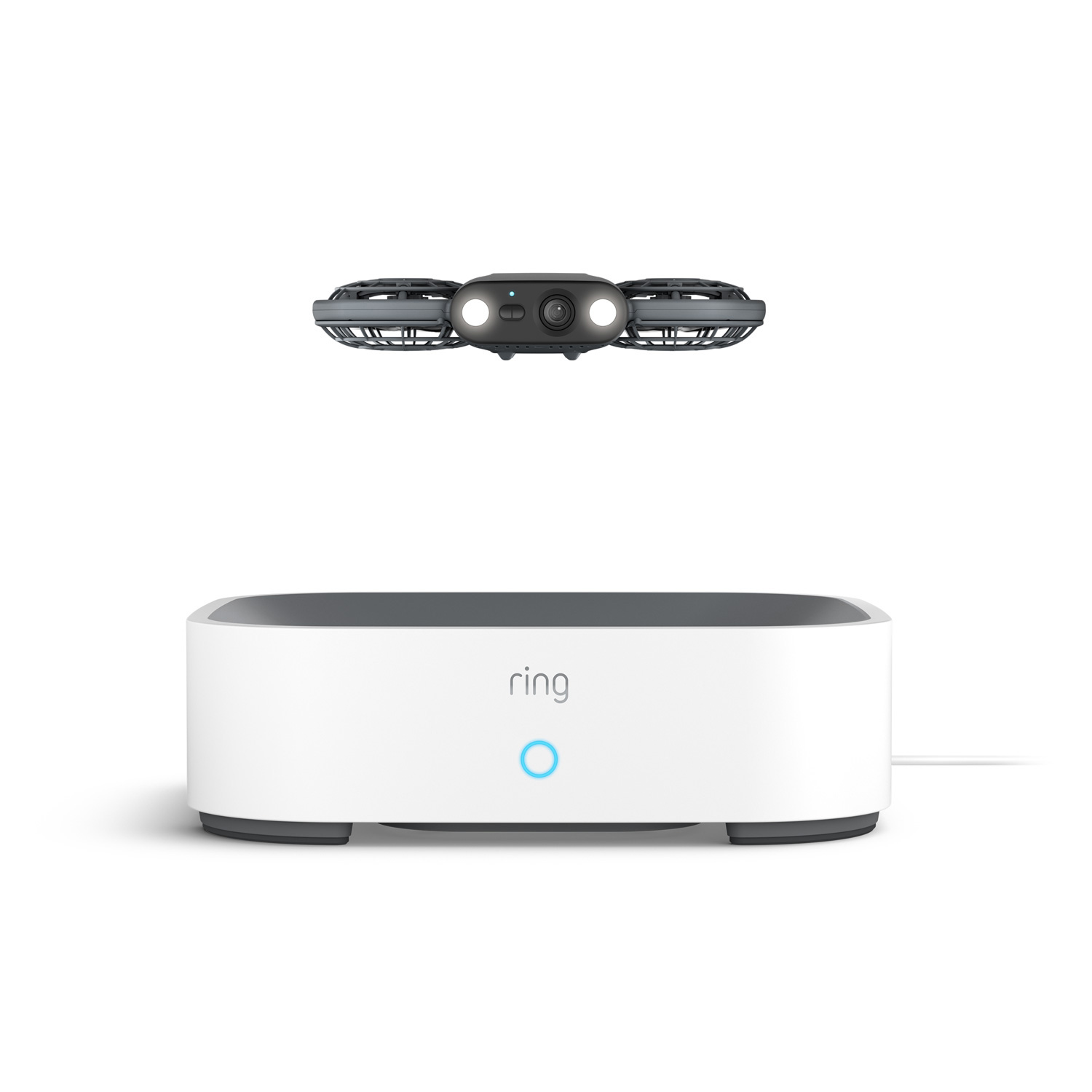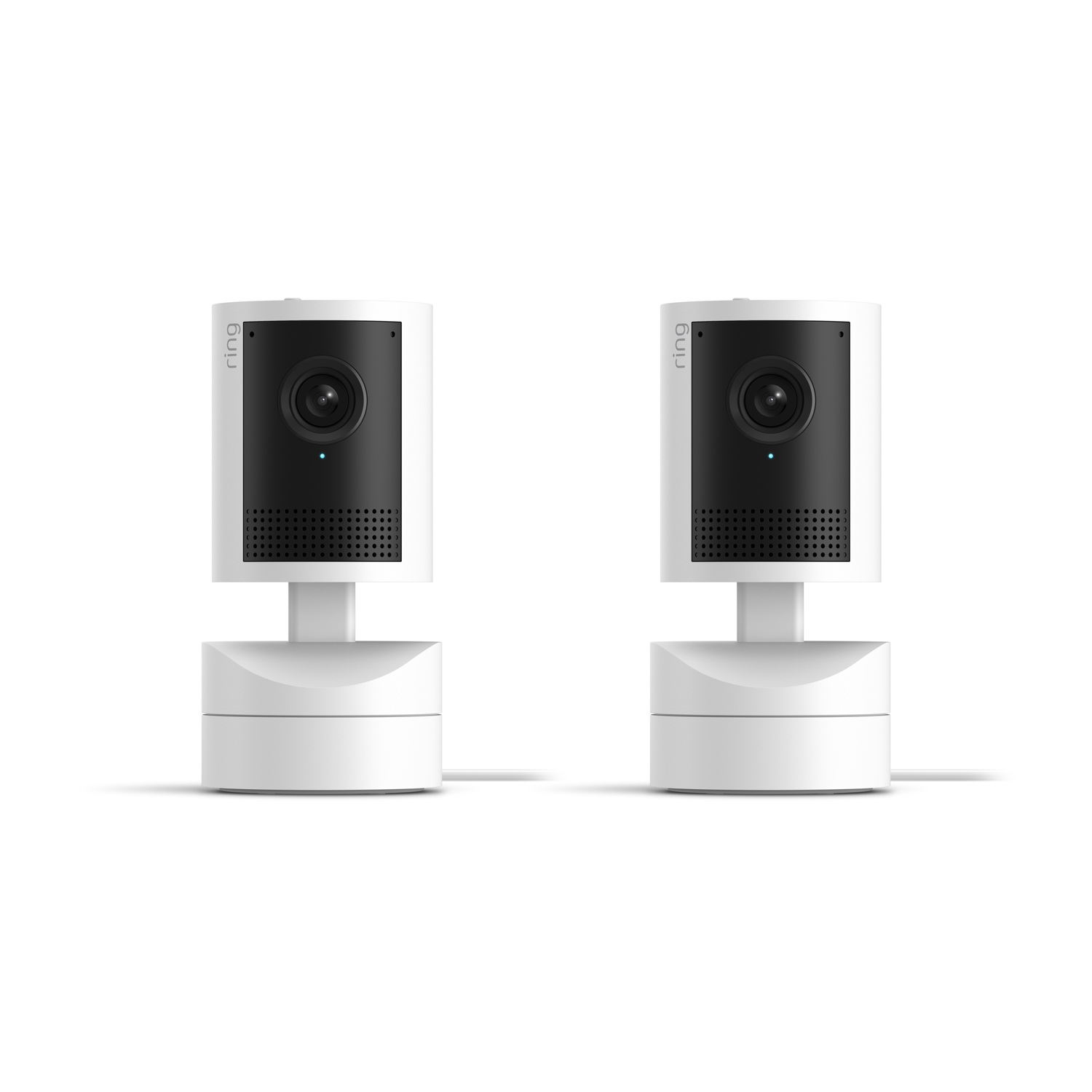
Drone Cam - Gray Ring Drone Cam hovering above its white Ring charging dock with a glowing blue light, on a white background.
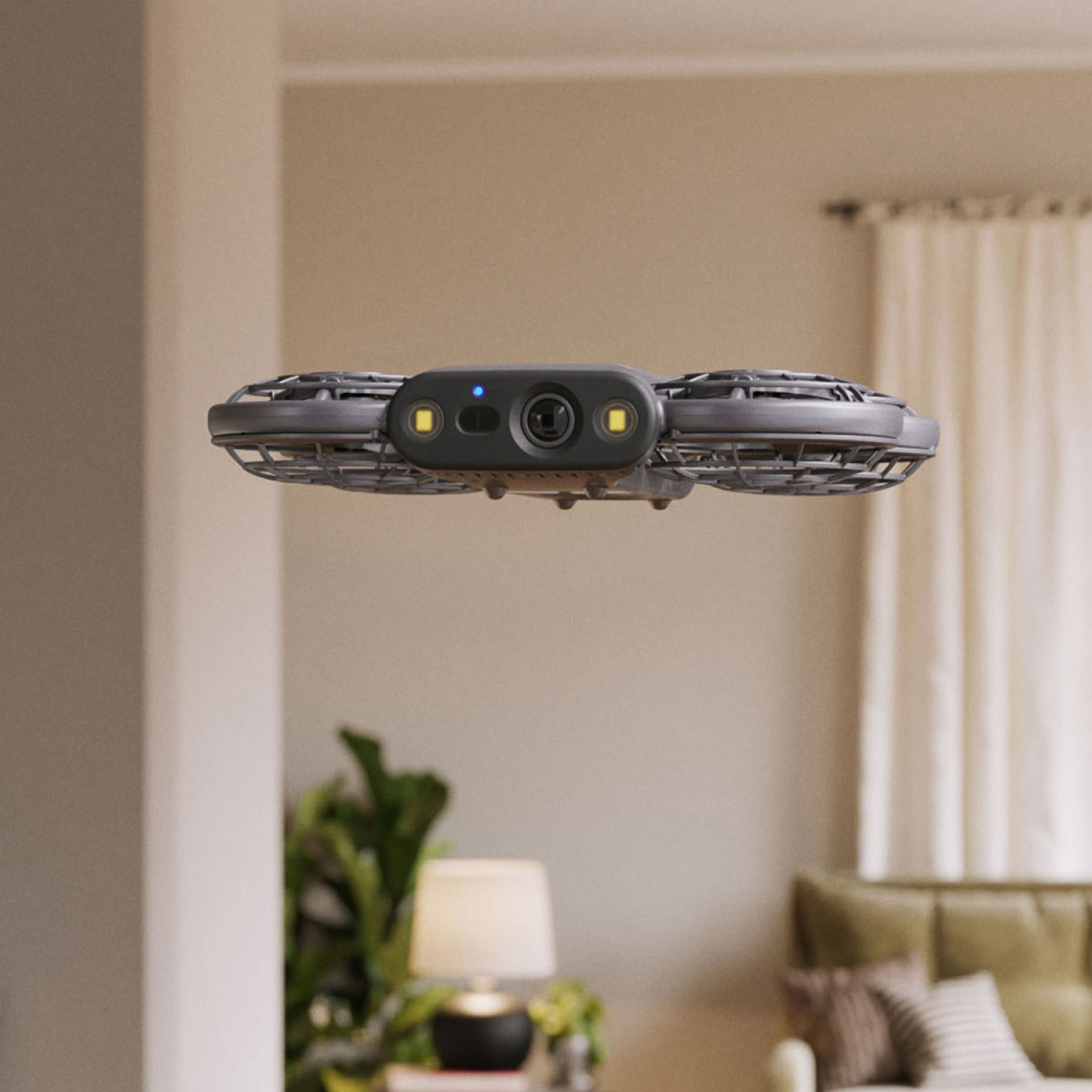
Drone Cam - Close-up of gray Ring Drone Cam in flight indoors, showing its camera lens and two LED lights, with a living room in soft focus behind it.
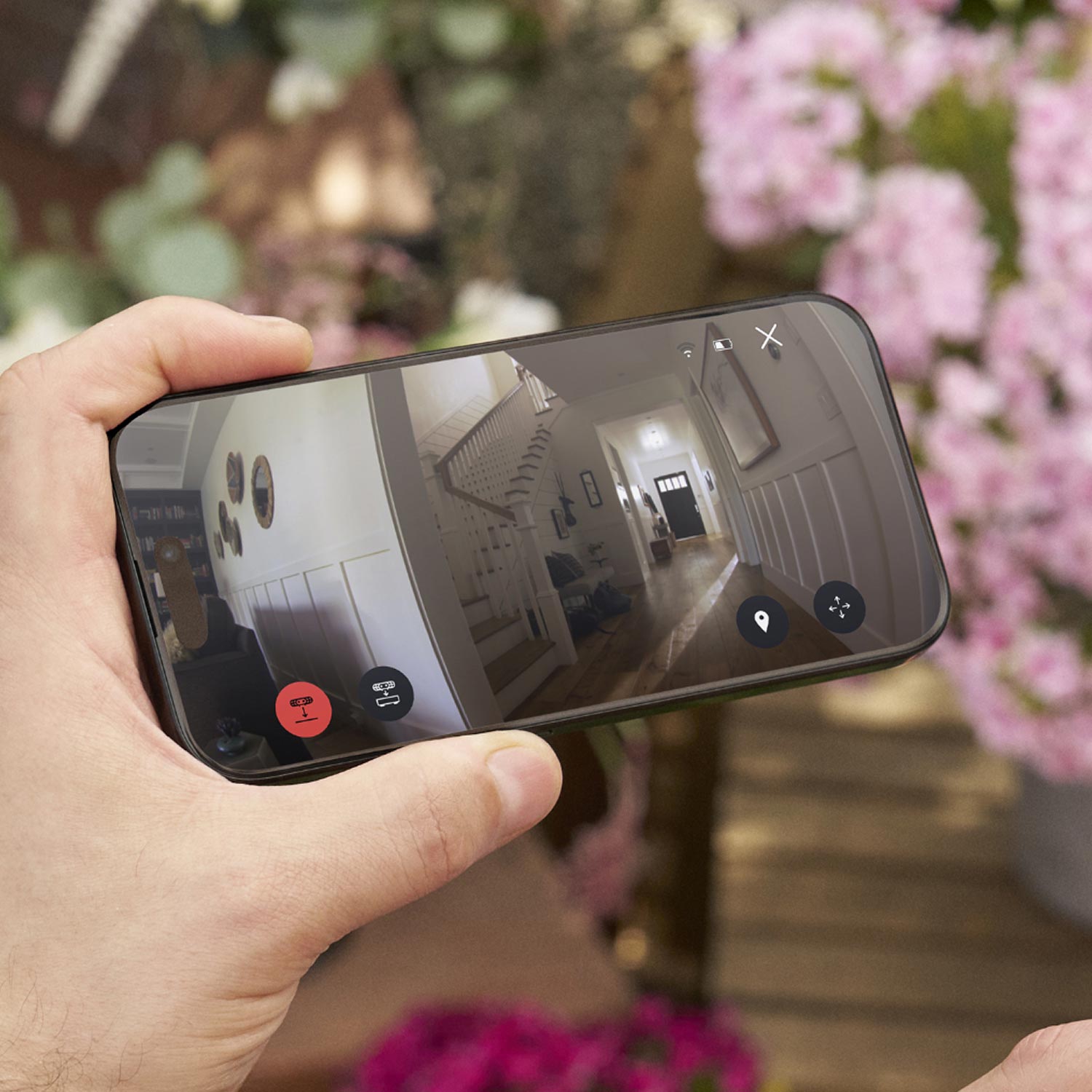
Drone Cam - Hand holding a smartphone showing a Ring app live view of a home's entryway and staircase, with flight controls on screen.
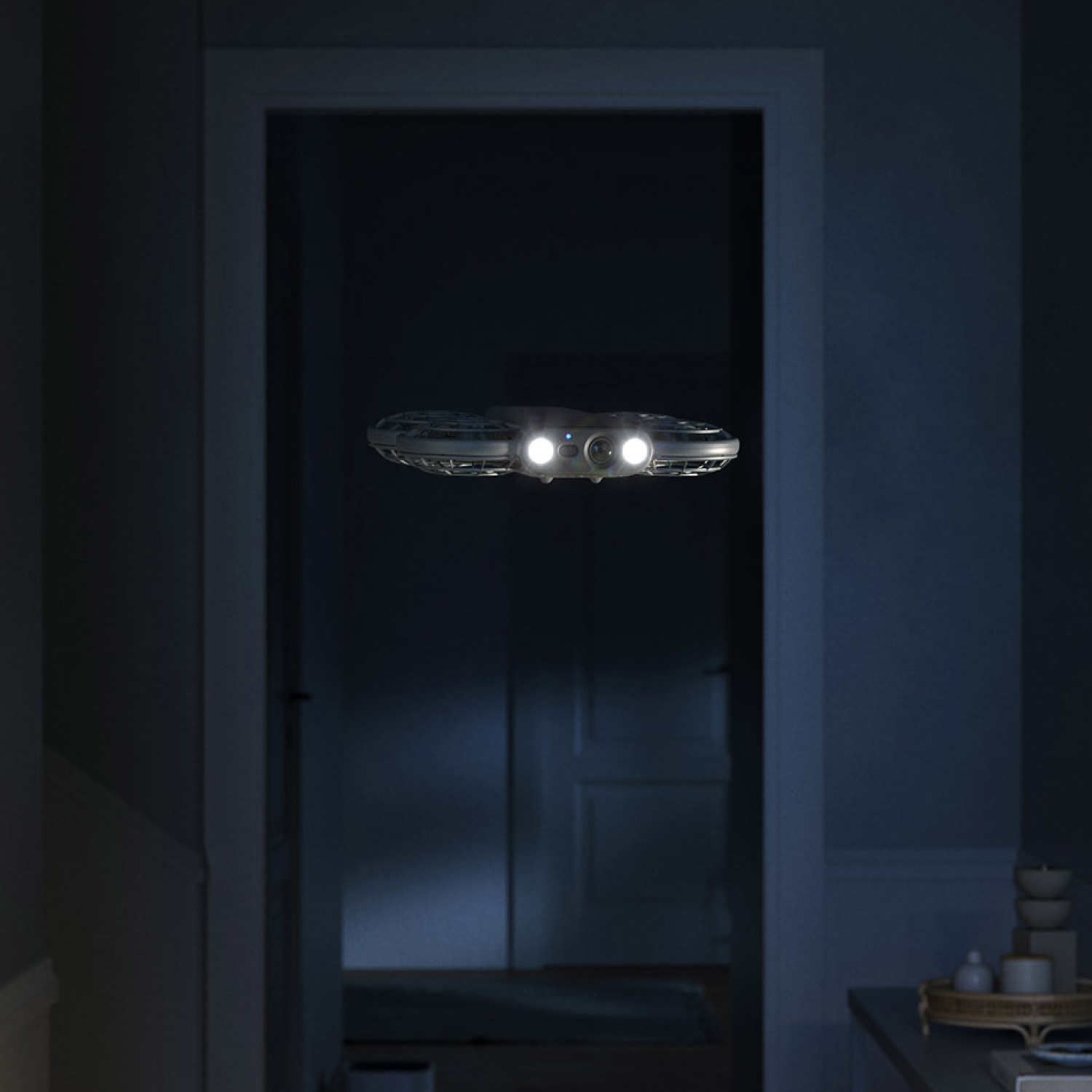
Drone Cam - Ring Drone Cam flying through a dark hallway at night with its two LED spotlights on.
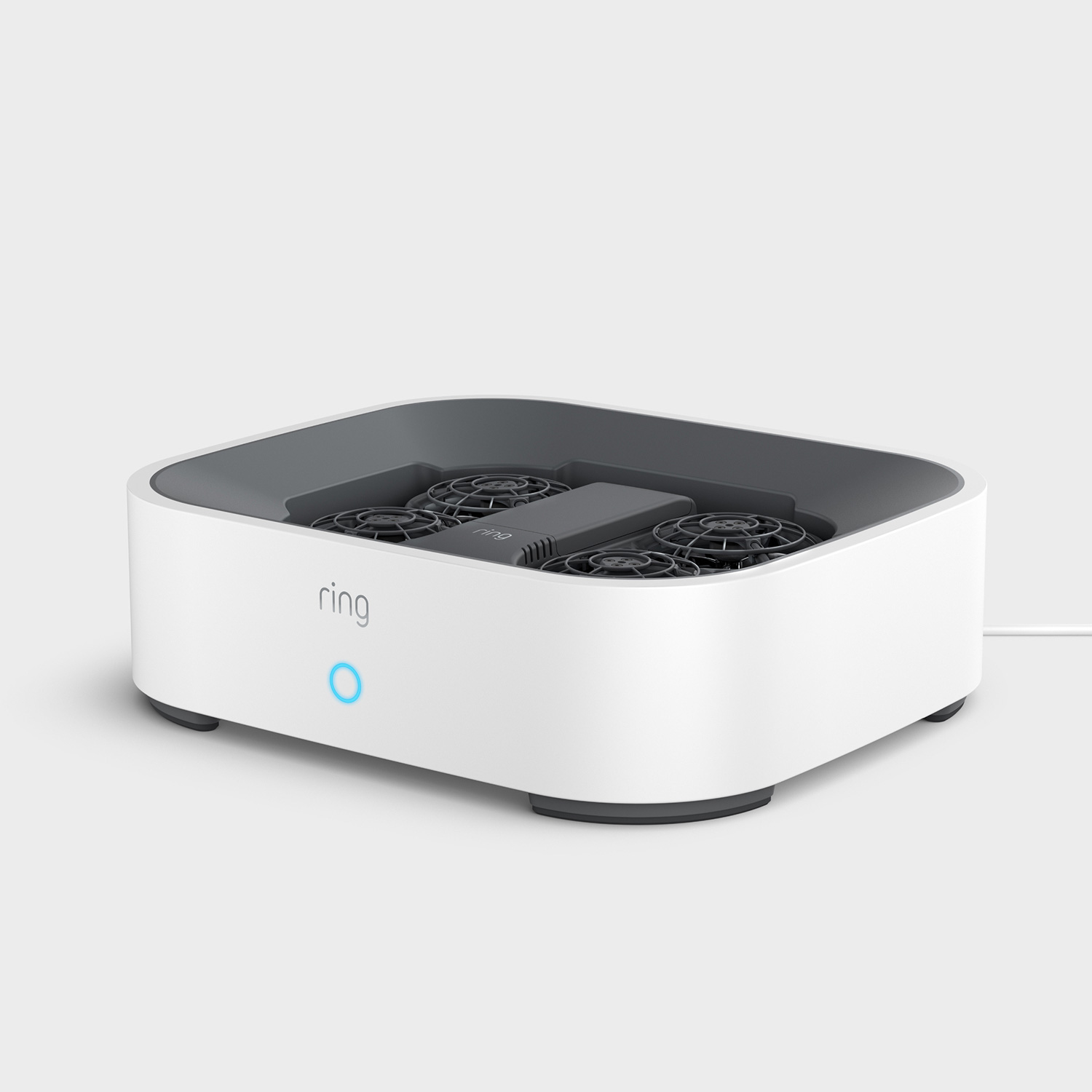
Drone Cam - Ring Drone Cam docked inside its white Ring charging station, on a light gray background.
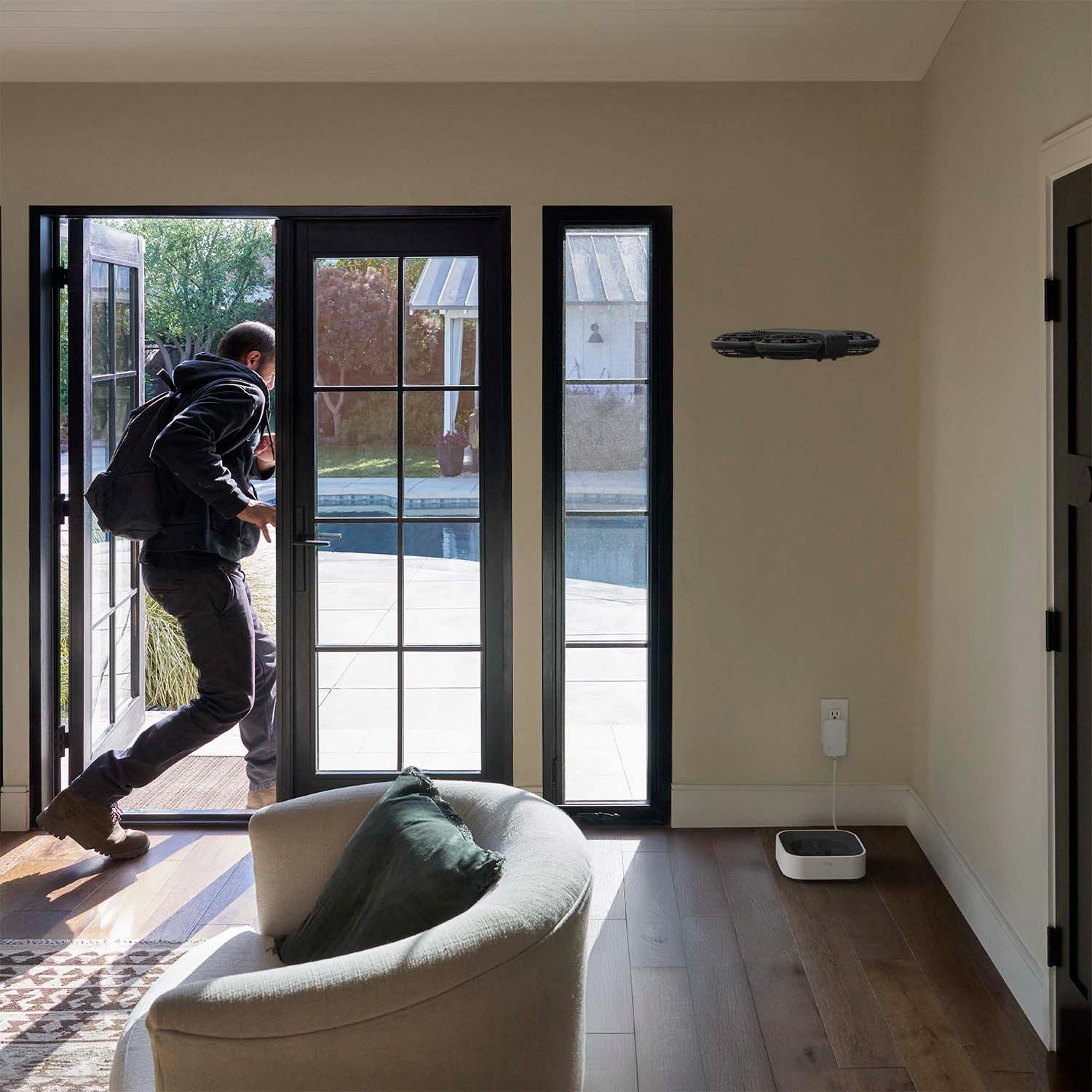
Drone Cam - Ring Drone Cam flying inside a living room near its charging dock as a person in a dark hoodie exits through open patio doors.
Drone Cam - Gray Ring Drone Cam hovering above its white Ring charging dock with a glowing blue light, on a white background.
New
DIY Install

Drone Cam

undefined out of 5 stars

$249.99
Affirm Icon See if you qualify.

Does not ship to Canada.

Show More
Home Patrol Icon

Custom Patrol Routes

Linked Devices Icon

Linked Devices

Audio Video Privacy Icon

Privacy in Mind

Close Icon
Play Icon
Ring Drone Cam flying through a home's hallway with its two LED spotlights on.

Home security takes flight.

With just one device, you can see more of your home. Fly room to room, customize viewpoints, and enjoy complete privacy when docked. Bet your camera can’t do that.

Hand holding a smartphone showing a Ring app live view of a home's entryway and staircase, with flight controls on screen.

See it all in real-time.

Fly close and inspect areas of interest, zoom in for extra detail, and watch entire patrol routes right from the Ring app.

Ring Drone Cam flying through a dark hallway at night with its two LED spotlights on.

Peace of mind at all hours.

Day time. Night time. Any time. Drone Cam is equipped with powerful LED spotlights that make light work of dark rooms and low-visibility areas.

Hands holding a smartphone showing a Ring app floor map of a home's main floor, with numbered patrol stops in the kitchen and bedroom.

Create custom patrol routes.

Fly on custom routes unique to your space. Schedule flight times,2 routes, and frequency or launch Drone Cam yourself right from the Ring app.

Ring Drone Cam docked inside its white Ring charging station, on a light gray background.

Privacy in mind.

Enjoy privacy when docked. Ring Drone Cam stops recording once it returns to the docking station, so you get peace of mind when it’s not in use.

Complete control
from the Ring app.

See, control, and do it all from the palm
of your hand with the free Ring app.

Ring app Control Center screen with Account Management and Account Verification settings.

Security & Privacy Control

Control Center allows you to view, control, and customize important security settings.

Ring app home dashboard showing a locked front door, lights status, and a live camera feed of a front yard.

Connected Devices

Connect select Ring devices to see what’s happening and control them all from a single dashboard.

Ring app neighborhood map with local safety alert tags and a Neighbor post about a lost dog.

Safety Alerts

Stay connected to your community with real-time crime and safety alerts from your neighbors and local public safety agencies.

See more. Know more. Protect more.

Subscribe to a compatible Ring Protect Plan to rewatch moments you missed, view saved video, and more.

Blue icon of a cloud with a play button and a padlock, representing secure video storage.

Up to 180 Days of Video History

Save, share, and replay recorded videos of every doorbell ring, motion event, and Live View event for up to 180 days.3

Blue icon of a magnifying glass with sparkles, representing smart video search.

Video Search

Easily find specific moments in your camera’s recorded motion events without scrolling through your history.4

Blue icon of a house surrounded by circular arrows, representing scheduled patrols.

Scheduled Patrols

Set a patrol schedule to automatically fly at chosen times, frequencies, and routes.2

Tech Specs - Drone Cam

Size and Dimensions

Dimensions

Drone: 171.8x136.9x33.15mm
Dock: 270x233.5x78.3mm

Available Colors

Gray

Video

Video

2K (1920x1920)

Field of View

148° horizontal, 148° vertical

Power and Connectivity

Power

Built-in rechargeable battery with included charging dock. Charging dock includes a 120V-220V USB-C power adapter.

Internet Requirements

Recommended minimum upload speed of 5 Mbps for optimal performance. Video resolution may vary depending on internet bandwidth.

Connectivity

Dual-band Wi-Fi 2.4GHz and 5GHz

Installation

Estimated Install Time

5 to 10 minutes

Operating Conditions

Indoor use only: 41°F to 95°F (5°C to 35°C)

Setup Requirement

Indoor flat surface for dock placement. Standard power outlet, Wi-Fi network, Ring App (iOS or Android)
Plug-in: Standard power outlet

General

Box Includes

Drone Cam
Charging Dock
2-meter Power Cable with Power Adapter
Quick Start Guide
Safety & Regulatory Documentation

Warranty

One-year limited warranty

Support

Click here to view more information on the Ring Drone Cam support page.

Ring Protect Plan

By purchasing, you authorize us to charge your default card or another card on file when you attach the subscription to a device. Learn more about subscription features and additional terms and conditions.

Security

Software Security Update

Learn more about these software security updates. If you already own this device, visit Software Security Updates in Ring Control Center for information specific to your device.

Frequently Asked Questions

How do I control my Ring Drone Cam?

Everything is controlled from the Ring app. You can send Ring Drone Cam:

  • To a room in your home.
  • To a viewpoint generated during mapping, or one you've created.
  • To a point on the map by tapping a spot on your home's map.
  • On a patrol route: launch it yourself, or schedule it (subscription required).

How long can Ring Drone Cam fly?

Up to 8 minutes per flight. When the flight is over or the battery runs low, it flies back to its dock to recharge.

What are custom viewpoints?

Viewpoints are saved spots in your space that Ring Drone Cam remembers so you see the same view every time you send it there. You can rename, move, or delete viewpoints anytime in the Ring app.

Does Ring Drone Cam record all the time?

No. Ring Drone Cam only records while it's flying.

Can Ring Drone Cam see in the dark?

Yes. Ring Drone Cam has powerful LED spotlights that light up dark rooms and hard-to-see areas while it flies. It doesn't use infrared night vision.

Does Ring Drone Cam have audio or two-way talk?

No. Ring Drone Cam doesn't have a microphone or speaker, so it doesn't record audio or support two-way talk.

Does Ring Drone Cam have a siren?

No. Ring Drone Cam doesn't have a siren.

Can Ring Drone Cam be used outdoors?

No. Ring Drone Cam is designed for indoor use only, between 41°F and 95°F (5°C to 35°C).

Amazon Customer Reviews

Five-point star symbol for product reviews

global ratings

Reviews with images

See all images

Previous

Customer reviews

Sort by
Filter by

This product has no reviews yet

1Up to 8 minutes of flight time tested with a new, fully-charged battery under controlled conditions. Actual flight time will vary based on environment, usage, and battery condition. Battery performance naturally decreases over time with usage.
2Compatible Ring subscription required for scheduled patrols.
3Compatible Ring subscription required. Your Ring motion event videos in the cloud are stored, up to 180 days from recording. Modifying your video storage duration affects only recordings created after the change is applied.
4Compatible Ring subscription required. Features not available for customers in Illinois due to state-specific legislation. Unusual Event Alerts, Video Descriptions, Single Event Alert, and Active Warnings availability limited to mobile devices with select primary languages. Unusual Event Alerts trains off Video Descriptions and may be impacted by the number of events and other device limitations. Learn More.

Your Cart ()

Subtotal:
Your cart is empty.

Added to cart

Undo

Close Icon

Your Cart

Close Icon
Professional Installation Icon
Professional Installation
Starts at $129.99 per device (billed separately). Book after checkout or use the link in your confirmation email. You’ll pay when you schedule.

Your Cart

Close Icon
Empty cart icon
Your cart is empty
Explore the latest deals and offers.
Close Icon