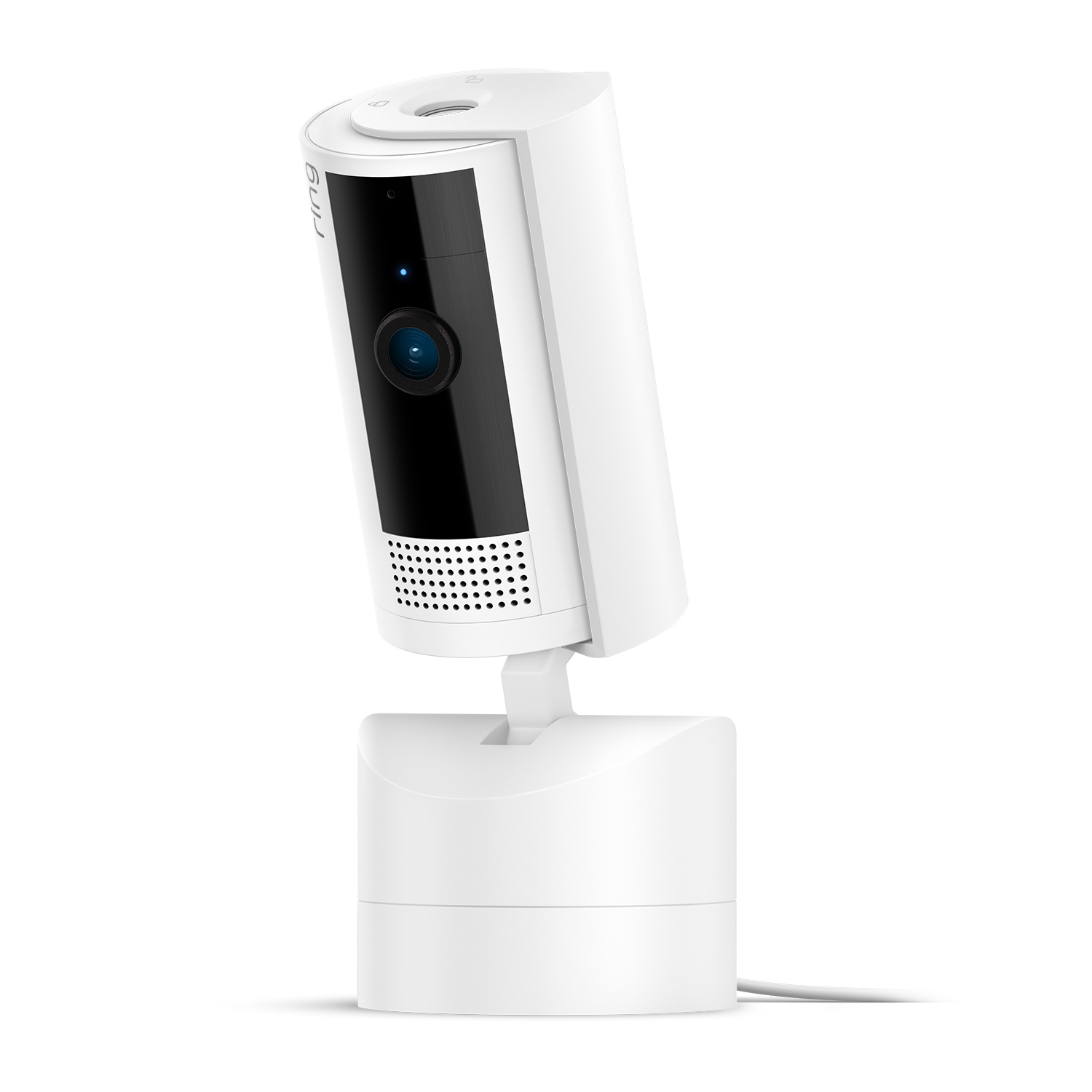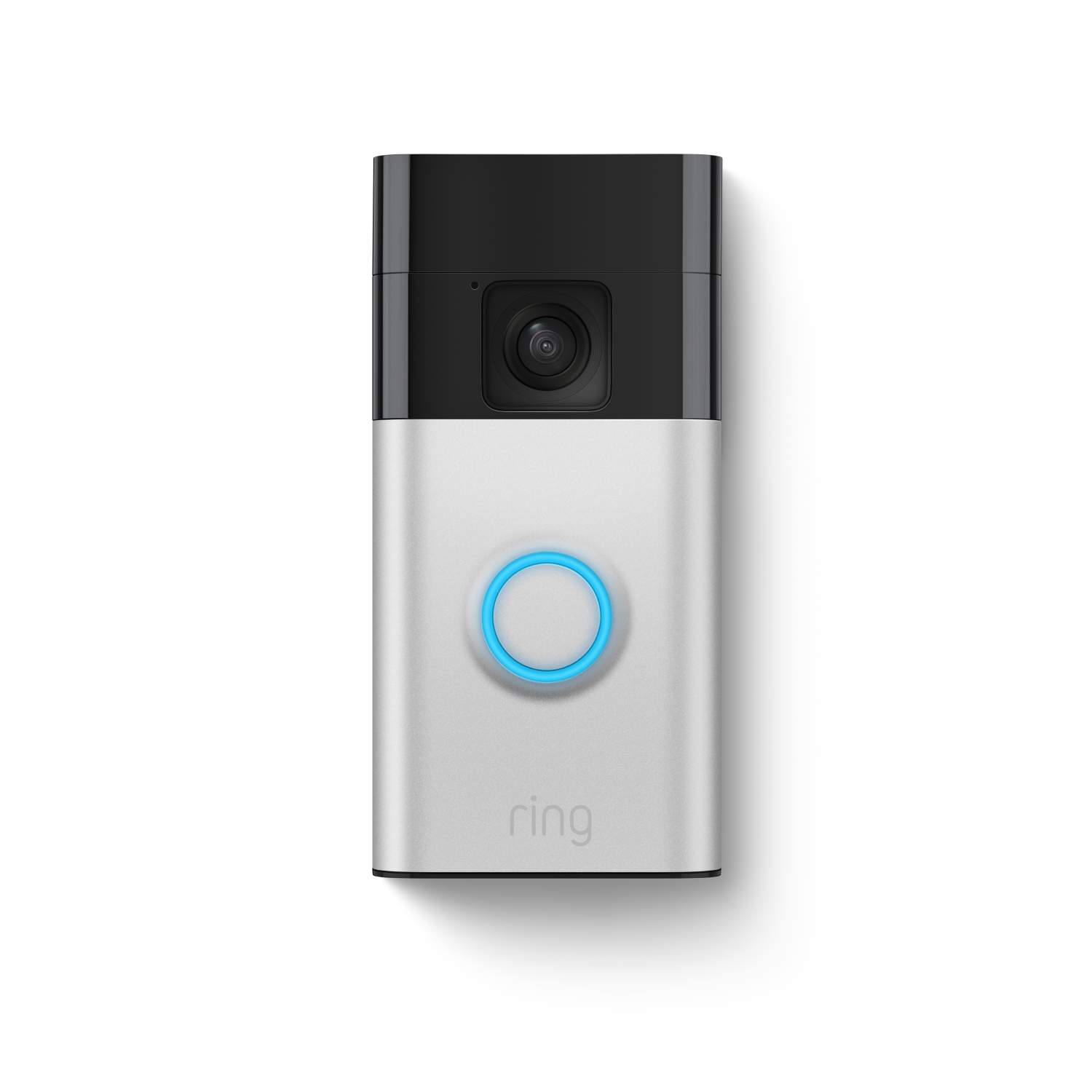
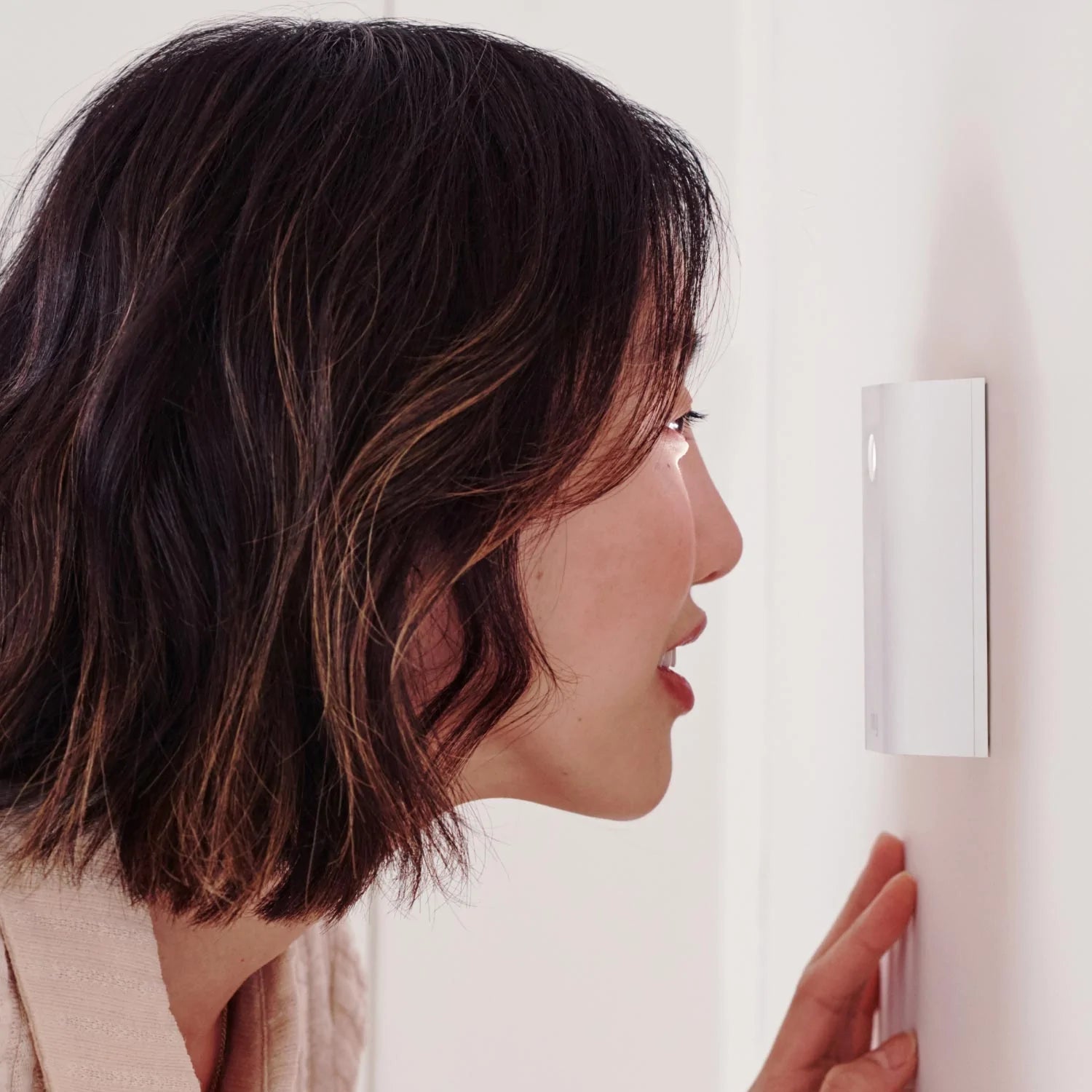
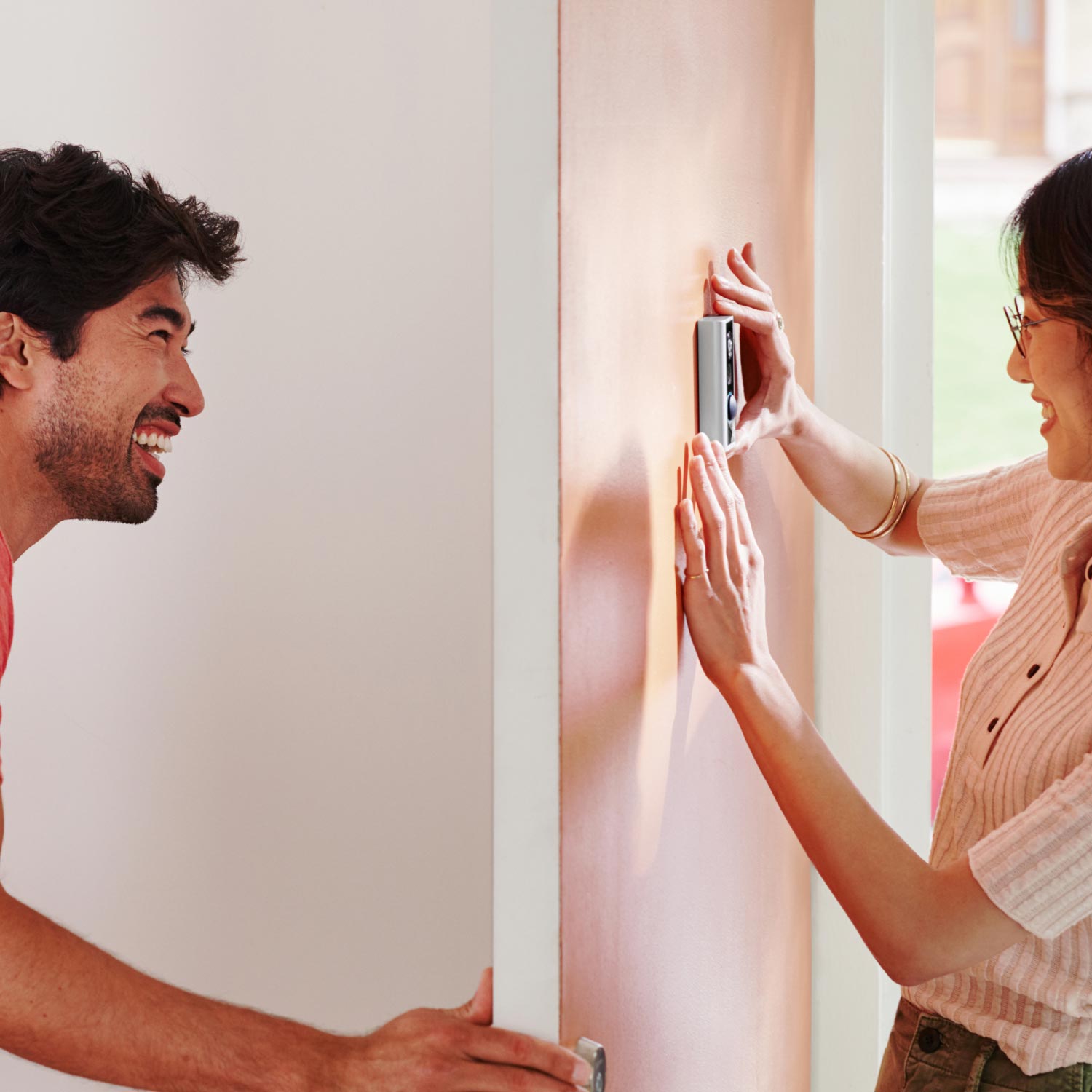
Peephole Cam Video Doorbell
How customer reviews and ratings work
Customer Reviews, including Product Star Ratings help customers to learn more about the product and decide whether it is the right product for them.
To calculate the overall star rating and percentage breakdown by star, Amazon doesn't use a simple average. Instead, Amazon's system considers things like how recent a review is and if the reviewer bought the item on Amazon. It also analyzed reviews to verify trustworthiness.
Learn more how customers reviews work on Amazon
$129.99
See if you qualify.- Ships to the U.S. (excluding Alaska and Hawaii) and Canada (excluding Pleasant Camp, British Columbia; Fort Severn, Ontario; Nain, Newfoundland and Labrador; Old Crow, Yukon; Kangiqsualujjuaq, Quebec; Ivujivik, Quebec; Bathurst Inlet, Nunavut; Sachs Harbour, Northwest Territories; Grise Fiord, Nunavut; and Alert, Nunavut).
By entering your email you are opting in to marketing communications from Ring. You can unsubscribe anytime.
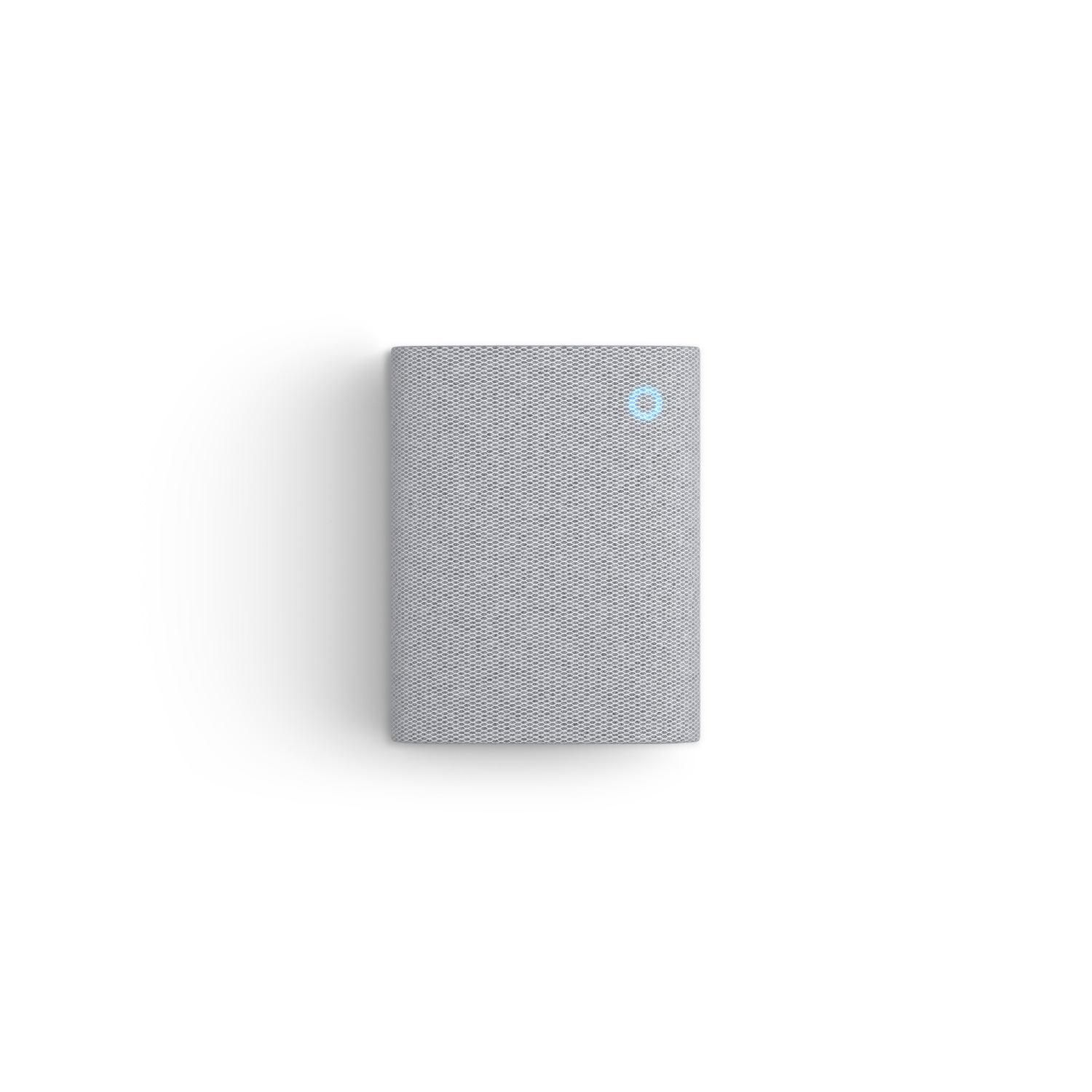
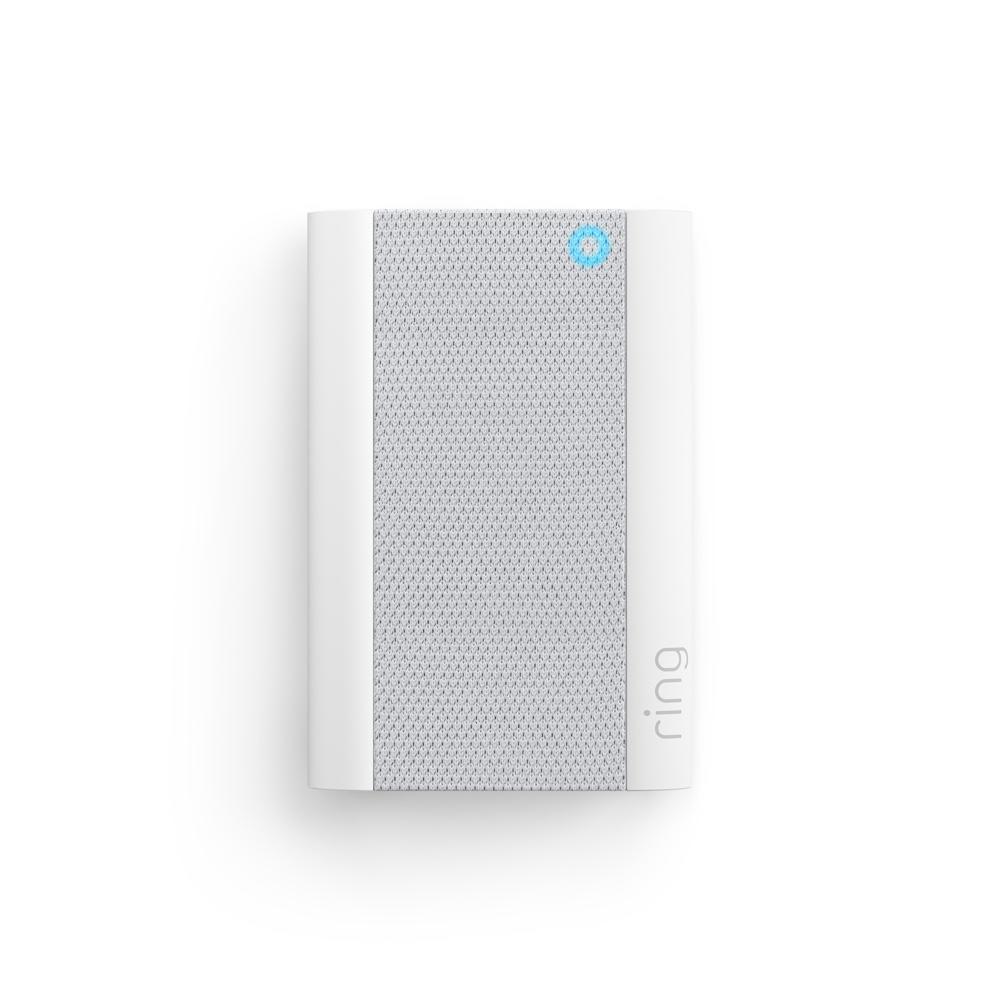
Chime
Plug it in and hear real-time doorbell and camera alerts from anywhere.
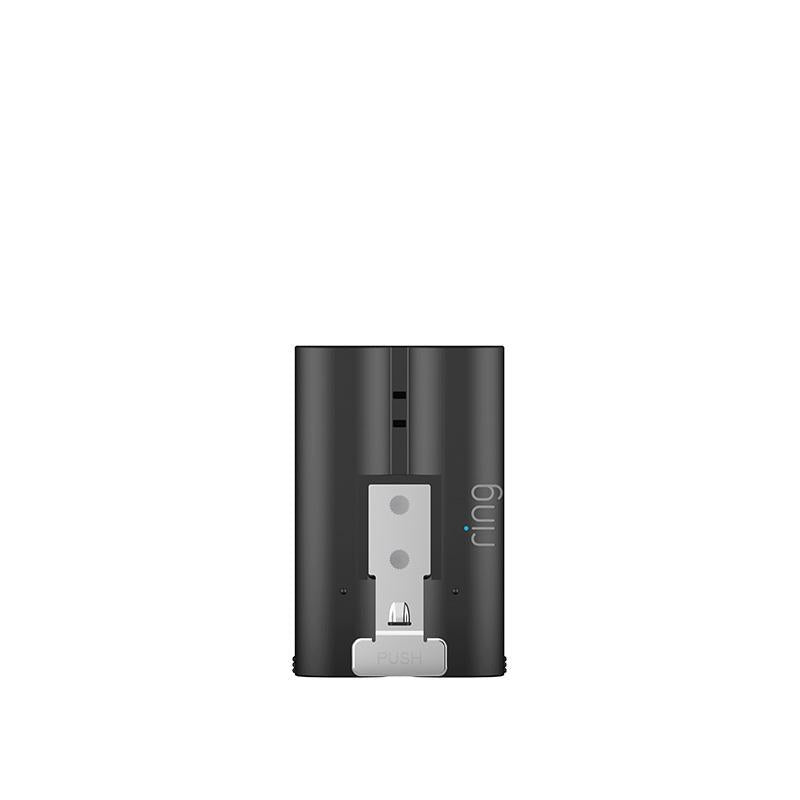
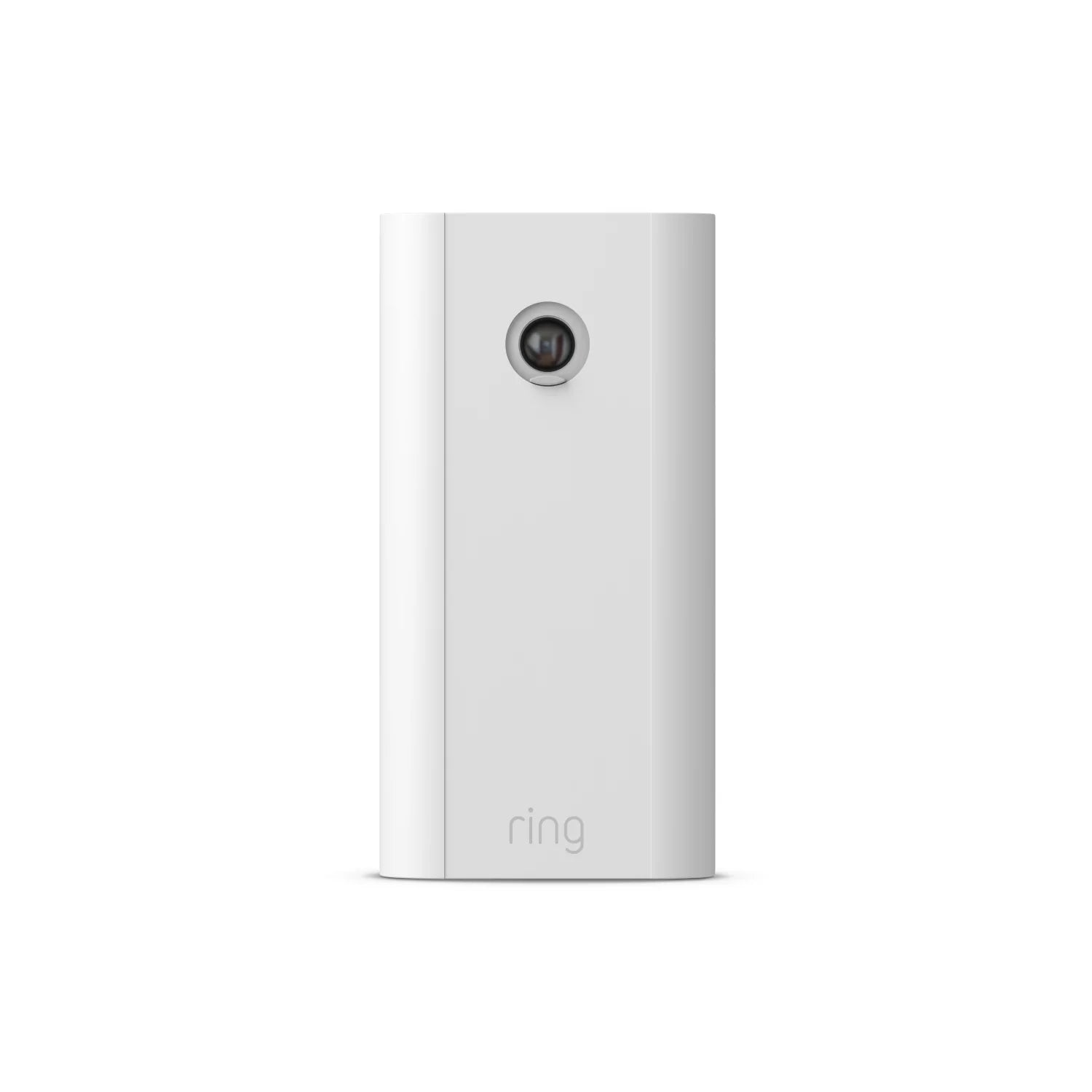
Quick Release Battery Pack
Have backup battery power ready to go.
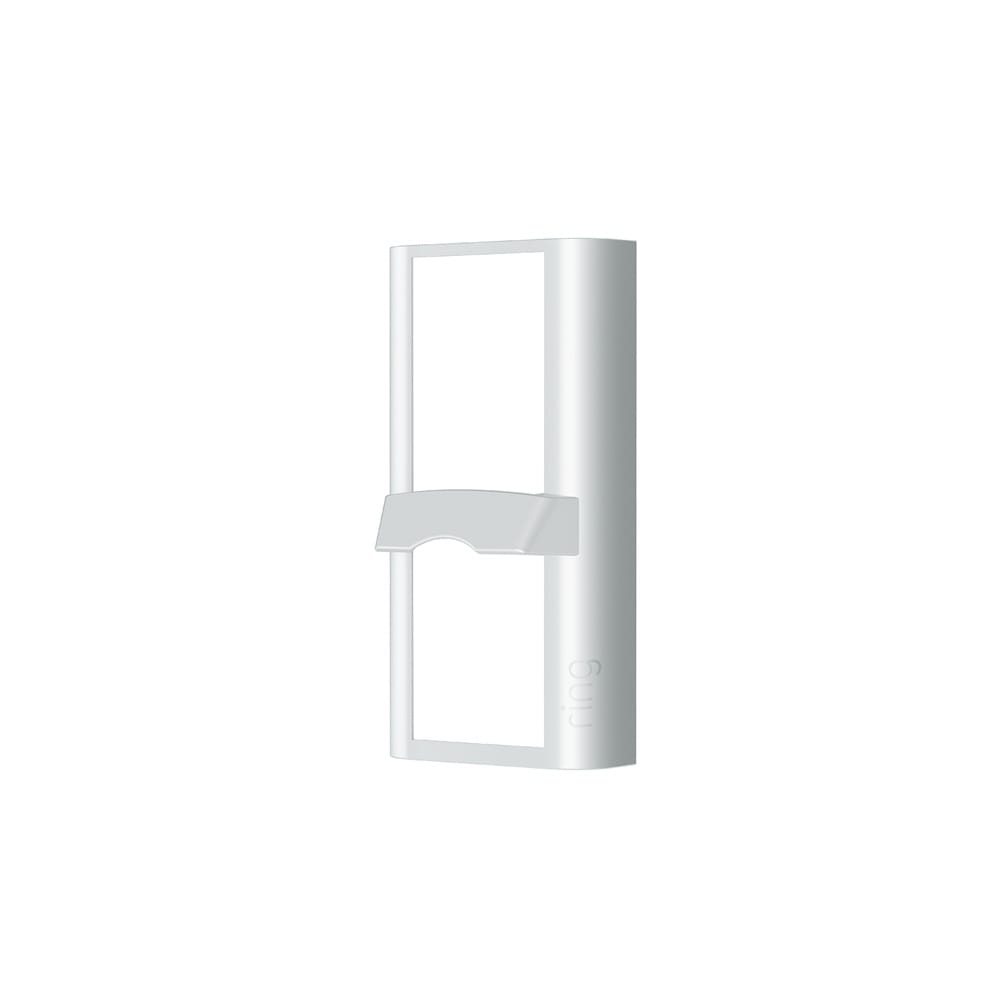
Package View Faceplate
View packages left at your doorstep from anywhere.
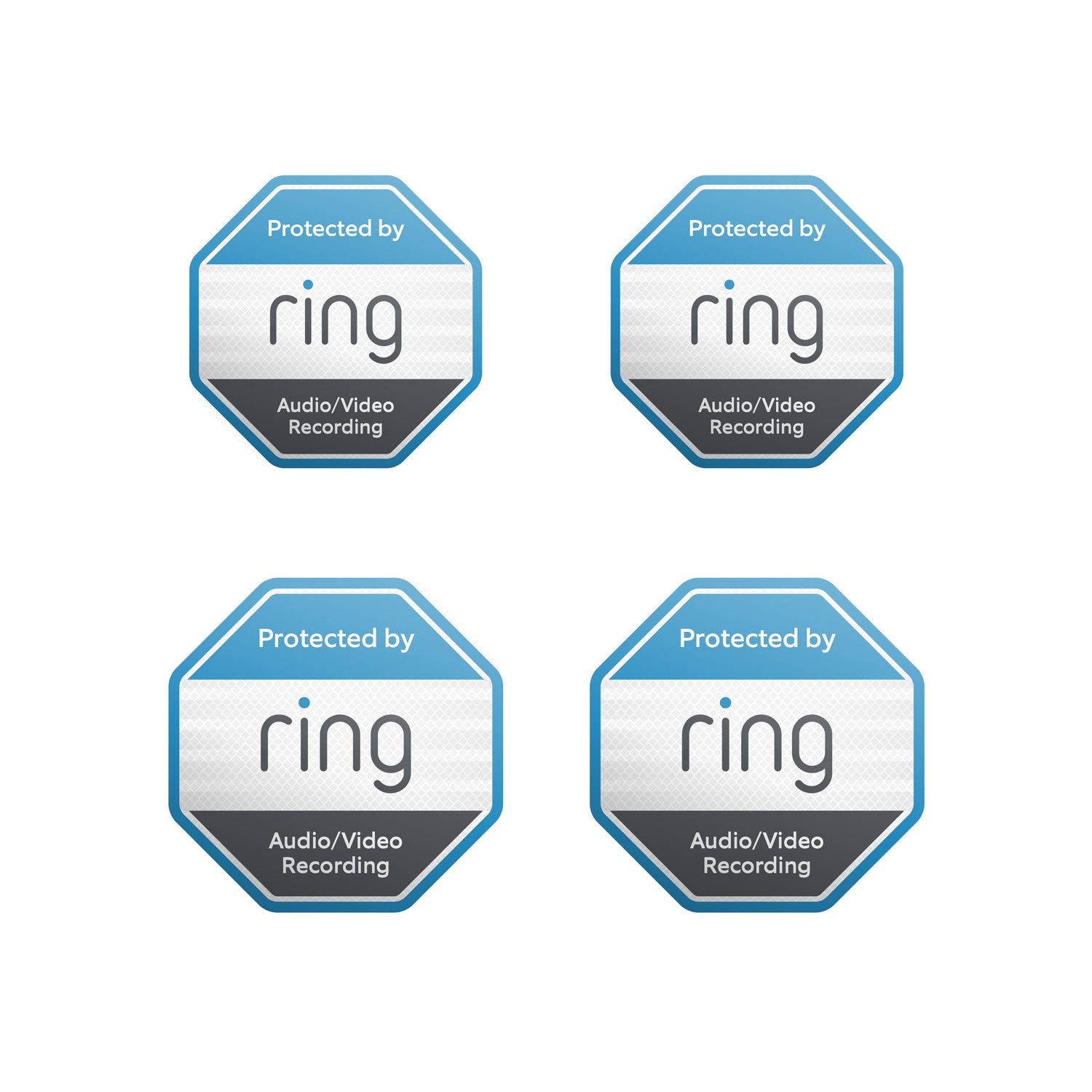
Reflective Security Stickers
Show everyone that you're protected with door and window stickers.
1080p HD Video & Two-Way Talk
Adjustable Motion Zones
Knock Detection
Quick Release Battery Pack
Customizable Privacy Settings
Works
With Alexa

Installs in minutes.

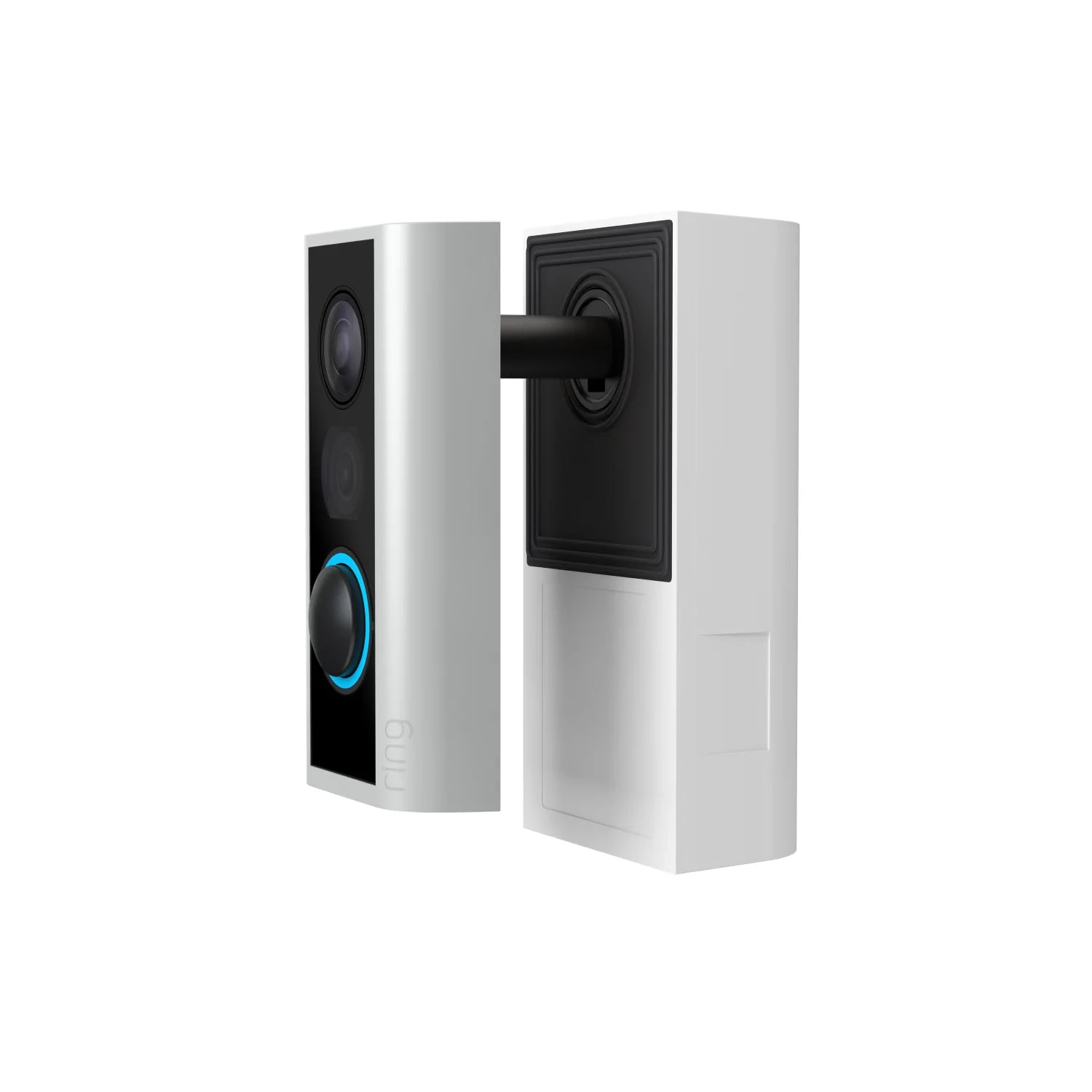
Unscrew and remove the existing peephole on your door with the included tool.

Place the camera on the outside and connect it with the rear section on the inside.

Insert the rechargeable battery and snap the cover onto the rear section. Now you’re ready to protect.
Stay in the know from anywhere.
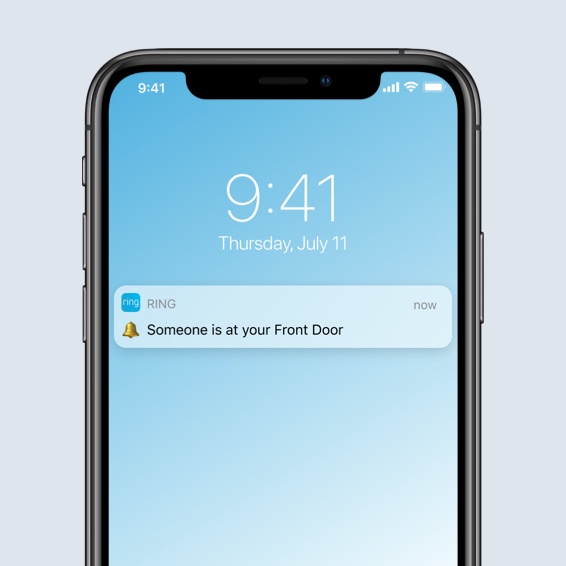
Always know who’s coming and going, and greet visitors right from your phone or tablet. Get notified when a courier walks up and let them know where to place your packages. Send away unwanted guests while you’re at home or on the go with Two-Way Talk in the Ring app.




See more. Know more. Protect more.
Subscribe to a compatible Protect Plan to rewatch moments you missed, unlock advanced AI recognition, get emergency monitoring, and more. You'll only pay for what you need.
Learn More
-
![Graphic phone frame with 2 image overlay of people at front door captured by video doorbell. Text reads 'March, April.']()
Up to 180 Days of Video History
Save, share and replay recorded videos of every doorbell ring, motion event, and Live View event for up to 180 days.4 -
![Ring app notification on a smartphone screen reads: 'A dog is tearing up paper towels on ther rug,' in a descriptive alert.]()
AI Video Descriptions
Get more details, faster, with AI-powered text descriptions that explain what triggered a motion alert — no need to open the Ring app.5 -
![Ring app alert on a phone reads: “Amanda at Pathway. A person holding a brown and white dog on the pathway.”]()
Familiar FacesBeta
Easily tag your family and friends in the Ring app so your 2K and 4K cameras can notify you when someone is spotted.6 -
![Graphic phone frame showing doorbell calls interface. Text reads “Ring app, front door]()
Doorbell Calls
Get attention-grabbing alerts that look like calls when someone presses your doorbell.





Tech Specs
Size and Color
Indoors: 2.26 in x 4.40 in x 1.16 in (57.4 mm x 112 mm x 29.5 mm)
Outdoors: 1.85 in x 3.83 in x 0.78 in (47 mm x 97.3 mm x 19.8 mm)
Features
1080p HD with 155° Field of View
Adjustable Motion Zones
155° horizontal, 90° vertical
Two-Way Talk with Noise Cancellation
Illuminates and sends announcements to Echo devices when visitors press your doorbell button or motion is detected, and lets you see, hear, and speak to visitors with select Echo and Fire TV devices.
Power and Connectivity
Removable, rechargeable Quick Release Battery Pack (included)
Recommended minimum upload speed of 2 Mbps per device
802.11 b/g/n wifi connection @ 2.4GHz
Installation
5 minutes
Indoors: 32°F to 104°F (0°C to 40°C)
Outdoors: -5°F to 120°F (-20.5°C to 48.5°C)
Compatible Door Thickness: ~1.3 in to ~2.2 in (34 mm to 55 mm)
Compatible Peephole Diameter: 1/2 in to 9/16 in (12 mm to 14 mm)
No obstructions near peephole (such as a door knocker or mail slot)
General
Peephole Cam
Quick Release Battery Pack
Legal Insert
USB Charging Cable
Installation Tools and Hardware
User Manual
Security Sticker
Security
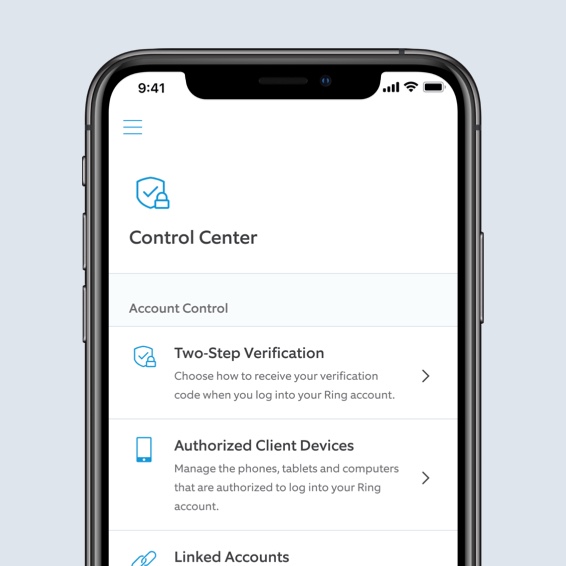
Learn more about these software security updates. If you already own this device, visit Software Security Updates in Ring Control Center for information specific to your device.
Frequently Asked Questions
What is Peephole Cam?
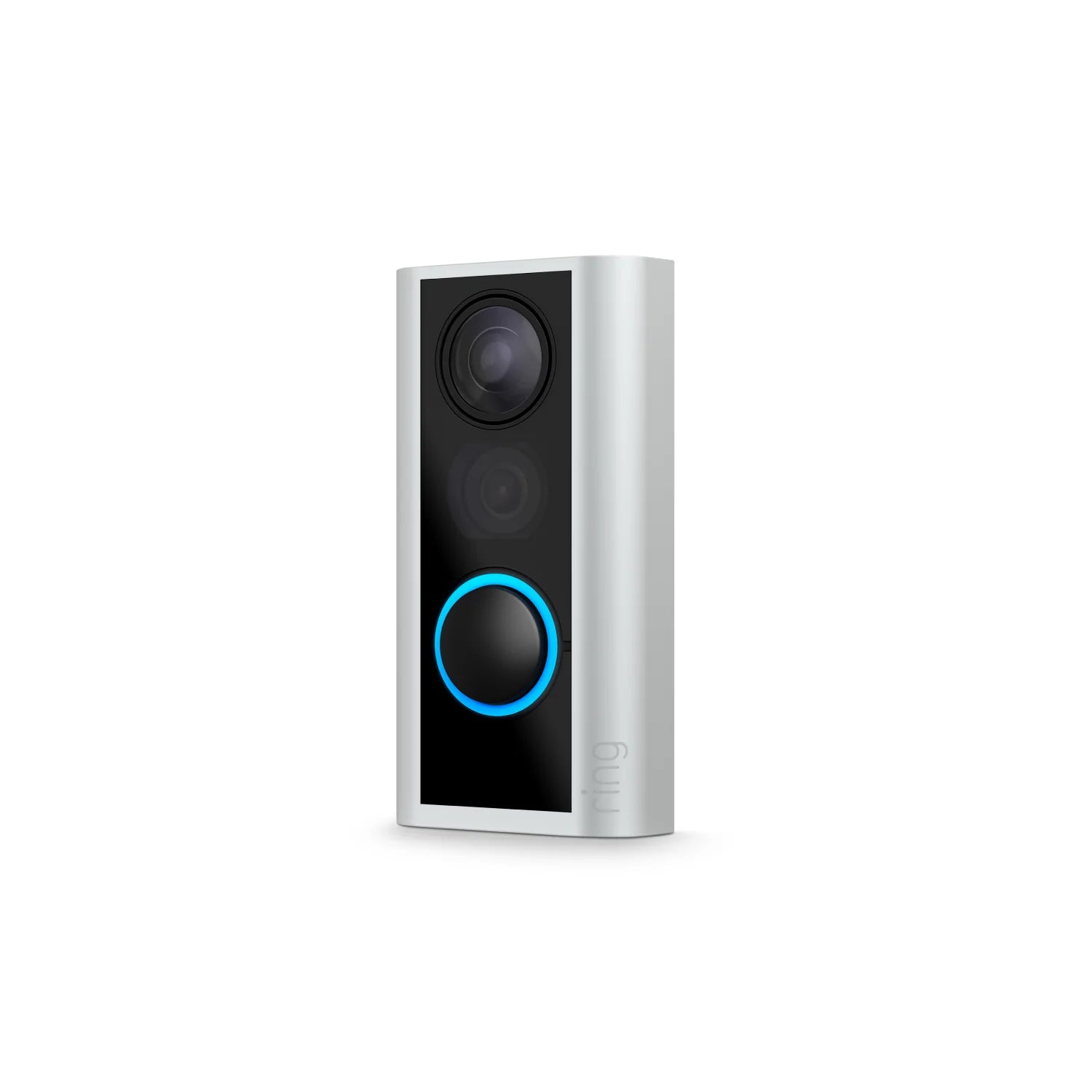
Peephole Cam is our latest video doorbell that lets you answer the door from anywhere. It sends real-time notifications to your phone and tablet whenever anyone knocks on your door, triggers the built-in motion sensors or presses the doorbell button. Answer the notification and you can see, hear and speak to people at your door from anywhere.
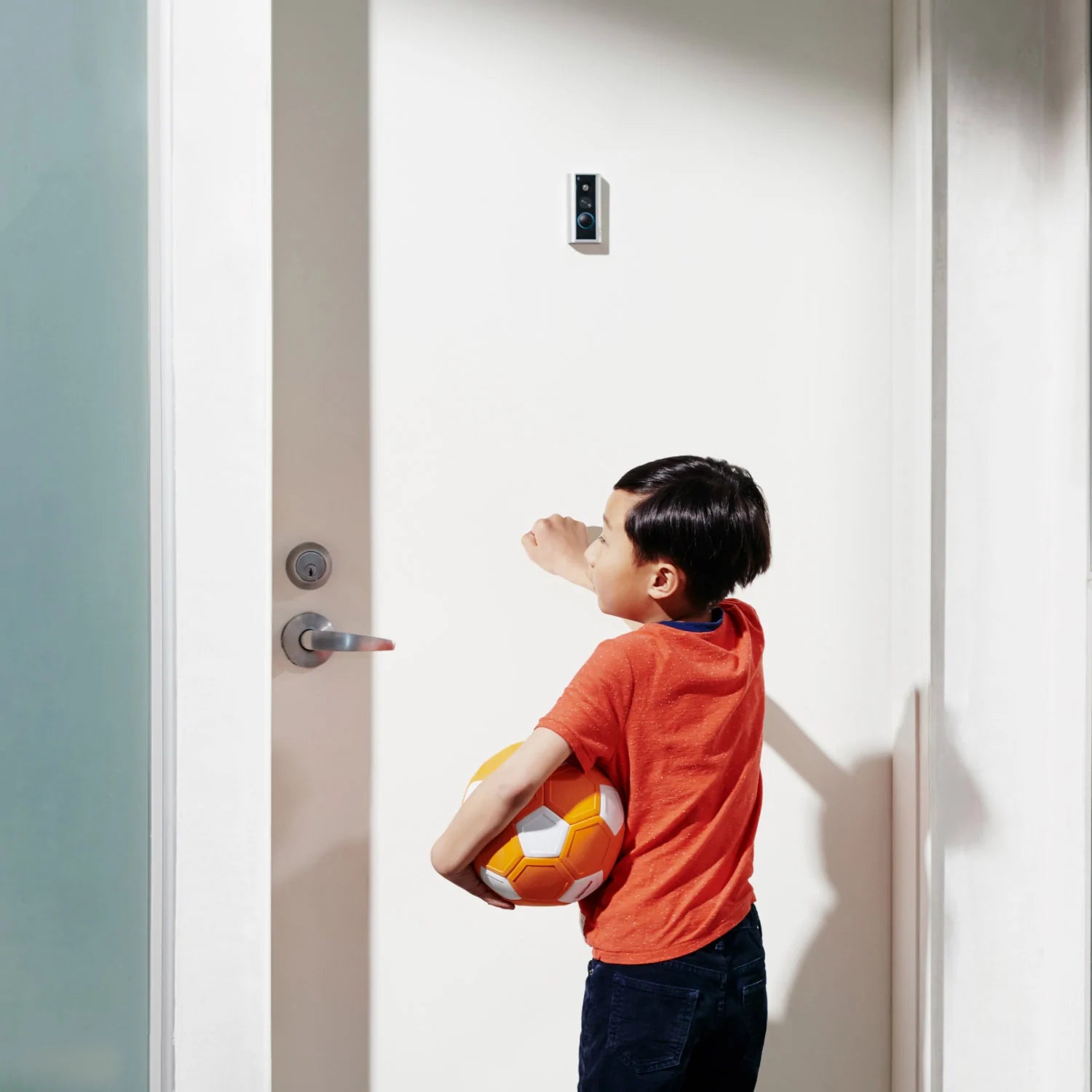
The main difference between Peephole Cam and other Ring Video Doorbells is its placement. Unlike other Video Doorbells, Peephole Cam is installed directly on your door by replacing its peephole.
Where does the Peephole Cam ship to?
Ships to the U.S. (excluding Alaska and Hawaii) and Canada (excluding certain areas)
This product can’t be shipped to Pleasant Camp, British Columbia; Fort Severn, Ontario; Nain, Newfoundland and Labrador; Old Crow, Yukon; Kangiqsualujjuaq, Quebec; Ivujivik, Quebec; Bathurst Inlet, Nunavut; Sachs Harbour, Northwest Territories; Grise Fiord, Nunavut; or Alert, Nunavut.
If I install Peephole Cam, will I lose access to my existing peephole?
No. Peephole Cam also has a built-in peephole with a privacy shield, so you can look outside without using the camera while preventing others from looking inside your home.
Do I need an existing peephole to install Peephole Cam?
Yes. Peephole Cam replaces the peephole on your door, so a peephole is required to begin installation. Peephole Cam is compatible only with standard size peepholes 1/2 in to 9/16 in (12 mm to 14 mm) and door thickness ranging from ~1.3 in to ~2.2 in (34 mm to 55 mm).
How does Peephole Cam stay powered?
Peephole Cam comes with a removable, rechargeable Quick Release Battery Pack that lets you charge the battery without moving the device. To recharge Peephole Cam, simply press the button on the battery pack to release it from the camera, then plug it into a micro-USB cord until fully charged. Slide the battery back into place once it’s charged, and you’re ready to protect your home with Peephole Cam.
Can I install Peephole Cam on my apartment or condo door?
Peephole Cam is designed to easily replace your peephole, making it a great solution for apartment renters and condo owners. If you ever need to move, you can easily remove your Peephole Cam and replace it with the existing peephole, so your landlord and HOAs don’t have to worry about permanent home alterations. As always, be sure to get permission from your building management or homeowners’ association before making improvements to your home security.
Do I need to get permission from anybody to use Peephole Cam?
As always, it’s your responsibility to comply with local laws and community rules. Depending on where you live and the layout of your home, you may need to get permission from your neighbors, building owners, property managers, housing associations, etc., as the case may be. We encourage you to use the security stickers we provide in the box so your neighbors are aware that audio/video surveillance is taking place on the premises.
We also recommend that you be mindful of your Peephole Cam’s field of view and the features you are using. For instance, you can adjust motion zones in order to control what areas you want Peephole Cam to detect motion events. When necessary, use the audio toggle to disable audio recording and create privacy zones to limit what gets recorded in your camera's field of view if your Peephole Cam is covered by a Ring Home Plan, sold separately.
Is Peephole Cam weather-resistant?
Yes. Peephole Cam is weather-resistant and can withstand temperatures as low as -5°F (0°C) and as high as 120°F (40°C), so you can place it on most doors that face the outside without worrying about the elements.
Is Peephole Cam compatible with Alexa-enabled devices?
Yes. Peephole Cam is compatible with select Echo and Fire TV devices as well as Alexa-enabled tablets. When connected to a compatible Alexa-enabled device, you can hear notifications from Peephole Cam, answer the door with your voice, use Live View to check in on home, and speak to people on your property with two-way talk.
What are privacy zones?
Privacy zones are a feature that help you protect your neighbors’ privacy by excluding selected areas in the camera's field of view from Live View, video recording, and photo capture. If you activate privacy zones, the areas they cover will be blacked out to help protect your neighbors’ privacy. You can create distinct privacy zones from within the Ring app.
See this article to learn more about privacy zones.
Do I need a Ring Protect subscription to use Peephole Cam?
While Peephole Cam works great without a subscription, a Ring Protect Plan unlocks additional features like 180-day video history, Package Alerts, Doorbell Calls, and advanced security features.
A free 30-day trial of Ring Protect is included with any Ring Doorbell purchase unless you are already have a subscription at the same location. You may subscribe to a Ring Protect Plan at any time during your trial, and you won’t be charged for your subscription until after your trial ends.
Click here to learn more about Ring Protect.
What is the field of view for Peephole Cam?
Peephole Cam has a 155° vertical field of view and a 90° horizontal field of view that lets you see visitors at your door. Keep in mind, however, that the height and placement of your peephole may affect the viewing area of your device. In some cases, you may not be able to see the ground directly in front of your door, which may prevent you from seeing some packages that are left at your doorstep.
Amazon Customer Reviews
How customer reviews and ratings work
Customer Reviews, including Product Star Ratings help customers to learn more about the product and decide whether it is the right product for them.
To calculate the overall star rating and percentage breakdown by star, Amazon doesn't use a simple average. Instead, Amazon's system considers things like how recent a review is and if the reviewer bought the item on Amazon. It also analyzed reviews to verify trustworthiness.
Learn more how customers reviews work on Amazon
1Free trial is not applicable for locations with an existing subscription. Your free trial begins as soon as you activate your Ring product.
2Compatible Ring subscription required to access and review the Quick Replies recordings.
3Compatible Ring subscription required. Your Ring motion event videos in the cloud are stored, up to 180 days from recording. Modifying your video storage duration affects only recordings created after the change is applied.
4Compatible Ring subscription required. Feature not available for customers in Illinois due to state-specific legislation. AI Video Descriptions availability limited to mobile devices with select primary languages.
5Compatible Ring subscription and select devices required. Familiar Faces is not available for customers in Illinois, Texas, Portland, Oregon, and Quebec due to specific legislation.
6Compatible Ring subscription required. Feature not available for customers in Illinois due to state-specific legislation. AI Single Event Alert availability limited to mobile devices with select primary languages.