Security Systems
Designed to deter. Ready to respond.
Help secure your home or business against break-ins, fire, flooding, and more, with Ring Alarm and Alarm accessories. Then, level-up your security with an eligible Ring Protect subscription , sold separately, to get 24/7 emergency support with Alarm Professional Monitoring.1

Security, right out of the box.
Sensors to Help Detect Threats
Know when windows open, detect unexpected motion or smoke, and more, with a variety of Alarm Sensors that send you real-time mobile alerts.
Add Ring Cameras. See What’s Happening
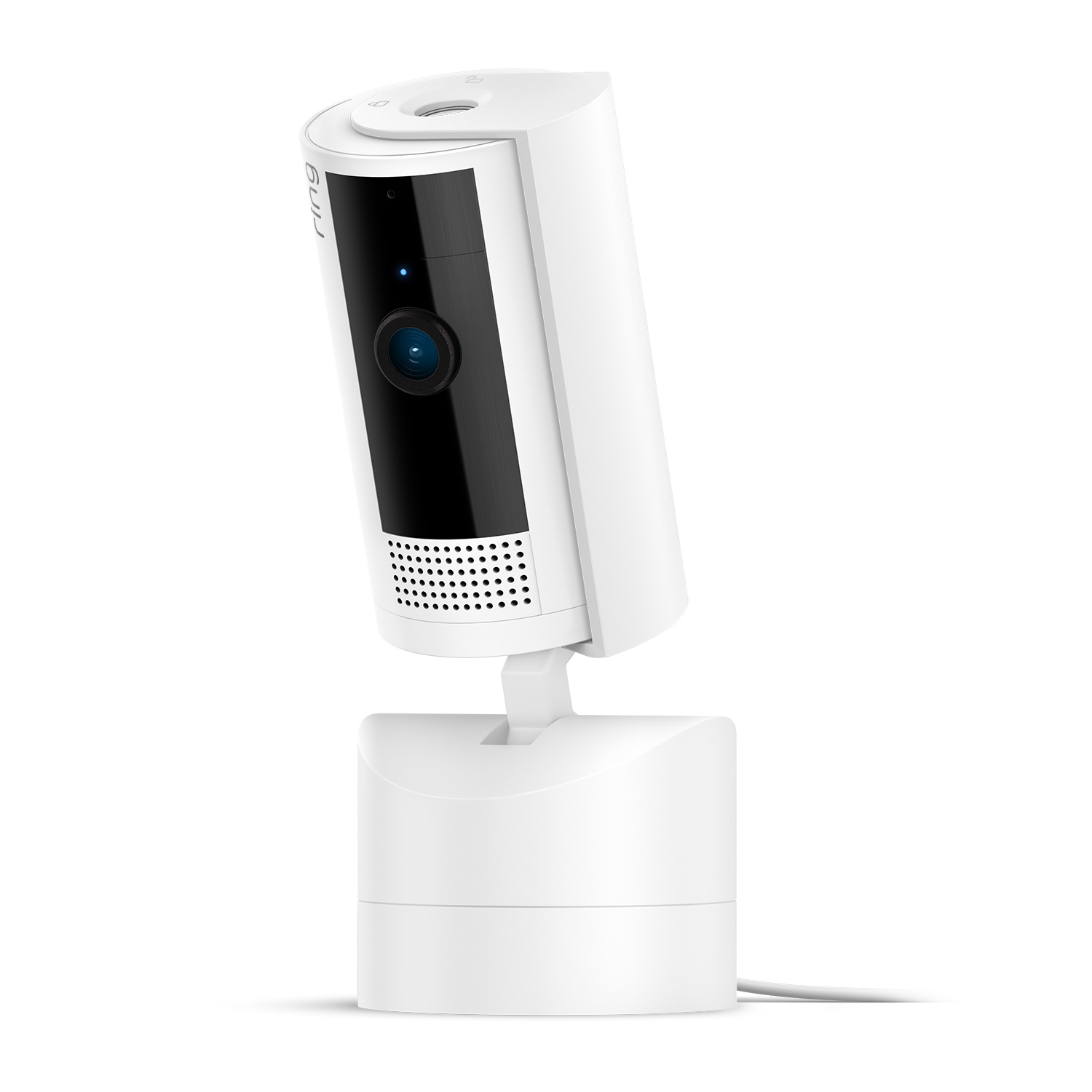
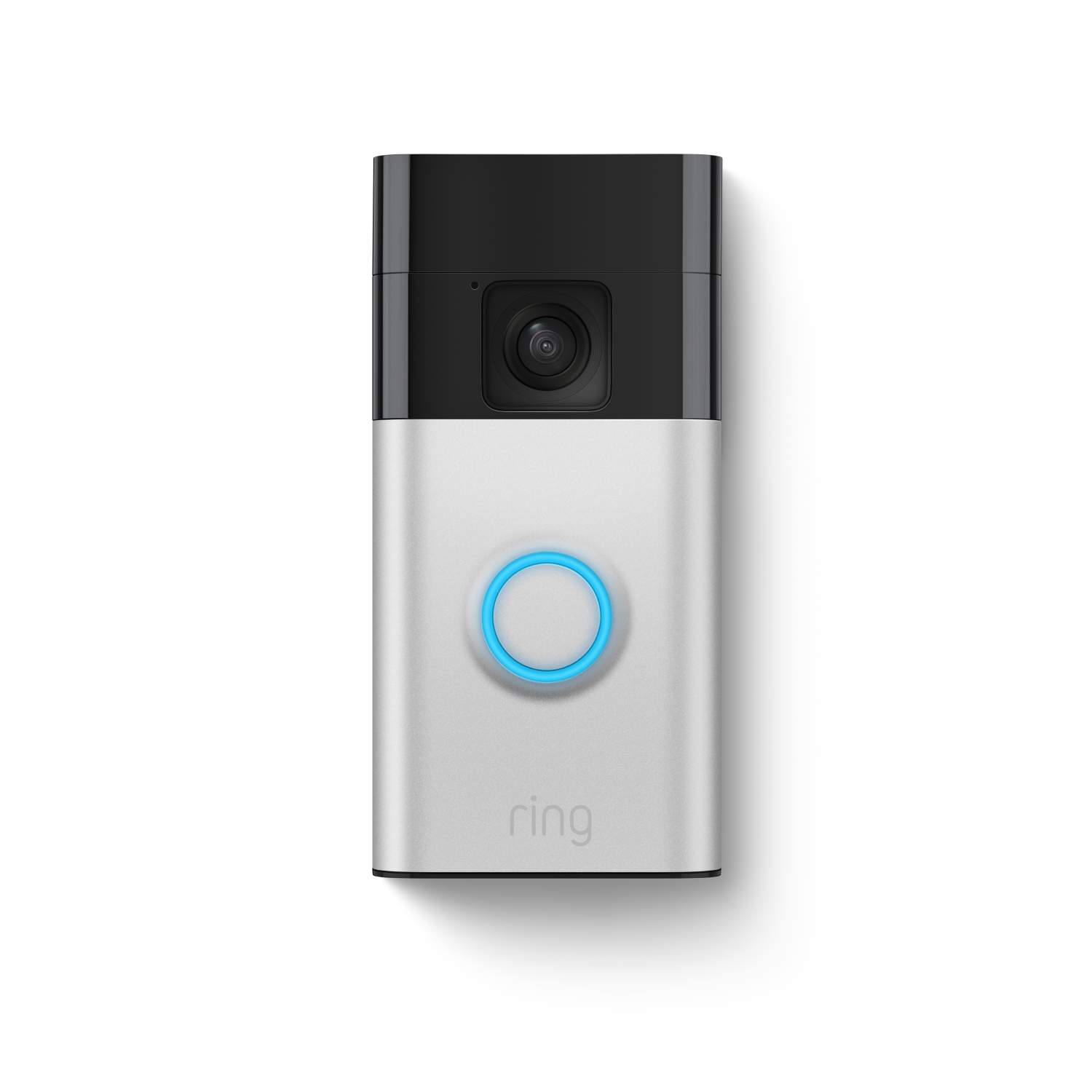
Pair Ring Cameras and Doorbells, sold separately, to your Alarm to see what’s happening if your Alarm goes off.
Easy Installation
Just plug in the Ring Alarm Base Station, connect your sensors in the Ring app, and control it with the Keypad.
Get more with a Ring Protect Plan.*
Emergency Response Around the Clock
Get Alarm Professional Monitoring1, with your eligible subscription and if your Alarm is triggered, we’ll request the emergency help you need, day or night.
Arm and Disarm from Anywhere
Leaving the office? Arm your Ring Alarm from wherever you are. Heading home? Disarm it remotely, too, from the Ring app.
Keeps Protecting, Even During An Outage
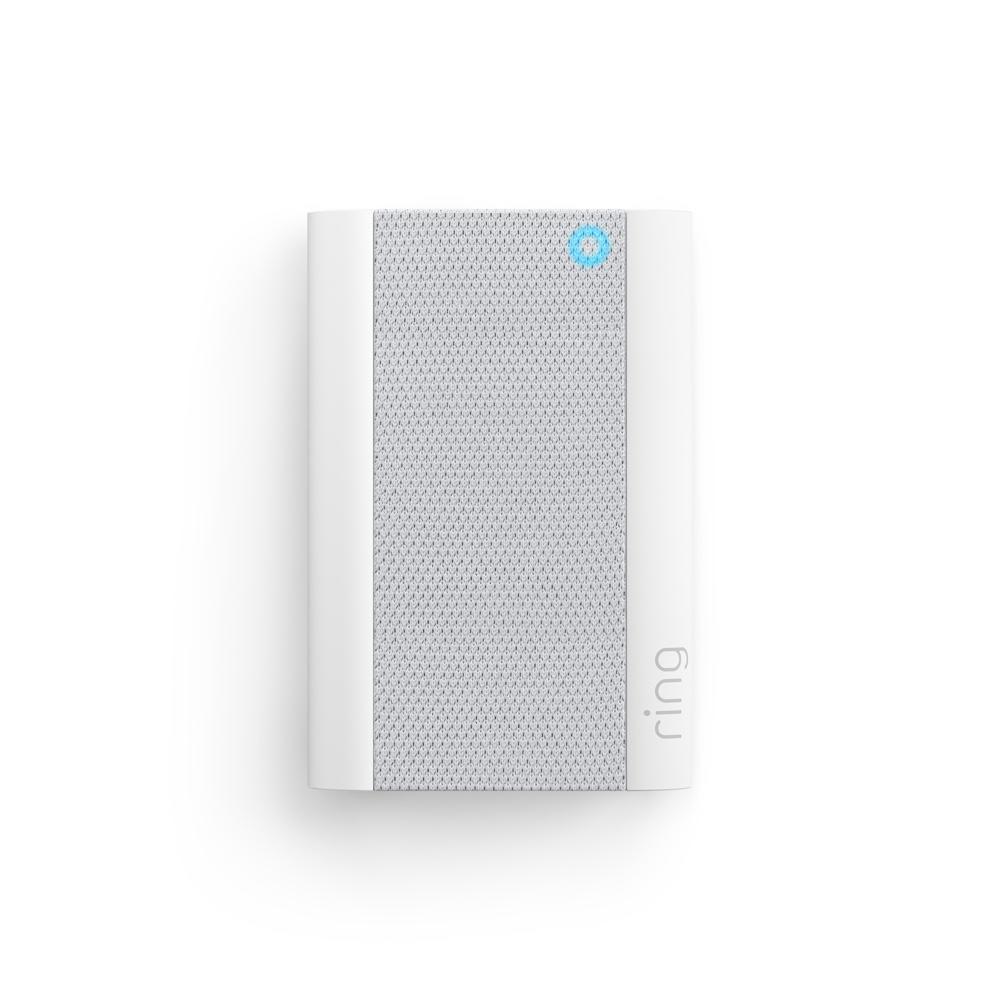
If you lose connection, Alarm Cellular Backup2 and Backup Internet3 for Alarm Pro keeps your system powered.
*Ring Protect Plans sold separately.

Compare Devices
Alarm Security Kit, 8-Piece
2nd Generation
Alarm Security Kit, 8-Piece
2nd Generation
$249.99 $304.92
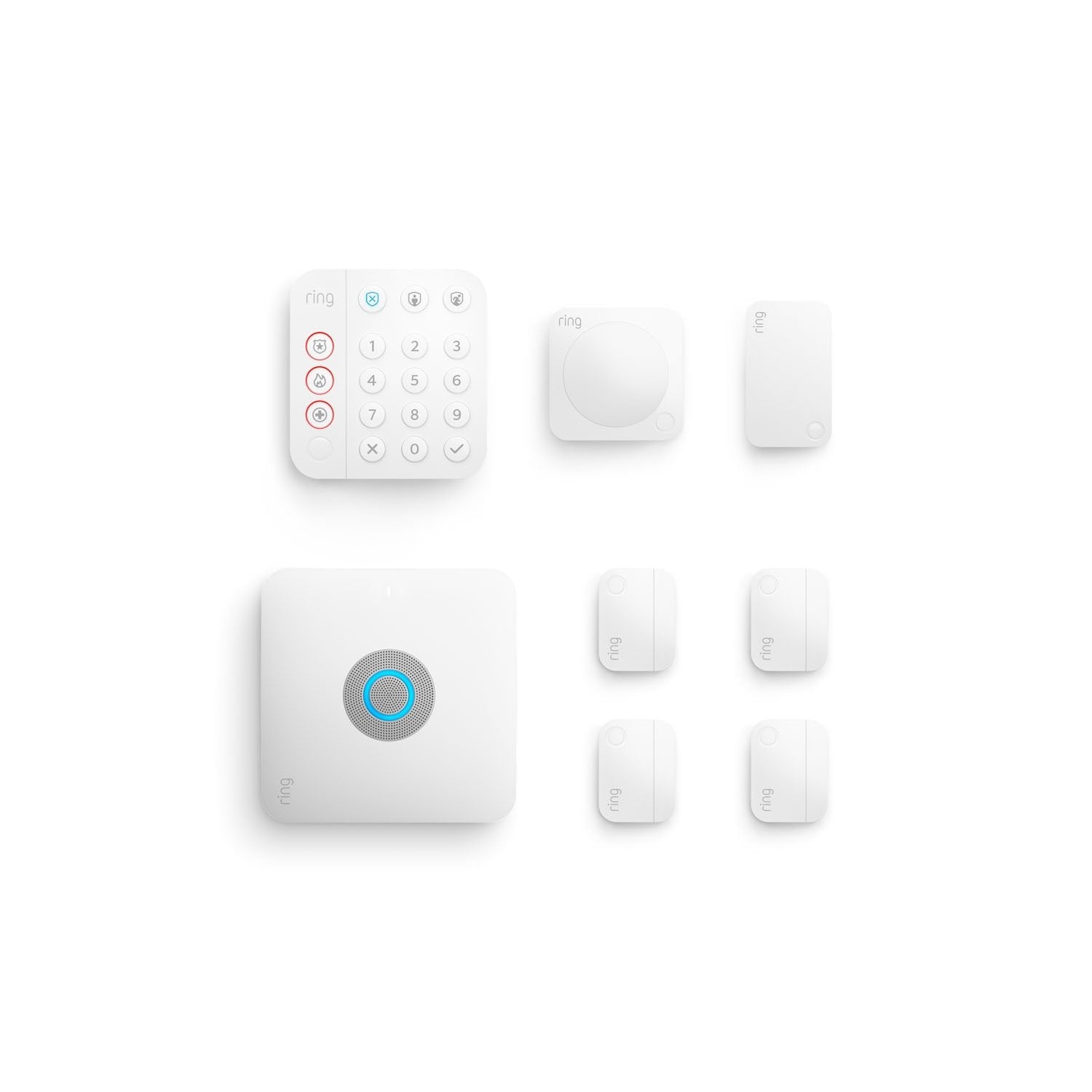
Alarm Pro Security Kit, 8-Piece
with built-in eero Wi-Fi 6 router
Alarm Pro Security Kit, 8-Piece
with built-in eero Wi-Fi 6 router
$299.99 $434.92
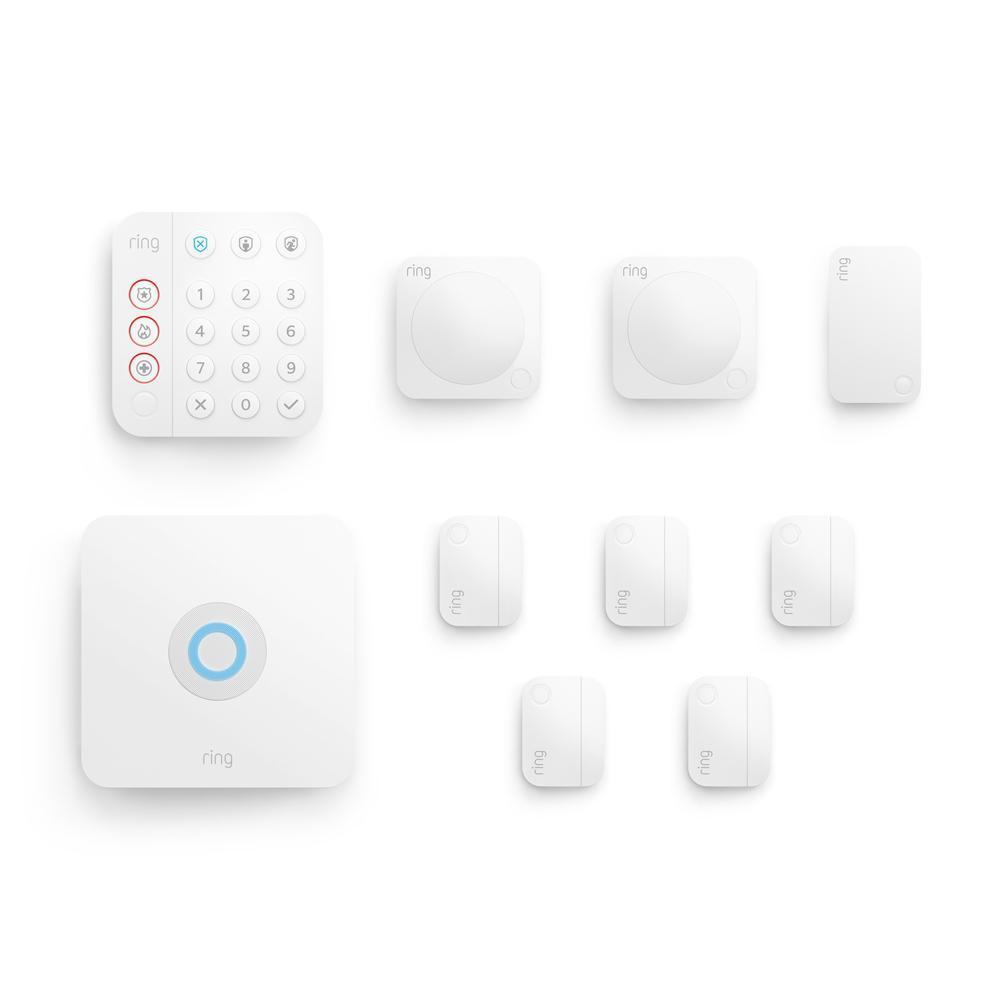
Alarm Security Kit, 10-Piece
2nd Generation
Alarm Security Kit, 10-Piece
2nd Generation
$279.99 $299.97
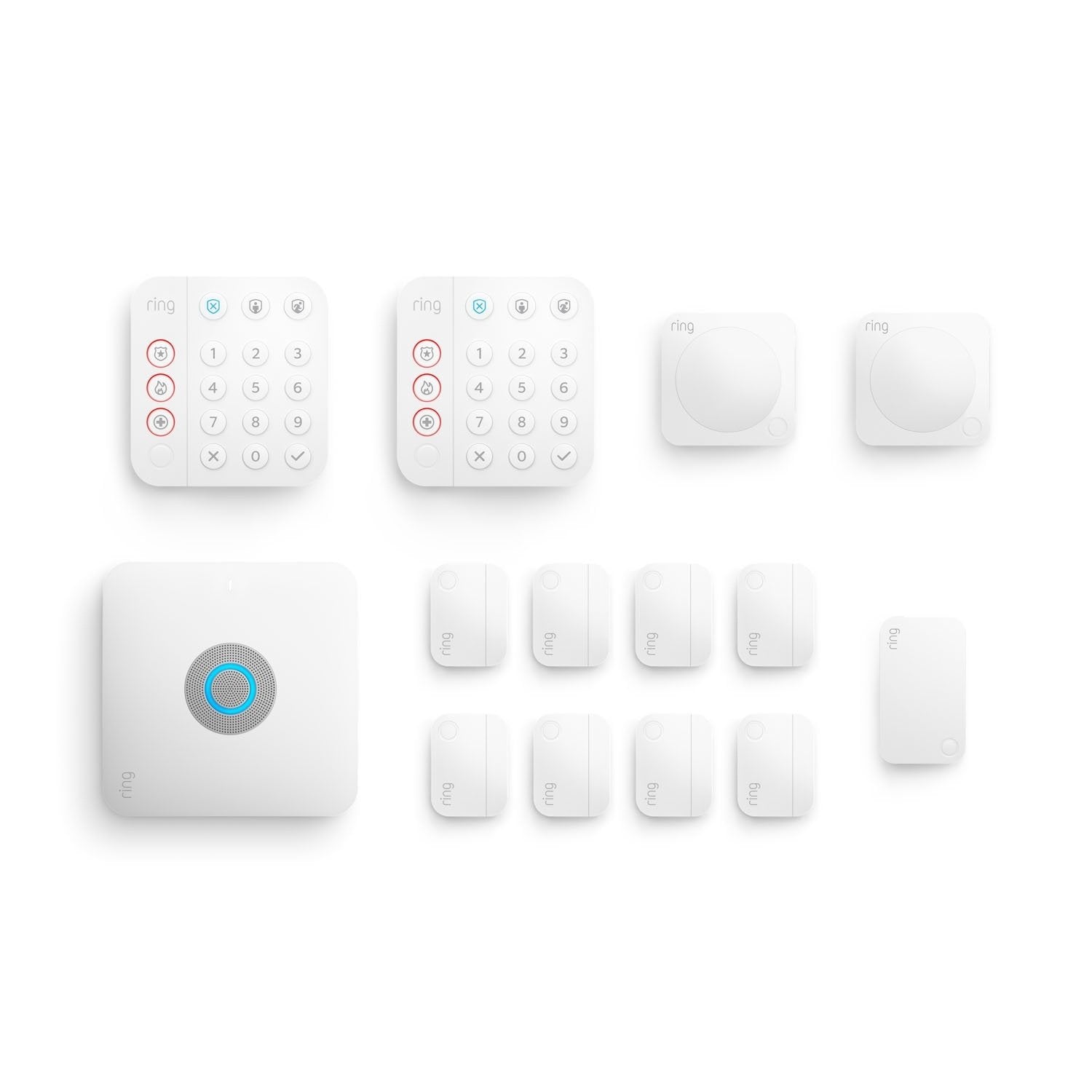
Alarm Pro Security Kit, 14-Piece
with built-in eero Wi-Fi 6 router
Alarm Pro Security Kit, 14-Piece
with built-in eero Wi-Fi 6 router
$379.99 $594.86
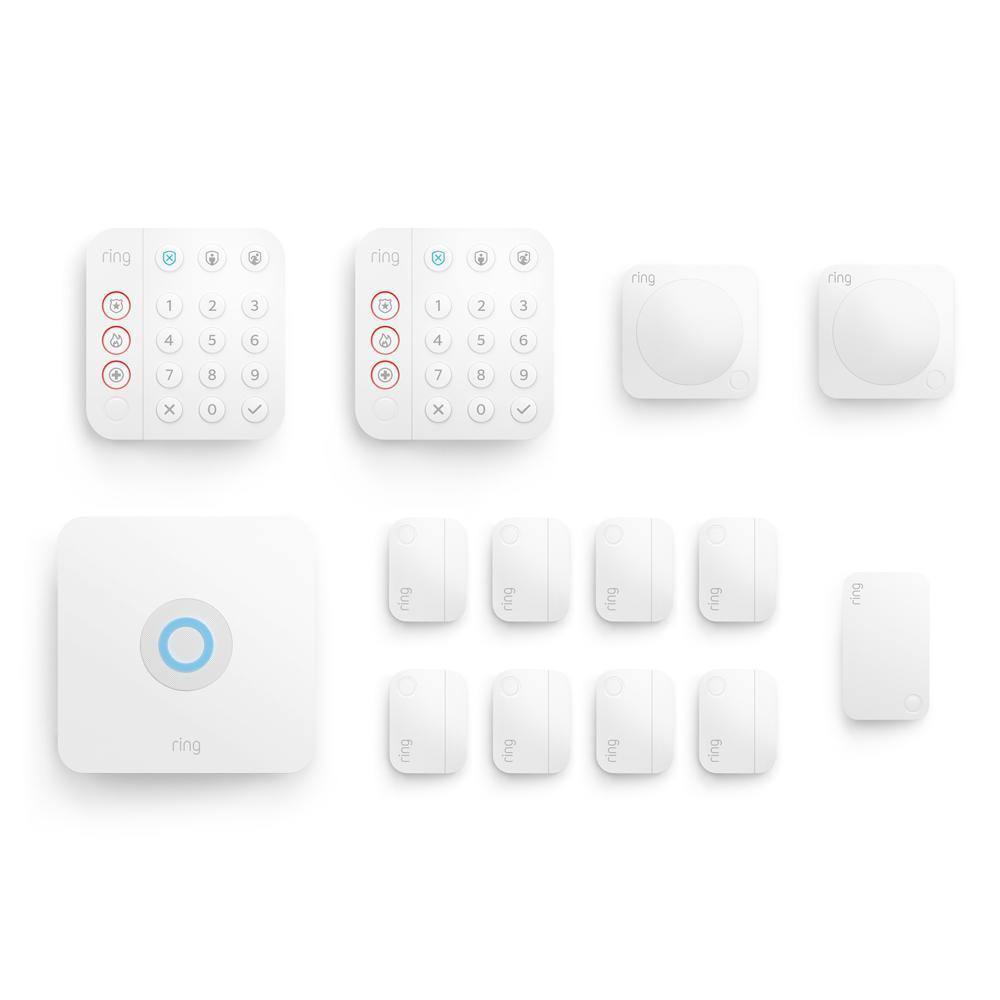
Alarm Security Kit, 14-Piece
2nd Generation
Alarm Security Kit, 14-Piece
2nd Generation
$329.99 $464.86
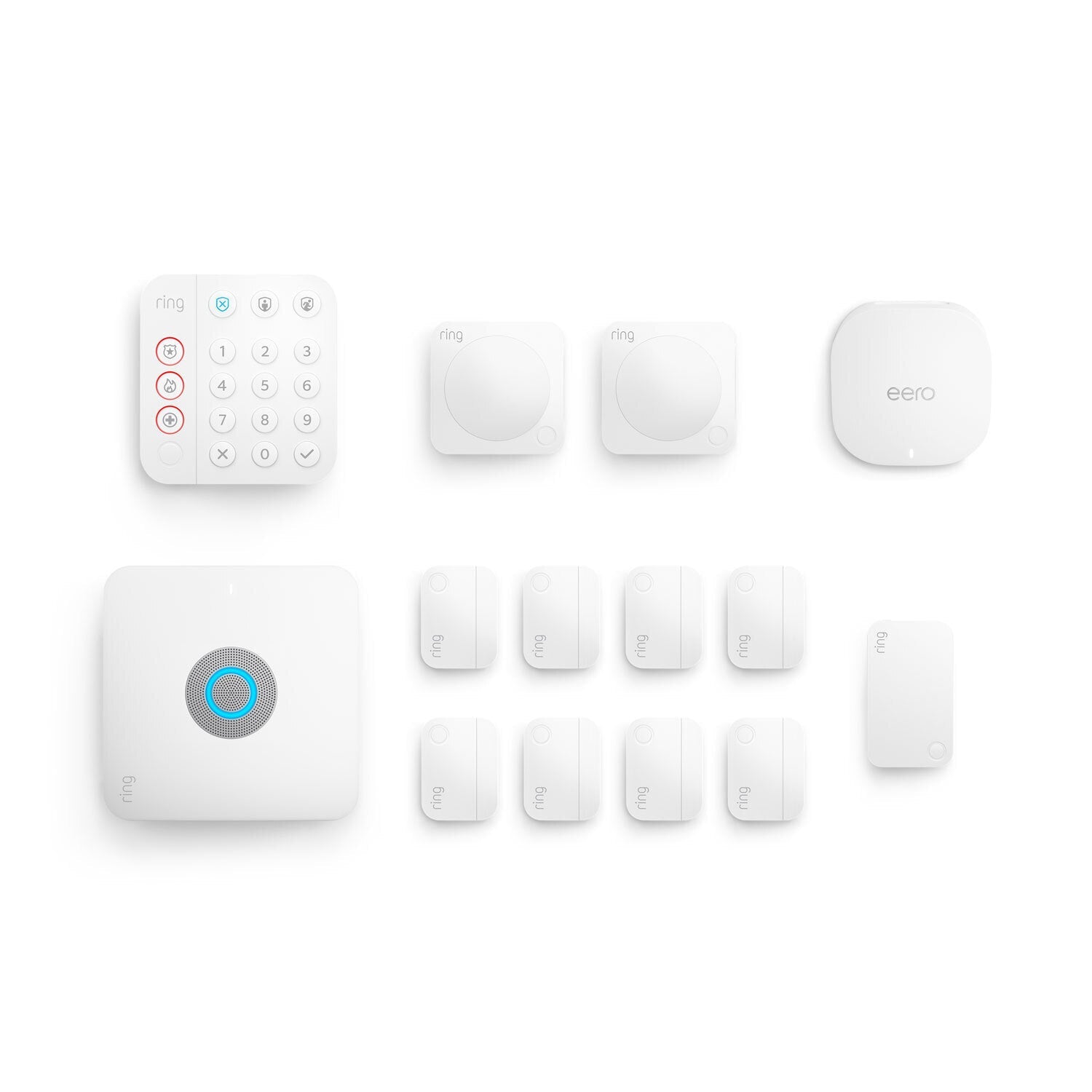
Alarm Pro, 13-Piece Kit
with built-in eero Wi-Fi 6 router and additional eero 6 Wi-Fi Router
Alarm Pro, 13-Piece Kit
with built-in eero Wi-Fi 6 router and additional eero 6 Wi-Fi Router
$399.96 $499.95
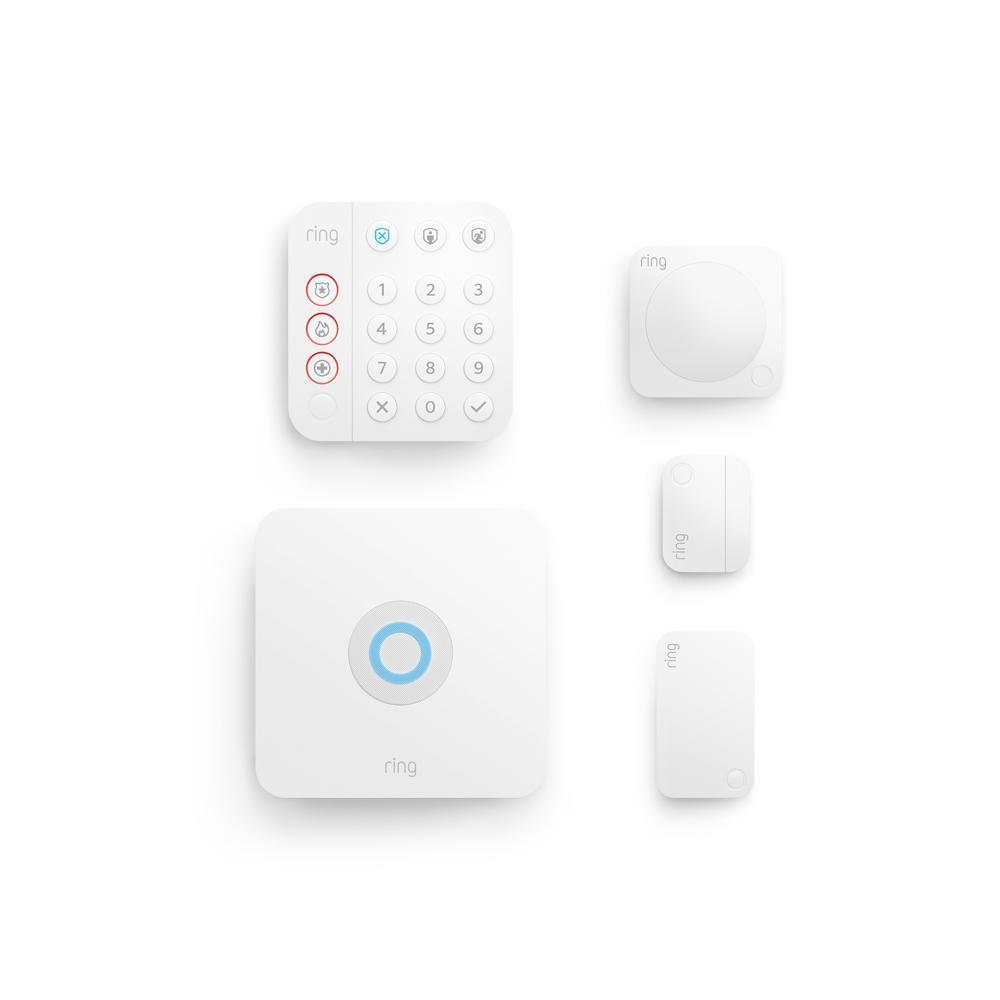
Alarm Security Kit, 5-Piece
2nd Generation
Alarm Security Kit, 5-Piece
2nd Generation
$199.99 $244.95
Description
Ratings
What comes in each kit
Features
Compare Devices
Select up to 2 devices Select up to 3 devices
Alarm Security Kit, 8-Piece
2nd Generation
$249.99 $304.92
Alarm Pro Security Kit, 8-Piece
with built-in eero Wi-Fi 6 router
$299.99 $434.92
Alarm Security Kit, 10-Piece
2nd Generation
$279.99 $299.97
Alarm Pro Security Kit, 14-Piece
with built-in eero Wi-Fi 6 router
$379.99 $594.86
Alarm Security Kit, 14-Piece
2nd Generation
$329.99 $464.86
Alarm Pro, 13-Piece Kit
with built-in eero Wi-Fi 6 router and additional eero 6 Wi-Fi Router
$399.96 $499.95
Alarm Security Kit, 5-Piece
2nd Generation
$199.99 $244.95


More powerful protection starts here.
Subscribe to a compatible Protect Plan to Arm and Disarm your system remotely, stay protected during an internet outage, plus get 24/7 emergency support, and more. You'll only pay for what you need.
Learn More
-
![Firefighter walking towards fire truck.]()
24/7 Professional Monitoring
We’ll request dispatch of emergency responders when break-ins or other emergencies are detected by your Ring security.1 -
![Alarm base station with graphic wifi icon hovering above.]()
Alarm Cellular Backup
If your home loses internet connection, Alarm Cellular Backup keeps your Ring Alarm system connected.2 -
![Graphic phone frame showing device modes. Text reads “home, away]()
Remote Arm and Disarm
Whether you’re across town or across the world, Arm your system right from your phone. Almost home? Disarm it remotely, too, from the Ring app. -
![Graphic phone frame showing 3 S.O.S. emergency response icons, text reads “request emergency response.”]()
SOS Emergency Response
When emergencies arise or you need help, tap the SOS button in the Ring app to immediately request emergency services.4


Frequently Asked Questions
What is the Ring Alarm and Ring Alarm Pro Security Kit?
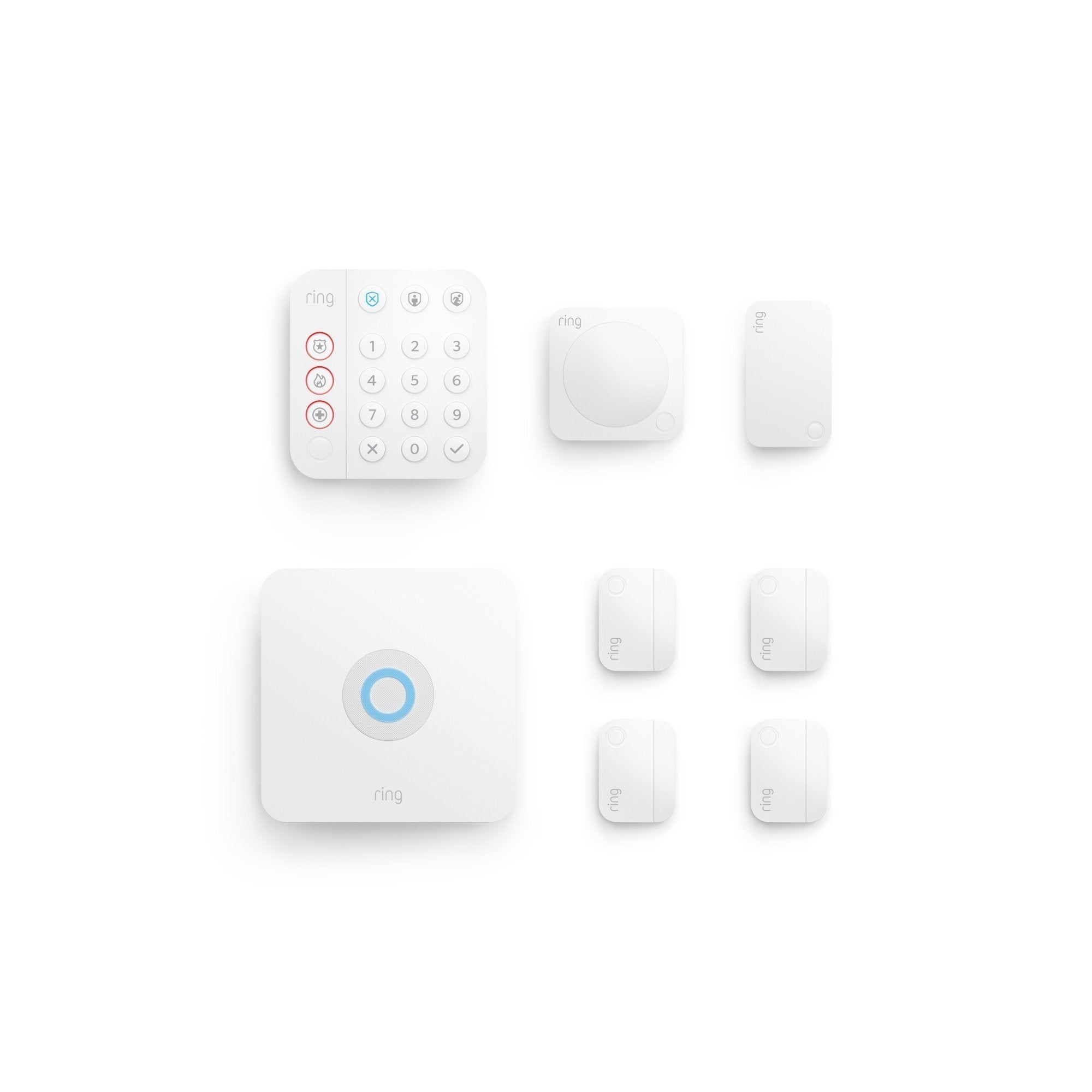
Ring Alarm and Ring Alarm Pro are home security systems to protect any house or apartment. Security kits come with a Base Station, Contact Sensor, Motion Detector, Keypad and Range Extender.
Place Contact Sensors on any door or window in your home, and the Motion Detector in any room of your home, and you'll get mobile notifications when your door or window is opened or motion is detected.
Ring Alarm Pro gives you a Ring Alarm for trusted physical security, and a built-in eero Wi-Fi 6 router for fast wifi and network security in a single system. Unlike traditional home security systems, Ring Alarm Pro also offers 24/7 Backup Internet, which provides internet to your wifi-enabled devices with a cellular internet connection during an internet or power outage. By combining Ring Alarm Pro with a Ring AI Pro or Virtual Security Guard, you have more protection, and more ways to secure your home.
Do I have to purchase the kit? Or can I buy it piece-by-piece?
The Ring Alarm Pro Security Kit comes with everything you need to protect your home including a Base Station, Contact Sensor, Motion Detector, Keypad and Range Extender. You can also purchase the Base Station on its own and customize a security system exactly to your home's needs.
Additional Contact Sensors, Motion Detectors, Keypads, Range Extenders and future Ring Alarm components can be purchased separately to expand the coverage of your system. These will connect with the Base Station at your home to protect your entire property. With a Ring Protect subscription (sold separately), your Ring Alarm also integrates with your Ring cameras, Ring Video Doorbells, Alexa-enabled Echo devices, and more. Learn more here.
With Ring Alarm pro you can add eero 6 Extenders to expand wifi coverage and Ring Power Packs for additional back up power.
How do I upgrade my Ring Alarm to Ring Alarm Pro?
We’ve made this step easy. Simply open the Ring app, begin to set up your Ring Alarm Pro, and choose the location which has the Ring Alarm Base Station that you’d like to replace. The app will save your Alarm settings and automatically apply them to your new Alarm Pro Base Station after it’s set up on your Ring account.
Does Ring offer professional monitoring and how much does it cost?
Yes, Alarm Professional Monitoring is included with Ring AI Pro for $19.99/mo and Virtual Security Guard for $99/mo.
First, subscribe to an eligible plan, then opt in to monitoring. If your Alarm is triggered, Ring will send notifications and call your emergency contacts to see if you need emergency assistance, 24/7. If you confirm or can't answer, we can request emergency response to your home. We'll request dispatch from the fire department during every carbon monoxide emergency.
How do I control Ring Alarm and Ring Alarm Pro?
Ring Alarm and Ring Alarm Pro devices can control your security system with three Device Modes: Away, Disarmed, and Home.
Away Mode arms all contact and motion sensors in and around your home (by default).
Disarmed Mode disarms your security devices so you can come and go.
Home Mode arms the sensors outside your home only (by default).
You can control Device Modes from the Alarm Keypad, or you can subscribe to a Ring Protect Plan (sold separately), to easily arm and disarm your system with the free Ring app (available for iOS and Android devices).
For Ring Alarm Pro, manage your wifi settings from the eero app.
What happens if the power and/or wifi go out?
Ring Alarm comes with a 24-hour backup battery that kicks in whenever the power at home goes out. You can also get Alarm Cellular Backup with a Ring Protect subscription, to keep your connected Ring devices on and able to send alarm signals if the wifi goes down.
With Ring Alarm Pro, the internal backup battery inside the Alarm Pro Base Station provides backup power to connected devices. When using the internal battery, only some Alarm features are available. Ring Power Packs (sold separately) can provide additional external battery backup for your Alarm Pro and your eero 6 Extenders, which can keep your expanded wifi network up if you lose power.
24/7 Backup Internet is also available with a Ring AI Pro subscription, sold separately, to keep your Alarm Pro system and connected devices online. 3GB of data is included every month. Option to use as much data as you need with extra data for $3 per GB.
Does Ring Alarm and Ring Alarm Pro offer professional monitoring for commercial businesses?
Yes, Alarm Professional Monitoring is available for commercial businesses. However, smoke and carbon monoxide monitoring is not available at a business or commercially zoned address.
Learn more about our business security offerings, including professional monitoring at ring.com/business.
Will my existing eero products work with Alarm Pro?
Yes. All generations of eero products will work as wifi extenders for your Ring Alarm Pro, but we recommend eero 6 Mesh Wifi Extenders, which are compatible with Ring Power Packs.
Set up Ring Alarm Pro as your primary internet router or "gateway" (meaning it should be plugged directly into your modem), and then set up your existing eero devices as wifi extenders using the eero app.
Note: We do not recommend using Ring Alarm Pro as a wifi extender for your existing router. Using your Alarm Pro as an extender will prevent you from accessing many Ring Protect subscription features, including 24/7 Backup Internet.3
What is Ring Edge and how does it work?
Ring Edge gives you local video storage and processing for select Ring Security Cameras and Doorbells. With Ring Edge, you can locally process Smart Alerts and store videos using Ring Alarm Pro and a microSD card. You can also watch your saved videos via the Ring app. To use Ring Edge, you'll need a Ring Alarm Pro and a Ring AI Pro subscription. Additionally, a microSD card is required for Local Video Storage. All sold separately.
Does Ring have special programs for HOAs and communities?
Yes, we offer a number of customizable options and promotions to help keep communities safe. Please visit our community programs page to learn more.
1
Compatible Ring subscription. Ring subscription is required to enroll in Professional Monitoring. Service available in all 50 U.S. states (territories not included) and in Canada (excluding Quebec). Ring does not own its monitoring center. Smoke and carbon monoxide monitoring is not available for business or commercially zoned addresses. See Ring Alarm licenses at: ring.com/licenses. Additional fees may be required for permits, false alarms, or Alarm Verified Guard Response, depending on your local jurisdiction.
2
Compatible Ring subscription required. Alarm Cellular Backup uses a third-party carrier.
3
Compatible Ring subscription required. Extra data charges may apply.
4
Compatible Ring subscription required. Available in all 50 U.S. states (territories not included) and in Canada (excluding Quebec). Ring does not own its monitoring center. Additional fees and permit requirements may apply depending on your local jurisdiction.
5
Compatible Ring subscription required. Service available in all 50 U.S. states (territories not included). Ring does not own its monitoring center. Smoke and carbon monoxide monitoring is not available for business or commercially zoned addresses. See Ring Alarm licenses at: ring.com/licenses. Additional fees may be required for permits, false alarms, or Alarm Verified Guard Response, depending on your local jurisdiction.
6
Eligible device required. Service available in all 50 U.S. states (territories not included). Ring does not own its monitoring center. See Ring Alarm licenses at: ring.com/licenses. Additional fees may be required for permits, false alarms, or Alarm Verified Guard Response, depending on your local jurisdiction.
7 Available to US customers with eero Secure, compatible Ring subscription required.