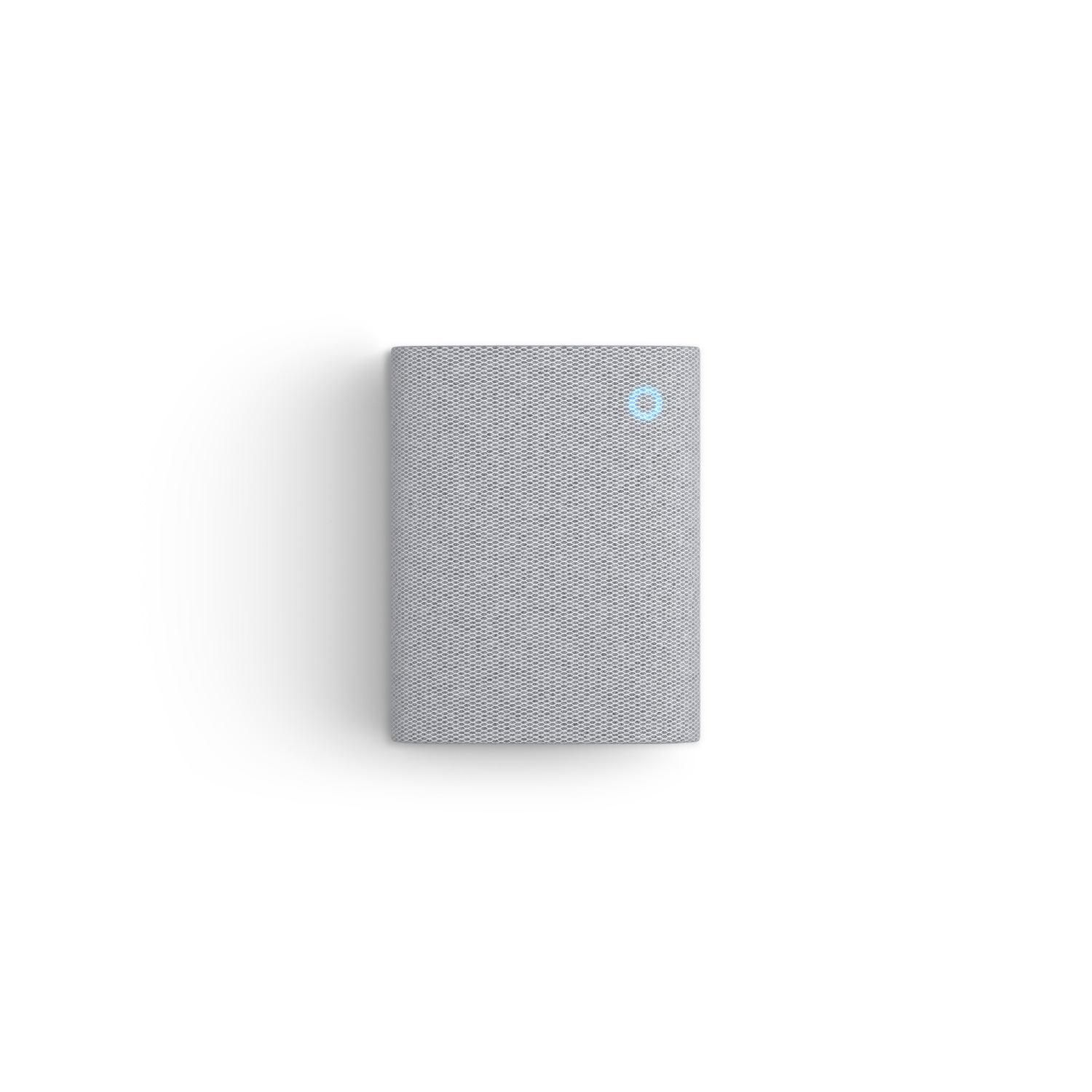
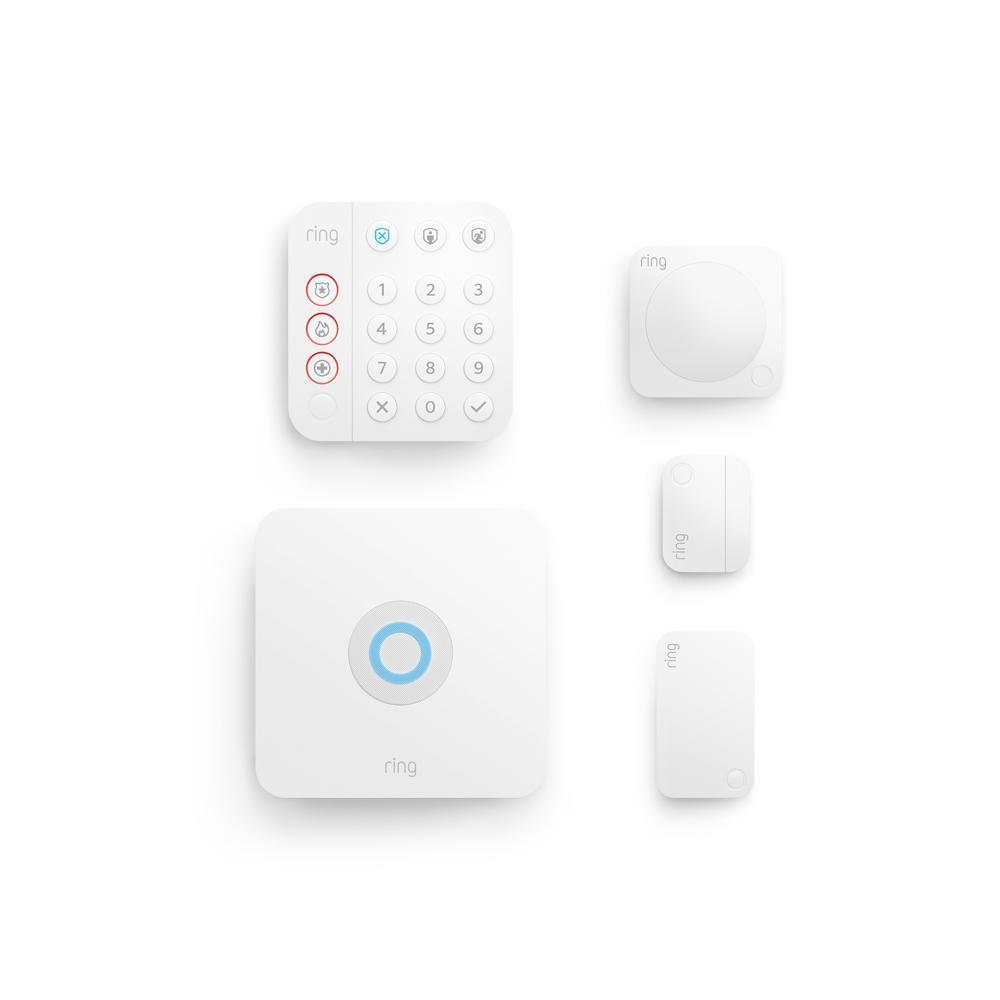
Add professional installation
Starting at $129.00.
Available as soon as
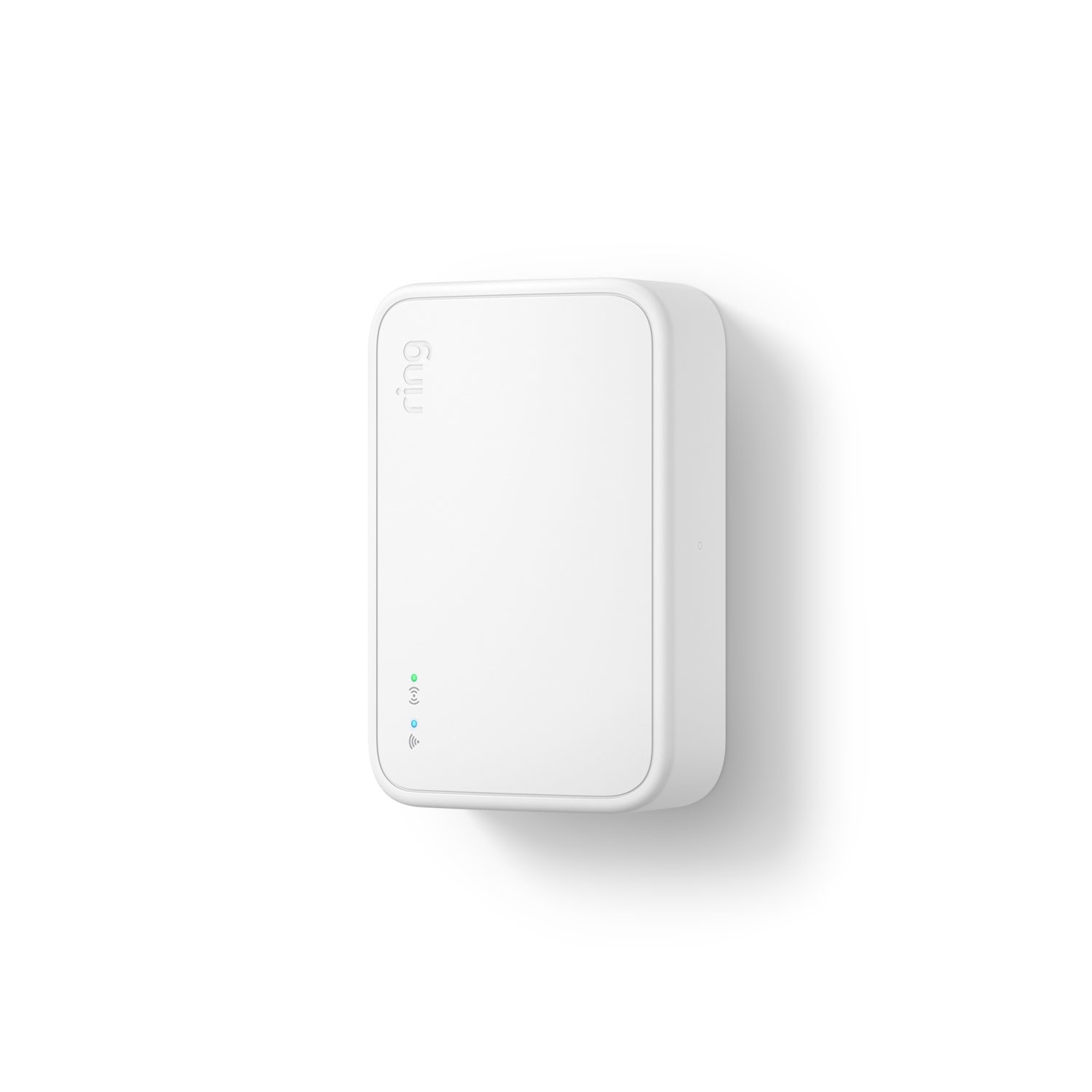
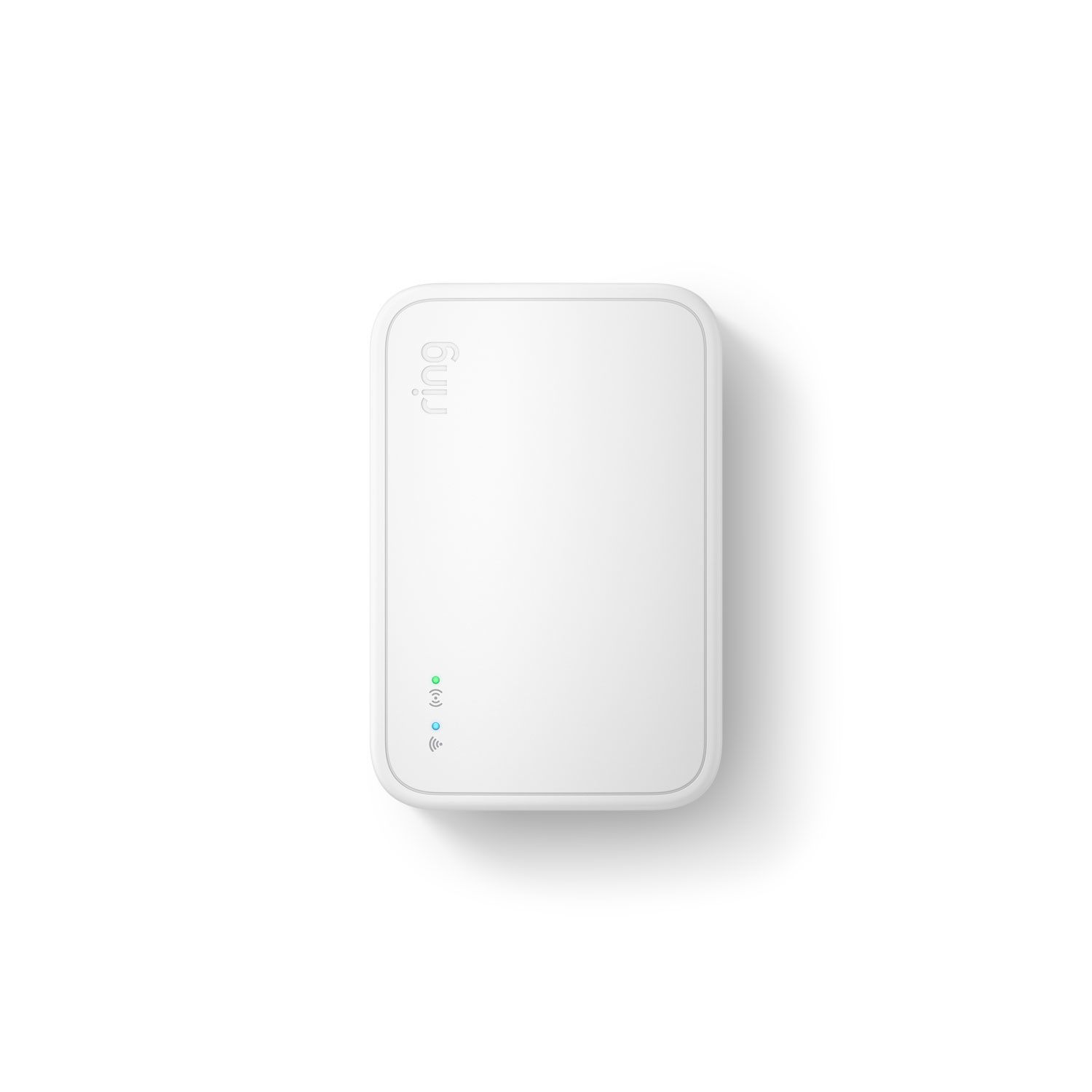
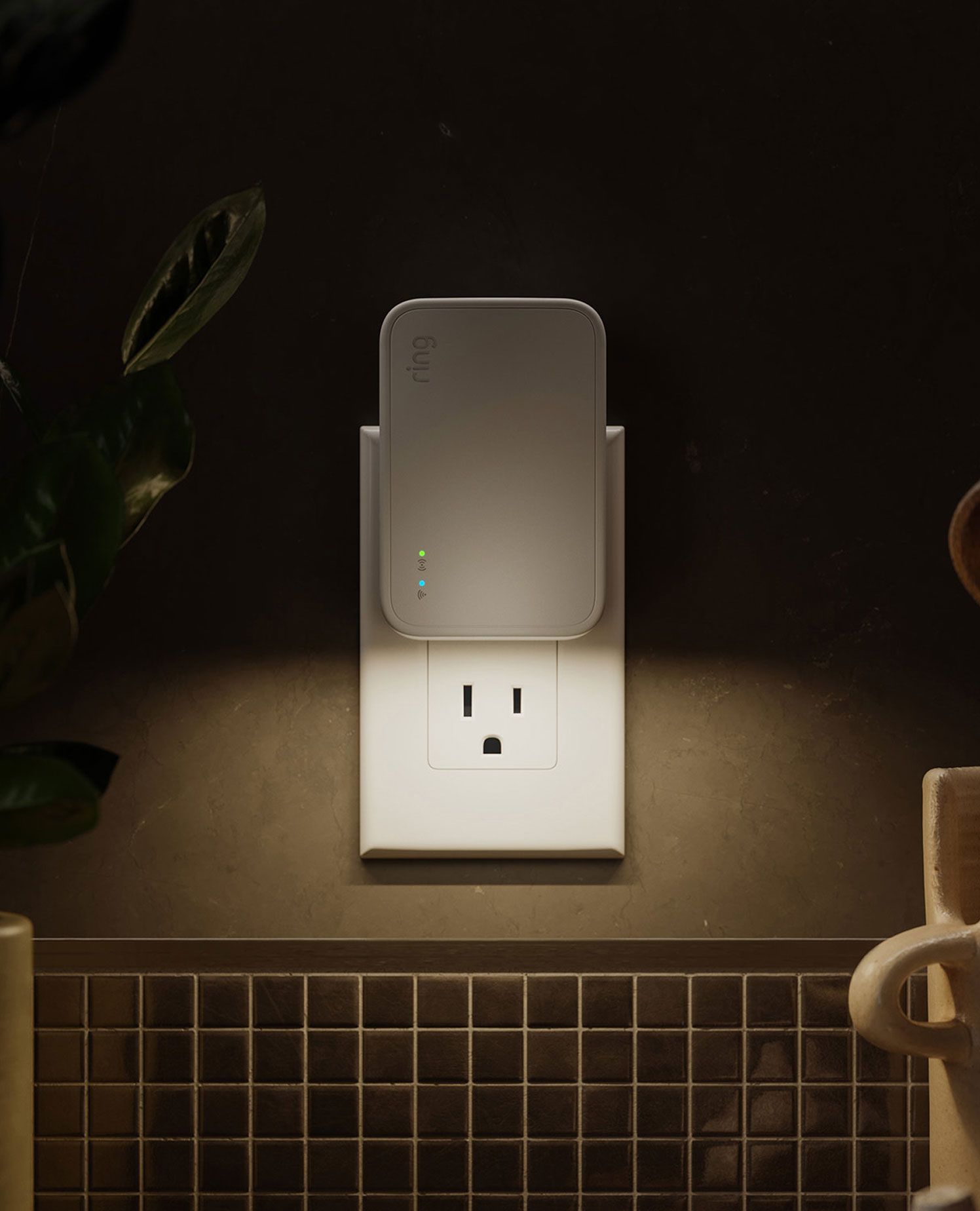
Smart Lighting
Bridge (2nd Gen)Customer Reviews, including Product Star Ratings help customers to learn more about the product and decide whether it is the right product for them.
To calculate the overall star rating and percentage breakdown by star, Amazon doesn't use a simple average. Instead, Amazon's system considers things like how recent a review is and if the reviewer bought the item on Amazon. It also analyzed reviews to verify trustworthiness.
Does not ship to Canada.
Show MoreYou might also like
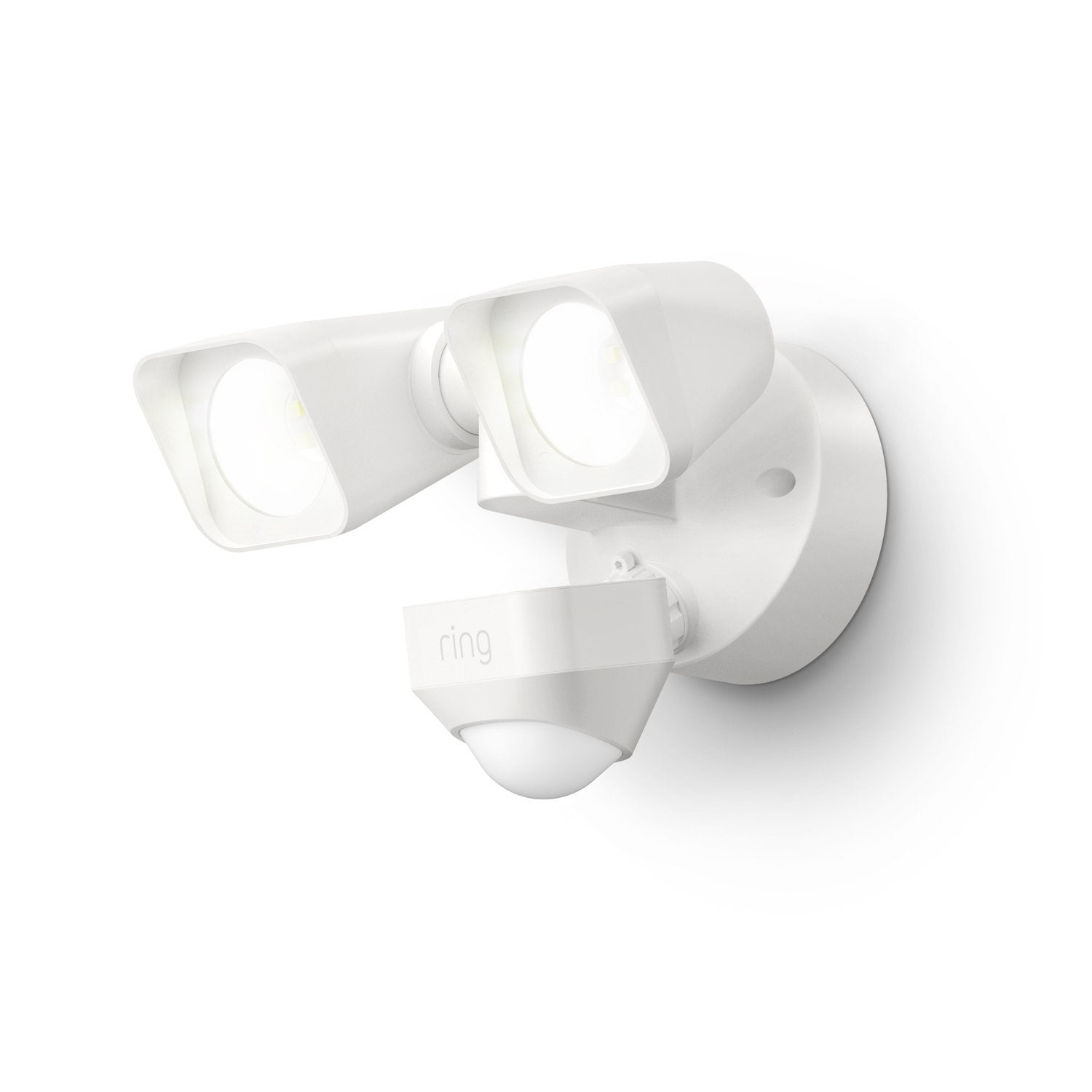
Shines light above driveways, sideyards and high-traffic areas when motion is detected.
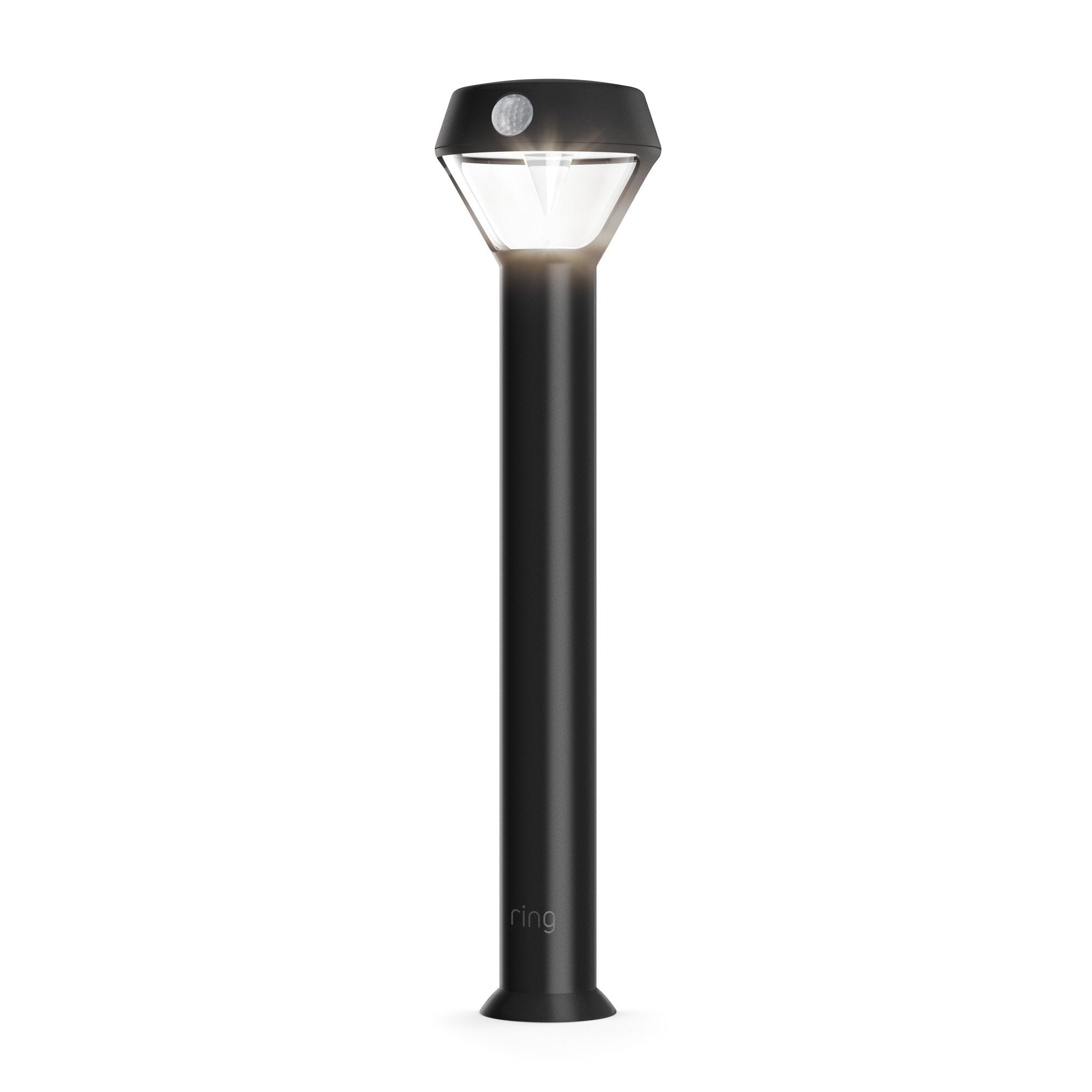
Shine up to 80 lumens of light when motion is detected.
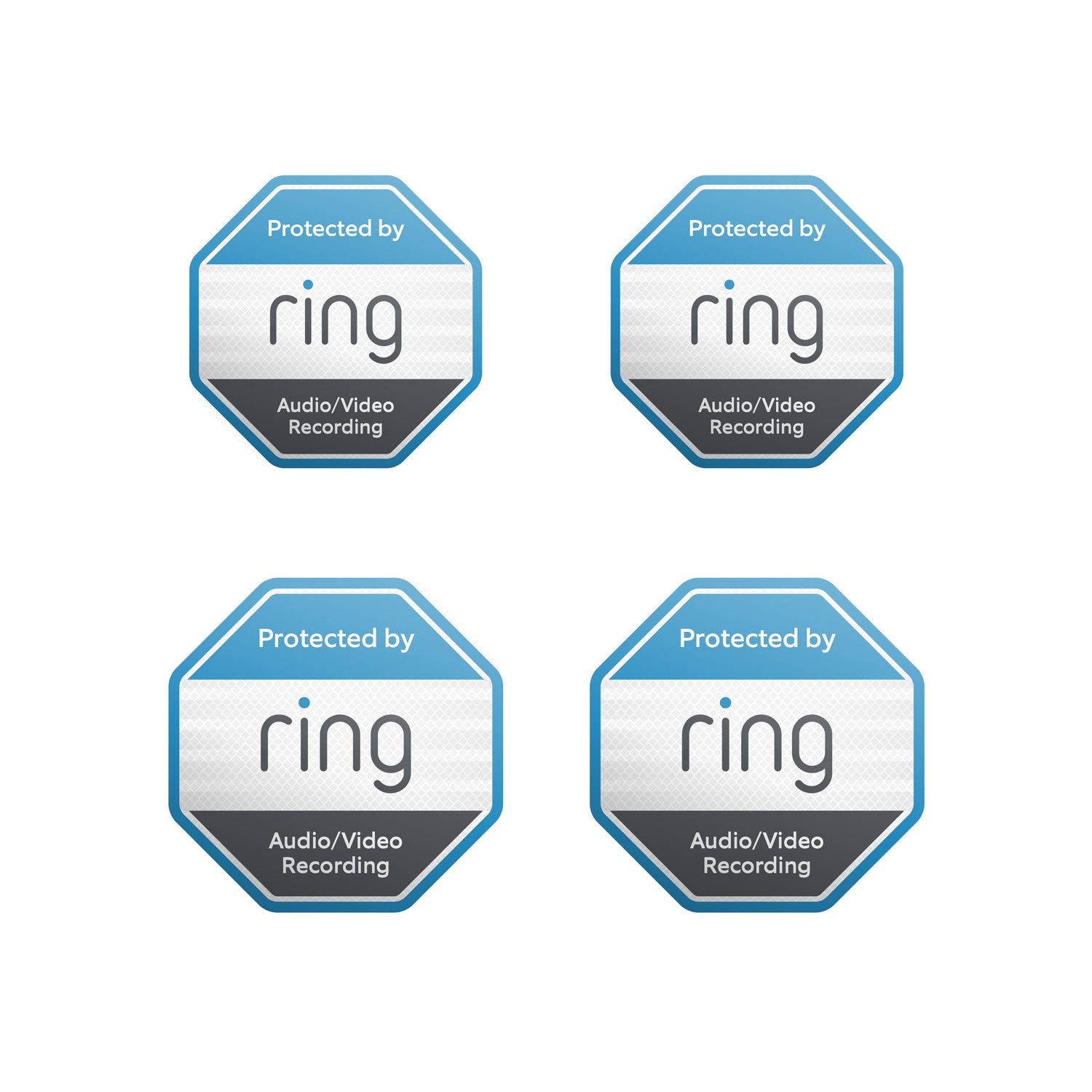
Show everyone that you're protected with door and window stickers.
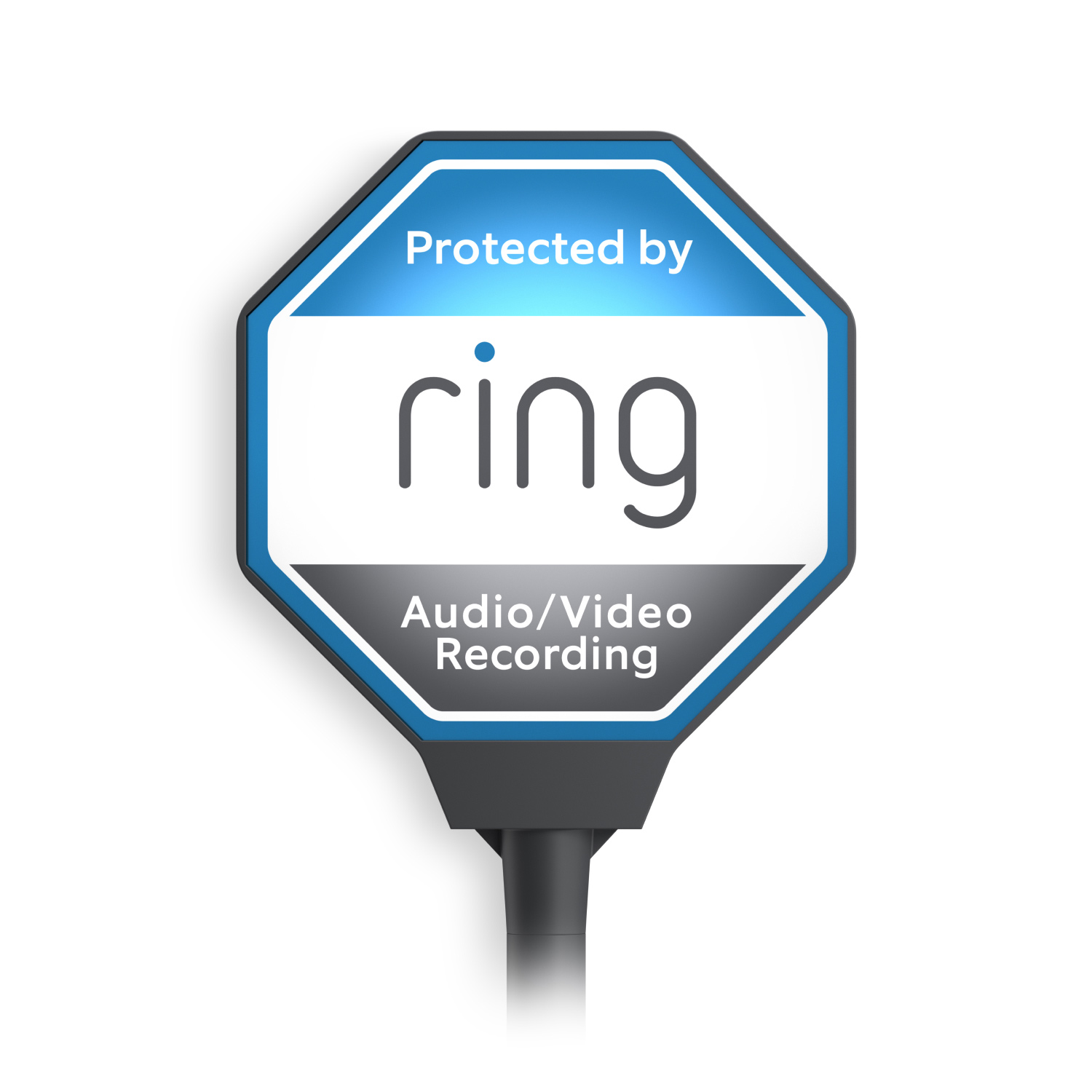
Signal your Ring protection 24/7 with the solar-powered yard sign.
Ring Bridge extends the range of your Ring smart lights so they’ll stay connected even if they’re outside the range of your home wifi. Plug it in, position your lights, and group all your Ring devices in one simple app — no professional installation needed.
With Ring Bridge, your Ring smart lights, Ring doorbells and cameras, and select Alexa-enabled devices can talk to each other in the Ring app and work better together. If one Ring Bridge-enabled device detects motion, your other devices will react in real time — turning on lights and camera recording to get a better look at what’s happening.
Ring Bridge helps connect your Ring smart lights to select Alexa-enabled devices. When connected, you can use your voice to turn the lights on, adjust brightness, and more. Plus, Alexa will let you know when motion is detected, so you’ll never miss a thing.
See the full list of Amazon Sidewalk Compatible Devices.
4.1 in x 2.7 in x 1.3 in. (10.3 cm x 6.9 cm x 3.4 cm)
White
This Ring Bridge connects your Ring accessories that are Amazon Sidewalk-enabled to the Sidewalk network.
100-240 VAC. 50/60 Hz
802.11 b/g/n Wi-Fi @ 2.4GHz
Sidewalk uses Echo and Ring devices to securely keep other devices connected and help find lost items by reporting their approximate location to the owner. Sidewalk can enable supported devices to remain connected even when wifi is lost or the supported devices are outside the range of their home wifi. Sidewalk uses a small portion of your internet bandwidth and the approximate location of your devices to provide these benefits to you and your neighbors. Sidewalk is turned on for your device unless you have previously turned it off. You can turn off Sidewalk at any time in the Control Center in the Ring app. Learn more about Amazon Sidewalk.
32°F to 104°F (0°C to 40°C)
Indoor install only
Standard Power Outlet
iOS 9.1 and above
Android 5.0 and above
WiFi
Ring Bridge (2nd Gen)
Quick Start Guide
WSL (Warranty, Safety, Legal)
Learn more about these software security updates. If you already own this device, visit Software Security Updates in Ring Control Center for information specific to your device.
Ships to the continental US (including Alaska and Hawaii).
The 2nd generation uses completely different technology. It's a repeater/extender for the Amazon Sidewalk Network, not a traditional bridge like the 1st generation.
No. Your Ring devices need to be reconnected differently. You'll need to:
This device is specifically designed for users experiencing weak signals on the Amazon Sidewalk infrastructure.
Setup is straightforward. Once added to the Ring app, the only configuration option is changing the device name.
No. Beyond changing the device name, there are no additional configuration options available.
Customer Reviews, including Product Star Ratings help customers to learn more about the product and decide whether it is the right product for them.
To calculate the overall star rating and percentage breakdown by star, Amazon doesn't use a simple average. Instead, Amazon's system considers things like how recent a review is and if the reviewer bought the item on Amazon. It also analyzed reviews to verify trustworthiness.
Added to cart
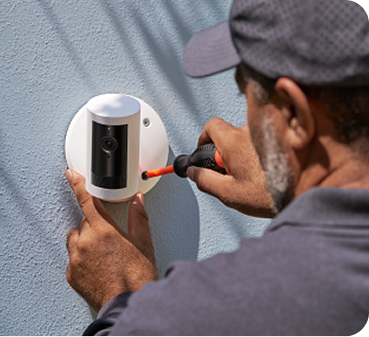
Modifications and extensions to existing wiring available at additional cost (billed separately). Extension available only for low-voltage wiring (PoE or Plug-in USB-C).