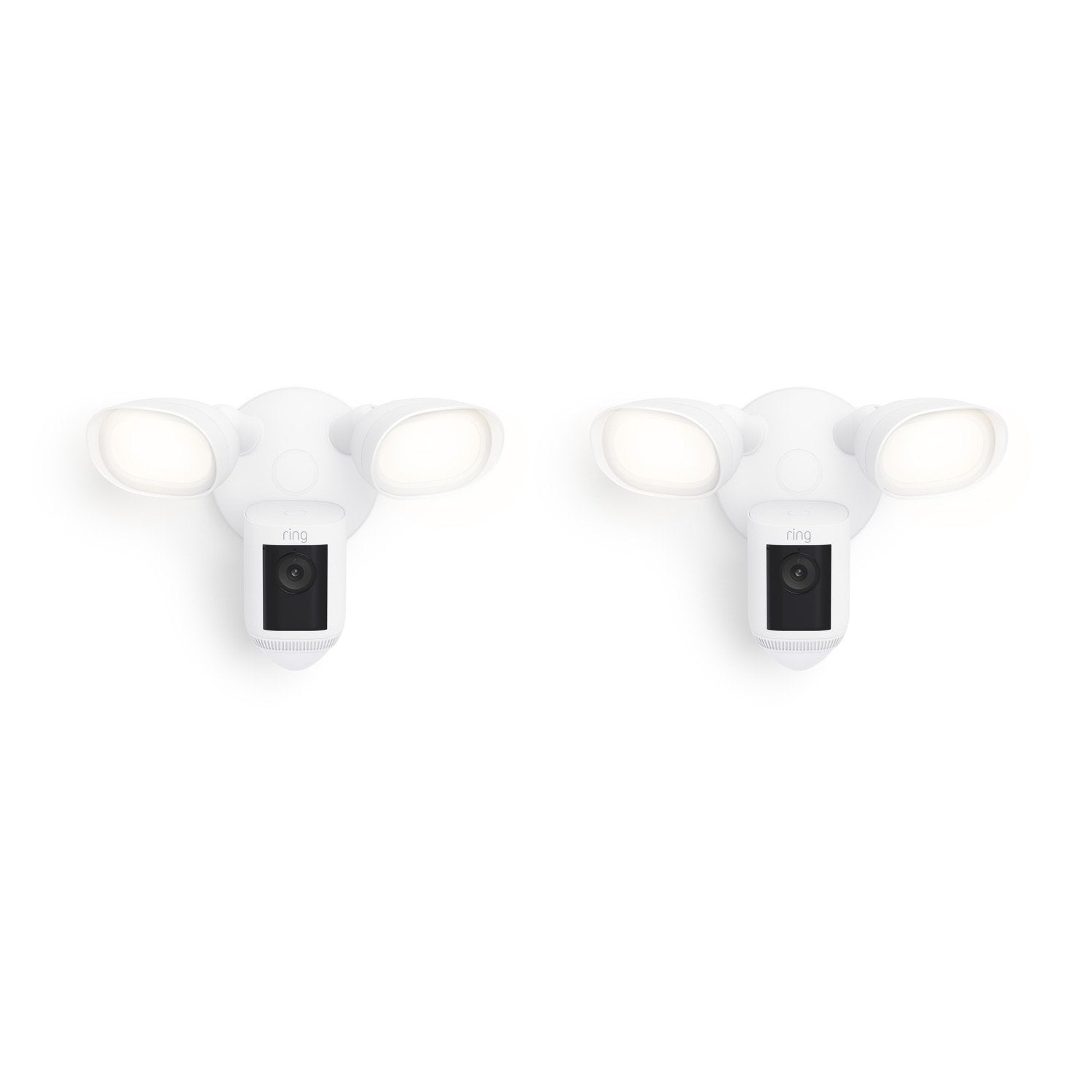
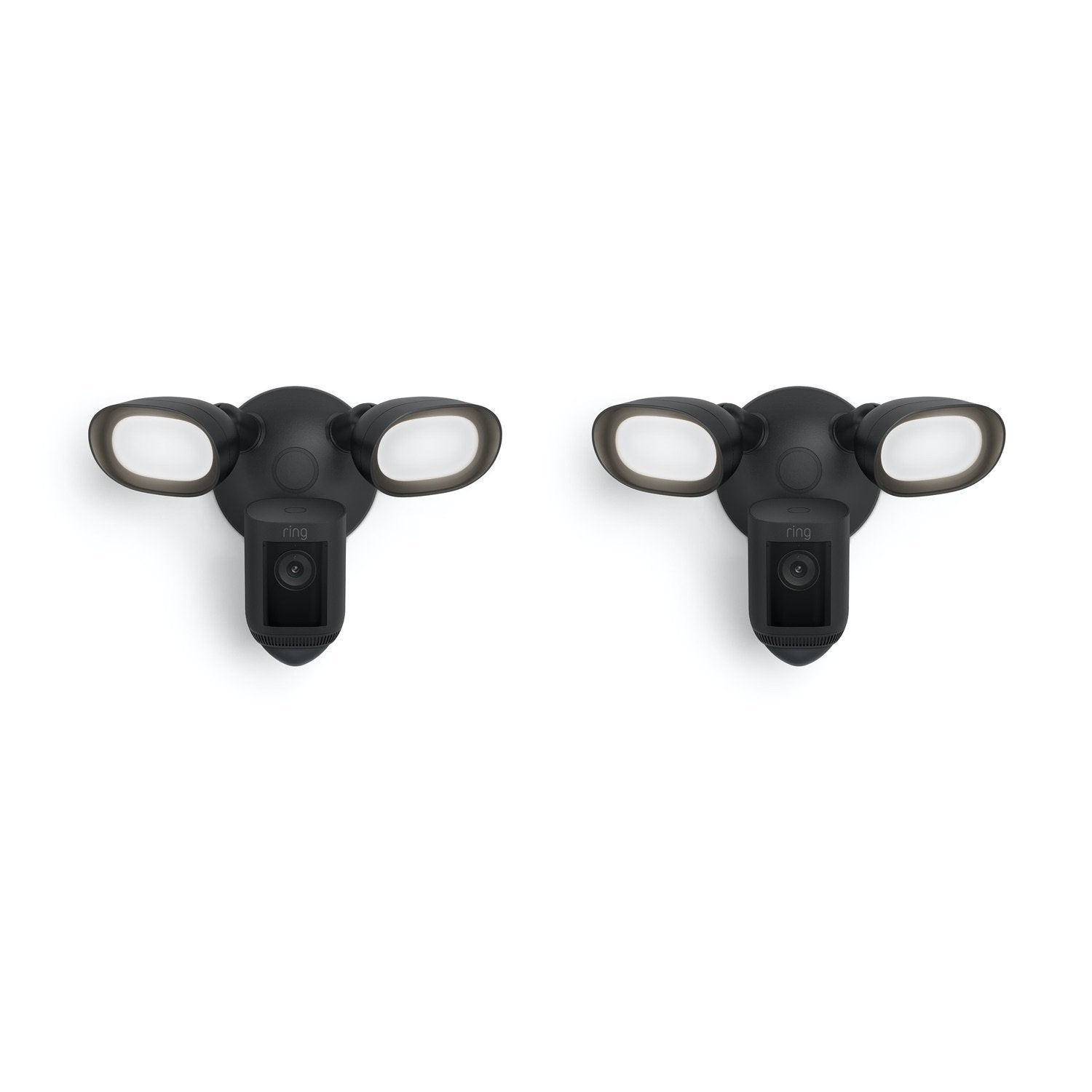
2-Pack Floodlight Cam Pro
How customer reviews and ratings work
Customer Reviews, including Product Star Ratings help customers to learn more about the product and decide whether it is the right product for them.
To calculate the overall star rating and percentage breakdown by star, Amazon doesn't use a simple average. Instead, Amazon's system considers things like how recent a review is and if the reviewer bought the item on Amazon. It also analyzed reviews to verify trustworthiness.
Learn more how customers reviews work on Amazon
$399.99 $459.98
See if you qualify.Compatible accessories
Complete your security setup with these commonly bought items.
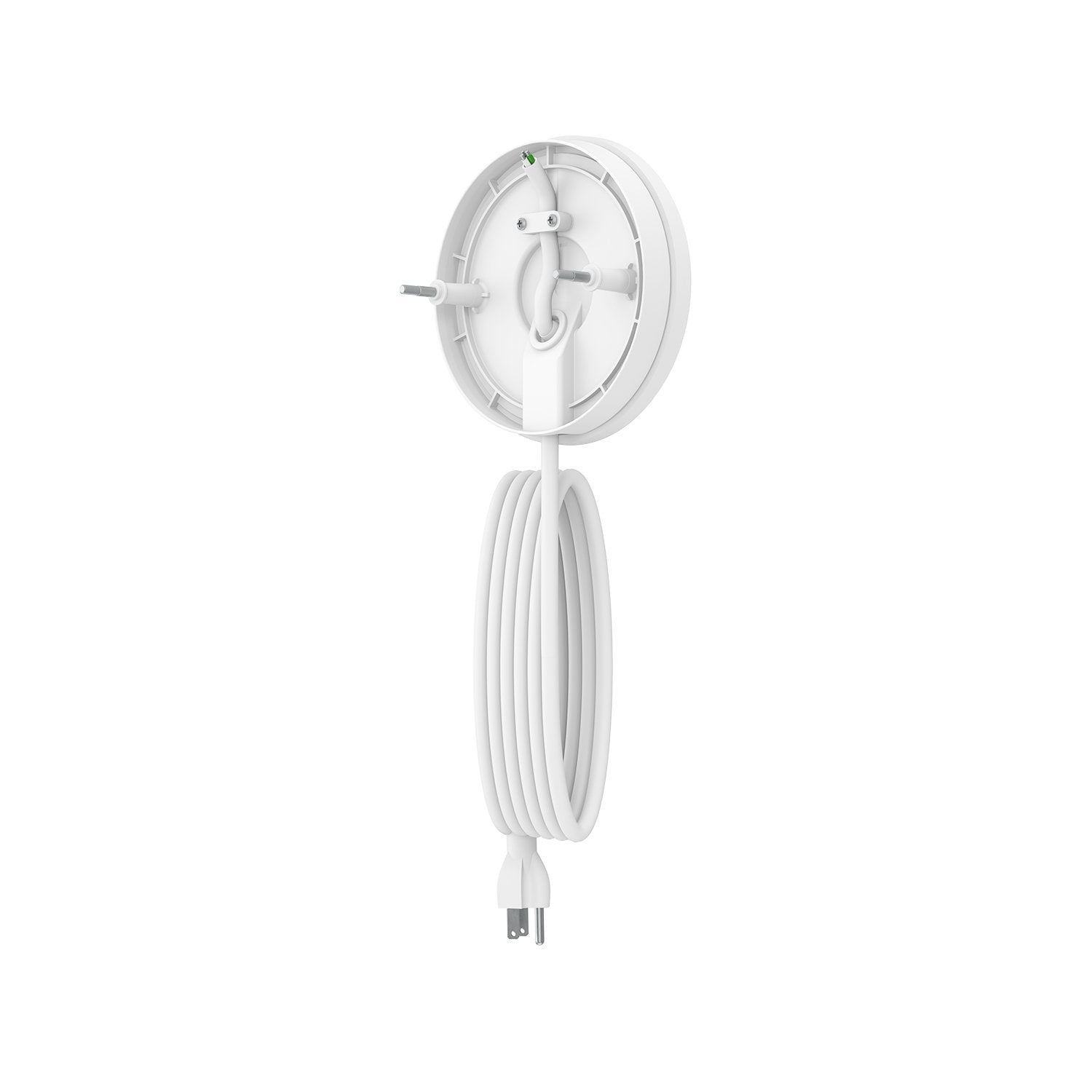
Plug-in Mount
Get nonstop power by plugging your floodlight camera into a standard outlet.
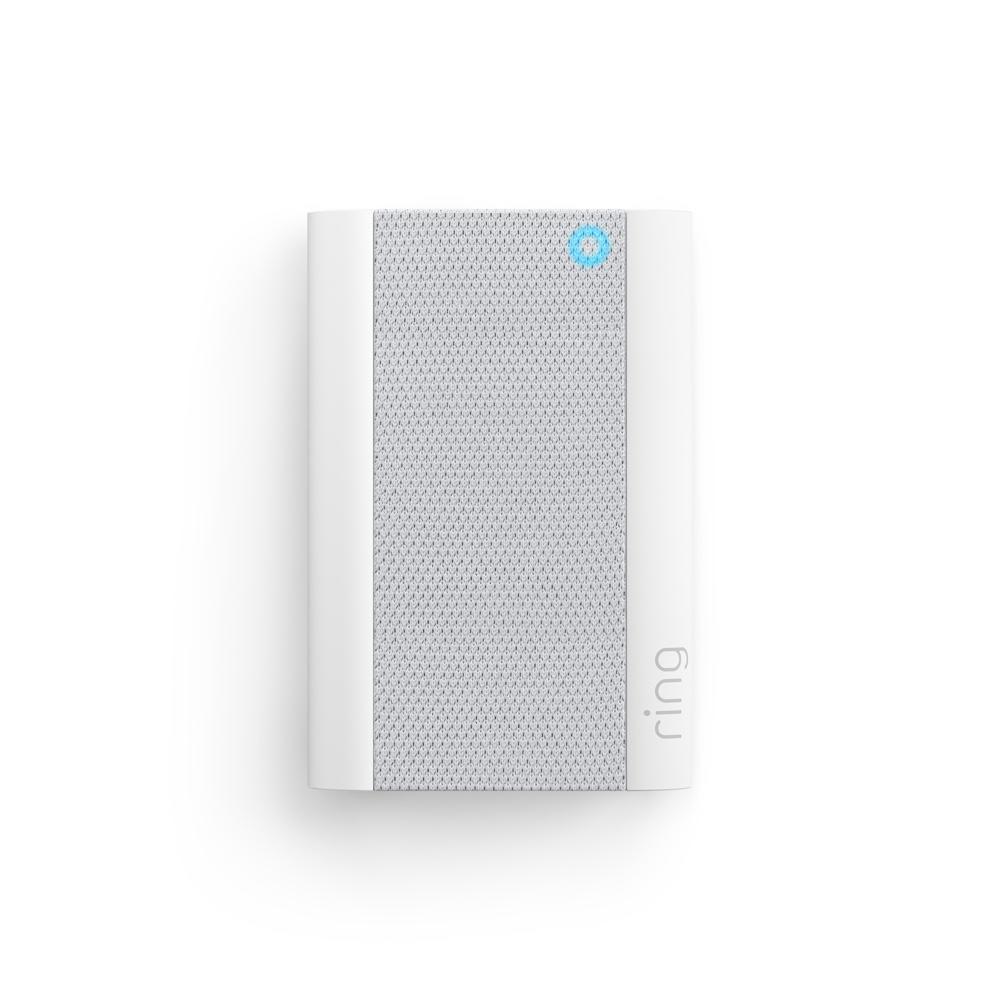
Chime Pro
Plug it in and hear real-time alerts from anywhere—plus extend your wifi.
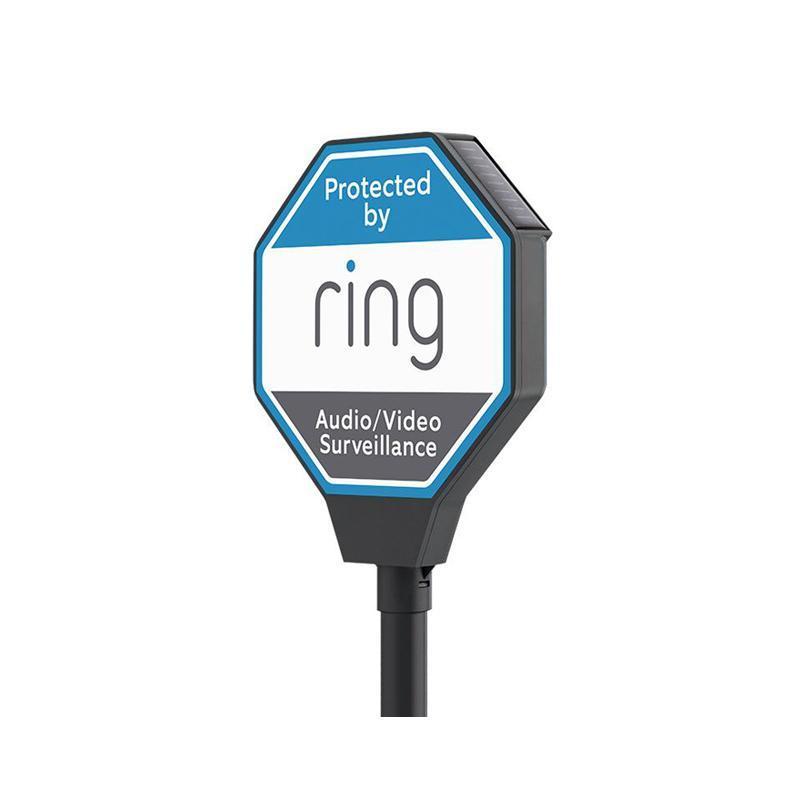
Solar Security Sign
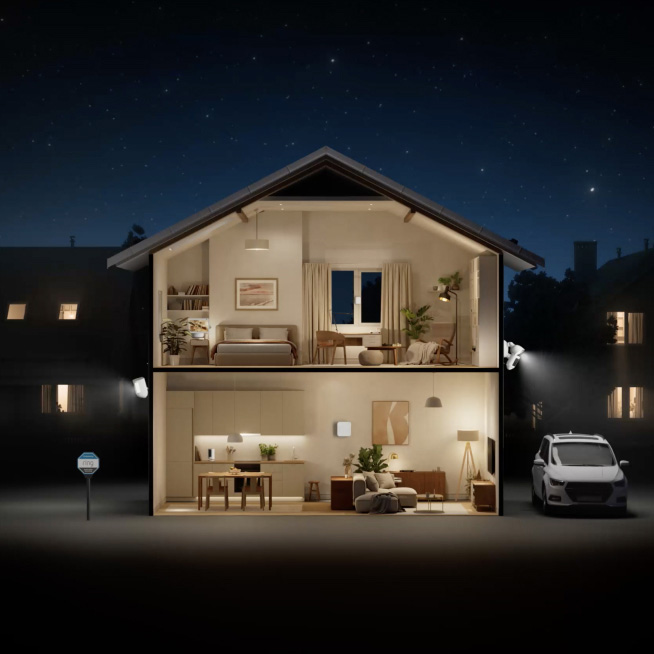
Let the neighborhood know that your home is protected by Ring.
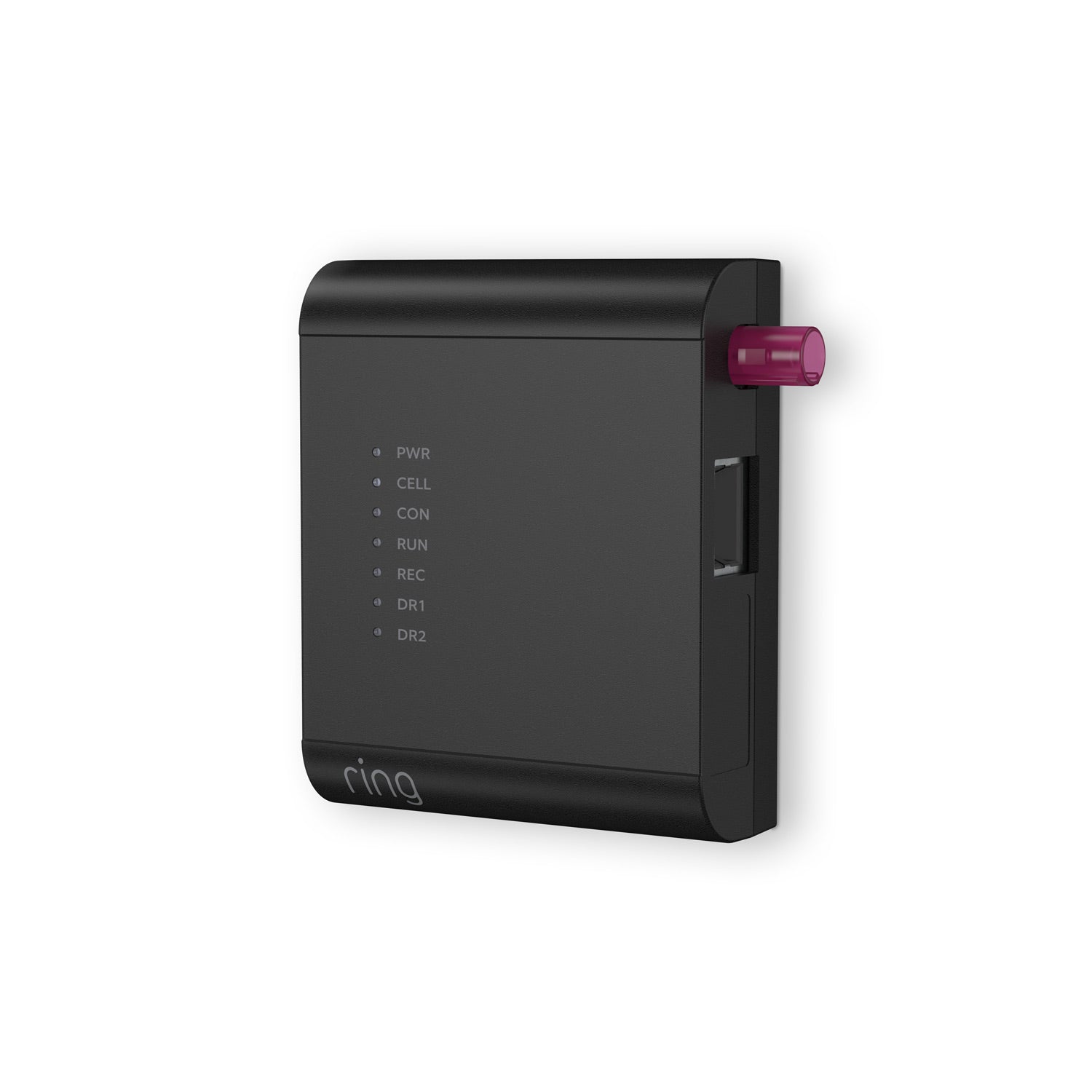
Access Controller Pro 2
Two-Way Talk with Audio+
110dB Siren
3D Motion Detection
& Bird’s Eye View
1080p HDR Video & Color
Night Vision
2000 Lumens
Dual-Band Wifi
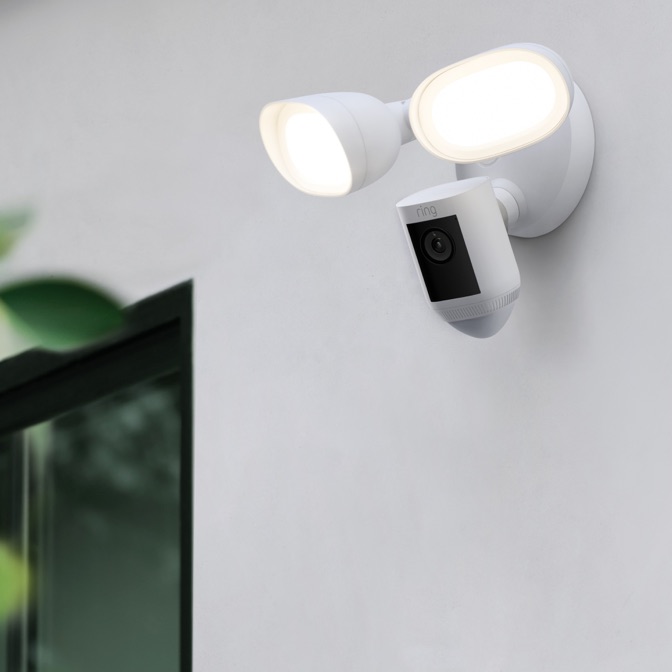
Radar-powered precision. That’s Pro.
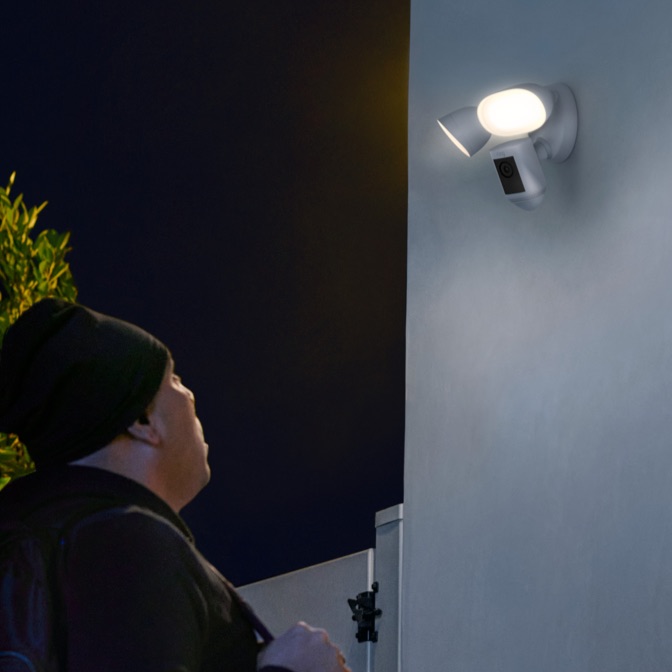
Ring Pro-tier Security Cameras help protect your property with 3D Motion Detection—allowing you to pinpoint movements with radar-powered precision for unmatched security coverage.
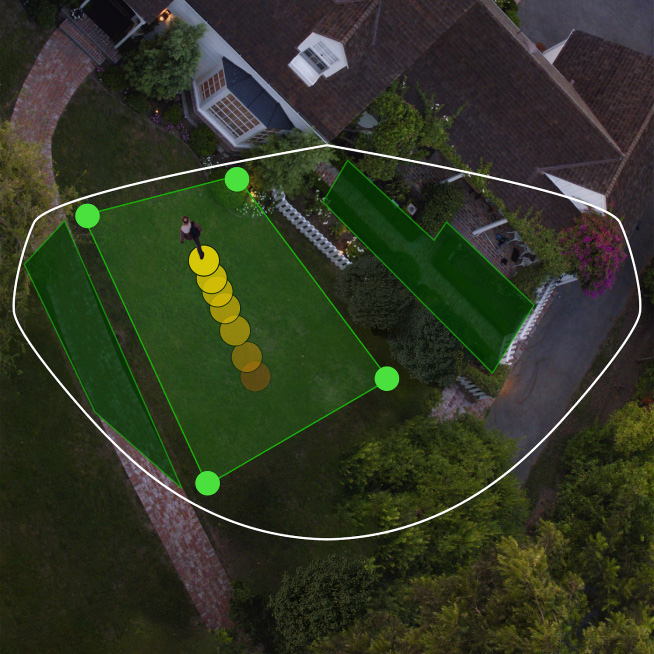
Bird’s Eye Zones
Map out your detection to only get alerts about specific areas. Configure zones to know about security events like activity in the front yard, but not the sidewalk.
Bird’s Eye View
See precisely where someone's been and how they got there with an aerial view of your home.
Sharper details you can see and hear.
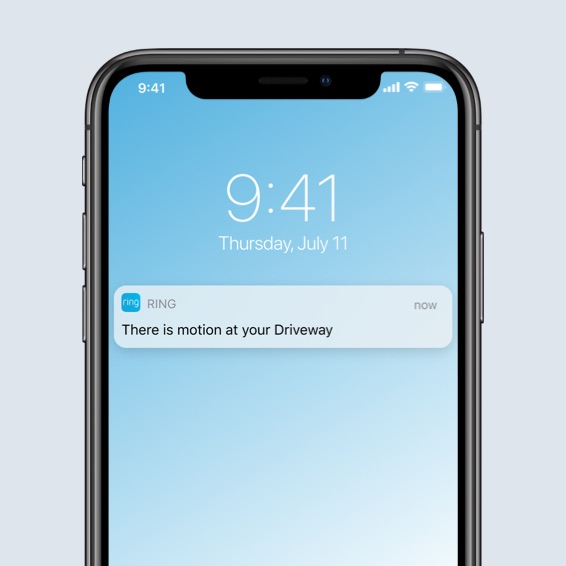
Get more accurate, real-time notifications when motion is detected around your home. Use the Ring App to see what’s happening, turn on the lights, speak to visitors with improved noise reduction, and sound the siren when you need to.



Ring Protect
Subscribe to unlock even more benefits.
Save what your camera records, get more detailed alerts, link cameras to your Ring Alarm, and more, with a Ring Protect subscription for as low as $4.99/month per device. Start your 30-day free trial.1
Record and Save
Store your camera’s captured footage in the cloud for up to 180 days to review moments you missed, save highlights, and share with family, friends, or neighbors.1
Person and Package Alerts
Customize your alerts and minimize interruptions by getting notifications only when your device spots a person and when there’s a package in designated areas.1
Rich Notifications
See exactly what triggered an alert with a photo preview right in the notification without opening the Ring App.
Home and Away Modes
Easily change modes and customize settings to have your camera record when you’re away, or turn off when you’re home, and more.
Enjoy a 10% Discount and Extended Warranty
Receive 10% off select products at Ring.com and Amazon.com. Choose a Ring Protect Plus or Pro subscription to extend the warranty on your eligible devices at home.1



Tech Specs
Size and Color
12.82 in x 7.77 in x 8.5 in (326 mm x 197 mm x 217 mm)
Plug-in cord length: 20 ft
4.7 in (12 cm) diameter
Black, White
Features
2K Video, HDR, Live View, Color Night Vision
3D Motion Detection with Bird’s Eye View; 270 degree, 30-foot Customizable Motion Zones
140° horizontal, 80° vertical
Remote-activated 110db siren (level measured at 4 in/10 cm distance)
Two-Way Talk with Audio+ and advanced noise cancellation
Two 3000° Kelvin with 2000 Lumen floodlights
Adjustable mount with 140° field of view
Illuminates and sends announcements to Echo devices whenever motion is detected, and lets you see, hear and speak to people on camera with select Echo and Fire TV devices.
Power and Connectivity
Hardwired (100-240V)
802.11 b/g/n Wi-Fi connection @2.4GHz and 5.0GHz
Recommended minimum upload speed of 3.5 Mbps for optimal performance. Video resolution may vary depending on internet bandwidth.
Installation
-5°F to 118°F (-20.5°C to 48°C), Weather resistant
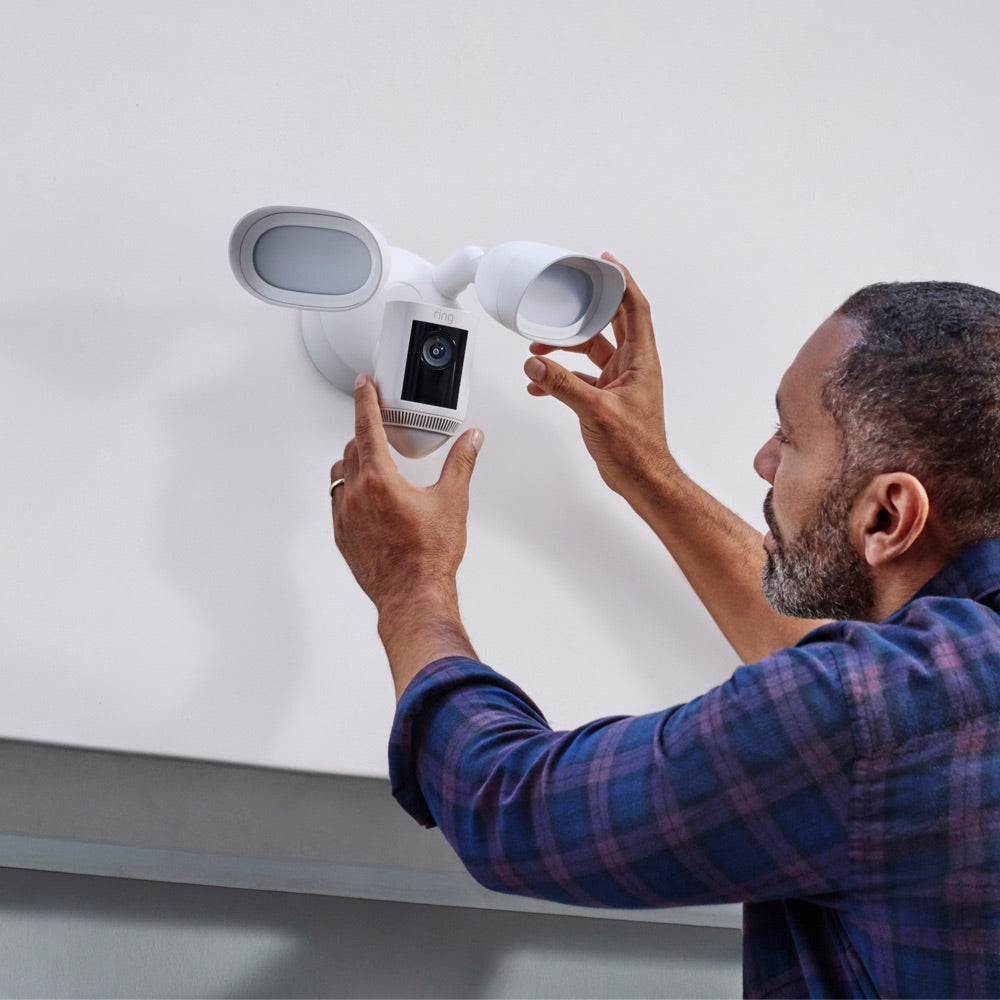
Integrated and Adjustable Floodlight. Product can be mounted on a Wall or Ceiling.
General
Security
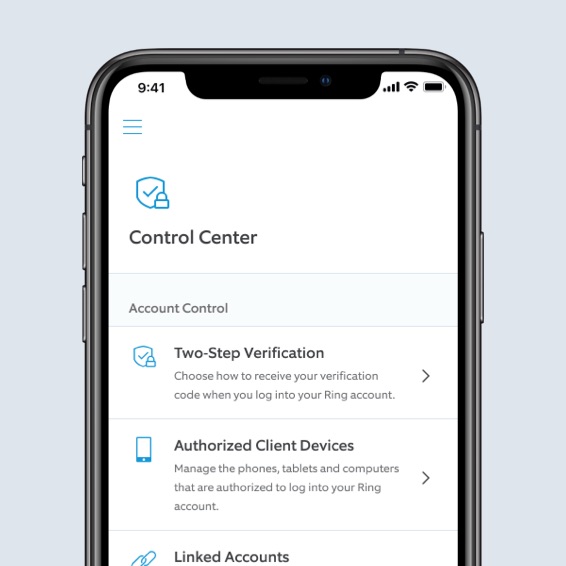
Learn more about these software security updates. If you already own this device, visit Software Security Updates in Ring Control Center for information specific to your device.
Frequently Asked Questions
What’s the difference between Floodlight Cam and Floodlight Cam Pro?
Ring Floodlight Cam includes Live View, Two-Way Talk, Advanced Motion Detection, Customizable Motion Zones, Customizable Privacy Settings, color night vision, and an easy to use app. Ring Floodlight Cam Pro builds upon all these great features with a new design and advanced features including radar-powered 3D Motion Detection, Bird’s Eye View, Audio+ for enhanced audio, HDR video, a 110db siren, dual-band wifi and an array microphone that limits sound distortion.
Can I mount Floodlight Cam Pro upside-down on a ceiling or eave?
Yes you can, if you have an existing junction box. Follow the instructions in the manual.
What privacy features are included with Floodlight Cam Pro?
Floodlight Cam Pro allows you to configure your privacy settings depending on your current needs. Create privacy zones that black out certain zones that you do not want to record. Toggle motion alerts, motion or audio recording off in the Ring app at any given time. Create a motion schedule to enable motion alerts and recording during the times you're usually away. Use Modes to select a camera state with Disarmed, Home, or Away Mode, subscription required (sold separately).
What is 3D Motion Detection?
3D Motion Detection uses radar technology to identify where and when a motion event will be recorded. The radar sensor measures distance and angle of objects in front of the camera, allowing for more specific motion detection alerts. Within the Ring app, users easily customize where on their property they want the camera to start recording when an object crosses a threshold. And, once 3D Motion Detection is set up, it powers Bird’s Eye View which provides an aerial map view at motion events in front of your camera and clearly shows the path that visitors take when visiting your property.
Does the doorbell or security camera save my videos and photos so I can view them later?
If you have a subscription to Ring Protect, videos captured by your doorbell or camera will be saved to your Ring account for up to 180 days. You can manage your video storage time through the Control Center. Photos captured will be saved to your Ring account for up to 7 days, so you can review them at any time. More information about video storage can be found here.
A free 30-day Ring Protect Trial is included with any Ring doorbell or camera purchase unless you already have a Ring Protect Plus or Pro subscription at the same location. You may subscribe to a Ring Protect Plan at any time during your trial, and you won’t be charged for your subscription until after your trial ends.
If you have a subscription to Ring Protect, you can share your videos and photos with anyone, including neighbors, friends, family and local law enforcement.
Click here to learn more about Ring Protect.
What’s Ring Protect?
Ring Protect is a comprehensive service that activates video recording and photo capture, saving and sharing for your Ring doorbell or camera, plus a few extra perks.
Click here to learn more about Ring Protect.
Do I need Ring Protect to use the doorbell or security camera?
No. You can still use your doorbell or camera to watch over your home and answer the door from anywhere, even without a subscription to Ring Protect. Without Ring Protect, you'll still receive real-time notifications when anyone comes to your door, and you can answer the notification to see, hear, and speak to visitors in real time right from your mobile device. When you access your Ring Dashboard, you'll be able to view the image last captured by active devices.
However, without a subscription to Ring Protect, you won't be able to review any videos or images you missed in real time, and you won't be able to save your videos or photos or share them with anyone. Click here to learn more about Ring Protect and to choose a plan that works for you.
Amazon Customer Reviews
How customer reviews and ratings work
Customer Reviews, including Product Star Ratings help customers to learn more about the product and decide whether it is the right product for them.
To calculate the overall star rating and percentage breakdown by star, Amazon doesn't use a simple average. Instead, Amazon's system considers things like how recent a review is and if the reviewer bought the item on Amazon. It also analyzed reviews to verify trustworthiness.
Learn more how customers reviews work on Amazon
1Find details on Ring Protect Plans below. See Ring Protect Subscription Plans for more information.
Free Trial
Free trial is not applicable for locations with an existing Ring Protect Plus or Protect Pro subscription. Your free trial begins as soon as you activate your Ring product.
Video History, Saving, and Sharing
Your Ring videos in the cloud are stored temporarily, up to 180 days. Changing your video storage time will only affect videos that are recorded after you adjust your storage time setting. Check Ring Protect Subscription Plans for more information.
Person and Package Alerts
Package Alerts work best with medium-to-large shipping boxes. Envelopes, tubes, small boxes, and food deliveries may not be detected. Make sure you have Motion Detection enabled in the Ring App.
Extended Warranty
For extended warranty coverage, "Eligible Ring Devices" are Ring devices covered by an active Protect Plus/Pro Plan, if the Ring device was under the 1-year manufacturer’s warranty period at the time you added the device to your Protect Plus/Pro Plan. Non-Ring and other third-party devices are not eligible for the extended warranty. In the U.S., in lieu of the Ring extended warranty, Eligible Ring Devices are covered via a service contract administered by SquareTrade, an Allstate company; SquareTrade/Allstate terms are available here. The cost for the Allstate Protection Plan is included in the cost of the Ring Protect Plan. You may purchase a standalone Allstate Plan by going to www.amazon.com and searching for an Allstate Plan.
10% Discount
Terms and conditions apply. Amazon discount requires linking your Ring and Amazon account.
2Ring Alarm and all Ring Alarm accessories require a subscription for in-app features and digital notifications, including digital arming / disarming and integration with other Ring, Echo, Alexa, and third party products. Subscription sold separately. View ring.com/protect-plans for pricing and details.
3Sold separately. A compatible smart lock must be set up in the Ring App to enable this functionality.
© Mapbox © OpenStreetMap Improve this map