Aerial view of neighborhood with wildfire smoke and Ring notification alert showing
24x24px Black Track Wild Fire (Ed30) Icon

Fire Watch

Safer. Stronger. Together.

With Fire Watch, powered by our partnership with Watch Duty, your outdoor Ring camera becomes a vital tool for responding to wildfires. Together, we’re empowering communities with real-time alerts and vital information to protect what you love during life’s most critical moments.

Customer response to Ring's Fire Watch.
Arrow Icon
Arrow Icon

Join the team.

Working together to help communities stay informed and respond quickly during active wildfires.

Neighbors helping neighbors.

Whether it’s spotting wildfires and sharing real-time updates with Fire Watch or reuniting lost dogs and their families with Search Party, our community features empower everyone to become a hero in their neighborhood using Ring’s technology to act for the greater good.

How Fire Watch Works

Real-time alerts. Real-world impact.

Fire Watch works through Ring’s partnership with Watch Duty, a not-for-profit organization that monitors and reports wildfires. When Watch Duty reports a fire, nearby Ring users receive an alert. Then, outdoor Ring cameras start looking for visual signs of fires and smoke. Neighbors in the area can share snapshots with Watch Duty and first responders, giving critical insights during emergencies.

  • Get critical alerts.
    Get critical alerts.
    When a wildfire is reported in your area, you’ll be alerted immediately and can choose to share updates with your community.
  • Act fast. - Asset Wrapper
    Act fast.
    Your Ring cameras will tell you if they spot possible fire or smoke, giving you early warning signs during emergencies.
  • Stay connected - Asset Wrapper
    Stay connected.
    Get instant updates about fires in your area and choose if you want to share snapshots from your outdoor cameras to keep your neighborhood informed.

How Fire Watch Works

Real-time alerts. Real-world impact.

Fire Watch works through Ring’s partnership with Watch Duty, a not-for-profit organization that monitors and reports wildfires. When Watch Duty reports a fire, nearby Ring users receive an alert. Then, outdoor Ring cameras start looking for visual signs of fires and smoke. Neighbors in the area can share snapshots with Watch Duty and first responders, giving critical insights during emergencies.

Get critical alerts.
Arrow Icon
When a wildfire is reported in your area, you’ll be alerted immediately and can choose to share updates with your community.
Act fast.
Arrow Icon
Your Ring cameras will tell you if they spot possible fire or smoke, giving you early warning signs during emergencies.
Stay connected.
Arrow Icon
Get instant updates about fires in your area and choose if you want to share snapshots from your outdoor cameras to keep your neighborhood informed.
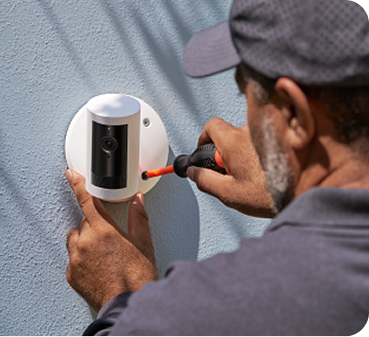
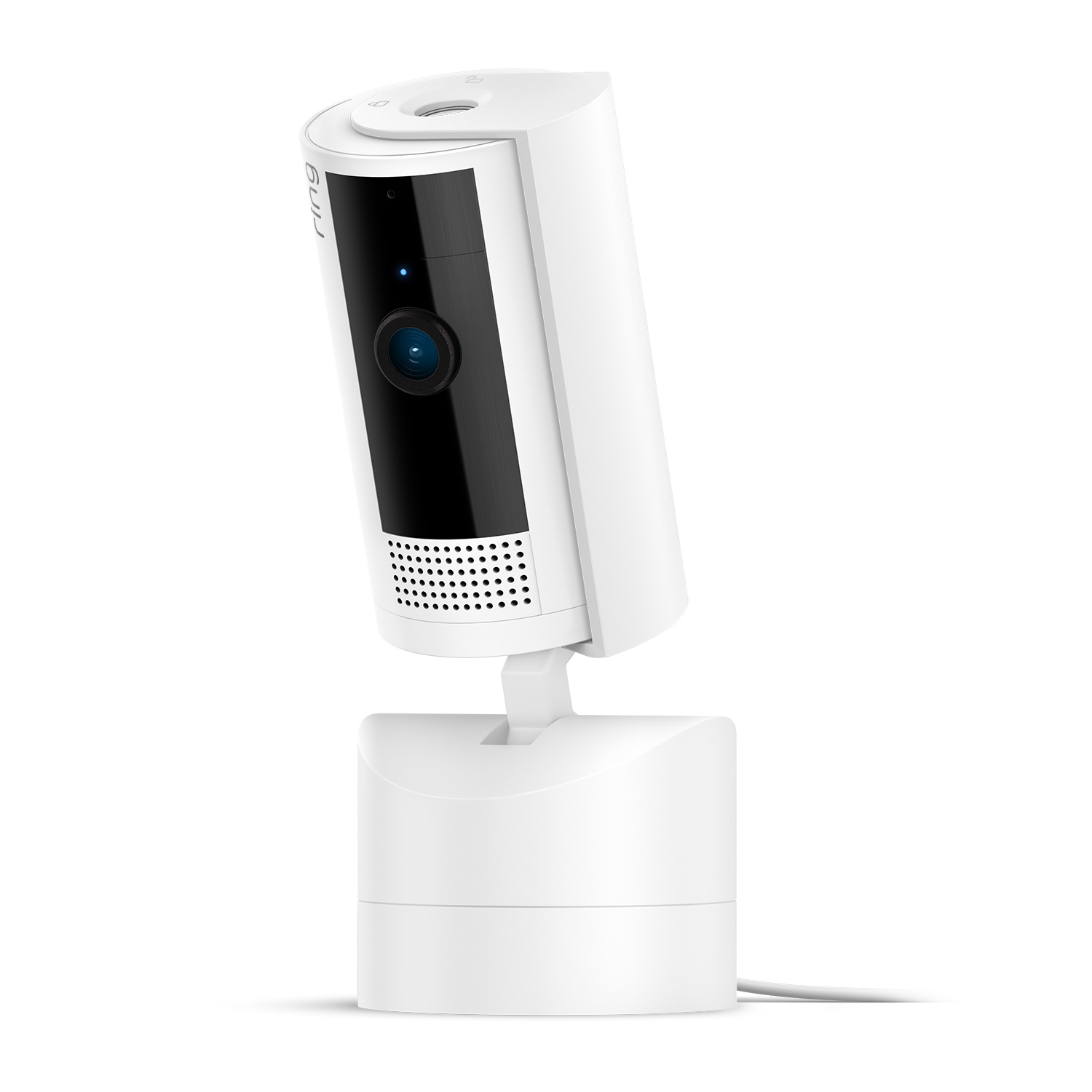
Protecting your neighborhood starts with an outdoor camera. - Asset Wrapper

Protecting your neighborhood starts with an outdoor camera.

By choosing Ring, you’re not just buying a device. You’re joining a community that looks out for one another.

Digital Security Icon

Your footage is always in your control.

You choose to share your footage when you want and can jump in to help your neighbors when you're ready. Easily manage your devices in the Ring app’s Control Center.

Fire Watch UGC Module Main Video
Fire Watch UGC Module Asset 1
Fire Watch UGC Module Asset 2
Fire Watch UGC Module Asset 3

Help others find inspiration.

Share your success story with Ring and help show others that there’s always hope.

Discover more community features.

Neighbors


Neighbors App

Stay informed. Share real-time updates. Protect your neighborhood.
Search Party


Search Party for Dogs

Be the hero, bring pets home.
Fire Watch


Fire Watch

Protect what you love during life’s most critical moments.

Frequently Asked Questions - Fire Watch

What is Fire Watch?

Arrow Icon

Ring has partnered with Watch Duty, a non-profit, to bring Fire Watch to neighbors nationwide. Fire Watch is a new feature in the Ring app that empowers neighbors to use their outdoor Ring cameras to look out for fires and provide the community and first responders with real-time information during active fire events.

How does Fire Watch work?

Arrow Icon

When Watch Duty identifies a new fire, they send its location to Ring to establish a Search Area within those boundaries. If your Ring device is within this Search Area, Fire Watch is temporarily activated and your cameras will begin looking for signs of fire and smoke. If spotted, your camera will let you know. Neighbors in the Search Area can temporarily enable snapshot sharing with first responders and the public via Watch Duty. Additionally, you and your neighbors can choose to share photos, videos and updates with the community through the Neighbors app, providing valuable information to help everyone stay safe.

Is Fire Watch always watching for fires?

Arrow Icon

No. Fire Watch is not an early alert system and only activates when Watch Duty reports a known fire near your outdoor camera's location. During an active fire event, your camera can help detect signs of fire and smoke—but only for the duration of the emergency and only within the affected area.

What exactly will be shared during a Fire Watch event?

Arrow Icon

During an active event, you can choose to share snapshots with Watch Duty. Periodic static images (not videos) from selected cameras may be published publicly on Watch Duty, along with location and fire detected signals. You’re in control—sharing is completely optional and you can stop sharing at any time through the Ring app. If you choose not to share with Watch Duty, you can still use Fire Watch to look for signs of fire and smoke and get alerted if detected.

How does Fire Watch benefit my community?

Arrow Icon

During a fast-moving fire, accurate, real-time information is essential. Fire Watch transforms how communities can work together during a disaster. You can:

  • Help your neighbors stay informed about the fire's movement.
  • Give first responders unprecedented situational awareness with your footage.
  • Contribute to a more resilient community that can respond to and recover from disasters more effectively.

Do I have control over what I share and my privacy?

Arrow Icon

Yes. Your privacy and control are top priorities. Here’s how we protect your information:

  • Adjust Your Settings: You have the choice to turn off Search Party or Fire Watch, at any time in your Control Center settings.
  • You Choose to Share: Your ring cameras will continue to operate as normal. It’s up to you to decide whether or not to share that footage with neighbors or Watch Duty.
  • Limited Activation: The feature is only active for a limited time (during a known fire) and within a specific geographic area (the Search Area).

Do I need to do anything to enable Fire Watch?

Arrow Icon

No. Fire Watch will automatically be available for Ring users with eligible outdoor Ring cameras in the United States. Indoor cameras are not included in Search Party. You can manage your settings to customize which cameras participate or turn off the feature at any time

Will I get an alert if Fire Watch is activated?

Arrow Icon

Yes, if your device falls within a Search Area, you will be notified through the Ring app via push notification. You will also receive updates throughout the event to stay informed.

Your Cart ()

Subtotal:
Your cart is empty.

Added to cart

Undo

Close Icon

Your Cart

Close Icon
Professional Installation Icon
Professional Installation
Starts at $129.99 per device (billed separately). Book after checkout or use the link in your confirmation email. You’ll pay when you schedule.

Your Cart

Close Icon
Empty cart icon
Your cart is empty
Explore the latest deals and offers.
Close Icon