Smart Lighting
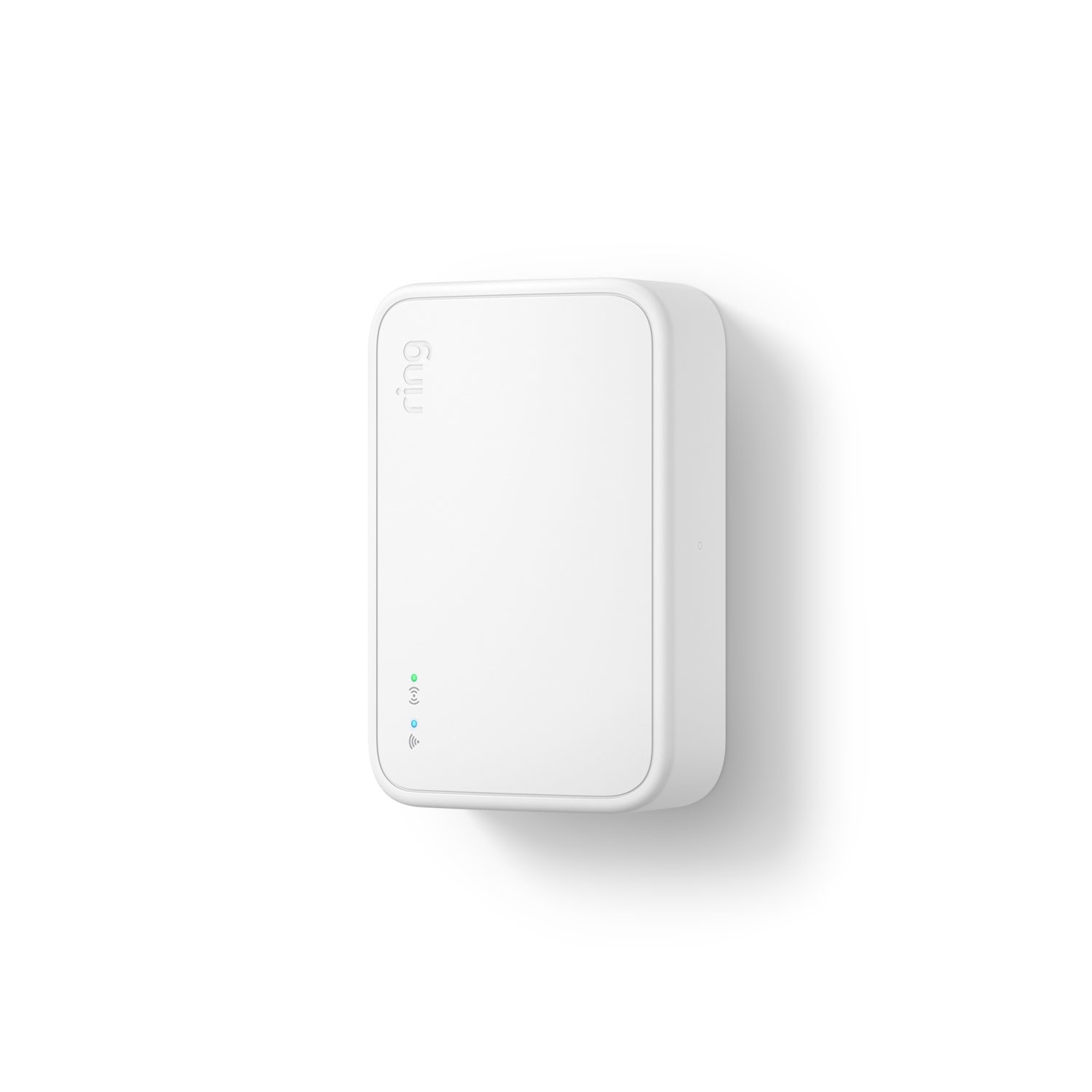
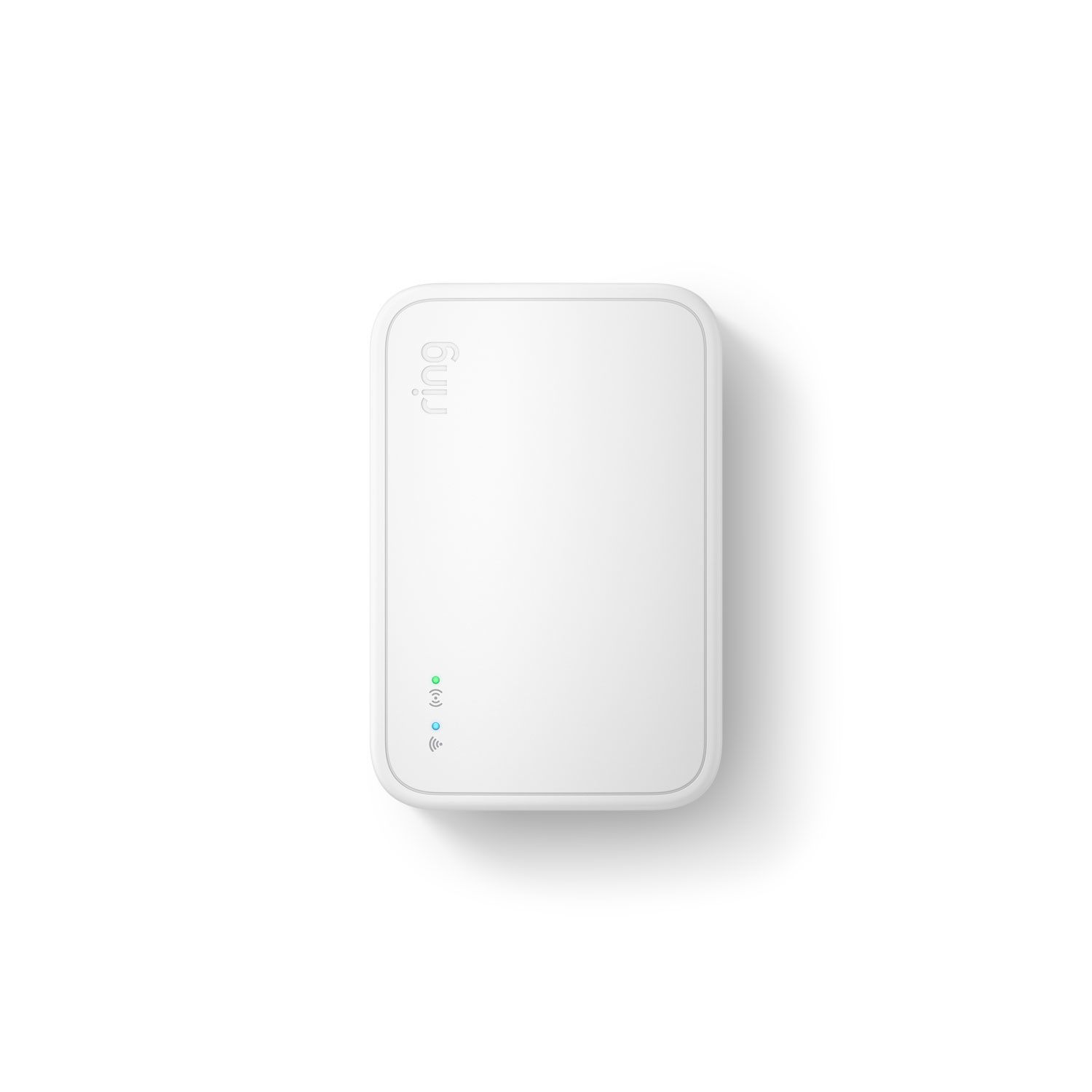
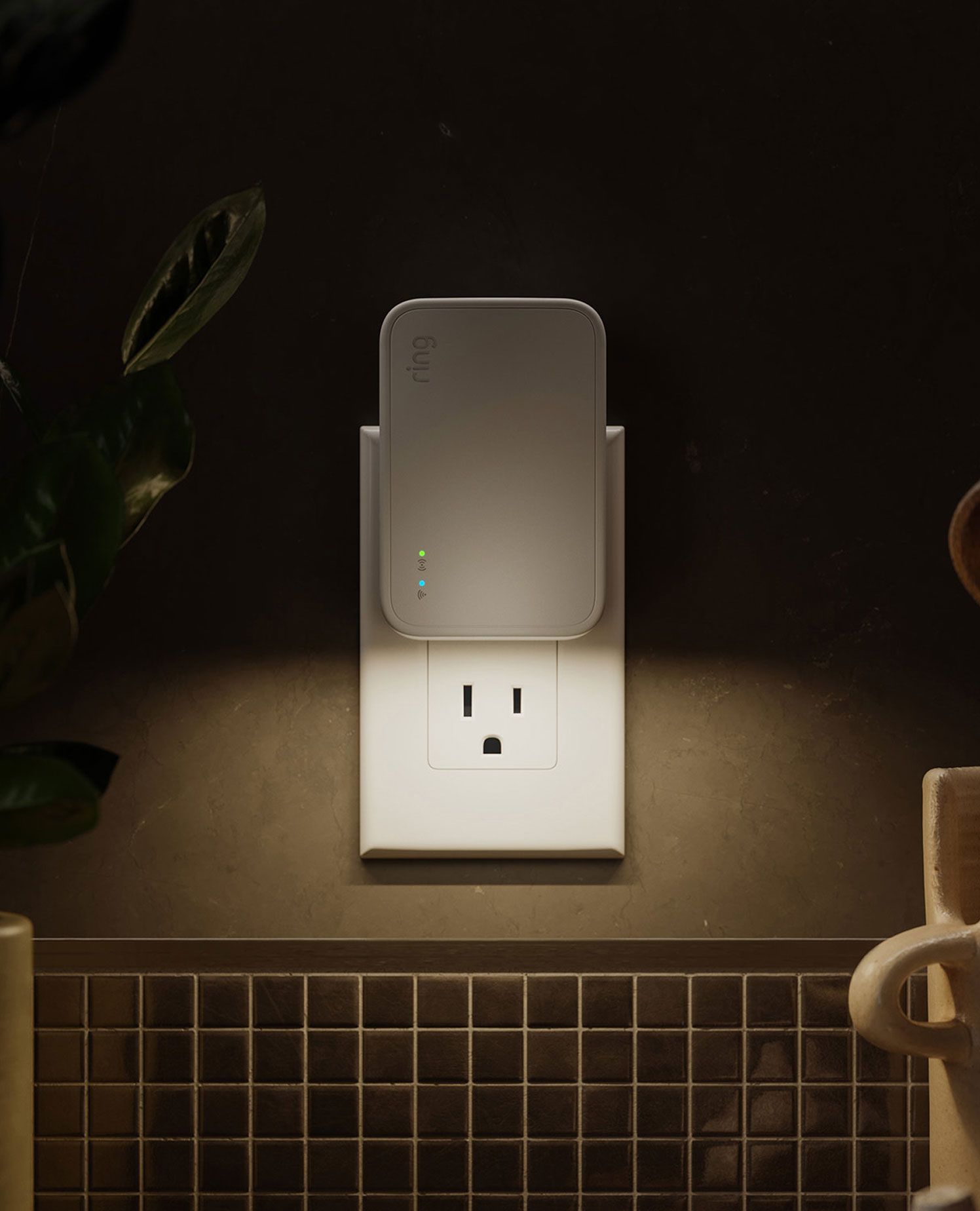
Bridge (2nd Gen)
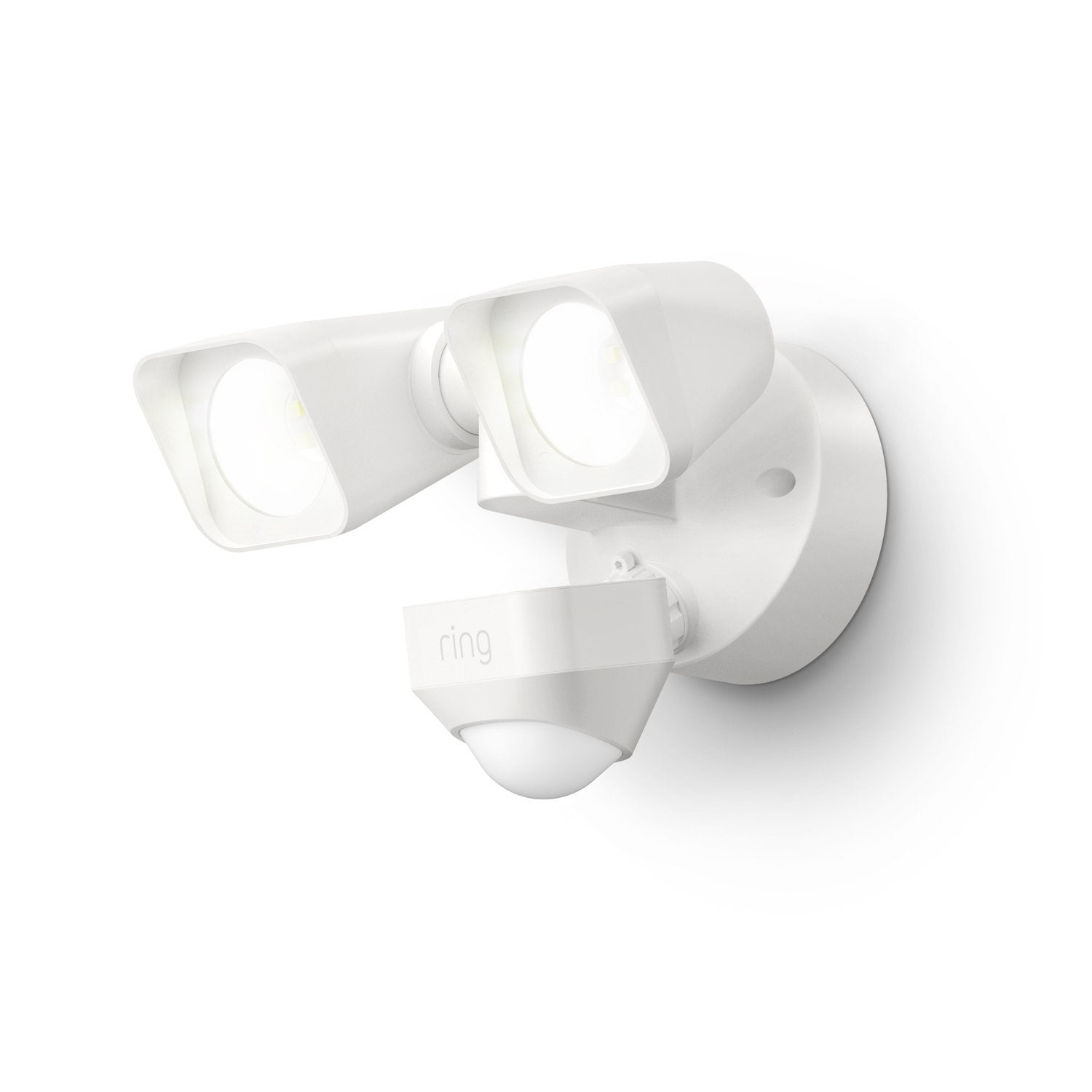
Floodlight Wired
Shines light above driveways, sideyards and high-traffic areas when motion is detected.
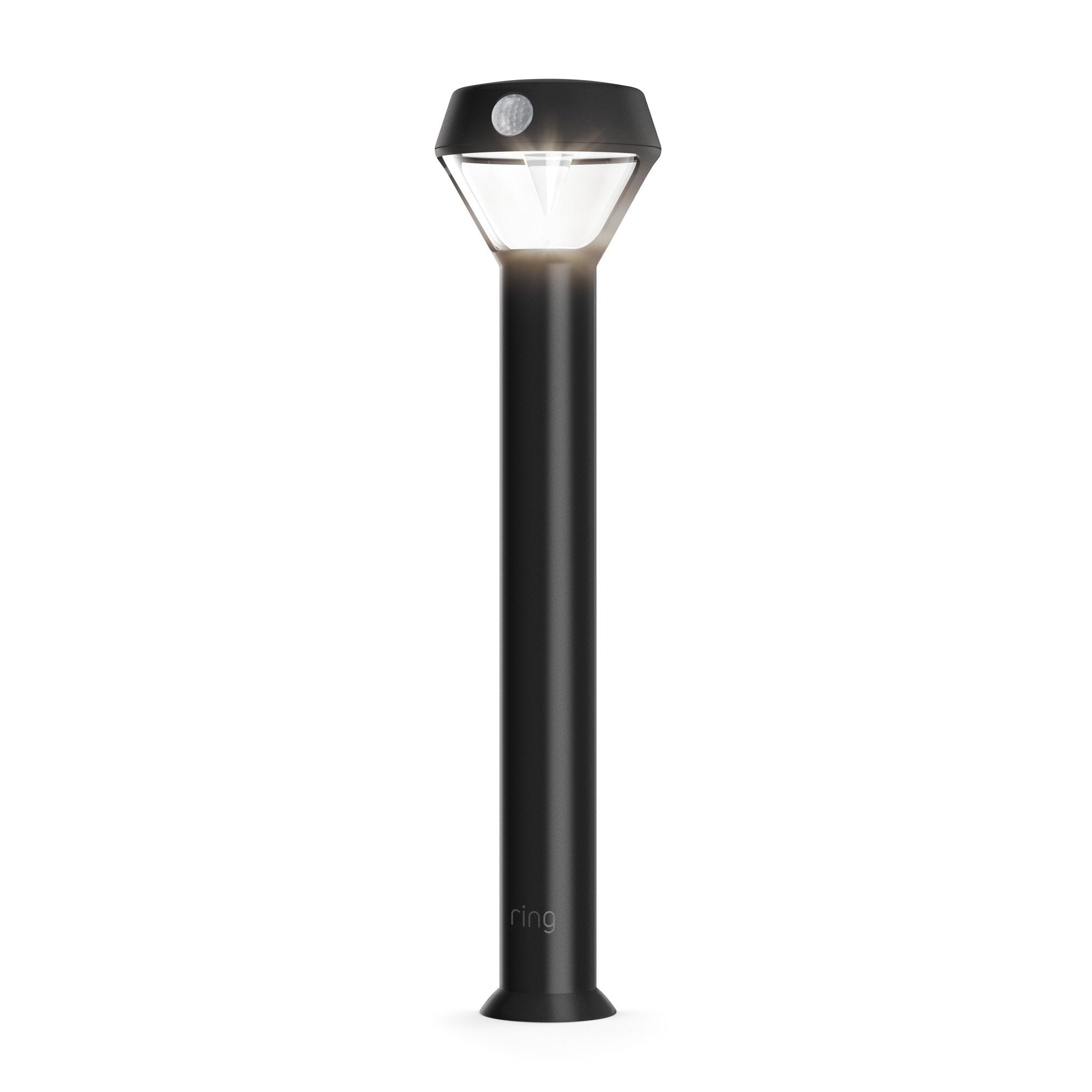
Solar Pathlight
Shine up to 80 lumens of light when motion is detected.
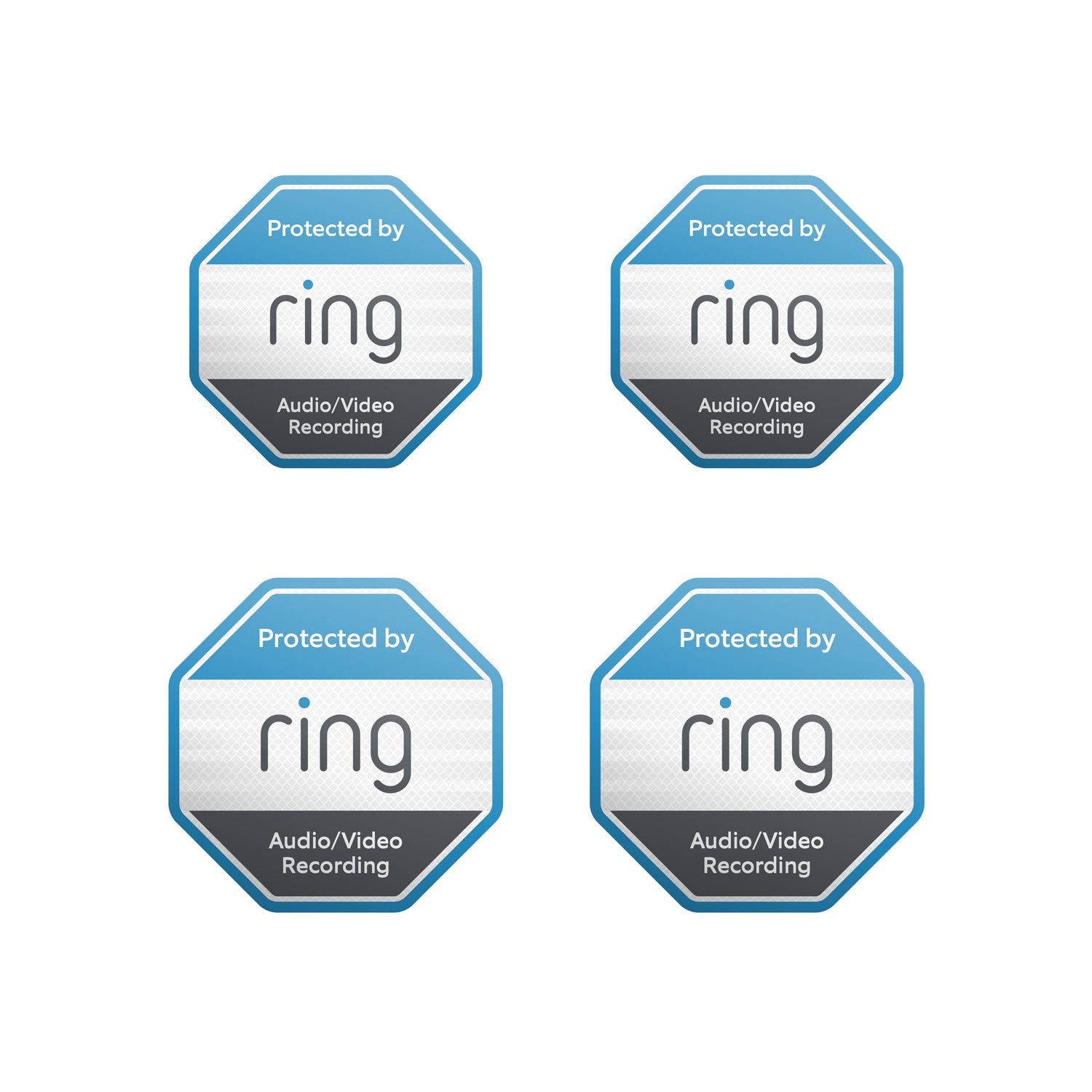
Reflective Security Stickers
Show everyone that you're protected with door and window stickers.
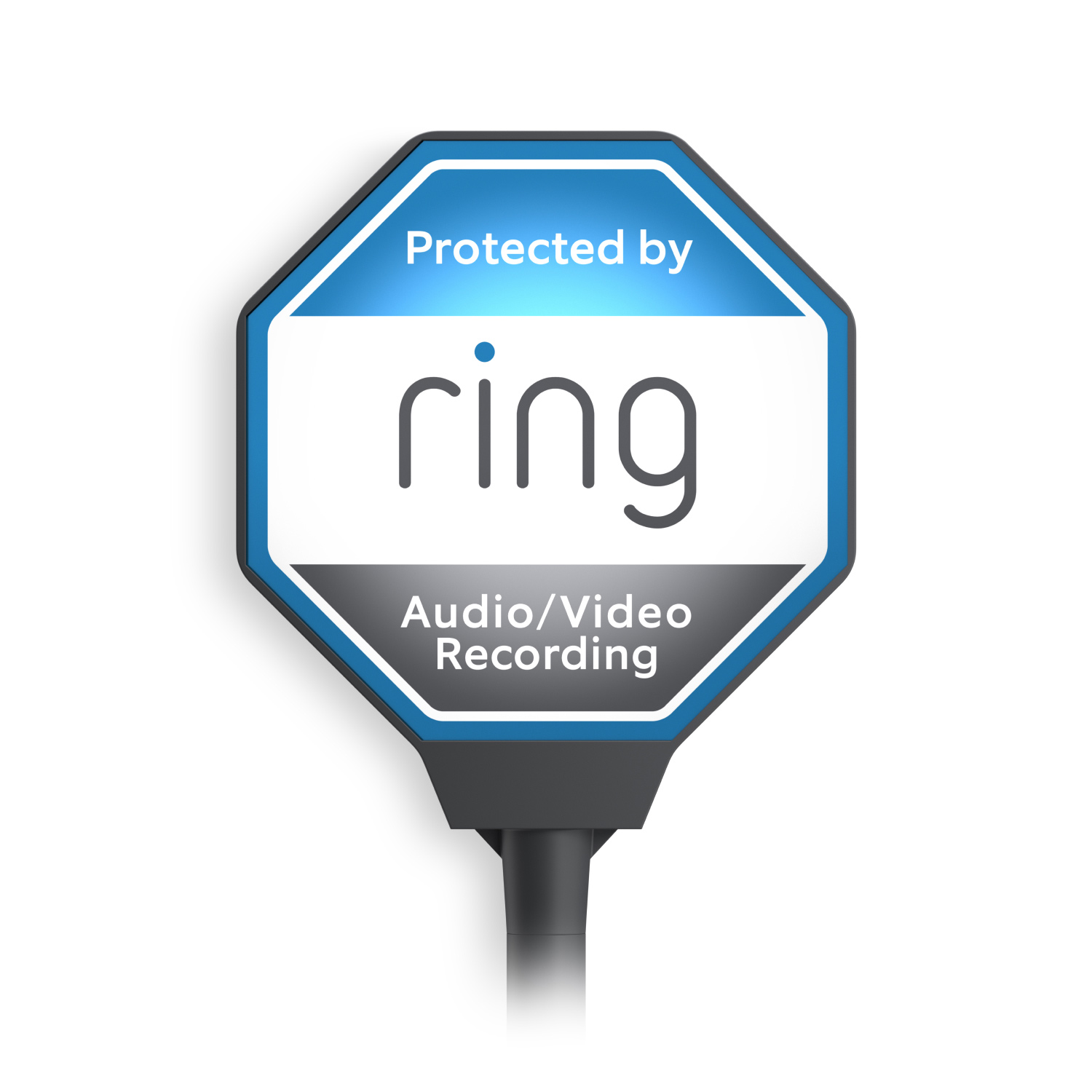
Ring Beacon
Signal your Ring protection 24/7 with the solar-powered yard sign.
More coverage, made simple.
Ring Bridge extends the range of your Ring smart lights so they’ll stay connected even if they’re outside the range of your home wifi. Plug it in, position your lights, and group all your Ring devices in one simple app — no professional installation needed.

All your devices working as one.
With Ring Bridge, your Ring smart lights, Ring doorbells and cameras, and select Alexa-enabled devices can talk to each other in the Ring app and work better together. If one Ring Bridge-enabled device detects motion, your other devices will react in real time — turning on lights and camera recording to get a better look at what’s happening.

"Alexa, turn on the lights."
Ring Bridge helps connect your Ring smart lights to select Alexa-enabled devices. When connected, you can use your voice to turn the lights on, adjust brightness, and more. Plus, Alexa will let you know when motion is detected, so you’ll never miss a thing.

Tech Specs
Supported Devices
See the full list of Amazon Sidewalk Compatible Devices.
Size and Color
4.1 in x 2.7 in x 1.3 in. (10.3 cm x 6.9 cm x 3.4 cm)
White
Features
This Ring Bridge connects your Ring accessories that are Amazon Sidewalk-enabled to the Sidewalk network.
Power and Connectivity
100-240 VAC. 50/60 Hz
802.11 b/g/n Wi-Fi @ 2.4GHz
Sidewalk uses Echo and Ring devices to securely keep other devices connected and help find lost items by reporting their approximate location to the owner. Sidewalk can enable supported devices to remain connected even when wifi is lost or the supported devices are outside the range of their home wifi. Sidewalk uses a small portion of your internet bandwidth and the approximate location of your devices to provide these benefits to you and your neighbors. Sidewalk is turned on for your device unless you have previously turned it off. You can turn off Sidewalk at any time in the Control Center in the Ring app. Learn more about Amazon Sidewalk.
Installation
32°F to 104°F (0°C to 40°C)
Indoor install only
Standard Power Outlet
iOS 9.1 and above
Android 5.0 and above
WiFi
General
Ring Bridge (2nd Gen)
Quick Start Guide
WSL (Warranty, Safety, Legal)
Security
Learn more about these software security updates. If you already own this device, visit Software Security Updates in Ring Control Center for information specific to your device.
Frequently Asked Questions
Where does Ring Bridge (2nd Gen) ship to?
Ships to the continental US (including Alaska and Hawaii).
How is the 2nd generation different from the 1st generation?
The 2nd generation uses completely different technology. It's a repeater/extender for the Amazon Sidewalk Network, not a traditional bridge like the 1st generation.
Will my Ring devices connect to this like they did with the 1st generation bridge?
No. Your Ring devices need to be reconnected differently. You'll need to:
-
1. Delete your existing devices
2. Reinstall them
3. Select "Amazon Sidewalk" as the connection type
Who needs this device?
This device is specifically designed for users experiencing weak signals on the Amazon Sidewalk infrastructure.
How complicated is the setup process?
Setup is straightforward. Once added to the Ring app, the only configuration option is changing the device name.
Can I configure additional settings on this device?
No. Beyond changing the device name, there are no additional configuration options available.