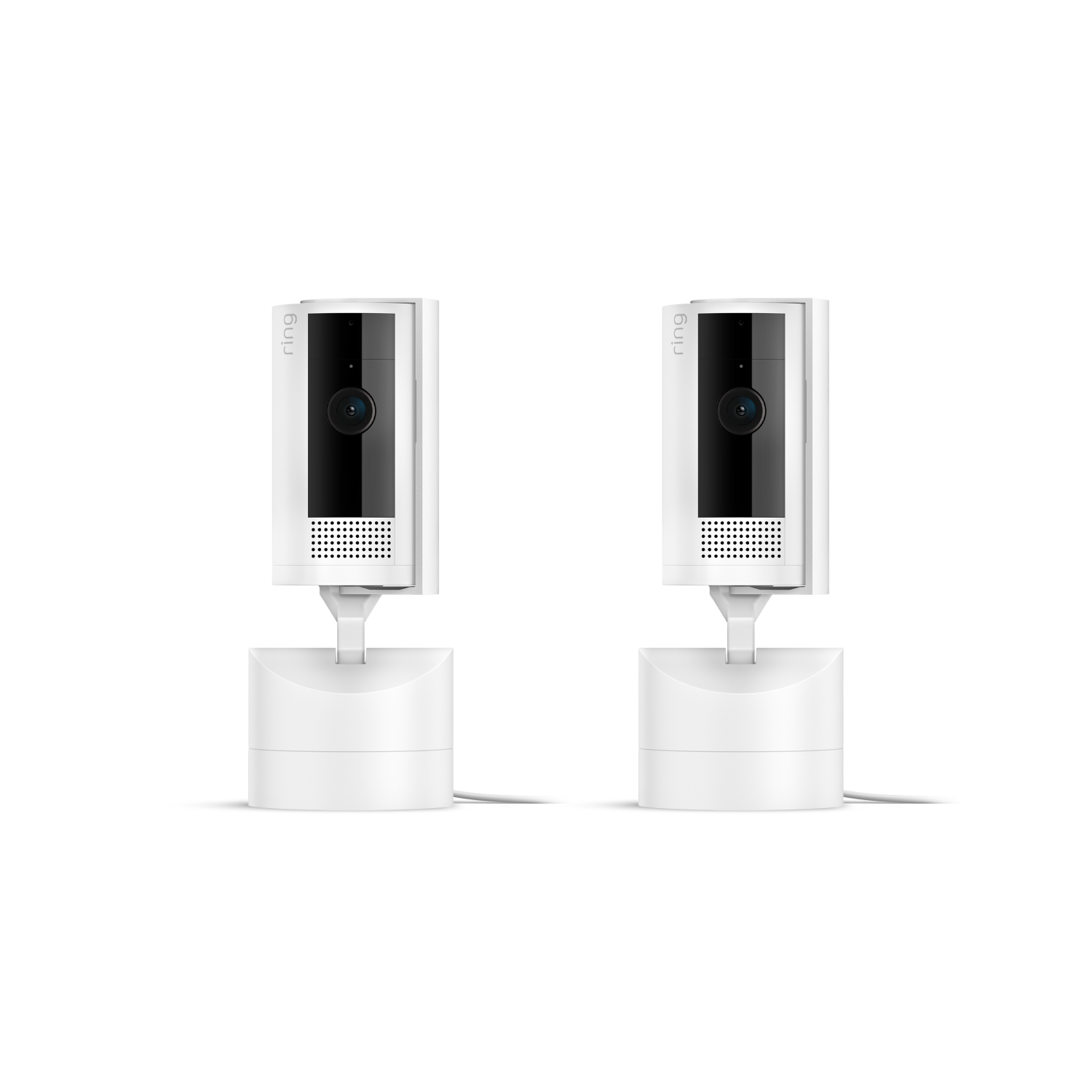
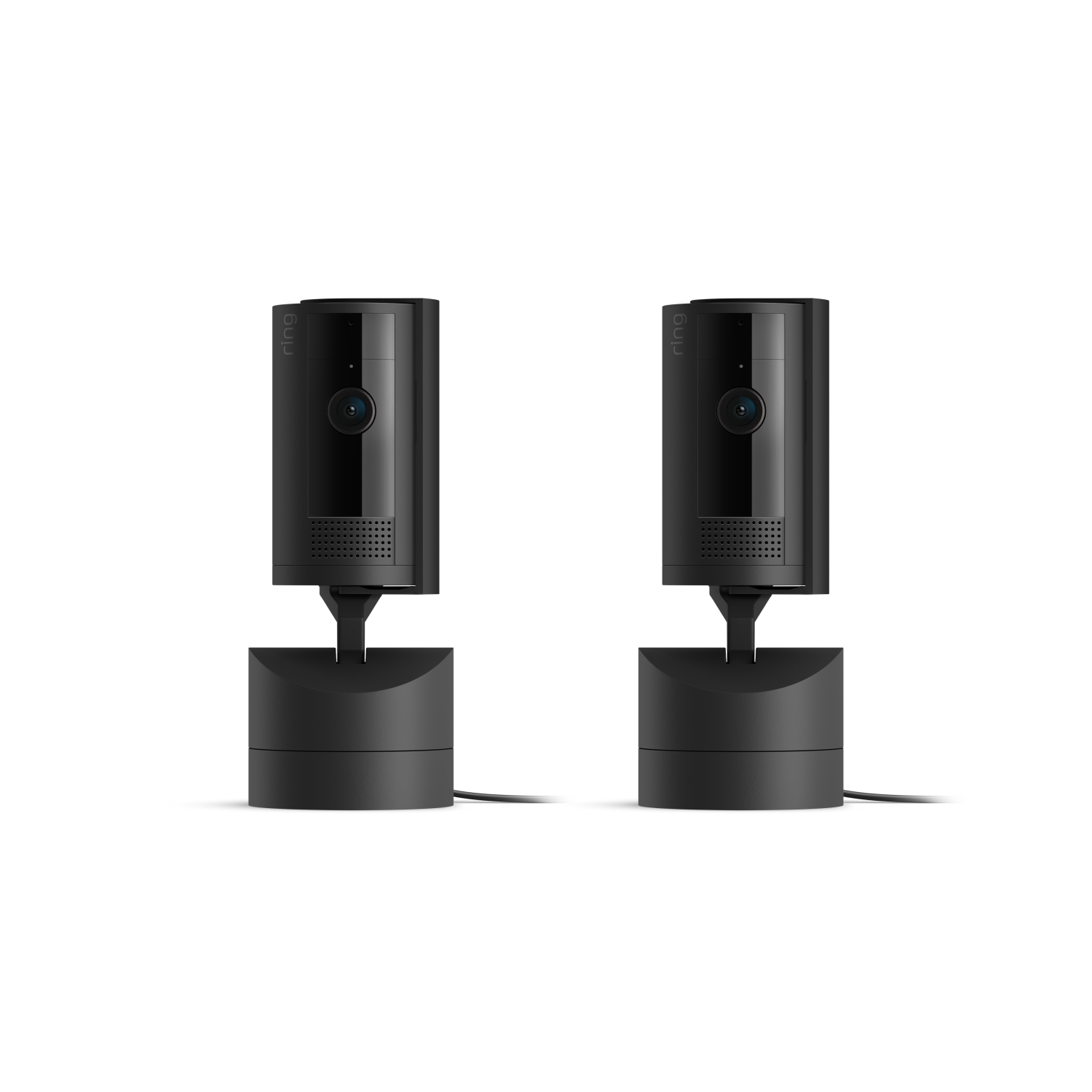
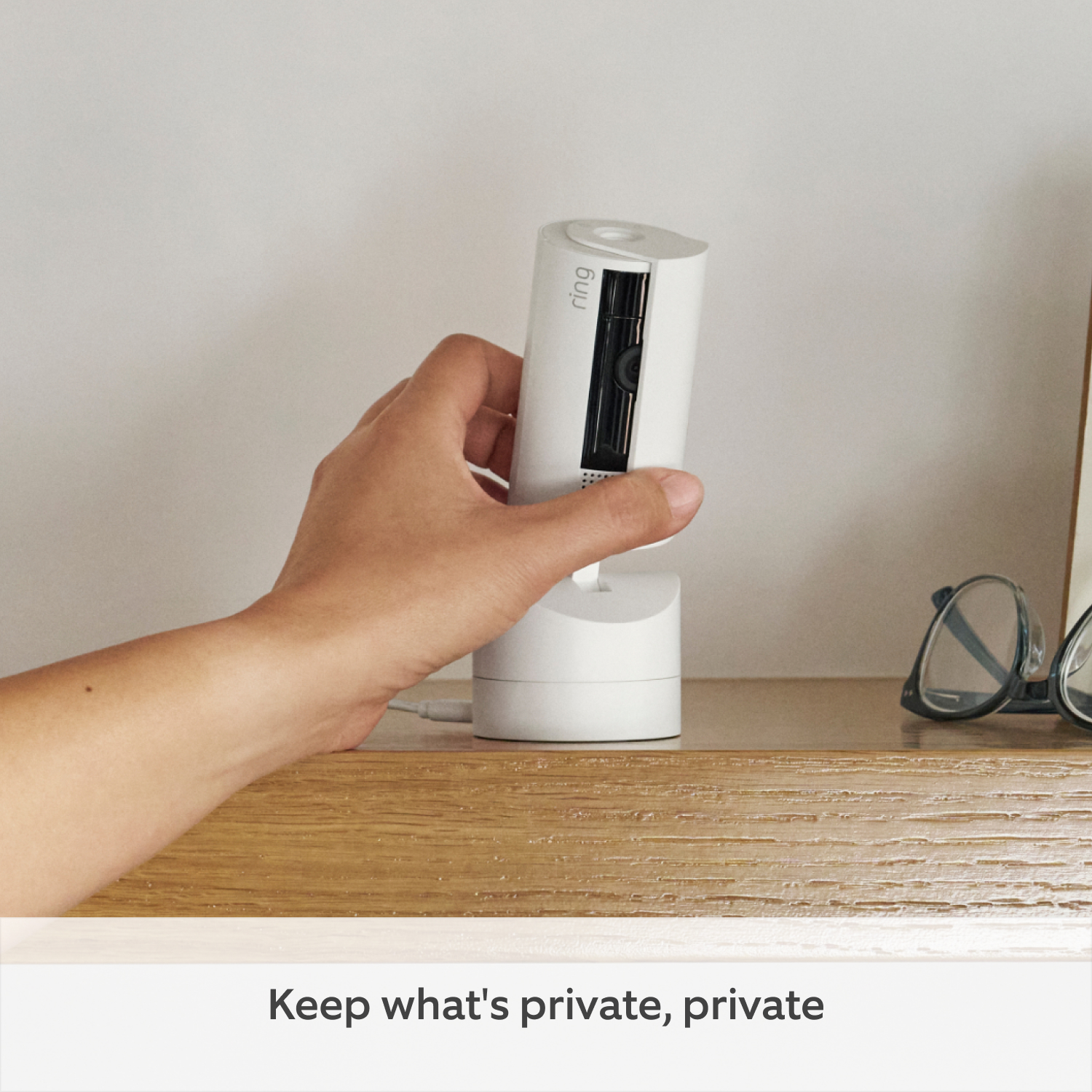
2-Pack Pan-Tilt Indoor Camera
Compatible accessories
Complete your security setup with these commonly bought items.
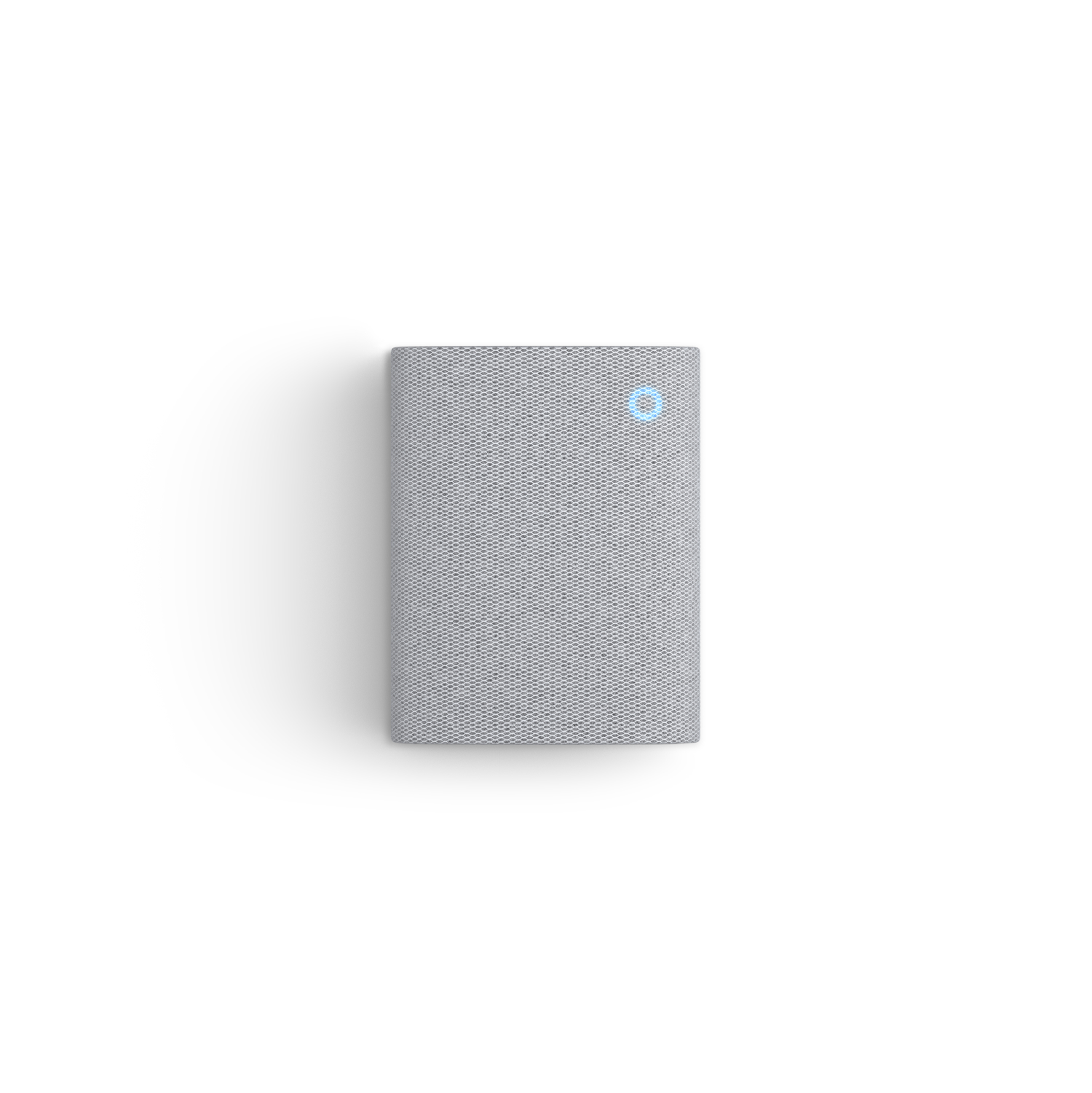
Chime
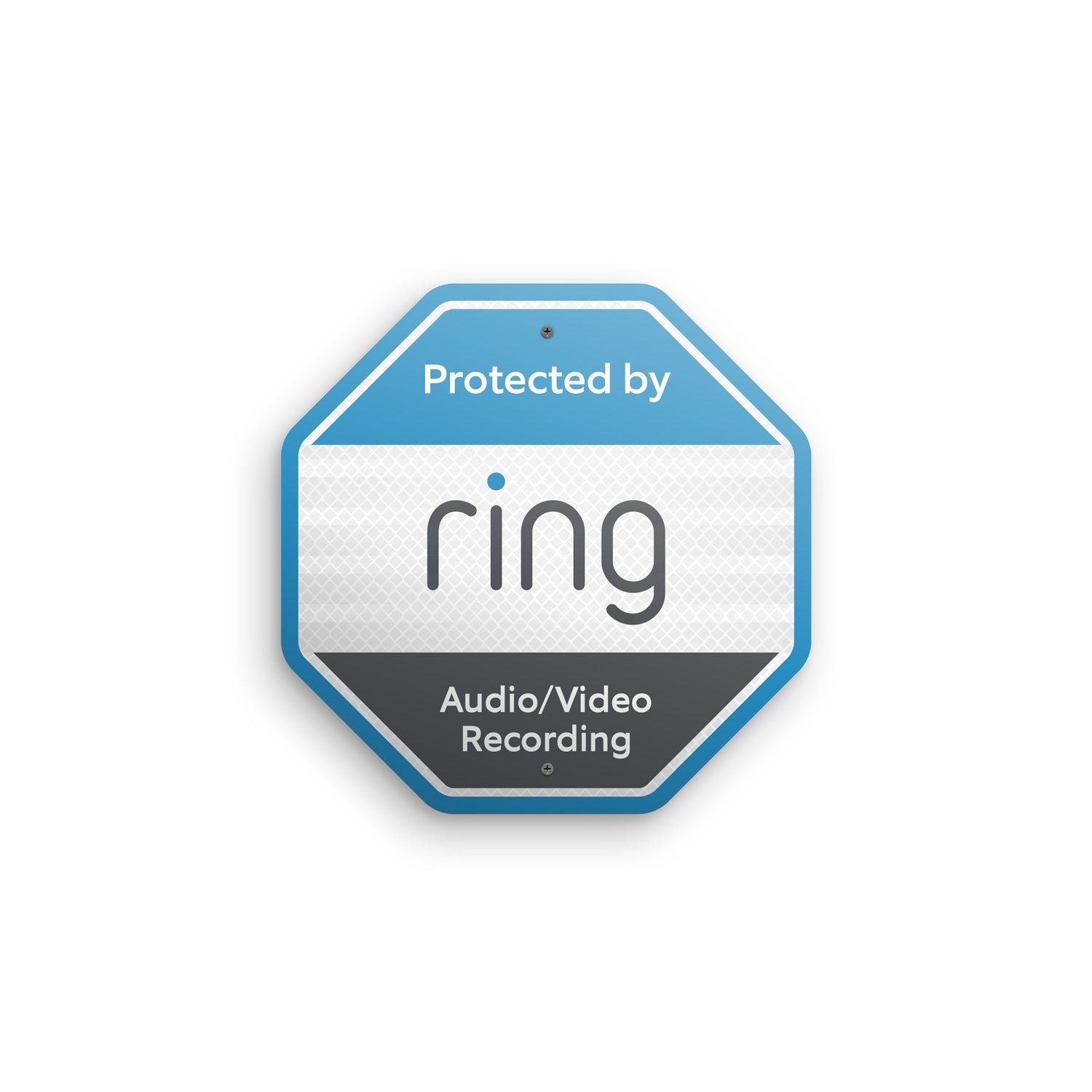
Security Doorplate Sign
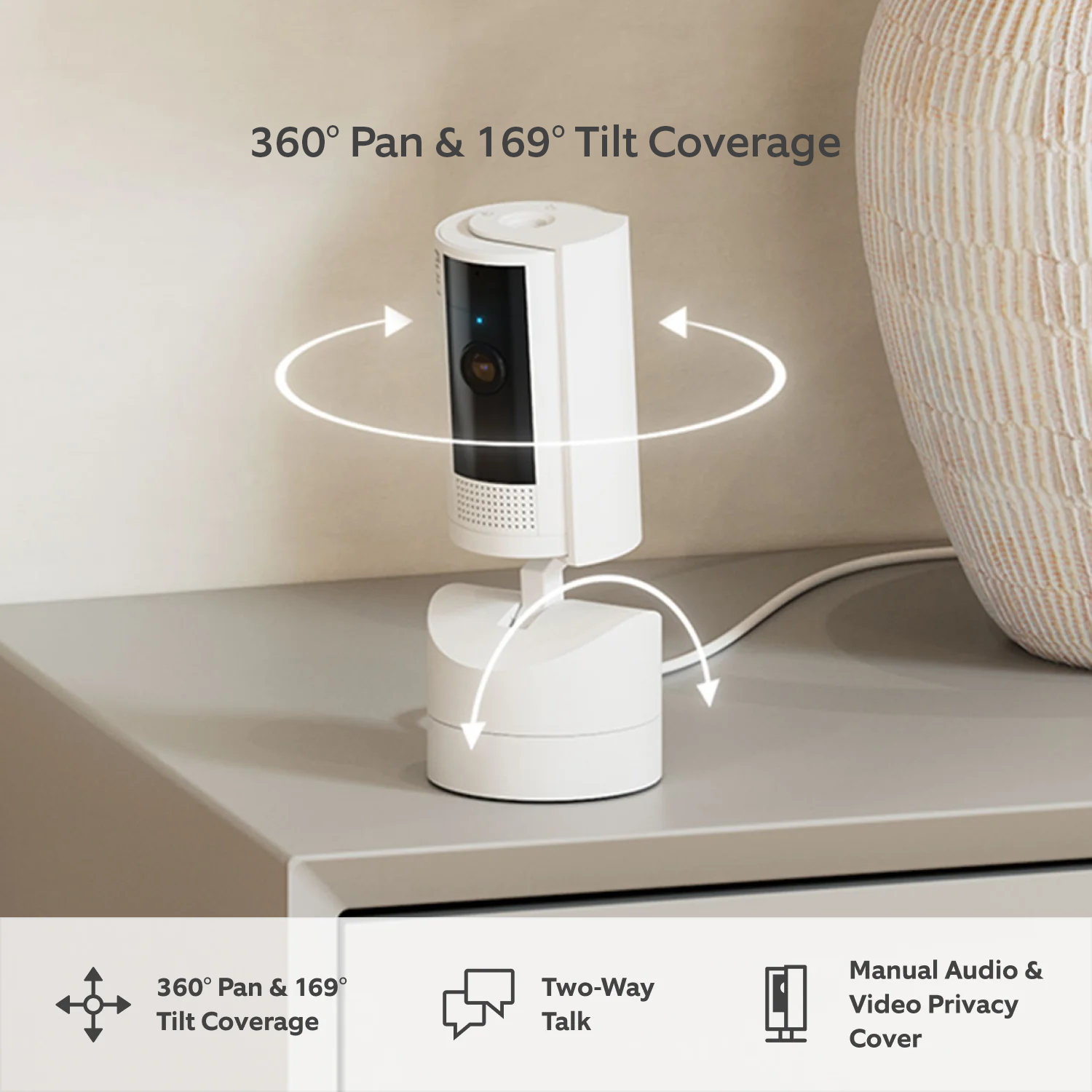
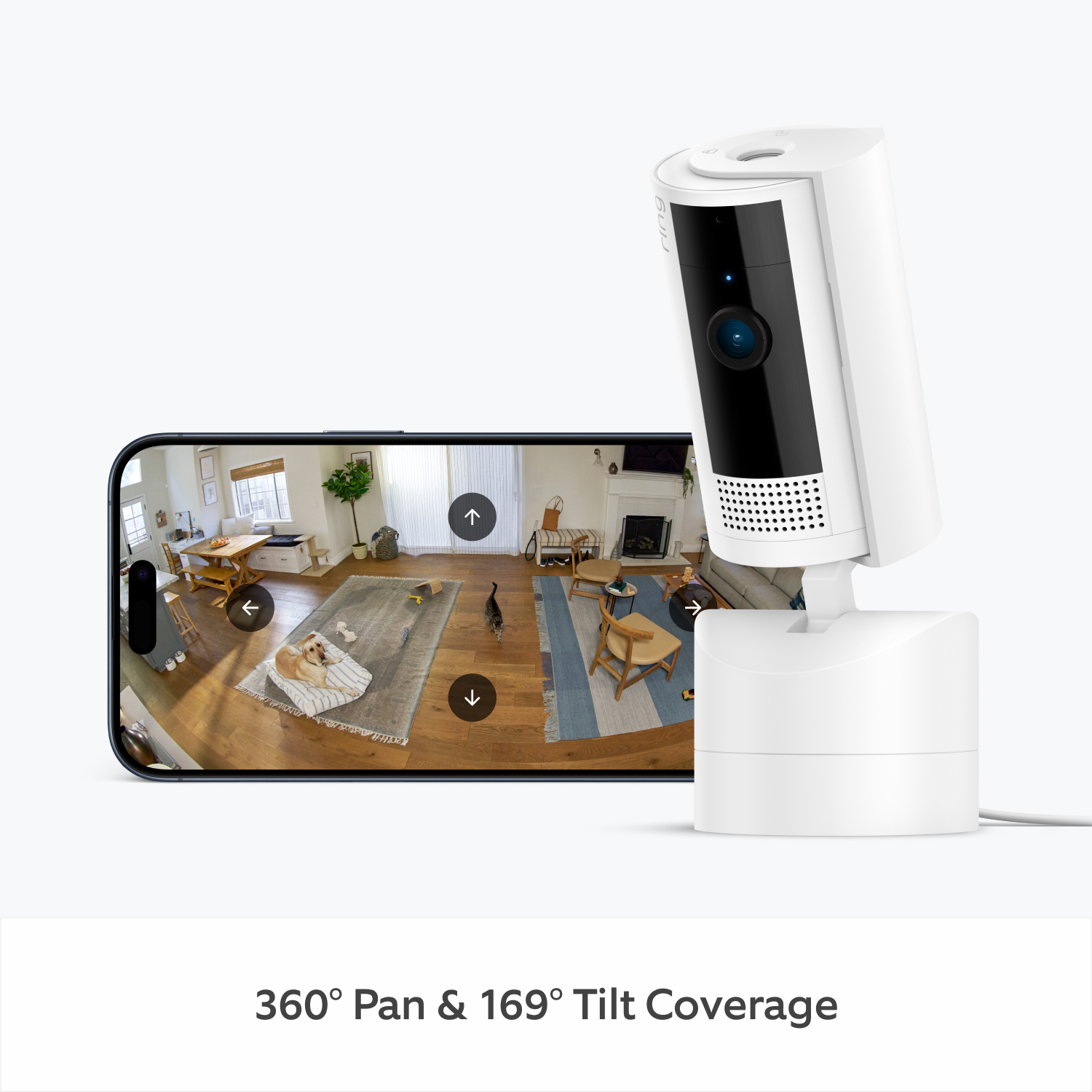
360° Pan & 169° Tilt Coverage
Live View & Two-Way Talk
Manual Audio & Video Privacy Cover
HD Video & Colour Night Vision
Plug-In Power
Pets Camera
24/7 Recording3

Bye-bye blind spots.
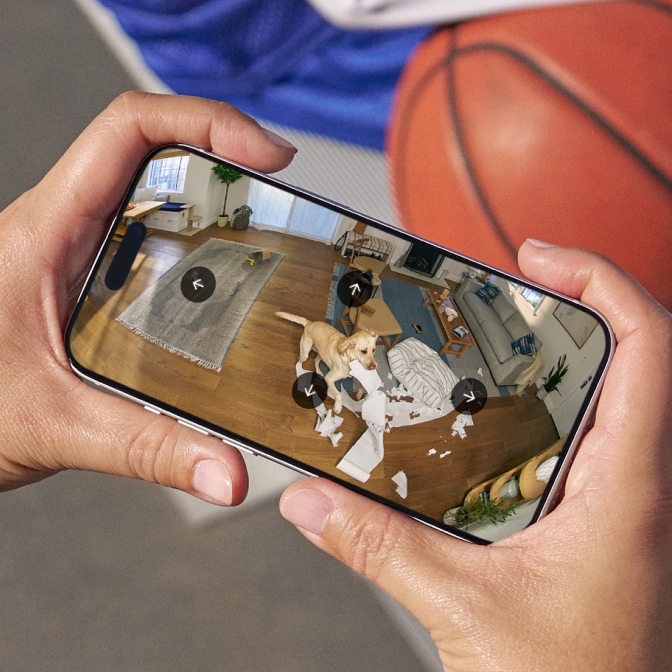
Wall to wall. Floor to ceiling. With Pan-Tilt Indoor Camera, you can easily control your Security Camera’s view from the Ring app. Smoothly pan left to right for a 360° view, or tilt up and down 169° to find the perfect angle. Just plug in and place to secure your space with real-time HD Video.
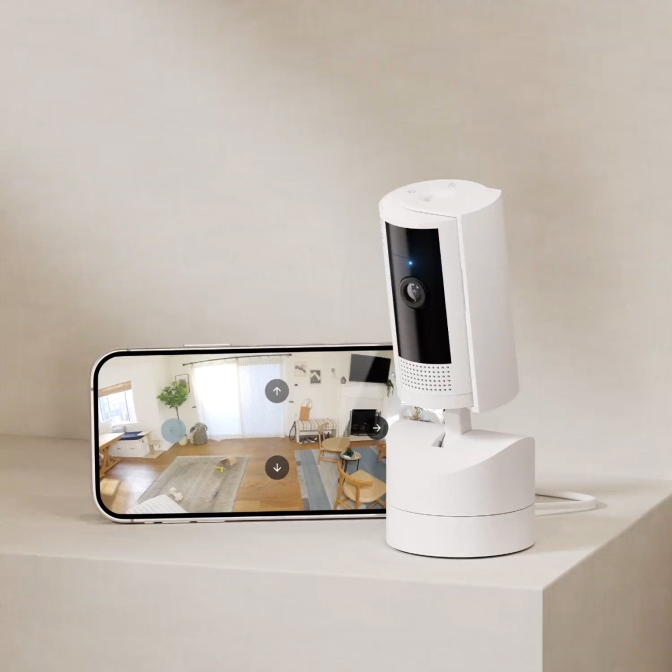
Check in on the action.
Stay connected to home anytime, anywhere. If something’s up, you’ll know as soon as Pan-Tilt Indoor Camera does and you can respond to what’s happening instantly.
Live View with Two-Way Talk
Say hey to your pets, shoo them off the table, or keep them company. With Pan-Tilt Indoor Camera, it’s easy to see, hear, and speak with live audio and video.
Colour Night Vision
See what's happening at home and get a vivid picture after dark with Colour Night Vision.
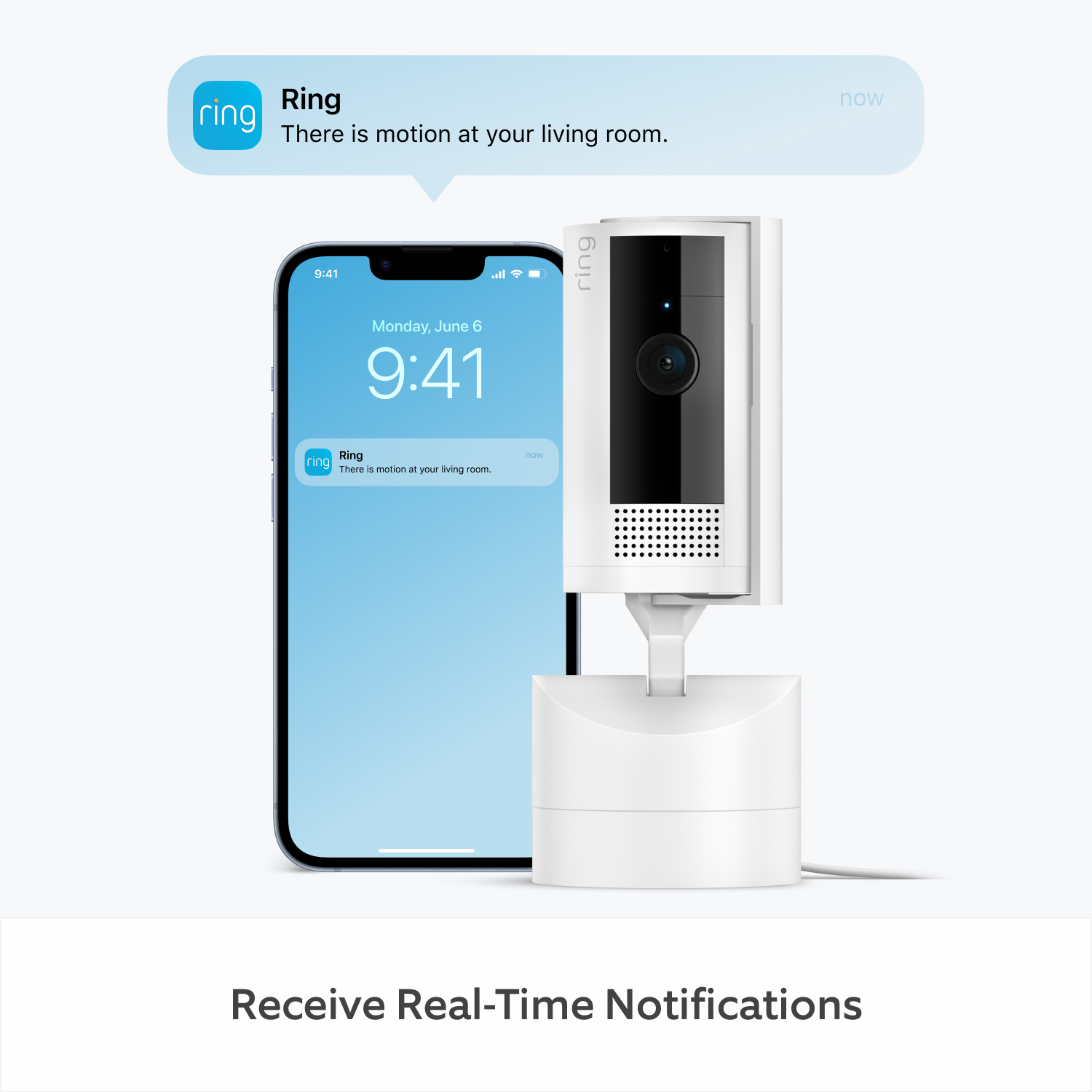
Motion Alerts & Advanced Pre-Roll
When the PT camera senses movement, you’ll get notified on your phone. It’ll even capture motion up to 6 seconds early to help show the whole story.
Customisable Motion Zones
Choose specific areas you want your Security Camera to cover to help reduce unnecessary alerts caused by ceiling fans or TV screens.
Siren
Don’t like what you see? Turn on your powerful siren from the Ring app - whether you’re scaring off intruders or breaking up a cat fight.
Privacy at your fingertips.
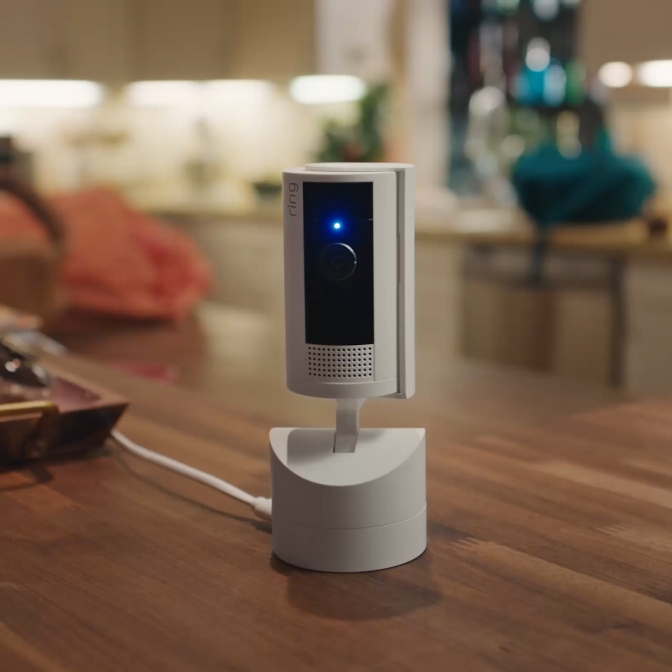
Feel safe knowing your home’s privacy is protected with thoughtful features that put you in control of when the 360-degree view camera is active—and who can tune in.
Privacy Cover
Turn off video and audio streaming and recording with the manual Privacy Cover. Swivel it to the side to reactivate. Or remove it entirely for total protection at all hours.
Privacy Settings
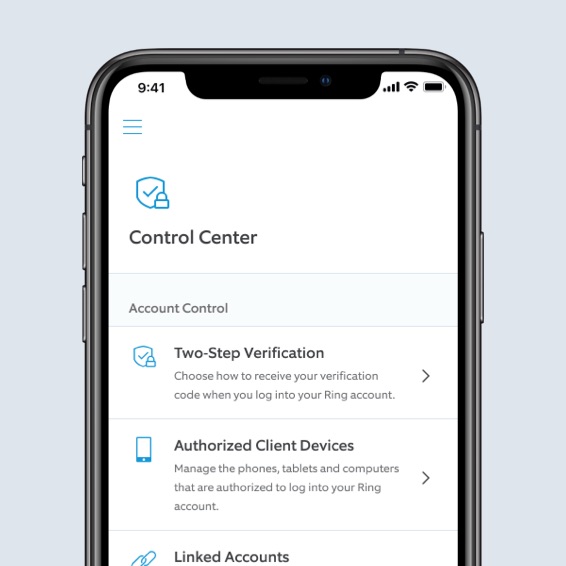
Customise who can see your videos with End-to-End Encryption. Control the behaviour of all your Ring devices. And add extra layers of security to your account. All your privacy settings, all in the Ring app.


24/7 Recording
All day. Every day See it all.
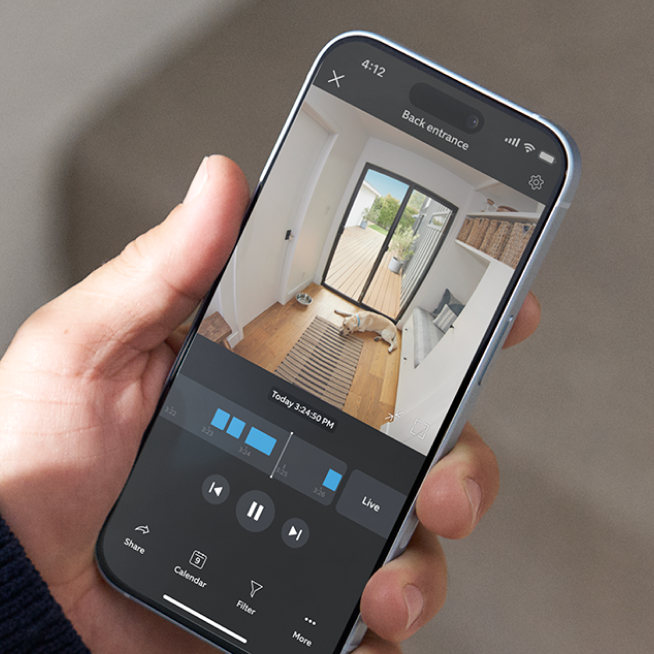
With 24/7 Recording, capture every moment - even things that happened outside your motion zones - nonstop. Your 24/7 footage is saved for up to to 14 days, so you don't miss a thing3. Ring Protect plan add-on required, sold separately.
Every moment at your fingertips.
From reviewing past motion events to intelligent alerts, Ring Protect’s new features help you get more out of your Ring devices with an eligible subscription.
Learn More
-
![24/7 Recording]()
24/7 Recording
Capture every moment - even things happening outside your motion zones - on your eligible devices. Your 24/7 footage is saved for up to to 14 days, so you don't miss a thing.3 -
![AI Video Description]()
Video Descriptions
Get important details in your alerts when motion is detected so you can tell the urgent from the everyday without opening the Ring app.6 -
![Up to 180 Days of Video Event History]()
Up to 180 Days of Video Event History
Save, share and replay recorded videos, motion event, and Live View event for up to 180 days.2 -
![Person Alerts]()
Person, Package and Vehicle Alerts
Know instantly what's there. Your devices can identify people, packages4 and vehicles5 and will only alert you when those things are spotted. -
![Device Modes]()
Device Modes
The best smart home security system keeps you in control. Easily change modes and customise settings to have your camera record when you’re away or turn off when you’re home, and more.


Tech Specs
Size and Colour
6.02cm x 6.02cm x 14.69cm including stand
White, Black
Features
1080p HD, Live View, Colour Night Vision, Advanced Pre-Roll2
Customisable Motion Detection
Static: 143° diagonal, 115° horizontal, 59° vertical
Pan-Tilt: 143° diagonal, 360° pan coverage, 169° tilt coverage
Two-way audio with noise cancellation
Remote-activated siren with at least 72dB SPL @ 1m distance
Power and Connectivity
3m USB-A to USB-C Power Cable + Power Adapter
Requires a minimum upload speed of 2 Mbps for optimal performance
802.11 b/g/n wifi connection @ 2.4GHz
Installation
5 to 10 minutes
-20°C to 45°C (-4°F to 113°F)
Standard power outlet
General
Pan-Tilt Indoor Camera
Privacy Cover (attached to camera)
USB-A to USB-C Charge Cable (3m)
10W USB-A Power Adapter
Mounting Plate
Wall Mounting Bracket
Install Hardware
Setup Guide
Warranty and Safety Document
Security Sticker
Security
This device gets software security updates until at least four years after it is bought new from this website. Learn more about these software security updates. If you already own this device, visit Software Security Updates in Ring Control Center for information specific to your device.
Frequently Asked Questions
Can I install the Ring Pan-Tilt Camera without any technical skills?
Our best selling indoor rotating security camera is designed for easy installation and does not require advanced technical skills. Install in any room with access to an electrical outlet and within range of an internet router and enjoy full rotation, full coverage vision. Stay in control of when the camera is active and who can tune in – our pan tilt camera is app controlled for easy adjustment anytime.
What's the difference between Pan-Tilt Indoor Camera and Outdoor Camera (Formerly: Stick Up Cam (3rd Gen)) Battery with Pan-Tilt?
There are several differences between Pan-Tilt Indoor Cam and Outdoor Camera (Formerly: Stick Up Cam (3rd Gen)) Battery with Pan-Tilt. Pan-Tilt Indoor Cam is an indoor-only motorized security camera whereas Outdoor Camera Battery with Pan-Tilt is weather-resistant and can go indoors or out. Pan-Tilt Indoor Cam has more field of view coverage with 169° tilt coverage while Outdoor Camera Battery with Pan-Tilt has 117° tilt coverage. For Pan-Tilt Indoor Security camera, the camera cannot be separated from the pan-tilt mount, a manual removable Privacy Cover is included, and it has the ability to be placed on a flat surface or mounted on a ceiling or wall. In contrast, Outdoor Camera Battery with Pan-Tilt’s camera can be used separately from the pan-tilt mount, it does not include a privacy cover, and it can be placed on a flat surface or mounted on a wall, but cannot be mounted on a ceiling
What's the manual, removable Privacy Cover and how does it work?
Pan-Tilt Indoor Cam comes with a manual, removable Privacy Cover. When you slide it in front of the camera lens, Pan-Tilt Indoor Cam's camera and mic will turn off. When you're ready to turn Pan-Tilt Indoor Cam’s 360° view back on, just swivel the Privacy Cover to the side. And if you're ever unsure how you left it, you can check the status of your camera in the Ring App at any time.
Does pan and tilt security camera save my videos and photos so I can view them later?
If you have a subscription to Ring Protect, motion event videos captured by your PT camera will be saved to your Ring account for up to 180 days. You can manage your video storage time through the Control Center. Photos captured will be saved to your Ring account for up to 7 days, so you can review them at any time. More information about video storage can be found here.
A free Ring Protect trial is included with Pan-Tilt Security Camera purchase unless you are already have a Ring Protect Plan at the same location. You may subscribe to a Ring Protect Plan at any time during your trial, and you won’t be charged for your subscription until after your trial ends.
If you have a subscription to Ring Protect, you can share your videos and photos with anyone, including neighbours, friends, family and local law enforcement.
Click here to learn more about Ring Protect.
Do I need Ring Protect to use Pan-Tilt Indoor Camera?
No. You can still use Ring Pan-Tilt multi directional camera to watch over your home in real time and communicate with visitors using built-in two-way audio facility, even without a Ring Protect subscription. Without Ring Protect, motion-activated alerts will still be sent directly to your device. However, without a subscription to Ring Protect, you won’t be able to review any videos that you missed in real time, and you won’t be able to save your videos or share them with anyone. Photos will not be captured. Click here to learn more about Ring Protect and to choose a plan that works for you.
1Free trial is not applicable for locations with an existing subscription. Your free trial begins as soon as you activate your Ring product.
2Subscription required (sold separately). Your Ring motion event videos in the cloud are stored temporarily, up to 180 days (depending on user's storage settings). Changing your video storage time will only affect videos that are recorded after you adjust your storage time setting.
324/7 Continuous Recording add-on required. Limited to 10 devices at one location. Not compatible with select features. Recordings are temporarily stored in the cloud, up to 14 days. This feature is dependent upon network connectivity.
4Subscription required (sold separately). Package Alerts (available for select Ring video doorbells and cameras) work best with medium-to-large shipping boxes. Envelopes, tubes, small boxes, and food deliveries may not be detected. Make sure you have Motion Detection enabled in the Ring app. Learn more here.
5Subscription required (sold separately). Vehicle Detection available for select Ring video doorbells and cameras. Make sure you have Motion Detection enabled in the Ring app. Learn more here
6Ring Protect Pro Plan or Pro Intelligence add-on required for Pro features. Learn more here.