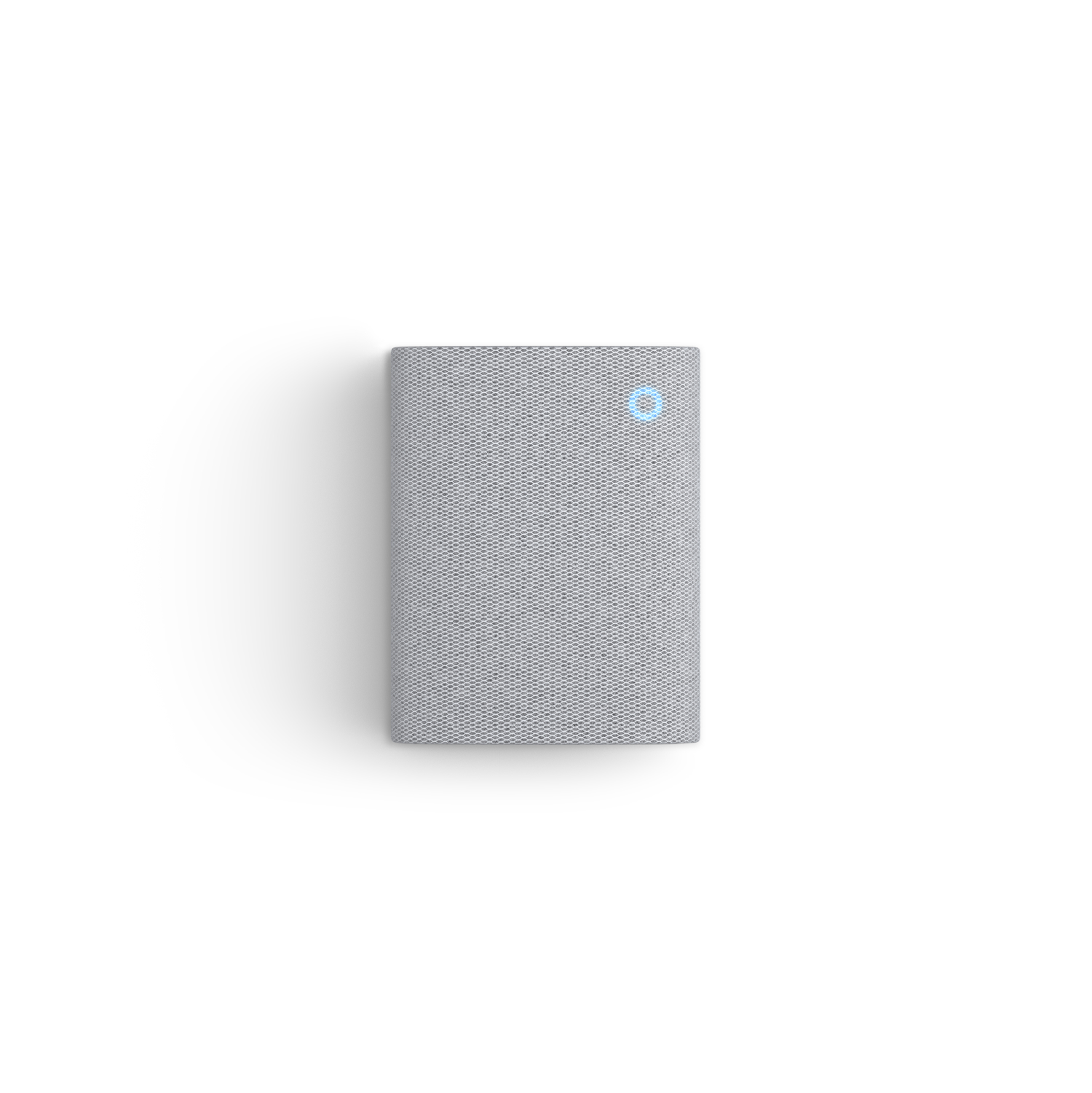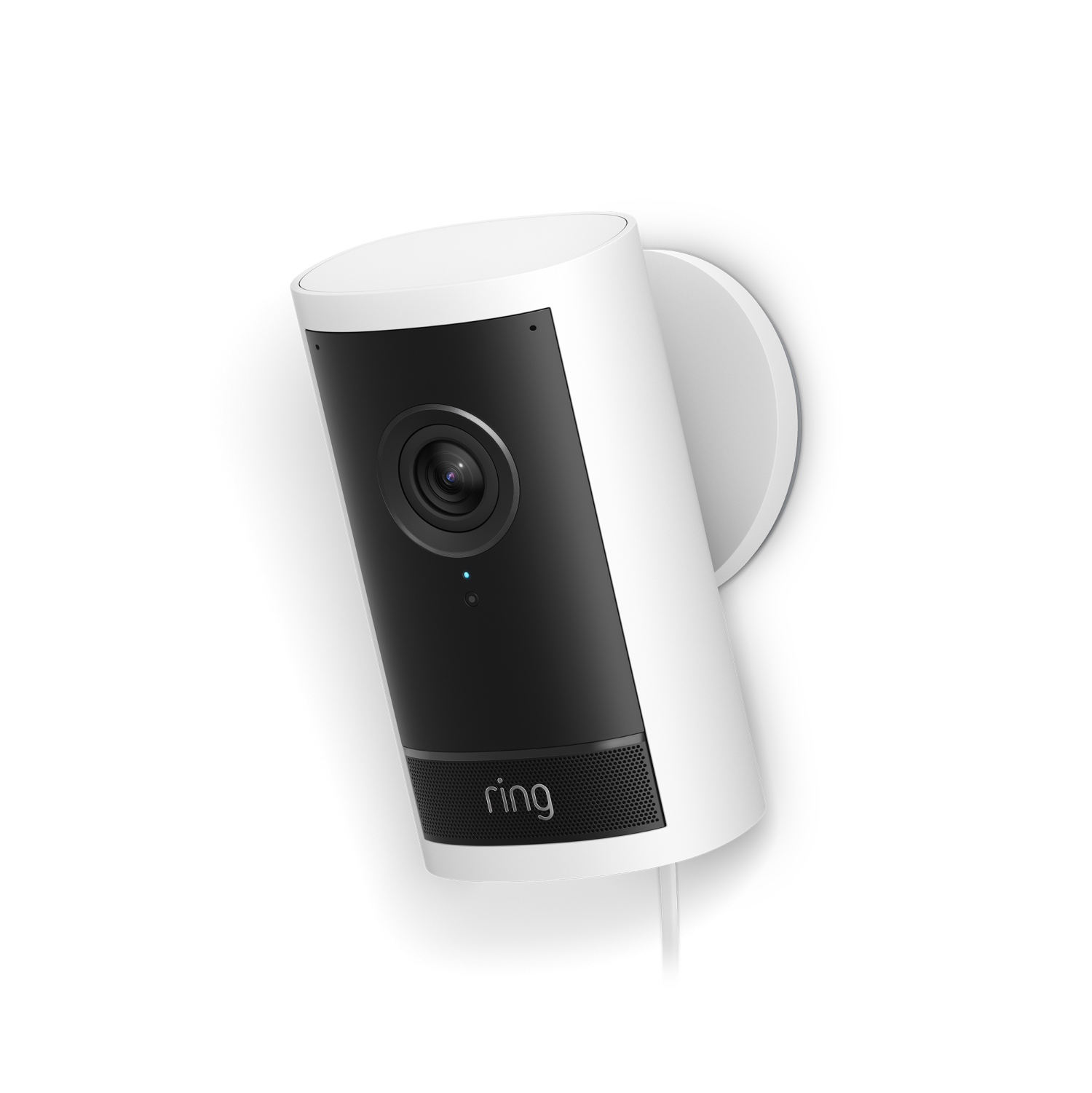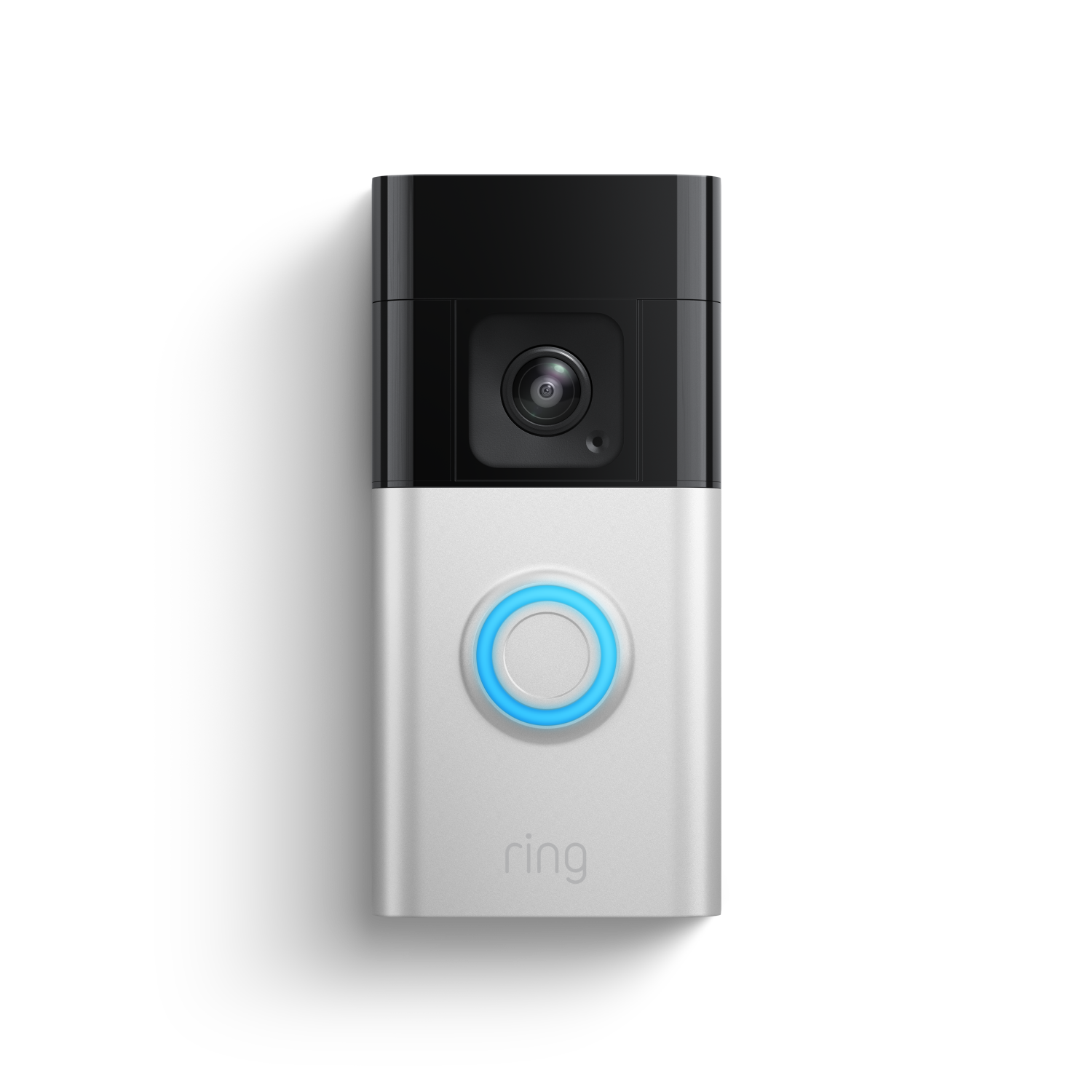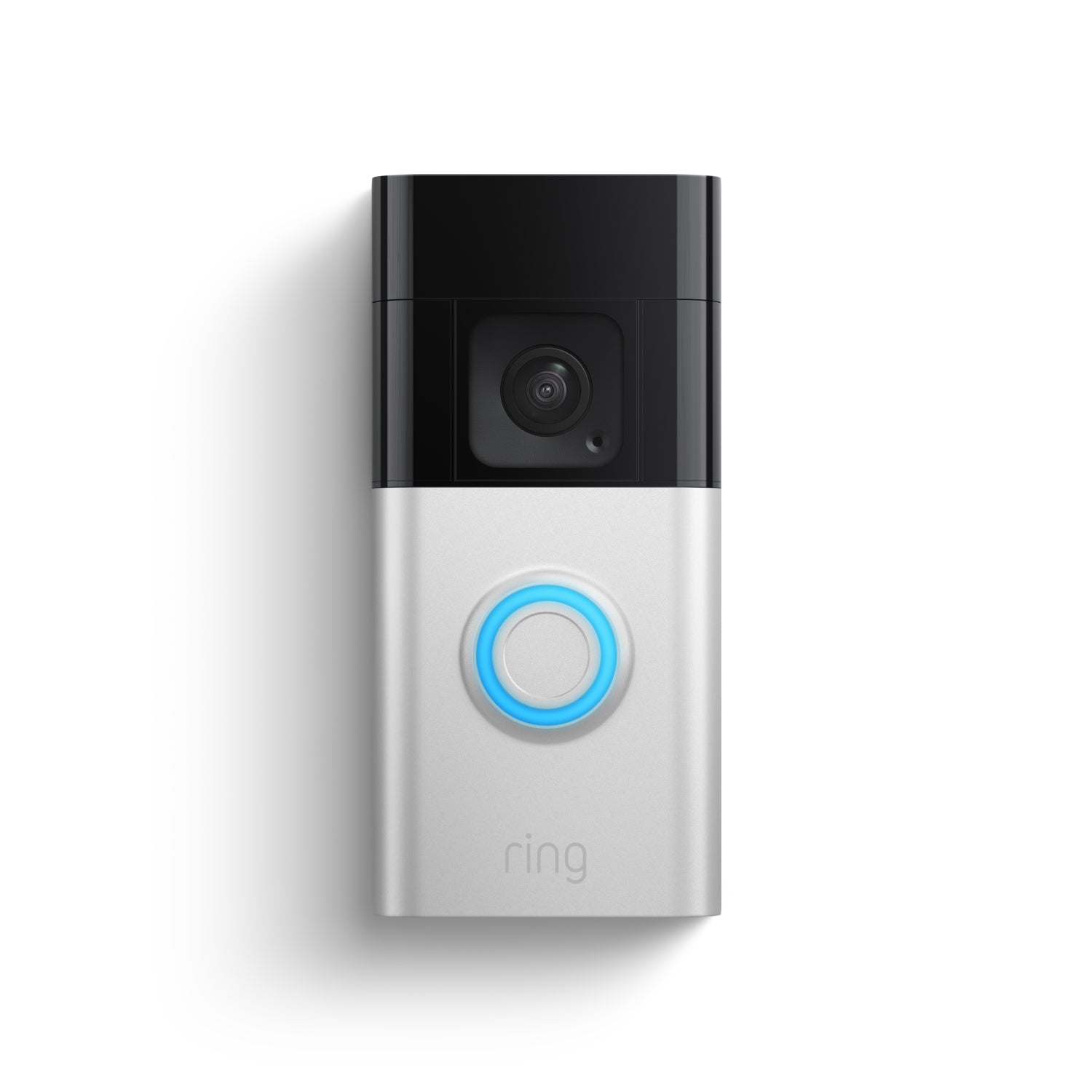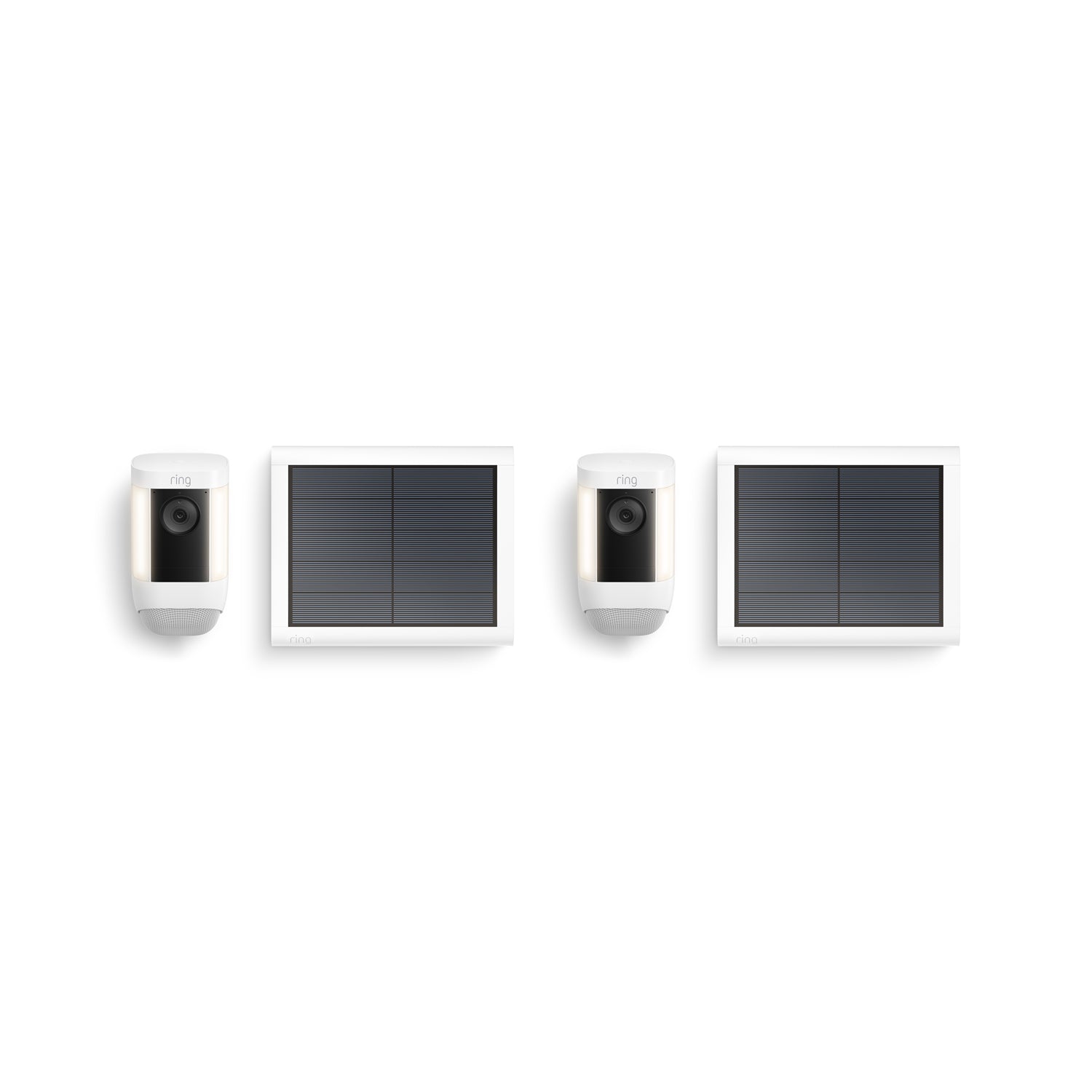
2-Pack Spotlight Cam Pro Solar 2K Video with Ring Vision
A$509.00
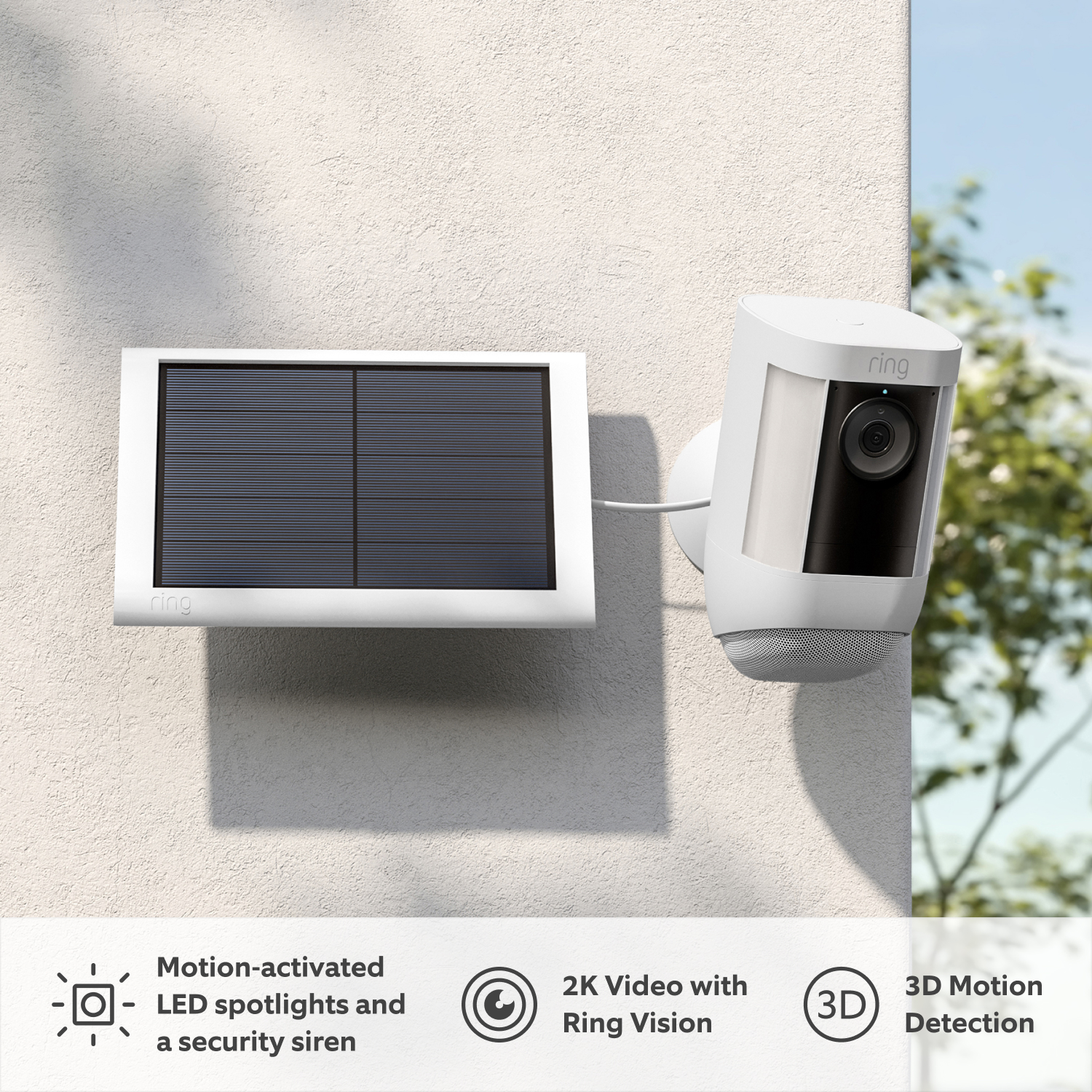
2K Video with Ring Vision
Colour Night Vision
Two-Way Talk
with Audio+
3D Motion Detection
& Bird's Eye View
2 LED Spotlights & Built-In Siren
Dual-Band Wifi
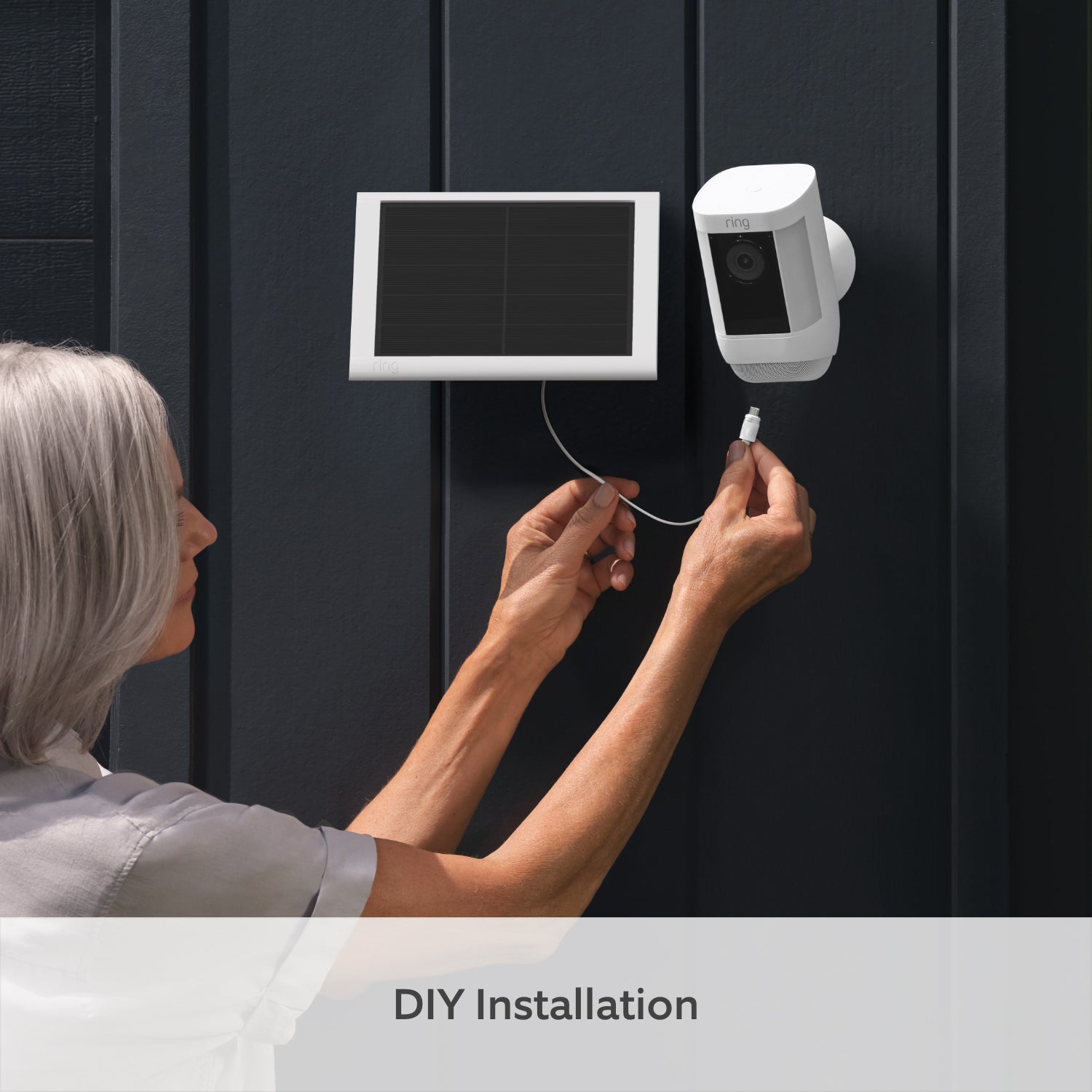
Solar Panel &
Quick Release Battery Pack

Radar-powered precision. That’s Pro.
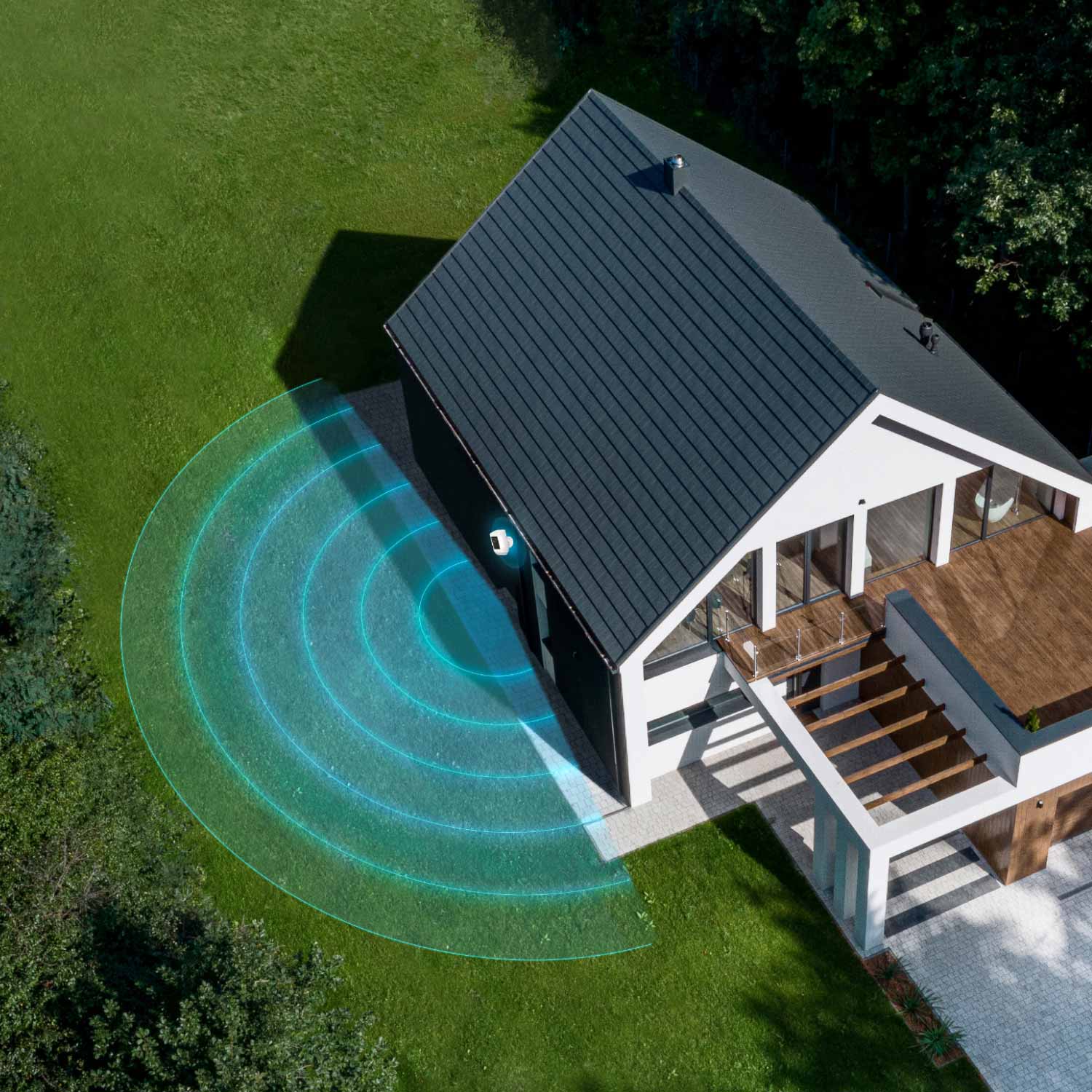
Ring Pro-tier Security Cameras help protect your property with 3D Motion Detection - allowing you to pinpoint movements with radar-powered precision for unmatched security coverage.
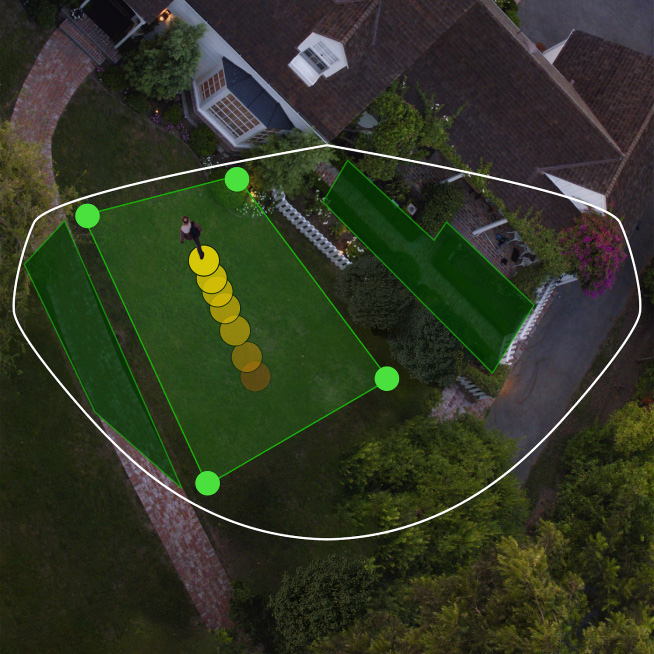
Bird’s Eye Zones
Map out your detection to only get alerts about specific areas. Configure zones to know about security events like activity in the front yard, but not the footpath.
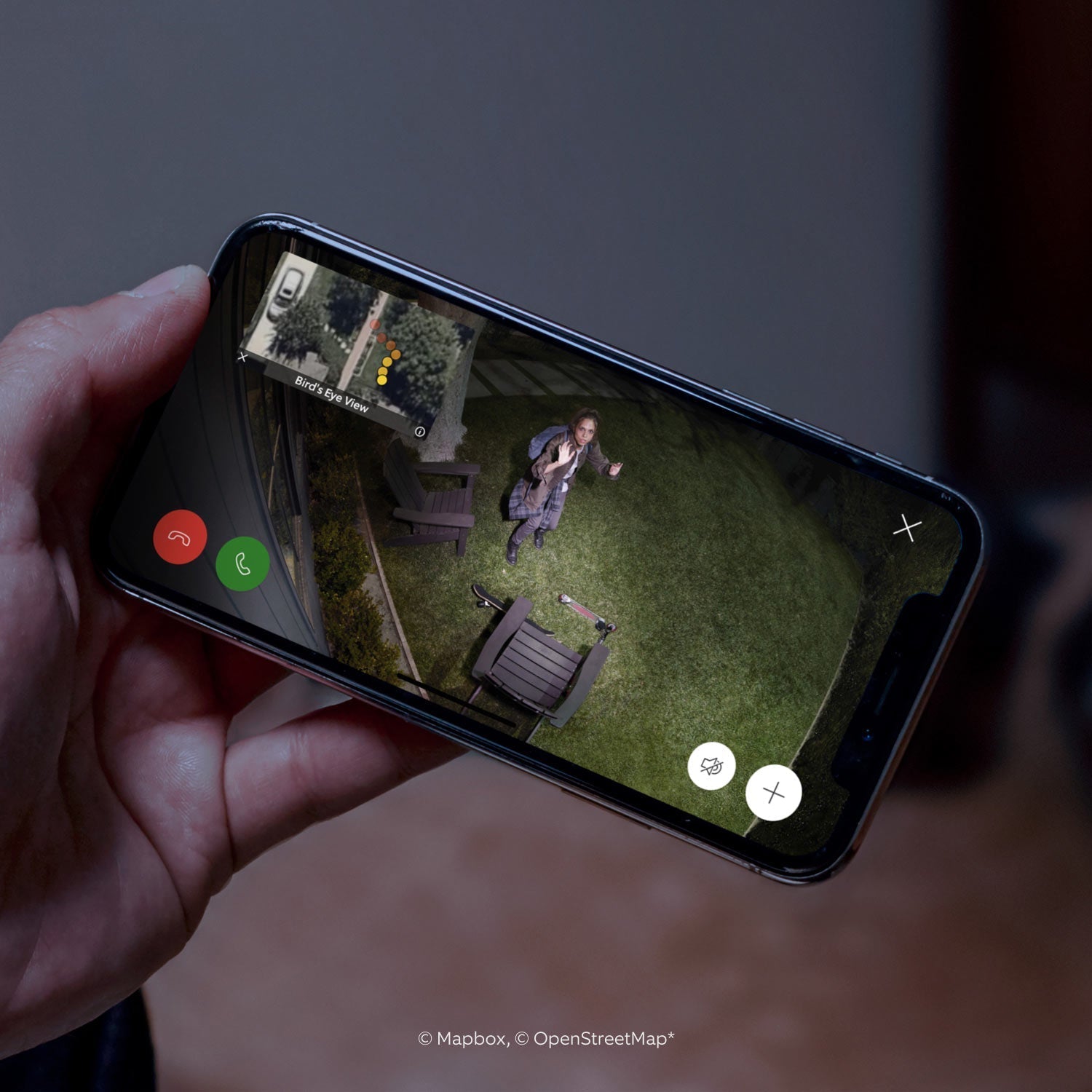
Bird’s Eye View
See precisely where someone's been and how they got there with an aerial view of your home.
3D Motion Detection
Get accurate detection at a distance to know when and where someone steps onto your property - even in the dark.
Superior clarity. Only with Ring Vision.
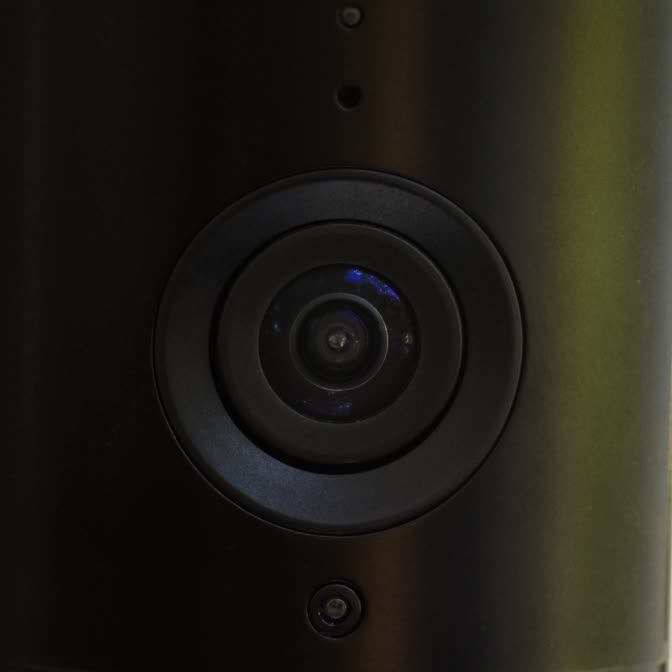
Meet the magic behind Ring’s superior image quality.
True View Components
Every component is carefully chosen, from anti-reflective glass for bright conditions to sensors that maintain colour in low light.
Clarity Engine
Ring technology preserves all the original detail, ensuring what you see on your phone looks as good as the real thing.
Expert Calibration
Our engineering team carefully balances colour, contrast and motion smoothing to deliver superior video quality, so you can see more of what’s happening in real time.


Every moment at your fingertips.
From reviewing past motion events to intelligent alerts, Ring Protect’s new features help you get more out of your Ring devices with an eligible subscription.
Learn More
-
![Up to 180 Days of Video Event History]()
Up to 180 Days of Video Event History
Save, share and replay recorded videos, motion event, and Live View event for up to 180 days.2 -
![AI Video Description]()
Video Descriptions
Get important details in your alerts when motion is detected so you can tell the urgent from the everyday without opening the Ring app.6 -
![Person Alerts]()
Person, Package and Vehicle Alerts
Know instantly what's there. Your devices can identify people, packages4 and vehicles5 and will only alert you when those things are spotted. -
![Device Modes]()
Device Modes
The best smart home security system keeps you in control. Easily change modes and customise settings to have your camera record when you’re away or turn off when you’re home, and more. -
![Video Preview Alerts]()
Video Preview Alerts
See what triggered an alert with a short animated preview of the action right in the notification itself. No need to open the Ring app.


Tech Specs - Spotlight Cam Pro Solar
Size and Colour
77.8mm x 81.5mm x 144.63mm (3.1in x 3.2in x 5.7in)
White
Features
2K Video, Live View, Colour Night Vision
3D Motion Detection, Bird's Eye View, Custom Motion Zones up to 9m
140° horizontal, 80° vertical
Remote-activated siren
Two-Way Talk with Audio+ and advanced noise cancellation
Two 3000°K spotlights
Illuminates and sends announcements to Echo devices whenever motion is detected, and lets you see, hear and speak to people on camera with select Echo and Fire TV devices.
Power and Connectivity
Battery
Requires a minimum upload speed of 2 Mbps for optimal performance.
802.11 b/g/n/ac Wifi connection @2.4GHz and 5.0GHz
Installation
5 to 10 minutes
-20.5°C to 48.5°C, Weather Resistant
Direct sunlight for solar panel.
Allow space of at least 20.5cm x 16.9cm for the installation of Solar Panel (USB-C). For best results, mount Solar Panel (USB-C) horizontally on walls and use the adjustable arm with 180 degrees of tilt to get the perfect angle to maximise your solar power.
General
Spotlight Cam Pro (Battery)
Solar Panel (2nd Generation)
Camera Mount
Quick Release Battery Pack
Installation Accessories and Screws
USB Charging Cable
Setup Guide
Security Sticker
Warranty and Safety document
One-year limited warranty. Purchase and use of the product is subject to terms and conditions.
Security
This device gets software security updates until at least four years after it is bought new from this website. Learn more about these software security updates. If you already own this device, visit Software Security Updates in Ring Control Center for information specific to your device.
Frequently Asked Questions
What’s the difference between Spotlight Camera Plus and Spotlight Camera Pro?
Ring Spotlight Camera Plus includes Live View, Two-Way Talk, Advanced Motion Detection, Customisable Motion Zones, Customisable Privacy Settings, Colour Night Vision, and an easy to use app. Ring Spotlight Camera Pro builds upon all these great features with a new design and advanced features including stunning 2K video, radar-powered 3D Motion Detection, Bird’s Eye View, Audio+ for enhanced audio and dual-band wifi. For the best wireless outdoor security camera with professional grade features, Spotlight Cam Pro is a top choice.
Can I mount Spotlight Camera Pro on an overhang or eave?
Yes. For step-by-step mounting instructions, please refer to the Setup Guide included with your Spotlight Camera Pro. Whether you choose the wireless spotlight camera for flexible placement or the wired model for continuous power, both can be easily installed under eaves, walls, or flat surfaces.
How many hours of direct sunlight does my Solar Panel need for Spotlight Cam Pro to stay charged?
For best performance, Ring recommends at least 2-3 hours of direct sunlight per day for Solar Panel. With the recommended amount of direct sunlight your Spotlight Cam Pro will remain continuously charged under most conditions. Make sure there are no obstructions or objects that could be casting a shadow on your Solar Panel, such as an extended roof, tree, or bush.
Will solar power keep my Spotlight Cam Pro charged during cloudy or seasonal weather?
Ring solar products requires direct sunlight to stay charged and provide power to Spotlight Cam Pro. If the weather is cloudy or it rains/snows, this would limit the direct sunlight your device receives, which would lessen the charge. Colder temperatures may also cause excessive drain to your device’s lithium-ion battery. With prolonged cloudy or winter weather, you may need to manually recharge the battery more frequently. When sunny weather returns and Solar Panel receives enough direct sunlight again, it will keep the device powered.
How can I install my Solar Panel to get the most sunlight and the maximum solar charge?
Seasonality and how far north or south you live affects the strength of the sun. If you live in the northern hemisphere, install your Solar Panel facing South. If you live in the southern hemisphere, install it facing North. Ring recommends to use the adjustable arm to angle the panel at about 45 degrees toward the sky to get the most sunlight possible.
Will my Ring Solar Panel keep my Spotlight Cam Pro charged at 100%?
Ring devices are designed to hold their charge around 80% battery level to help extend the lifetime of the battery. When using Solar Panel to power the battery, the charge level will vary based on the amount of direct sunlight. With maximum sunlight, the device’s battery will not exceed 80%.
- Refer to this page for further information.
- Ability to recharge varies based on device settings, usage, and sun exposure in the area of placement.
What privacy features are included with Spotlight Camera Pro?
The spotlight outdoor security camera from Ring allows you to configure your privacy settings depending on your current needs. These privacy settings are particularly helpful when installing the camera near entrances or patios, ensuring you only capture what matters most. Create Privacy Zones that black out certain zones that you don’t want to record. Toggle motion alerts, motion or audio recording off in the Ring app at any given time. Create a motion schedule to enable motion alerts and recording during the times you're usually away.
What is 3D Motion Detection?
3D Motion Detection uses radar technology to identify where and when a motion event will be recorded. The radar sensor measures distance and angle of objects in front of the camera, allowing for more specific motion detection alerts. Combined with powerful built-in LED lights, it makes Spotlight Camera Pro one of the smartest outdoor cameras with spotlight for real-time alerts. Within the Ring app, users easily customise where on their property they want the camera to start recording when an object crosses a threshold. Once 3D Motion Detection is set up, it powers Bird’s Eye View which provides an aerial map view at motion events in front of your camera and clearly shows the path that visitors take when visiting your property.
Does Spotlight Camera save my videos and photos so I can view them later?
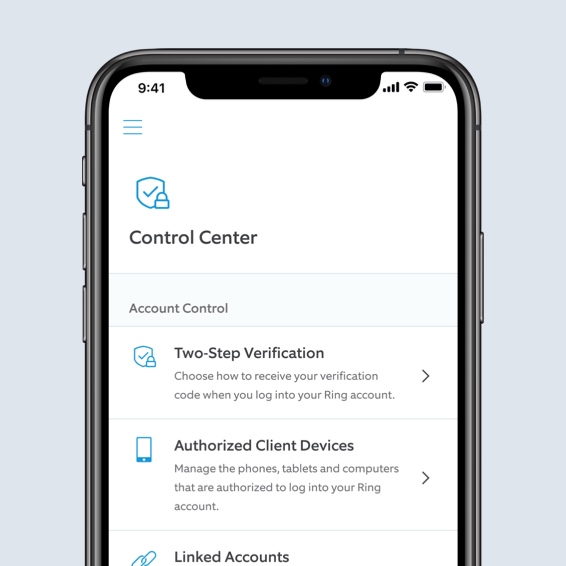
If you have a subscription to Ring Protect, videos captured by your Video Doorbell or Security Camera will be saved to your Ring account for up to 180 days. You can manage your video storage time through the Control Centre. Photos captured will be saved to your Ring account for up to 7 days, so you can review them at any time. More information about video storage can be found here.
A free 30-day Ring Protect Trial is included with any Ring Video Doorbell or Security Camera purchase unless you already have a Ring Protect subscription at the same location. You may subscribe to a Ring Protect plan at any time during your trial, and you won’t be charged for your subscription until after your trial ends.
If you have a subscription to Ring Protect, you can share your videos and photos with anyone, including neighbours, friends and family.
Click here to learn more about Ring Protect.
What’s Ring Protect?
Ring Protect is a comprehensive service that activates video recording and photo capture, saving and sharing for your Ring Video Doorbell or Security Camera, plus a few extra perks.
Click here to learn more about Ring Protect Plans.
Do I need Ring Protect to use Spotlight Camera?
No. You can still use your Video Doorbell or Security Camera to watch over your home and answer the door from anywhere, even without a subscription to Ring Protect. Without Ring Protect, you’ll still receive real-time notifications when anyone comes to your door, and you can answer the notification to see, hear and speak to visitors in real time right from your mobile device.
However, without a subscription to Ring Protect, you won’t be able to review any videos that you missed in real-time, and you won’t be able to save your videos or share them with anyone. Photos will not be captured. Click here to learn more about Ring Protect and to choose a plan that works for you.
1Free trial is not applicable for locations with an existing subscription. Your free trial begins as soon as you activate your Ring product.
2Subscription required (sold separately). Your Ring motion event videos in the cloud are stored temporarily, up to 180 days (depending on user's storage settings). Changing your video storage time will only affect videos that are recorded after you adjust your storage time setting.
3Video quality may vary based on internet bandwidth and device temperature.
4Plug-In and Wired devices only. 24/7 Continuous Recording add-on required. Limited to 10 devices at one location. Not compatible with select features. Recordings are temporarily stored in the cloud, up to 14 days. This feature is dependent upon network connectivity.
5Subscription required (sold separately). Vehicle Detection available for select Ring video doorbells and cameras. Make sure you have Motion Detection enabled in the Ring app. Learn more here
6Ring Protect Pro Plan or Pro Intelligence add-on required for Pro features. Learn more here.
7Subscription required (sold separately). Package Alerts (available for select Ring video doorbells and cameras) work best with medium-to-large shipping boxes. Envelopes, tubes, small boxes, and food deliveries may not be detected. Make sure you have Motion Detection enabled in the Ring app. Learn more here