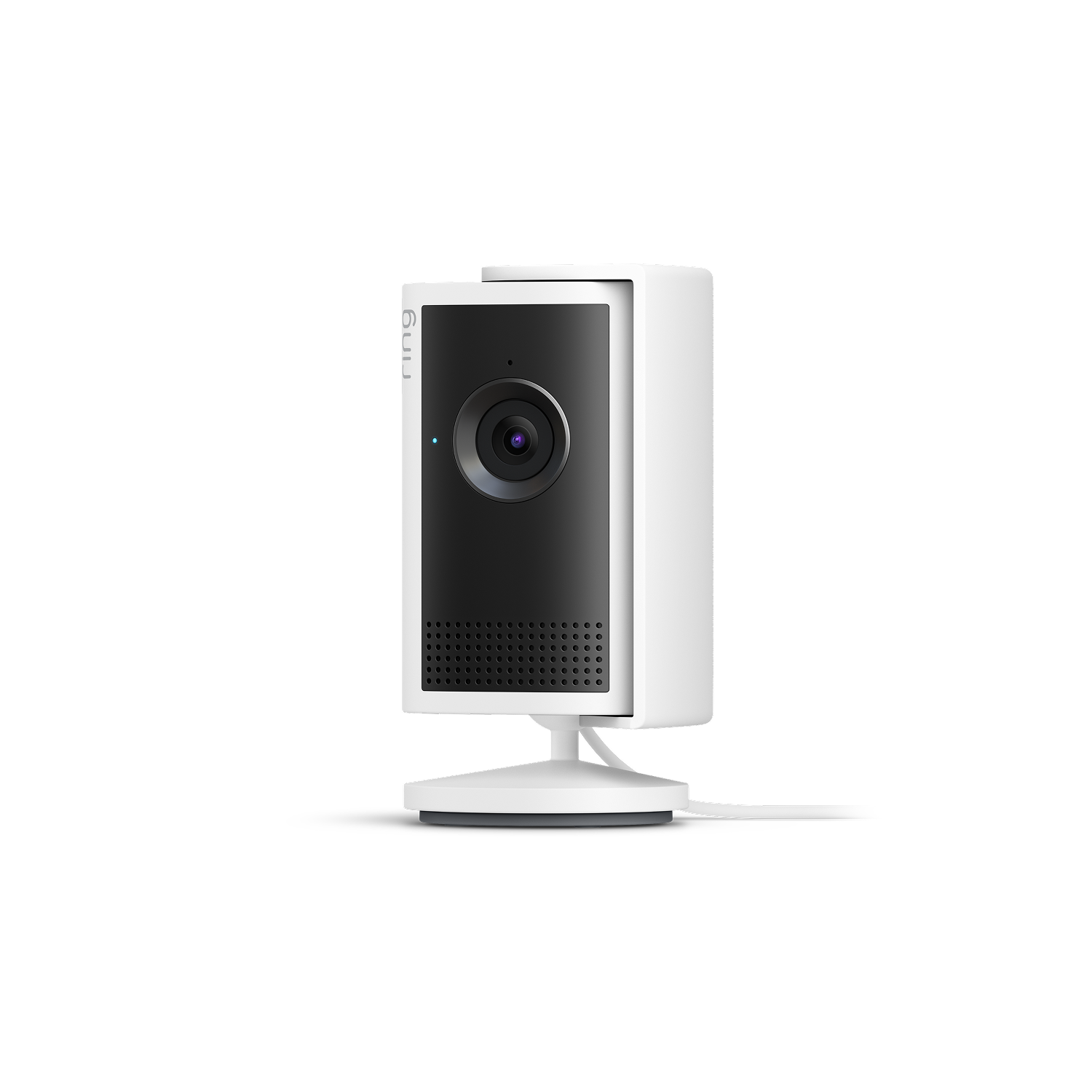
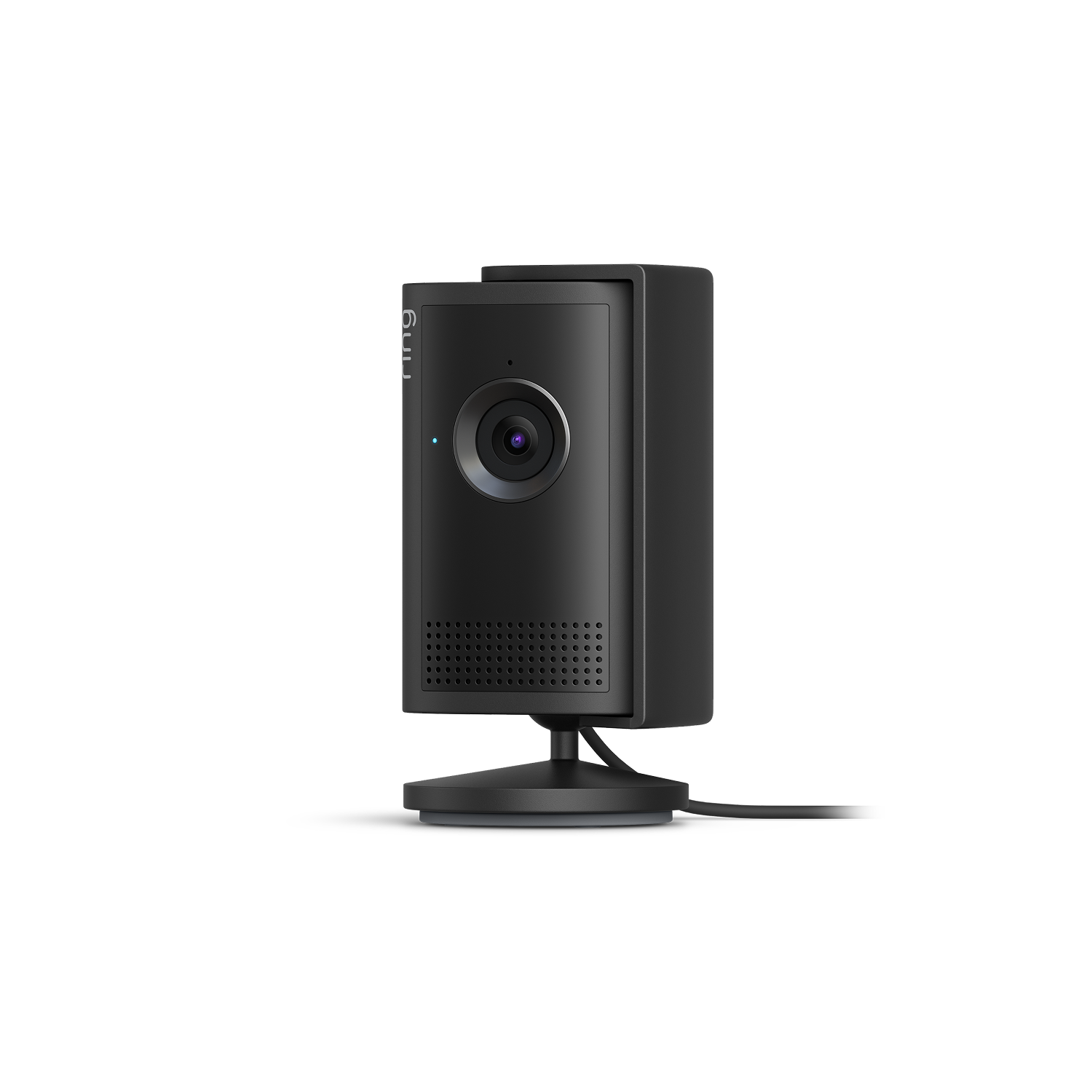
Indoor Camera 2K
Retinal 2K1
Low-Light Sight
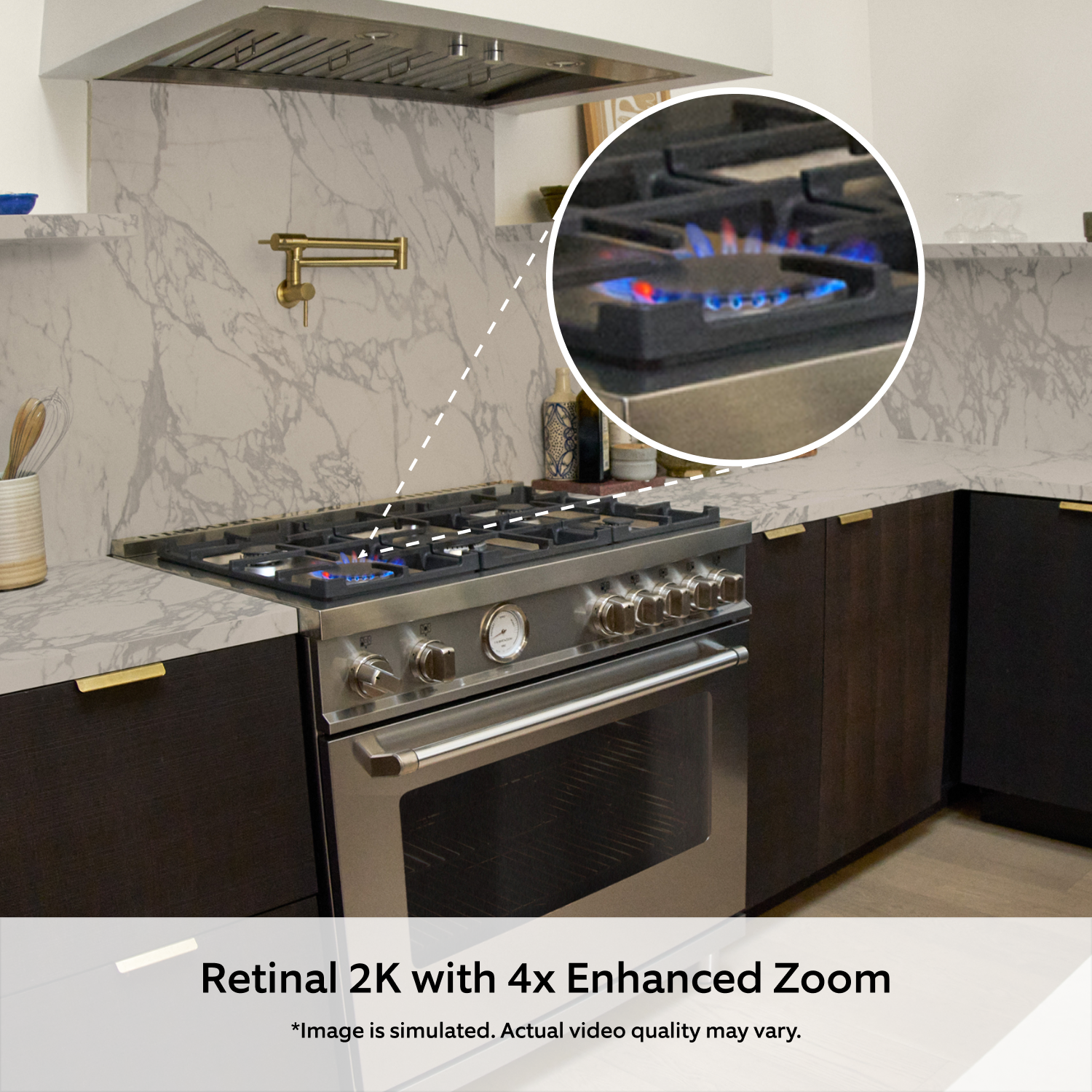
4x Enhanced Zoom
Motion-Activated Notifications
Live View &
Two-Way Talk
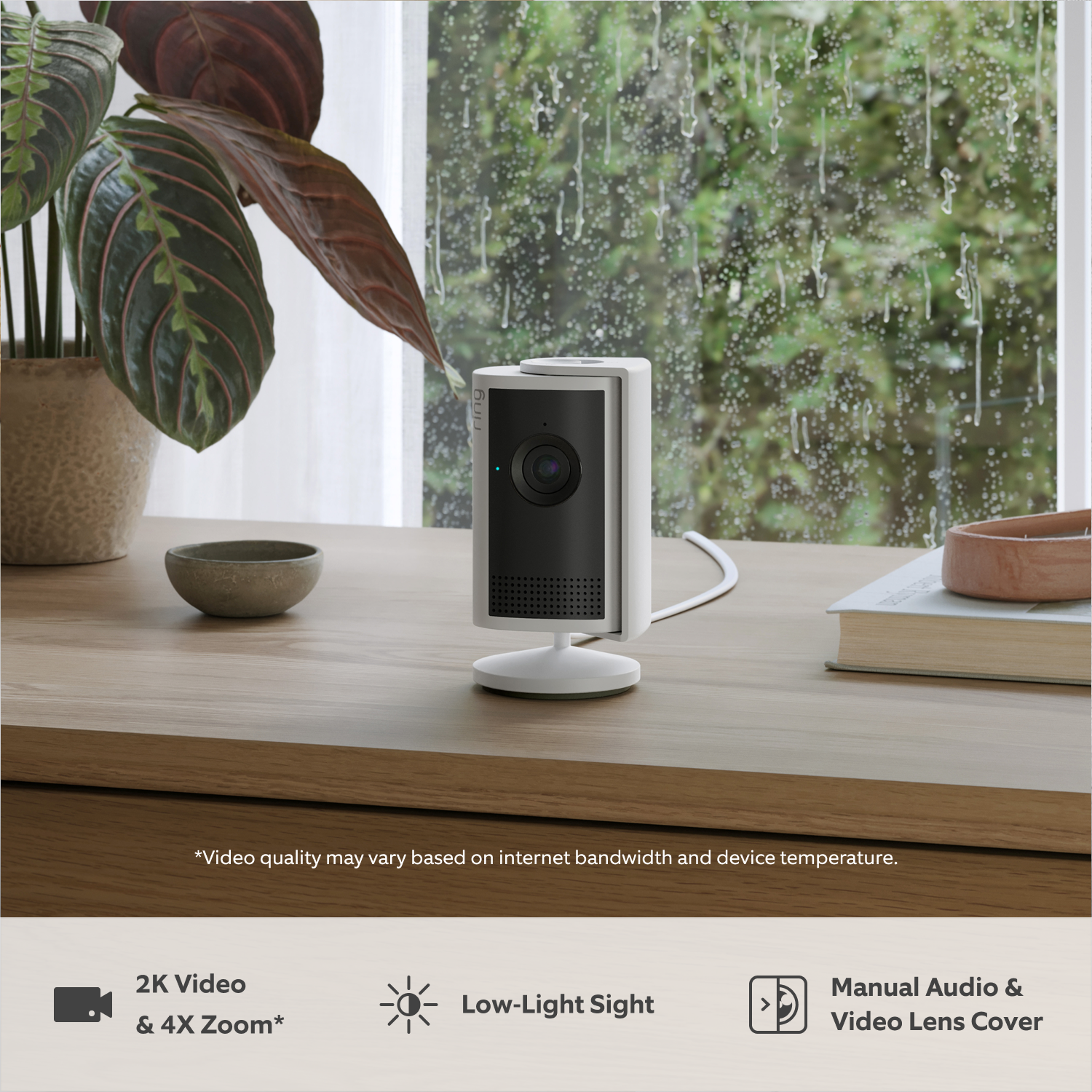
Manual Lens Cover

2K Video with 4x Enhanced Zoom
Catch the details that matter.
See every detail in full view. Manually zoom in up to 4x without losing any detail — perfect for spotting unusual activity in your home or checking if you left the stove on.

Retinal 2K
Super clear. Built better.
With Retinal 2K, you’re not just seeing more — you’re seeing clearer — day and night.
At Ring, we don’t just offer great resolution, we tune our cameras for clarity and low-light conditions — performance hardware and powerful processing working seamlessly together. The result? Crisp, true-to-life video from your property to your phone.

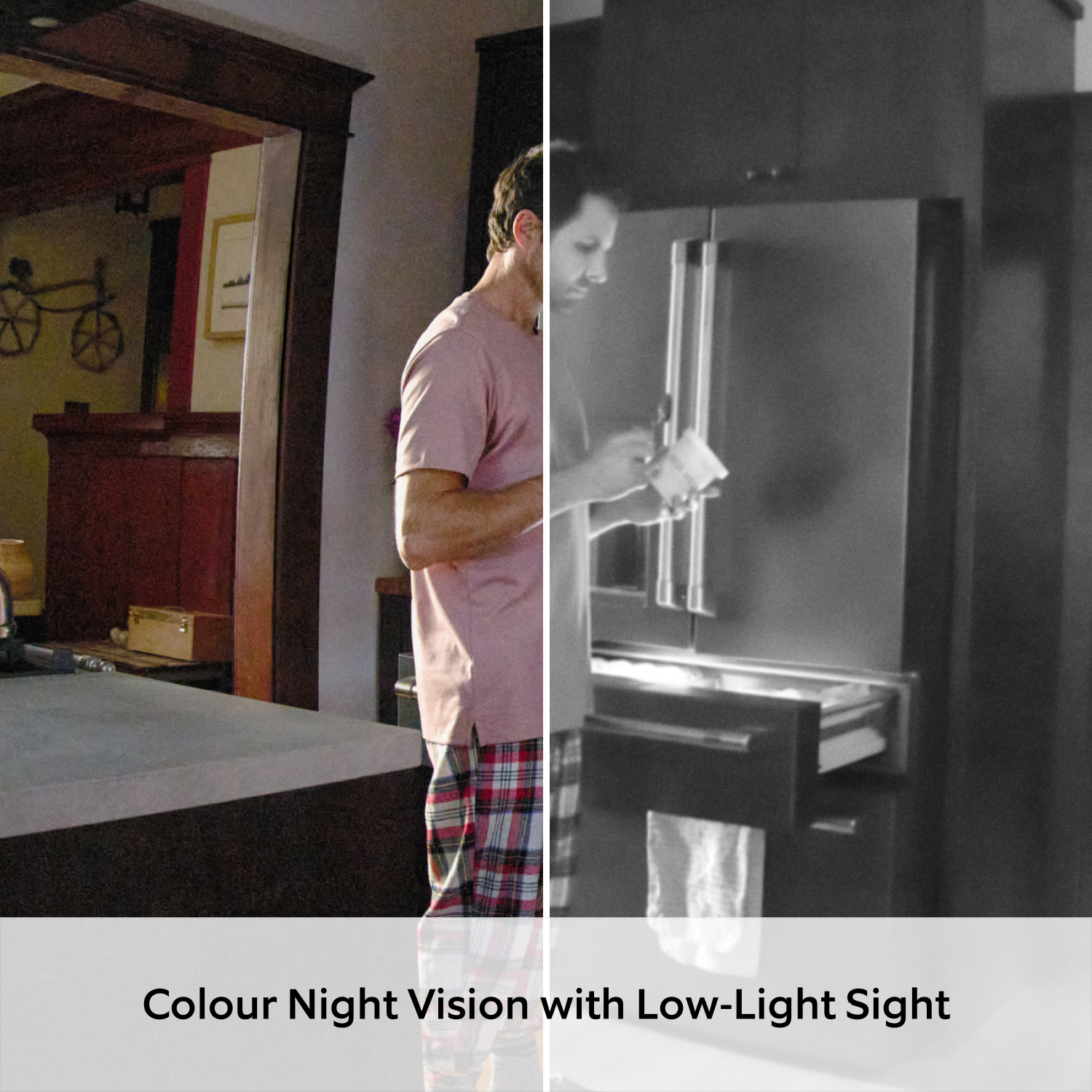
Low-Light Sight
Full colour in low light.
Get a colourful view of your home with Low-Light Sight and see every moment at its most vibrant — even in low light.

Adaptive Night Vision
Bright lights, dark corners? No problem.
Built to handle the toughest lighting conditions. Whether bright windows or dark corners, you’ll see it all at the same time, every time.

Manual Lens Cover
Privacy at your fingertips.
Feel safe knowing your home’s privacy is protected with thoughtful features that put you in control.
Manual Lens Cover
Block your camera with a simple slide of the manual Lens Cover—or remove it entirely with a quick snap. For even more privacy control, you can also turn off the microphone in the Ring app.
Privacy Zones
Control what your cameras can see or record by blacking out off-limits areas, such as the bathroom door, your work desk, or a neighbour’s window.


See more. Know more. Protect more.
Subscribe to a compatible Protect Plan to rewatch moments you missed, unlock intelligent insights, access enhanced security features, and more - only pay for what you need.
Learn More
-
![Views of hallway and lounge with dog in bed, showing video event snapshots stored by month with Ring Home.]()
Up to 180 Days of Video History
Save, share and replay recorded videos, motion event, and Live View event for up to 180 days -
![Video Descriptions asset]()
Video Descriptions
Get more details, faster, with intelligent text descriptions that explain what triggered a motion alert — no need to open the Ring app. -
![Ring app screen showing Home and Away device modes for managing camera settings based on location.]()
Device Modes
Customize when your cameras record, remotely Arm and Disarm your Ring Alarm, and more, all in the Ring app -
![Single Event Alerts asset]()
Single Event AlertBeta
Lots happening? We get it. Now your camera recognizes similar motion to send you one combined alert. -
![Familiar Faces asset]()
Familiar FacesBeta
Easily tag your family and friends in the Ring app so your device can notify you when someone is spotted.
Only available in UK, Ireland, France, Spain, Italy, Netherlands, Germany. Learn more.


Tech Specs
Size and Colour
5cm x 5cm x 9.7cm
White, Black
Features
2K video
Advanced Motion Detection with Customisable Motion Zones
115° Horizontal, 60° Vertical
Two-way talk with Noise Cancellation
Remote-activated security siren
Power and Connectivity
2m ft USB-C Power Adapter (3m USB-C Power Cable sold separately)
Requires a minimum upload speed of 5 Mbps for optimal performance
Single-band wifi connection @ 2.4GHz Wifi 4
Installation
5 to 10 minutes
-20°C to 45°C (-4°F to 113°F)
Standard power outlet
General
Indoor Cam Plus
Lens Cover
10W USB-A Power Adapter
USB-A to USB-C Charge Cable (2m)
Install hardware
Setup Guide
Warranty and Safety document
Security sticker
One-year limited warranty, and including theft protection. If you are a consumer, the limited warranty is in addition to your consumer rights, and does not jeopardise these rights in any way. This means you may still have additional rights at law even after the limited warranty has expired. Learn more here.
Security
This device gets software security updates until at least four years after it is bought new from this website. Learn more. If you already own a Ring device, visit Software Security Updates in Ring Control Centre for information specific to your device.
Frequently Asked Questions
What is 2K video quality?
Indoor Camera Plus features Retinal 2K video quality, which means it captures footage at a resolution of 2560x1440 pixels.
What is the difference between Indoor Camera Plus and Indoor Camera (2nd Gen)?
Indoor Camera (2nd Gen) comes equipped with standard 1080p HD Video, Two-Way Talk, Colour Night Vision and Motion Alerts.
Indoor Camera Plus features upgraded 2K Retinal for even more clarity and resolution, 4X Enhanced Zoom so you can zoom in to see extra detail and adds Low-Light Sight, which gives you a full colour view, even in low-light conditions.
Will the camera automatically adjust video quality based on internet speed?
Yes, the camera features adaptive bit rate streaming technology that automatically adjusts video quality based on your available bandwidth to maintain a stable connection. You can also manually adjust video quality settings in the Ring app.
What's the Manual Lens Cover and how does it work?
Indoor Camera Plus comes with a detachable Manual Lens Cover in the box. When you need privacy, install the Manual Lens Cover onto the camera and simply slide the cover in front of the camera lens. For audio privacy, you can fully disable the microphone through the Ring app.
When you no longer need privacy, simply swivel the lens cover to the side. And if you ever forget whether you left the cover on, you can check the camera's live view in the Ring app to see if the lens is obstructed.
How can I attach the Manual Lens Cover?
Attaching the Manual Lens Cover to your Ring camera involves three simple steps:
A - Align the Manual Lens Cover in the unlocked position and insert the bottom peg into the groove at the bottom of your camera.
B - With the notch on the top ring of the Manual Lens Cover facing towards the camera lens, push the cover onto your camera until you hear a click.
C - Press on the ring to secure it - you'll hear another click when it's properly attached.
Important tips:
Make sure the cover is properly aligned before pushing it on
You should hear clicking sounds to confirm secure attachment
When correctly installed, the cover should sit flush against the camera with no gaps
Swivel in the open and closed position to ensure it is working properly.
How can I mount Indoor Camera Plus?
You can simply place it onto a table top or mount it on a ceiling or wall. With the easy-to-install mounting place included in the box, Indoor Cam Plus goes exactly where you need it most.
Does the doorbell or security camera save my videos and photos so I can view them later?
If you have a subscription to Ring Protect, motion event videos captured by your Security Camera will be saved to your Ring account for up to 180 days. You can manage your video storage time through the Control Centre. Photos captured will be saved to your Ring account for up to 7 days, so you can review them at any time. More information about video storage can be found here. Without a subscription, you can view real-time video for Security Cameras and get notifications as they happen, but your videos and photos will not be saved.
A free Ring Protect trial is included with any home Security Camera purchase unless you are already have a Ring subscription at the same location. You may subscribe to a Ring Protect Plan at any time during your trial, and you won’t be charged for your subscription until after your trial ends.
If you have a subscription to Ring Protect, you can share your videos and photos with anyone, including neighbours, friends, family and local law enforcement. Click here to learn more about Ring Protect.
What is Ring Protect?
Ring Protect is a subscription that gives your Ring experience a boost by changing how your Ring devices work for you. With a Ring Protect Plan, activate video recording and photo capture, saving and sharing for your Security Camera, plus get access to our advanced video, intelligence, and security features and perks.
Click here to learn more about Ring Protect.
Do I need Ring Protect to use the security camera?
No. You can still use your Security Camera to see what's happening at home, even without a subscription to Ring Protect. Without Ring Protect, you'll still receive real-time notifications whenever motion is detected and you can answer the notification to see hear, and speak to visitors in real time right from your mobile device. When you access your Ring Dashboard, you'll be able to view the image last captured by active devices.
However, without a subscription to Ring Protect, you won't be able to review any videos or images you missed, and you won't be able to save your videos or photos or share them with anyone. Click here to learn more about Ring Protect and to choose a plan that works for you.
1. Video quality may vary based on internet bandwidth and device temperature.
2. Free trial is not applicable for locations with an existing subscription. Your free trial begins as soon as you activate your Ring product.
3. Feature available with a subscription.
