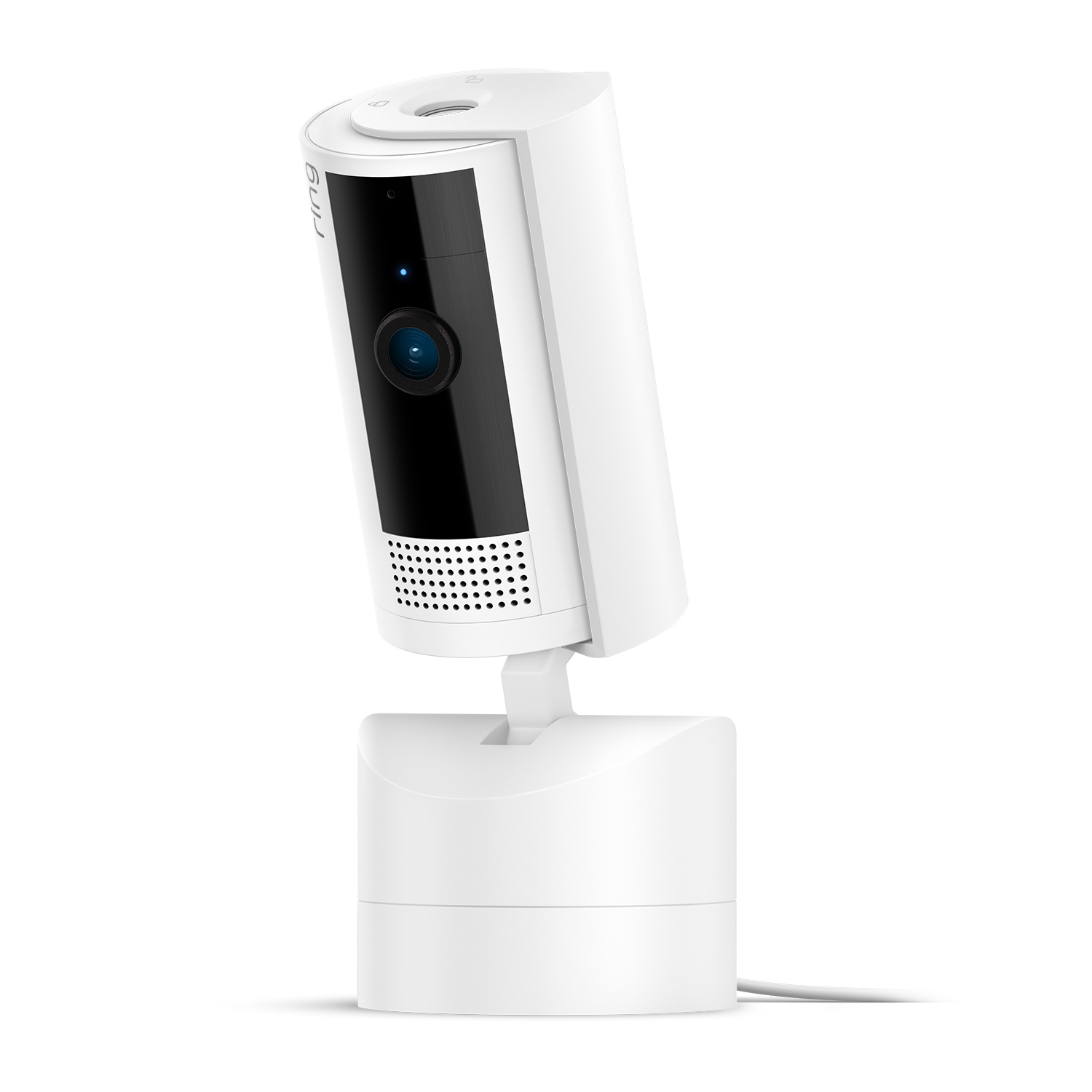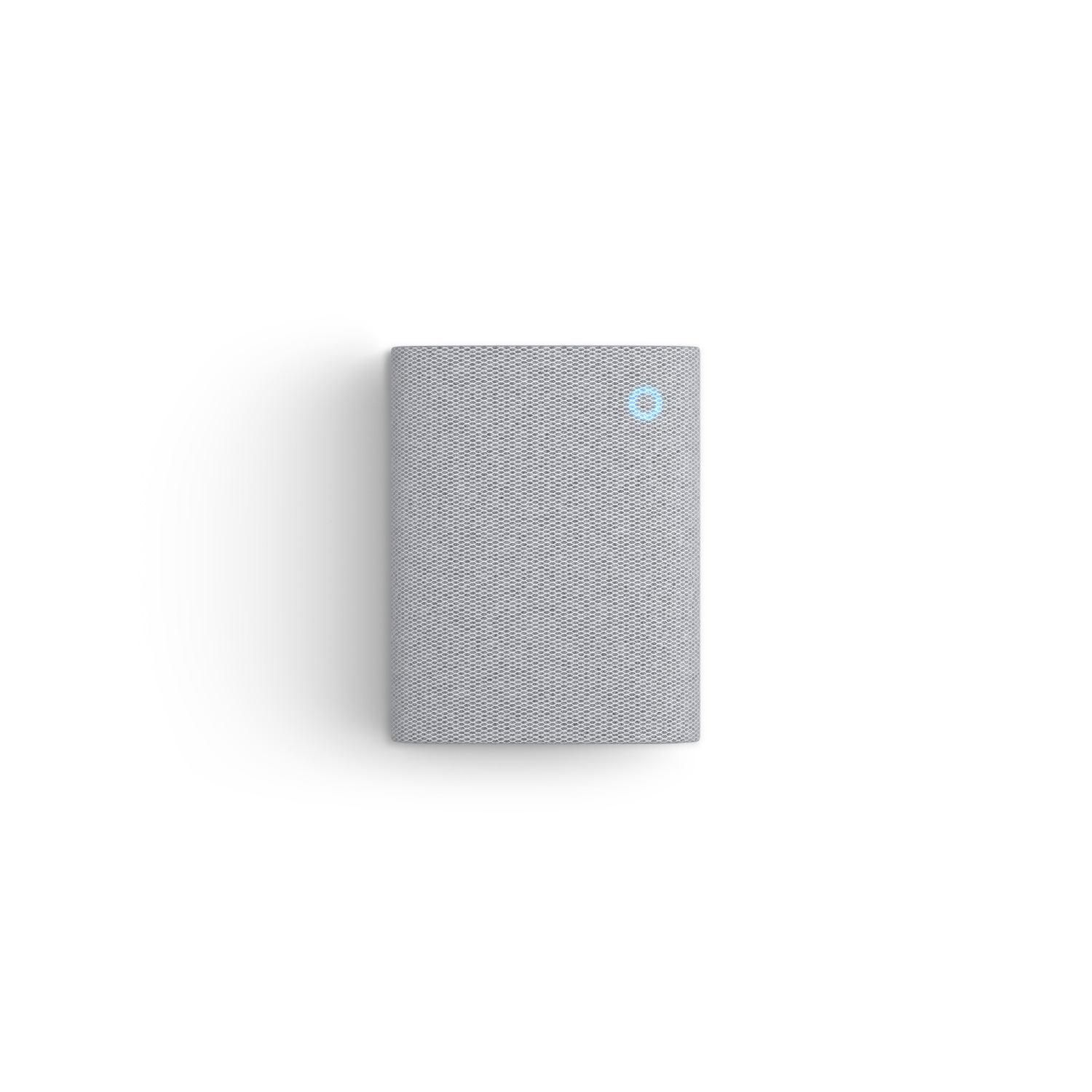
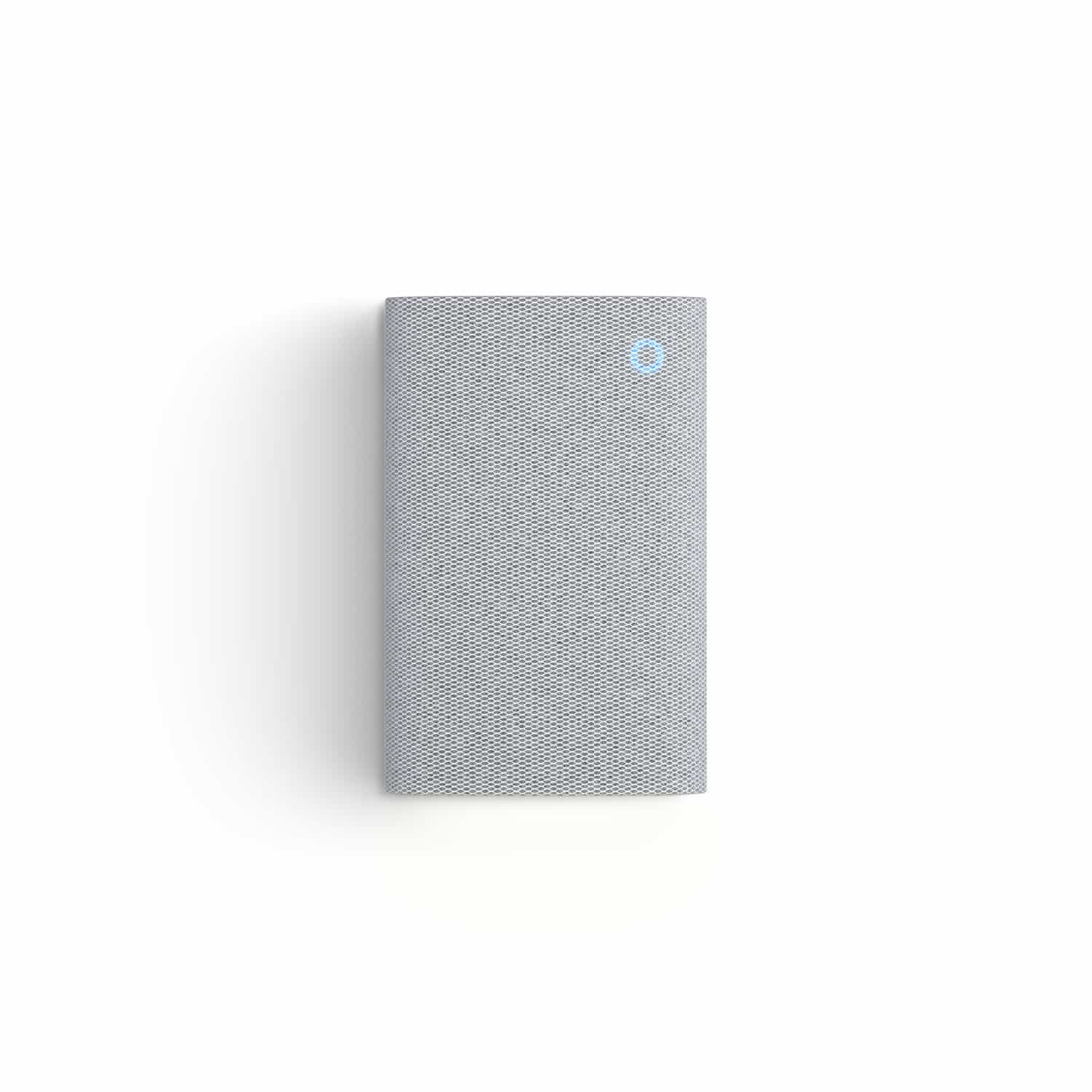
Chime Plus
Get enhanced audio alerts for Ring doorbells, cameras and compatible sensors from anywhere in your home.
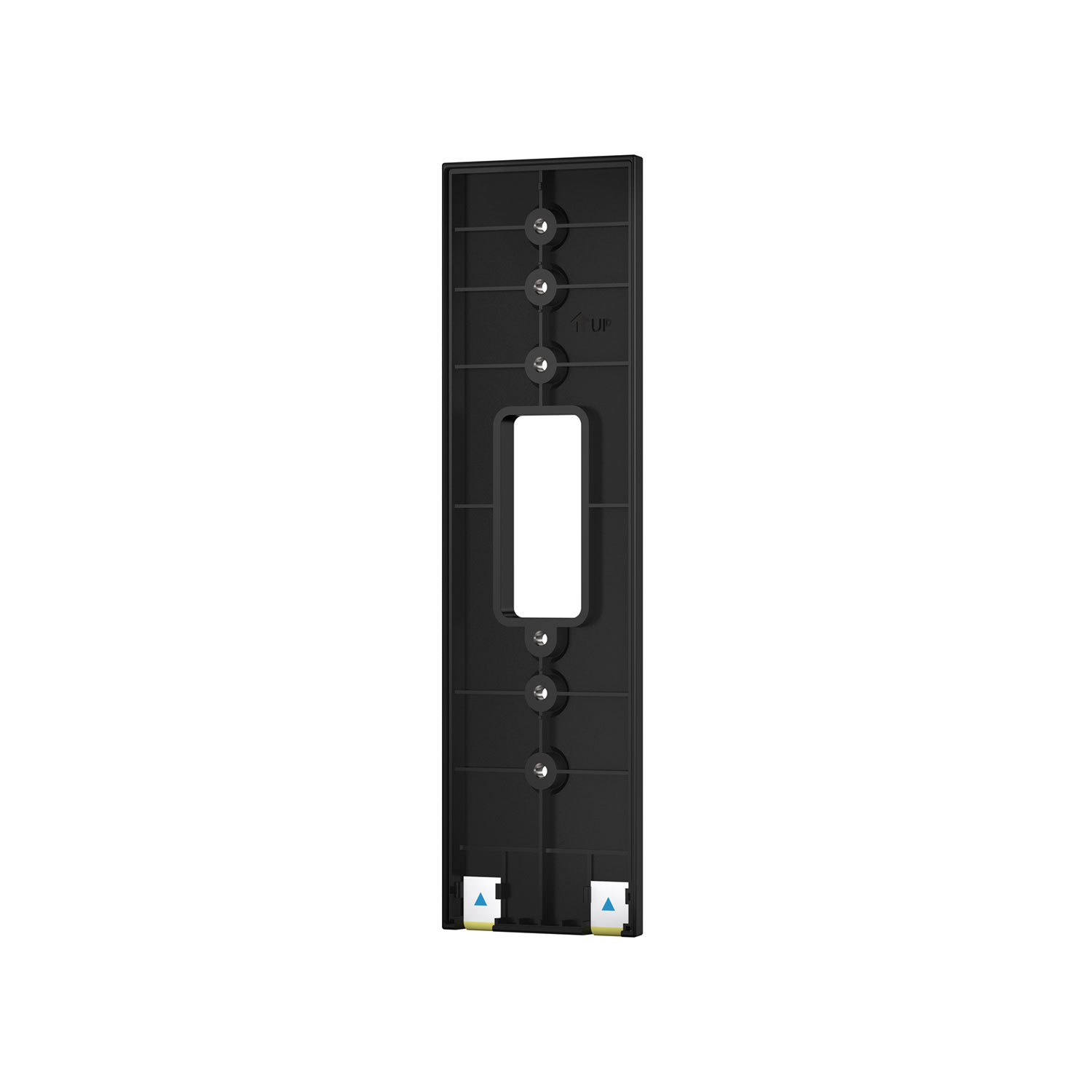
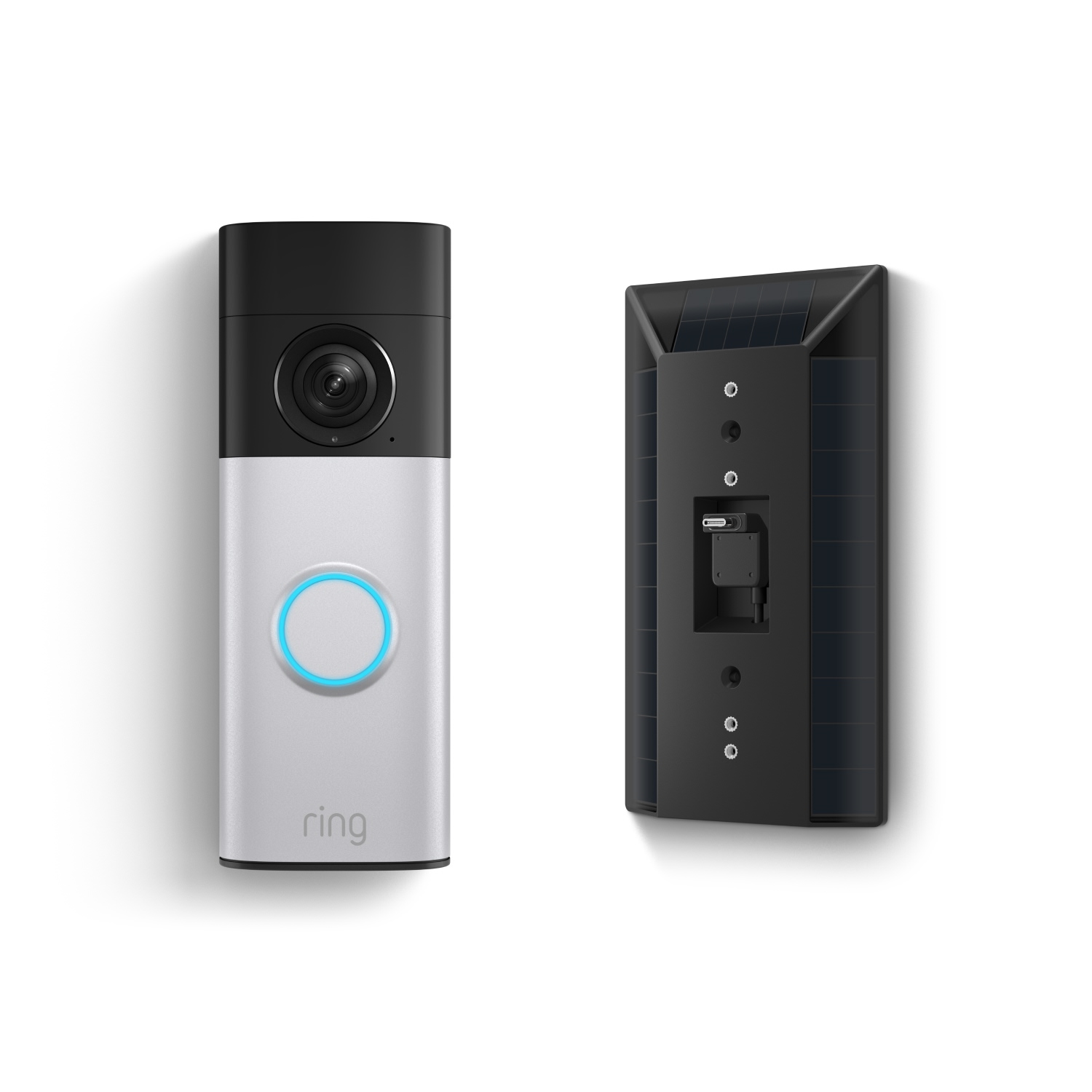
No-Drill Mount
Attach a compatible doorbell to your home without drilling.
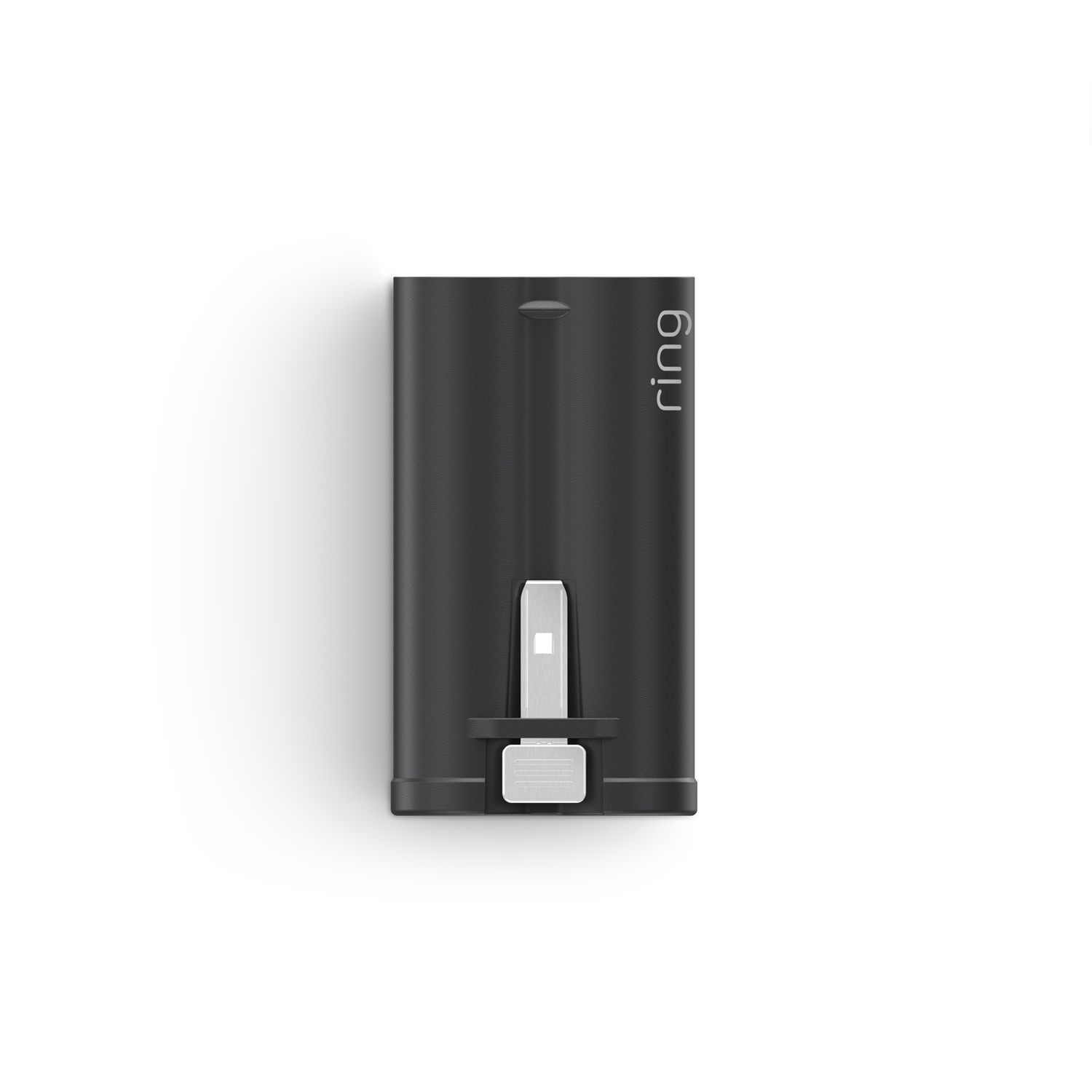
Quick Release Ultra Battery Pack
Have backup battery power ready to go.
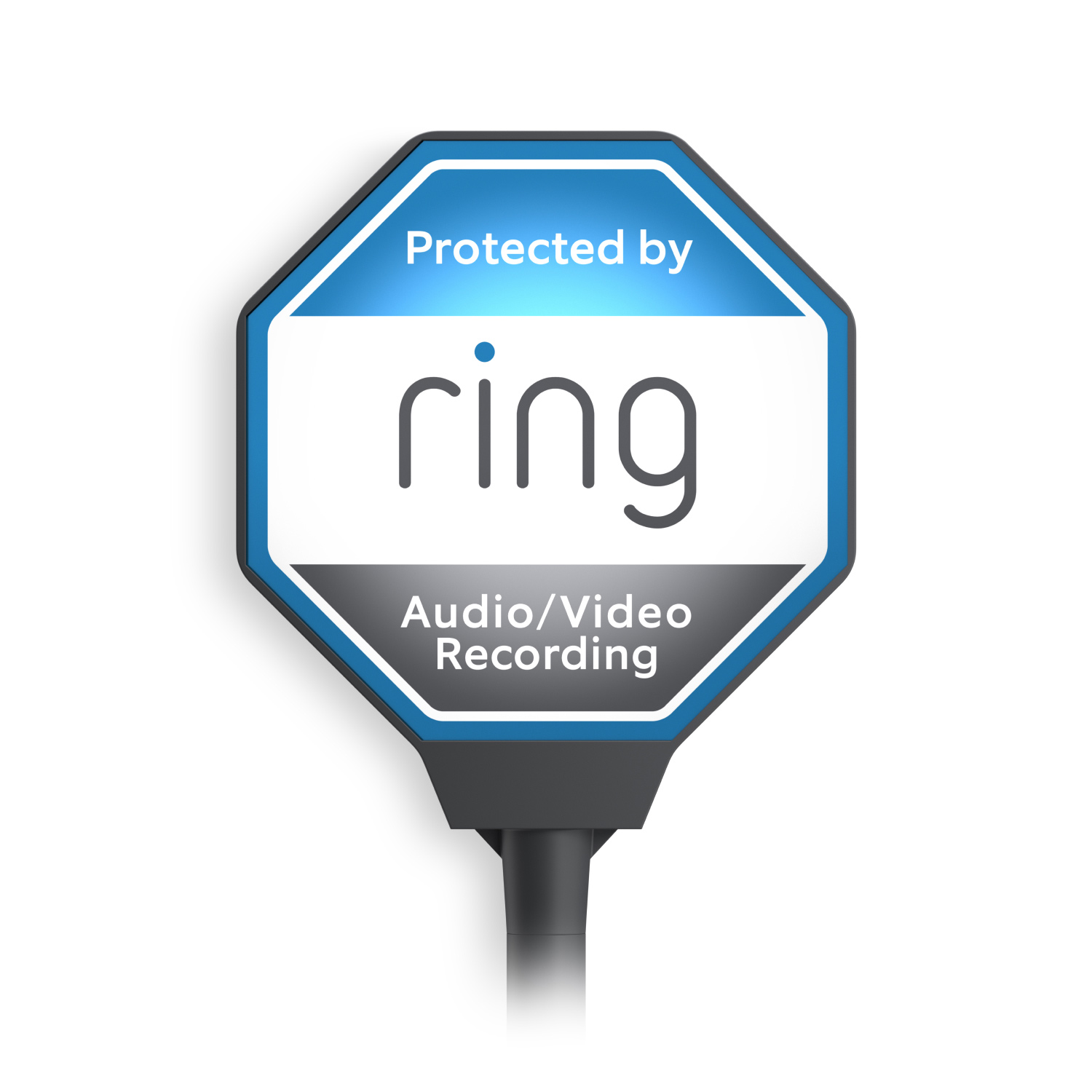
Ring Beacon
Signal your Ring protection 24/7 with the solar-powered yard sign.
Recommended for you
Tech Specs - Battery Doorbell Plus (2nd Gen)
Size and Color
5.8 in x 2.11 in x 1.34 in
14.73 cm x 5.35 cm x 3.4 cm
Nickel Silver
Features
Retinal 2K with 6x Enhanced Zoom
Advanced Motion Detection with Customizable Motion Zones
140° Horizontal x 140° Vertical Head-to-Toe Field of View
Two-way talk
Power and Connectivity
Quick Release Battery Pack
A minimum upload speed of 10 Mbps is recommended for Ring 2K devices. Video resolution may vary depending on internet bandwidth.
WiFi 6, dual-band 2.4GHz/ 5GHz
802.11 b/g/n wifi connection @ 2.4 GHz to WiFi 6, dual-band 2.4GHz/ 5GHz
802.11 b/g/n wifi connection
Installation
10 minutes
-4°F to 122°F (-20°C to 50°C). Weather Resistant IP55.
Only if wiring in: Standard doorbell system with 8-24 VAC, 40VA max, 50/60Hz doorbell transformer
General
Battery Doorbell 2K Plus
Universal Mounting Plate
Corner Kit
Nickel Silver Faceplate
Quick Release Battery Pack
Installation Tools and Hardware
Setup Guide
Security Sticker
Battery Doorbell 2K Plus (2nd Gen) - 2026 release
Security
This device receives guaranteed software security updates until at least four years after the device is last available for purchase as a new unit on our websites. Learn more. If you already own a Ring device, visit Software Security Updates in Ring Control Center for information specific to your device.
Tech Specs - Solar Charger
Supported Devices
Battery Doorbell 2K (2nd Gen), Battery Doorbell 2K Plus (2nd Gen), and Battery Doorbell 4K Pro (2nd Gen)
Size and Color
3.66 x 6.77 x 0.60 inches (9.3 x 17.2 x 1.535 cm)
Black
Power and Connectivity
Solar Panel
0.76W (Solar Power Rating)
Both:
Fork Connector
USB-C (with adapter)
Installation
-5°F to 120°F (-20.5°C to 48.5°C)
Vertical surface for mounting
Solar: Direct sunlight
Accessories: Additional tools required (drill and screwdriver required in most cases)
Install Solar Charger in a location without obstruction from the sun, where it can receive ample direct sunlight each day for best performance. For best results, install facing South if located in the northern hemisphere; install facing North if located in the southern hemisphere. Fully charge the doorbell battery before installing the doorbell in the Solar Charger.
General
Solar Charger
USB-C adapter
Installation Hardware (Screws, anchors)
Setup Guide
1Free trial is not applicable for locations with an existing subscription. Your free trial begins as soon as you activate your Ring product.
© Mapbox © OpenStreetMap Improve this map