Accessories
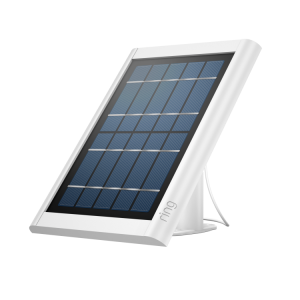
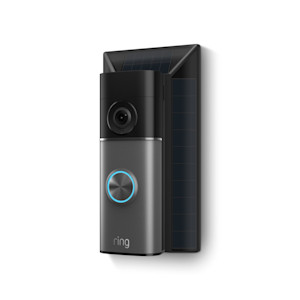
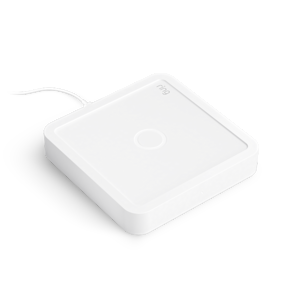
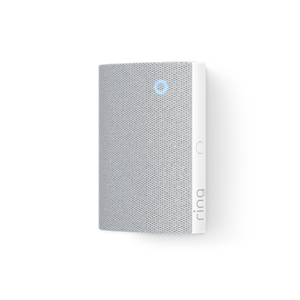
Get to know the accessories available for your Ring devices, including Chime Pro.
Select Device
Show More

Related Articles
Installing No-Drill Mount (2nd Gen) for 2K and 4K Battery Doorbells
Learn how to install your No Drill Mount (2nd Gen) for Battery Doorbells.
Getting to know your Ring Indoor Illuminated Sign
Set up your Ring Indoor Illuminated Sign with ease. Learn how to mount it on a window or wall, choose a power mode (ON, OFF, or Dusk to Dawn), and troubleshoot common issues.
Safety and Compliance Information for Ring Indoor Illuminated Sign
Important safety, compliance, and product specification information for the Ring Indoor Illuminated Sign, including electrical ratings, operating temperature range, recycling guidelines, warranty details, and regulatory information.
Installing Ring Indoor Illuminated Sign
Learn how to install your Ring Indoor Illuminated Sign. Follow step-by-step instructions for window or wall mounting, power connection, and AUTO mode for automatic dusk-to-dawn illumination.
Installing Ring Sump Pump Monitor
Troubleshooting battery performance
Help extend the longevity of your camera and doorbell batteries.
Safety and Compliance Information for Chime Plus
Safety and compliance information for Spare Parts Kit for Spotlight Cam 4K Pro
Safety and compliance information for Spare Parts Kit for Outdoor Cam 4K Pro
Installing lens cover for Outdoor Cam 4K Pro
