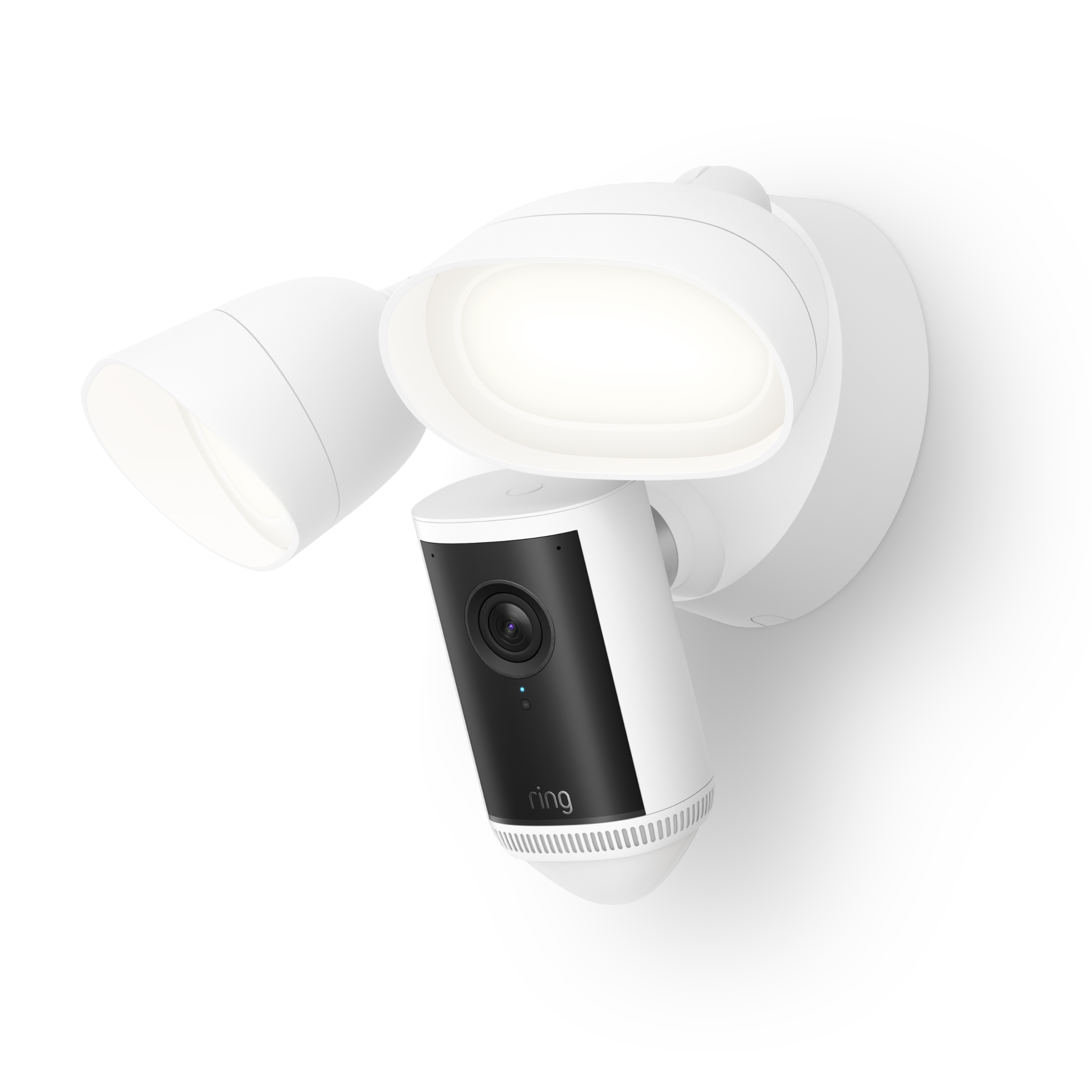
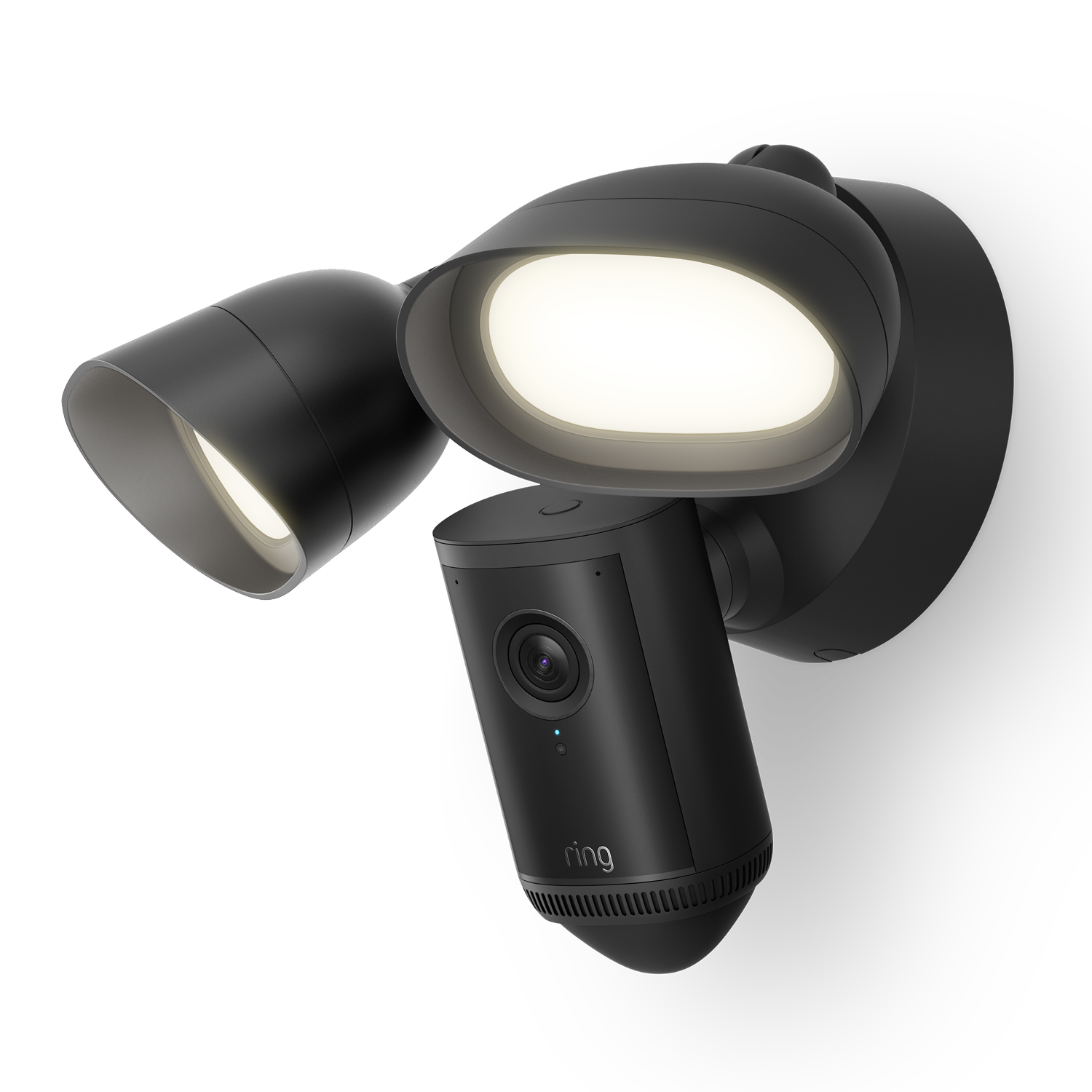
Floodlight Camera 4K Pro
You might also like
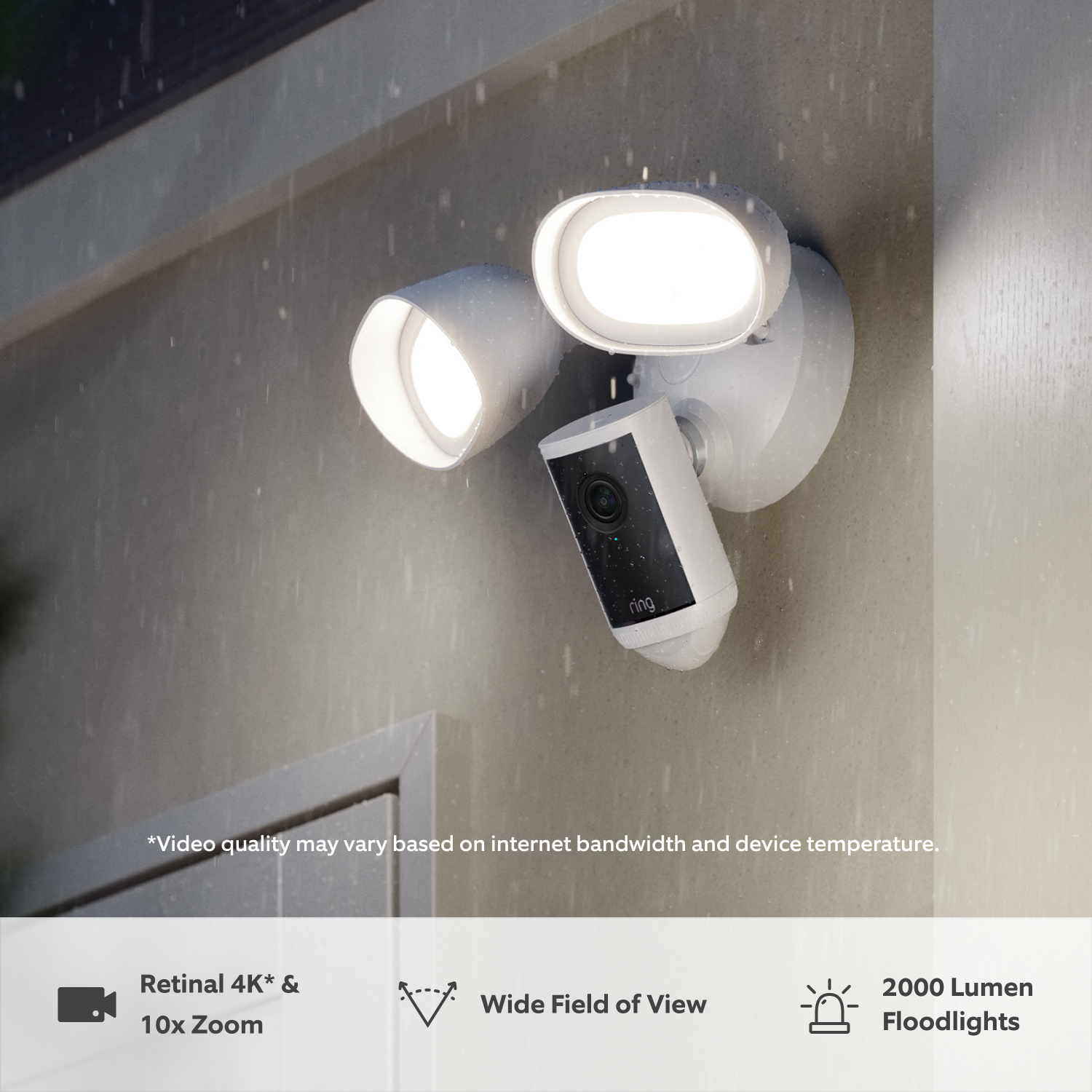
Retinal 4K1
Low-Light Sight
Wide Field of View
10x Enhanced Zoom
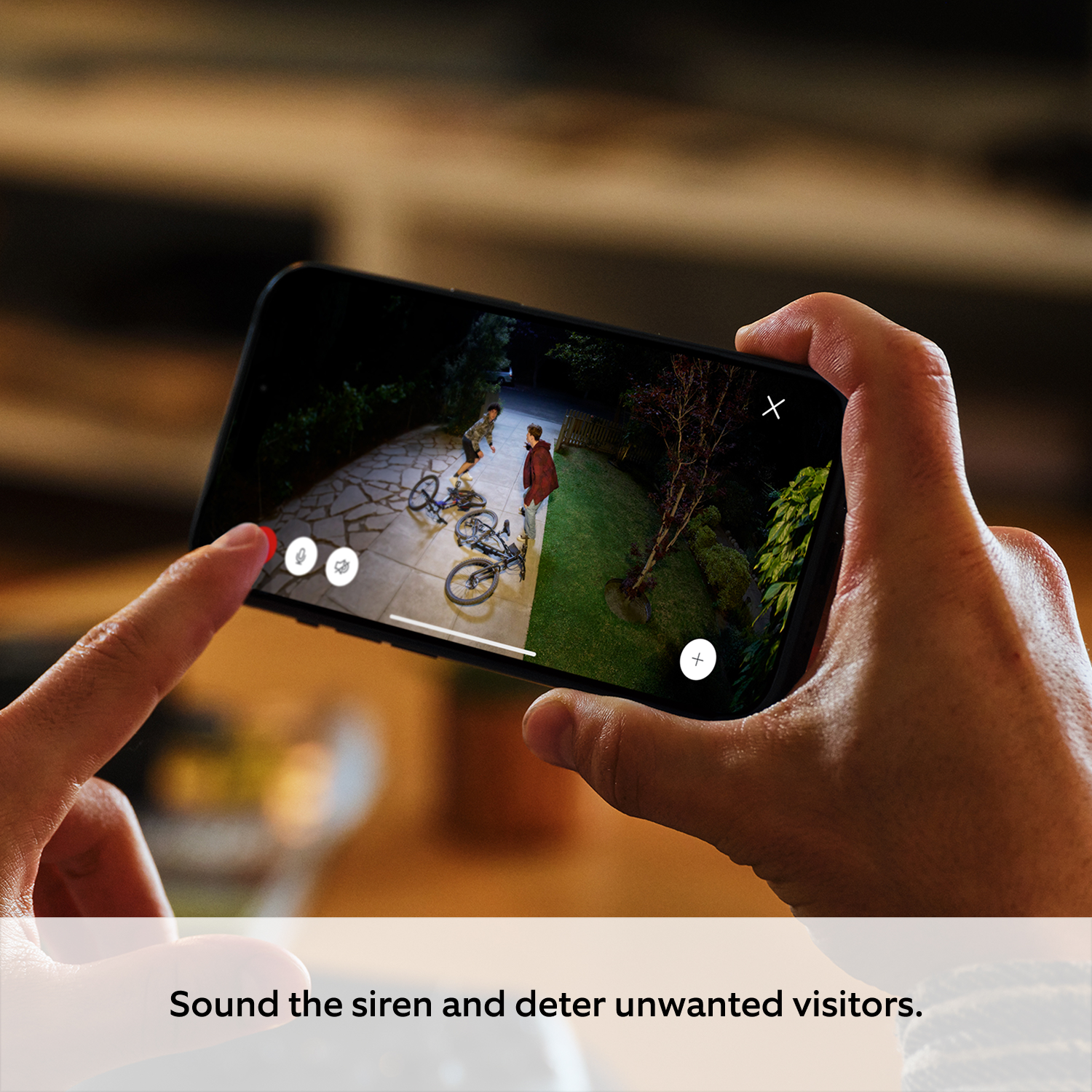
85dB Siren & 2000 Lumen Floodlights
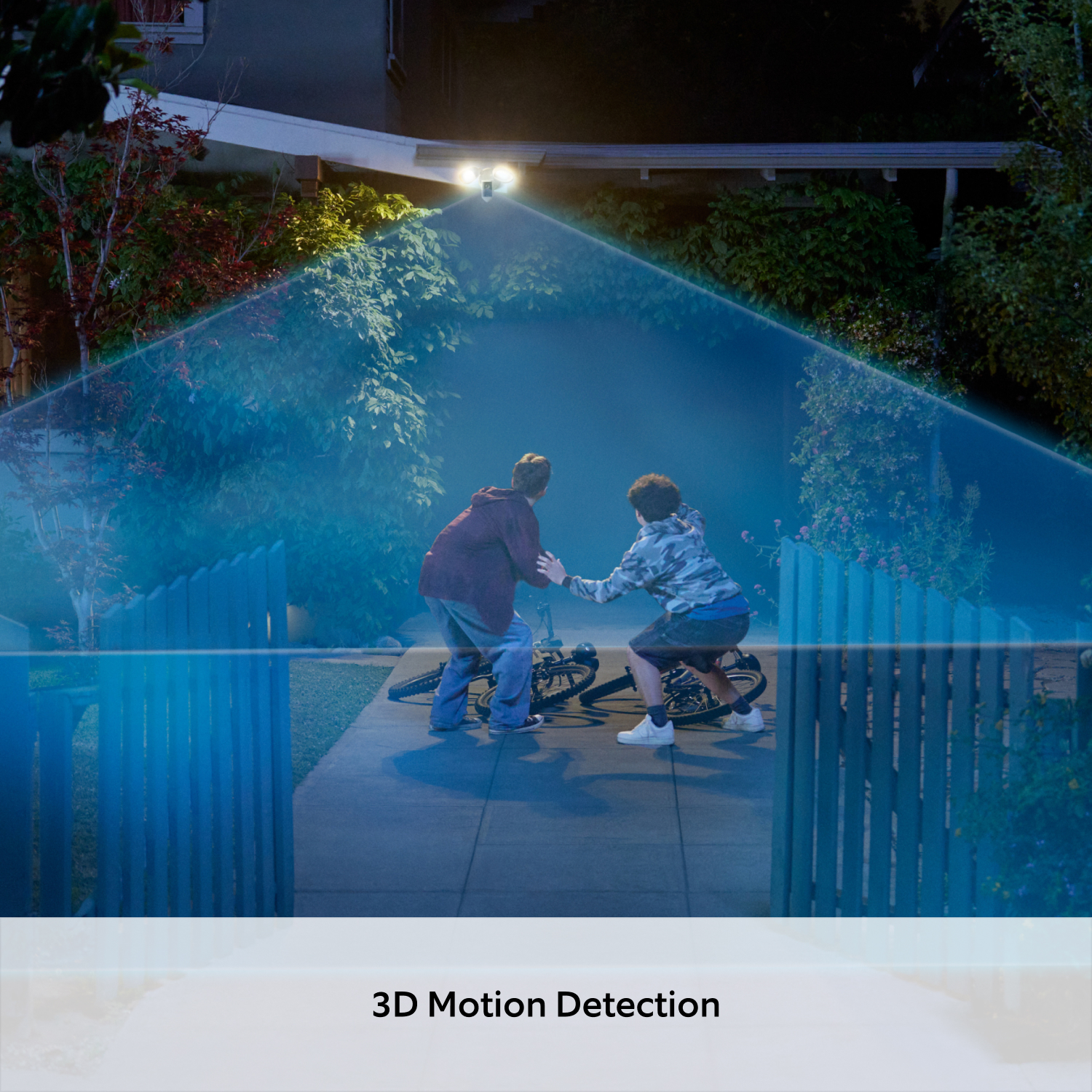
3D Motion Detection

Retinal 4K
Ultra clear. Crazy sharp. More detail.
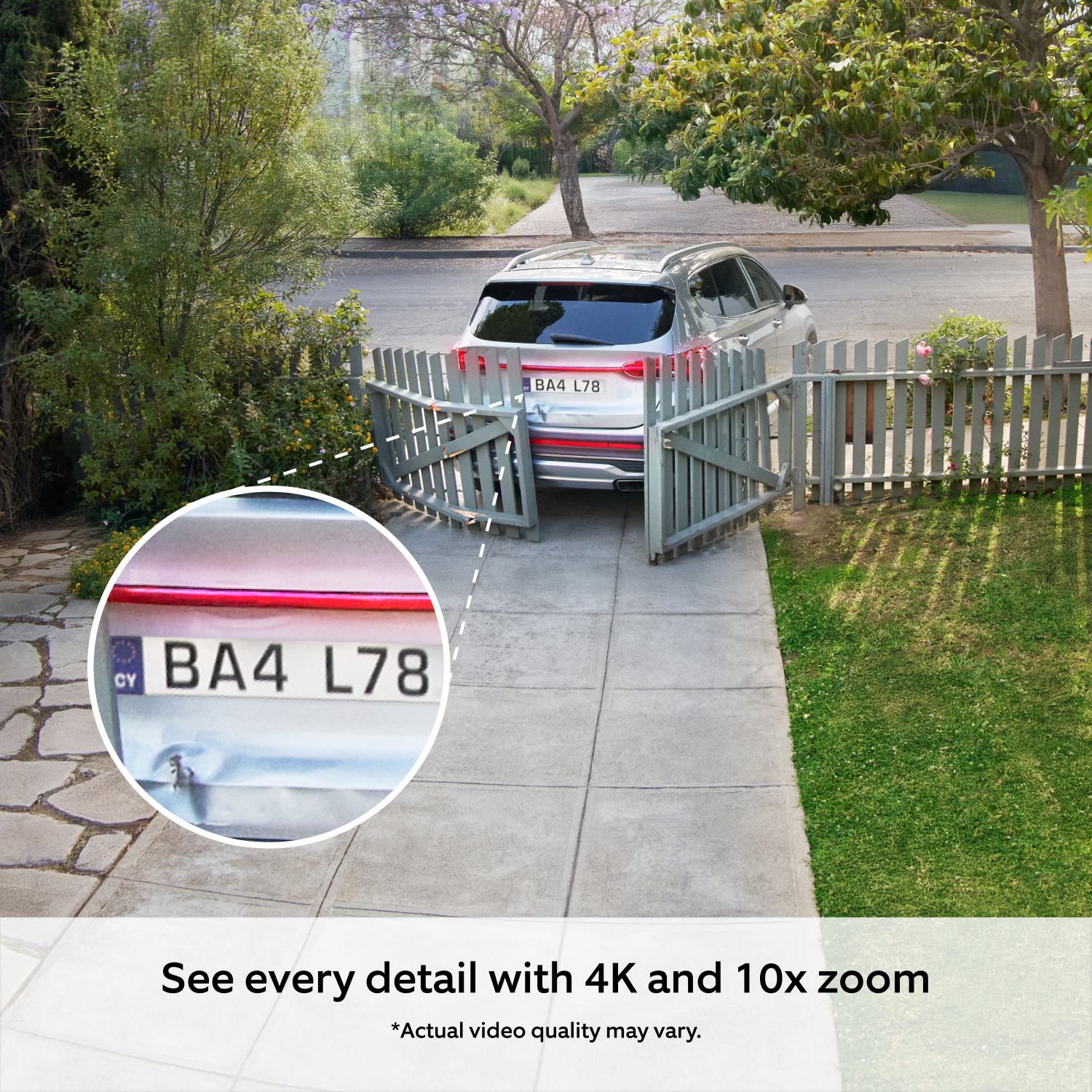
Retinal 4K pushes your image quality to a whole new level. Zoom in up to 10x and see finer details with incredible definition in any light.
At Ring, we don’t just offer great resolution, we tune everything - from our cameras to the app - to capture and display video with Ring's highest clarity, sharpness, and colour accuracy in low-light conditions. It’s performance hardware and powerful processing working seamlessly together. The result? Crisp, true-to-life video from your property to your phone.

10x Enhanced Zoom
Catch faces, number plates, and tiny details at a distance.
Retinal 4K ensures sharpness in every frame, revealing more clarity and bringing you closer to the action. With up to 10x Enhanced Zoom, easily inspect critical details with a pinch of your fingers.

Adjustable Floodlights
Give them nowhere
to hide.
Our super bright outdoor camera lights up the night with two, motion-activated floodlights. Adjust the lumens from 200 to 2000 for more coverage across your garden or property.

3D Motion Detection
Precise alerts, not interruptions.
The radar-powered precision of 3D Motion Detection delivers accurate alerts tailored to your home. Map out zones to know about security events like activity in the driveway, but not the pavement.

Install it yourself. Or leave it to the experts.
Follow the step-by-step instructions in the Ring app or ask a professional to install it for you (recommended).


See more. Know more. Protect more.
Subscribe to a compatible Protect Plan to rewatch moments you missed, unlock intelligent insights, access enhanced security features, and more - only pay for what you need.
Learn More
-
![Timeline showing dog in garden in March and children on bikes in April, captured by Ring security camera.]()
Up to 180 Days of Video History
Save, share and replay recorded videos, motion event, and Live View event for up to 180 days -
![Video Descriptions asset]()
Video Descriptions
Get more details, faster, with intelligent text descriptions that explain what triggered a motion alert — no need to open the Ring app. -
![Ring app screen showing Home and Away device modes for managing camera settings based on location.]()
Device Modes
Customize when your cameras record, remotely Arm and Disarm your Ring Alarm, and more, all in the Ring app -
![Single Event Alerts asset]()
Single Event AlertBeta
Lots happening? We get it. Now your camera recognizes similar motion to send you one combined alert.


Tech Specs
Size and Colour
223 mm x 327 mm x 198 mm (8.78 in x 12.87 in x 7.8 in)
Black, White
Features
4K video resolution, Low-Light Sight, up to 10x Enhanced Zoom
3D Motion Detection with Customisable Motion Zones
140º Horizontal, 85º Vertical
Remote-activated security siren
Two-Way Talk with Audio+ and advanced noise cancellation
Brightness: 2000 lumens
Colour Temperature: 3000 Kelvin warm white
Yes
Power and Connectivity
Hardwired (100-240V)
Recommended minimum upload speed of 15 Mbps for optimal performance. Video resolution may vary depending on internet bandwidth.
Wifi 6 (802.11 ax ), dual-band 2.4GHz, 5.0GHz (Channels 100 and above).
For more information contact Ring help centre.
Installation
Vertical or horizontal surface for mounting.
Installation by a qualified electrician may be required in your area.
-20.5°C to 48.5°C (-5°F to 120°F), Weather Resistant IP65
Integrated and Adjustable Floodlight. Product can be mounted on a Wall or Ceiling
General
Floodlight Cam Wired Pro (2nd Gen)
Mounting bracket
Installation tools and screws
Quick Start Guide
Security sticker
One-year limited warranty, and including theft protection. If you are a consumer, the limited warranty is in addition to your consumer rights, and does not jeopardise these rights in any way. This means you may still have additional rights at law even after the limited warranty has expired. Learn more here.
Security
This device gets software security updates until at least four years after it is bought new from this website. Learn more. If you already own a Ring device, visit Software Security Updates in Ring Control Centre for information specific to your device.
Frequently Asked Questions
What is the minimum internet speed required for 4K streaming?
A minimum upload speed of 15 Mbps is recommended. For the best experience with 4K video recording and streaming, we recommend at least 20 Mbps upload speed.
Will the camera automatically adjust video quality based on internet speed?
Yes, the camera features adaptive bit rate streaming technology that automatically adjusts video quality based on your available bandwidth to maintain a stable connection.
What is 4K video quality?
Floodlight Cam Pro (2nd Gen) features Retinal 4K video quality, which means it captures footage at a resolution of 3840 x 2160 pixels. When viewing the same field of view, this provides four times the detail of 1080p HD, resulting in clear and crisp video. The 4K resolution allows for more detailed zooming without losing image quality, making it easier to identify people, objects, or number plates in the footage.
How does 10x Enhanced Zoom work on Floodlight Cam Pro (2nd Gen)?
Floodlight Cam Pro (2nd Gen) can get closer to the action with up to 10x Enhanced Zoom, available in the Ring app. This feature uses 4K resolution to maintain clarity even when zoomed in, allowing you to get a closer look at important details and identify people, objects, or license plates with greater accuracy.
What privacy features are included with Floodlight Cam Pro (2nd Gen)?
Floodlight Cam Pro (2nd Gen) allows you to configure your privacy settings depending on your needs. Create Privacy Zones that block certain zones you don’t want to record. Toggle Motion Alerts or audio recording on or off in the Ring app at any time. Create a motion schedule to enable Motion Alerts and recording during the times you're usually away. Use Modes to select a camera state with Disarmed, Home, or Away Mode (subscription required, sold separately).
How can I mount Floodlight Cam Pro (2nd Gen)?
You can mount Floodlight Cam Pro (2nd Gen) on a ceiling or wall. With the easy-to-install mount included in the box, weather-resistant build, Floodlight Cam Pro (2nd Gen) goes exactly where you need it most. Professional installation recommended.
Is a Ring Protect subscription required for Floodlight Cam Pro (2nd Gen)?
No. You can still use your camera to watch over your home, even without a subscription to Ring Protect. Without Ring Protect, you'll still receive real-time notifications when motion is detected, and you can answer the notification to see, hear, and speak to visitors in real time right from your mobile device. When you access your Ring Dashboard, you'll be able to view the image last captured by active devices.
However, without a subscription to Ring Protect, you won't be able to review any videos or images you missed, and you won't be able to save your videos or photos or share them with anyone. Click here to learn more about Ring Protect and to choose a plan that works for you.
Does Floodlight Cam Pro (2nd Gen) work with Alexa?
Yes, the camera is fully compatible with Alexa-enabled devices. You can use voice commands to view live feeds on Echo Show devices, Fire TV, or Fire Tablets.
1. Video quality may vary based on internet bandwidth and device temperature.
2. Free trial is not applicable for locations with an existing subscription.Your free trial begins as soon as you activate your Ring product.
3. Feature available with a subscription.
