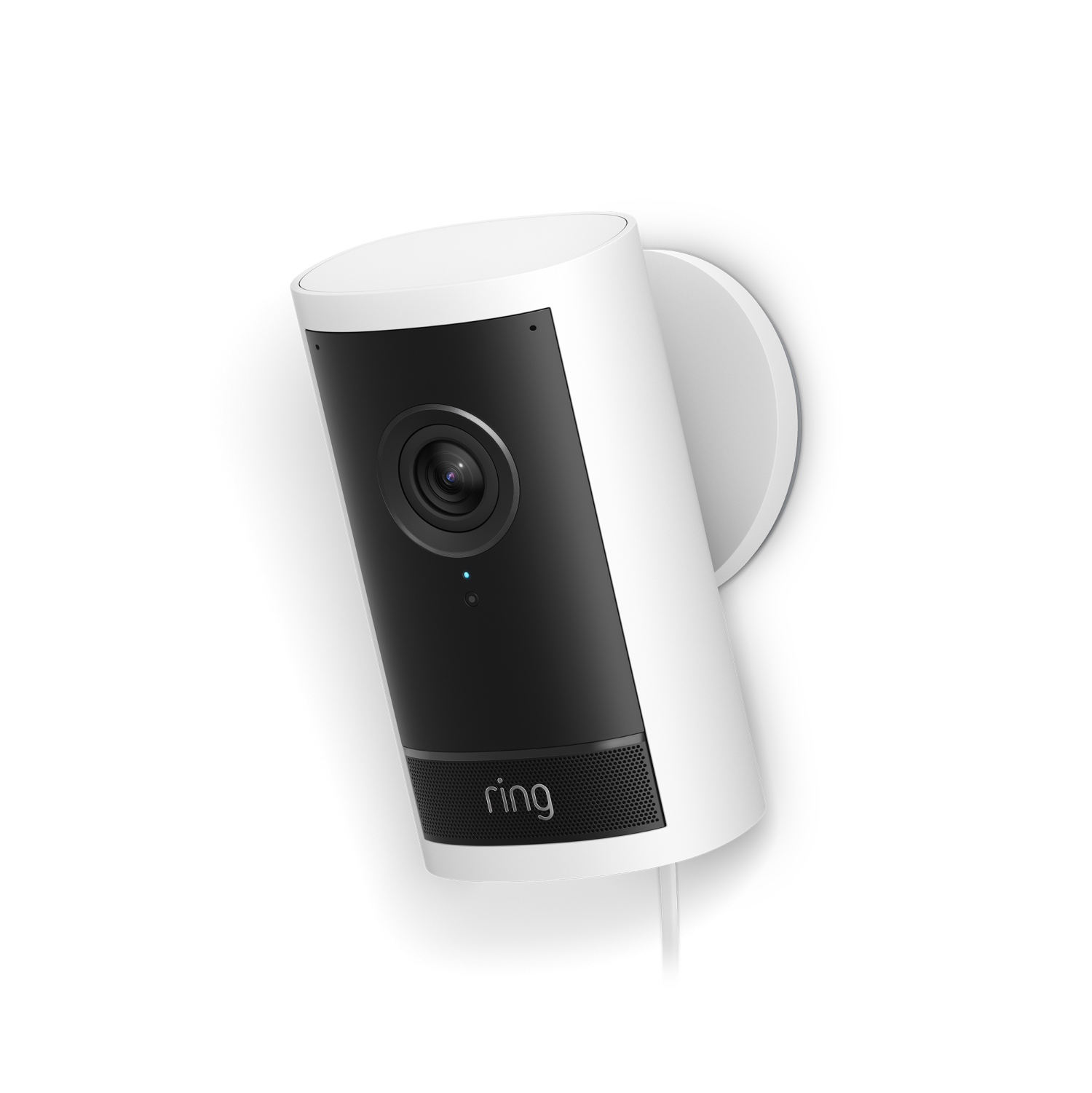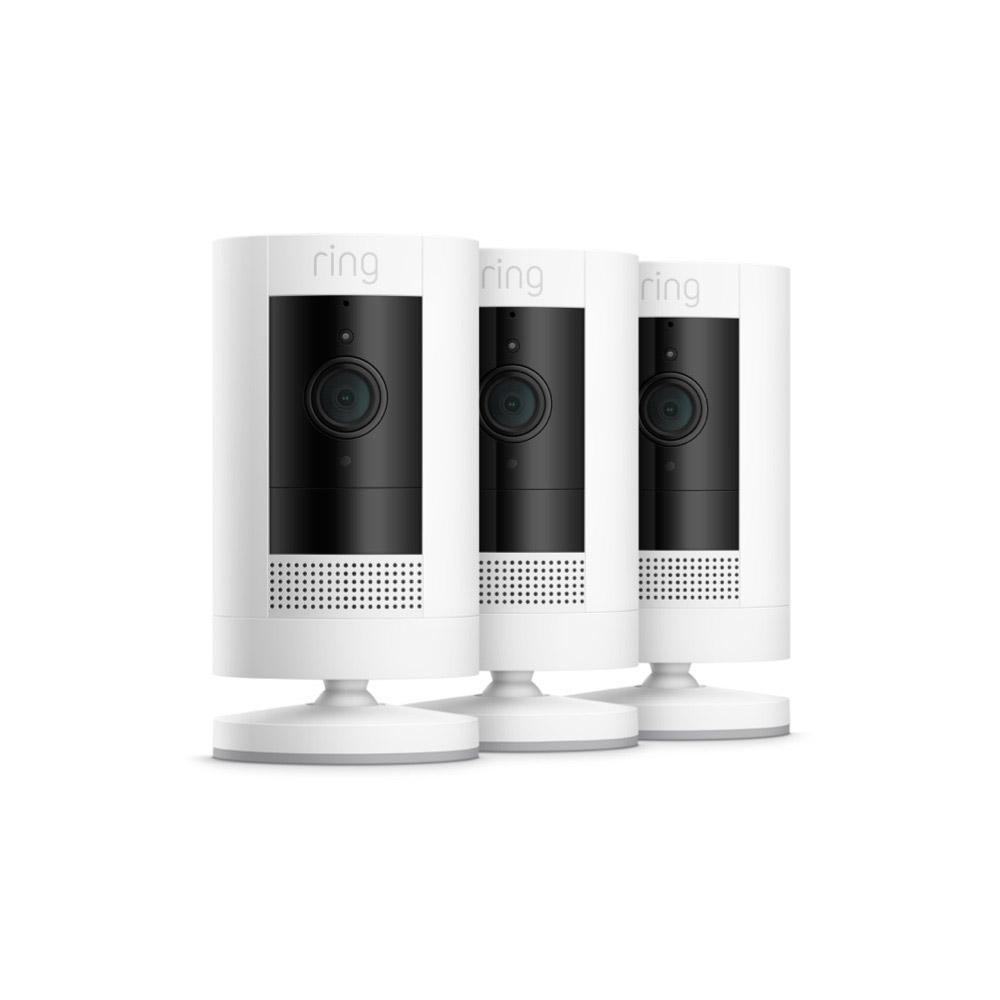
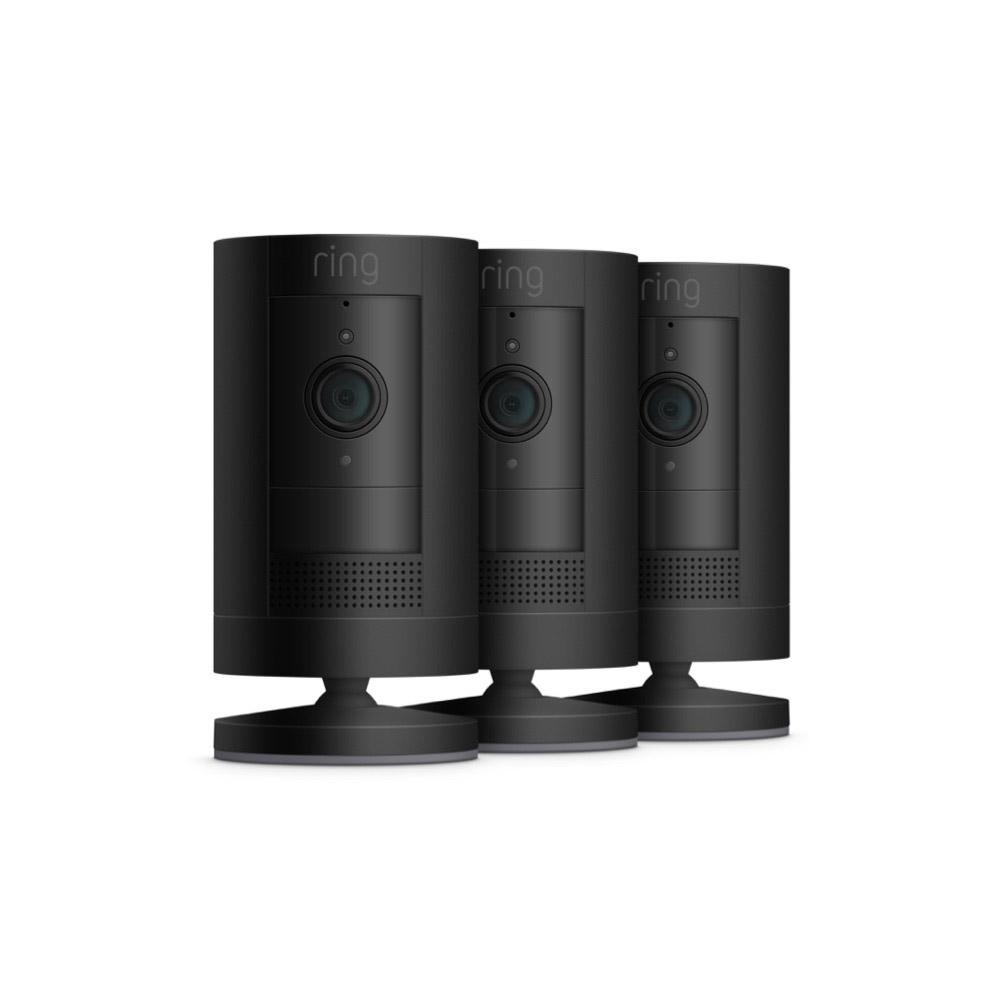
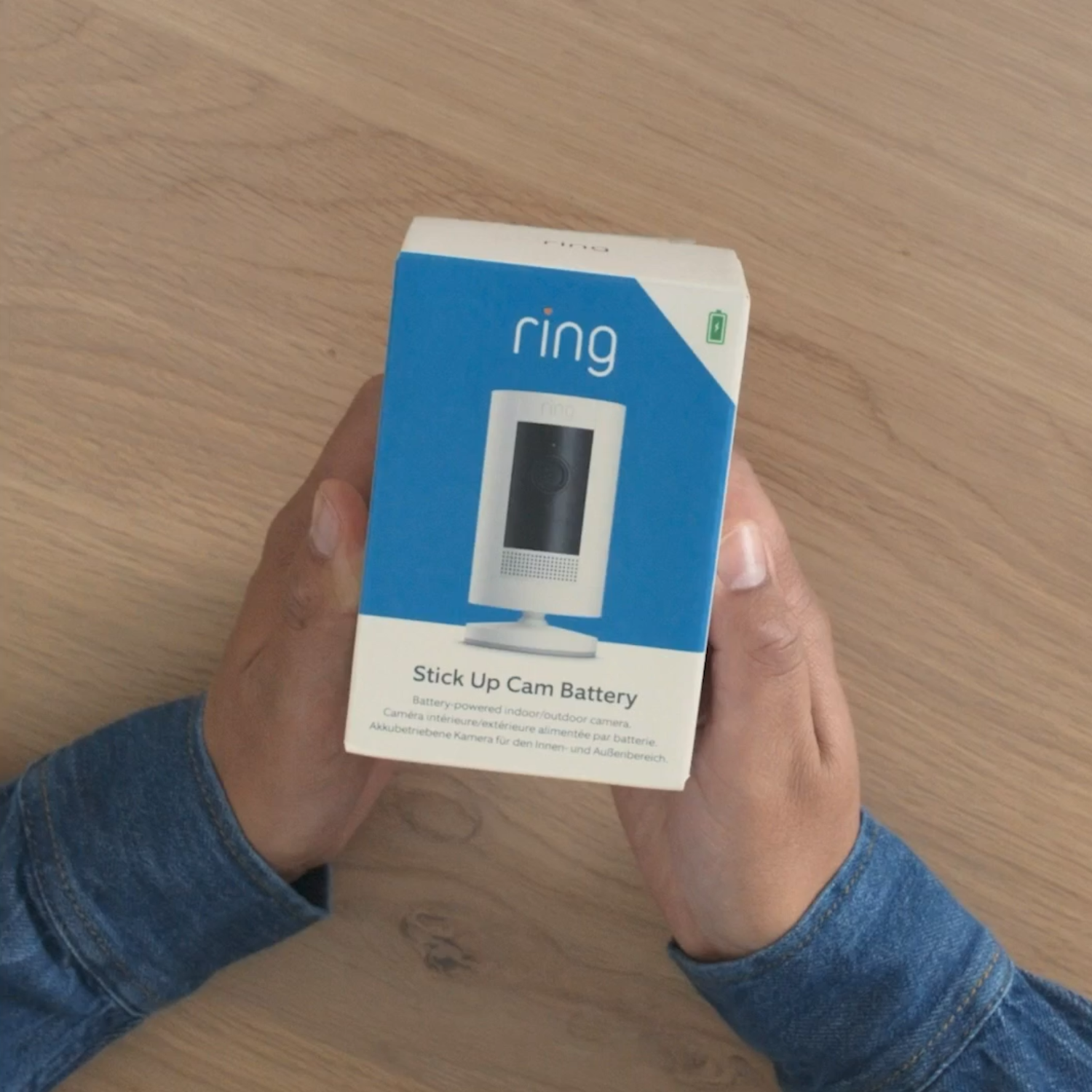
3-Pack Outdoor Camera Battery (Formerly: Stick Up Cam (3rd Gen))
A$399.00
You might also like
Outdoor Camera (Formerly: Stick Up Cam (3rd Gen))
2-Pack Stick Up Cam Battery
4-Pack Stick Up Cam Battery
Stick Up Cam Battery + Solar Panel (USB-C)
Stick Up Cam Plug-In
Outdoor Camera (Formerly: Stick Up Cam (3rd Gen)) with Pan-Tilt Mount
Video Doorbell + Outdoor Camera (Formerly: Stick Up Cam (3rd Gen))
Compatible accessories
Complete your security setup with these commonly bought items.
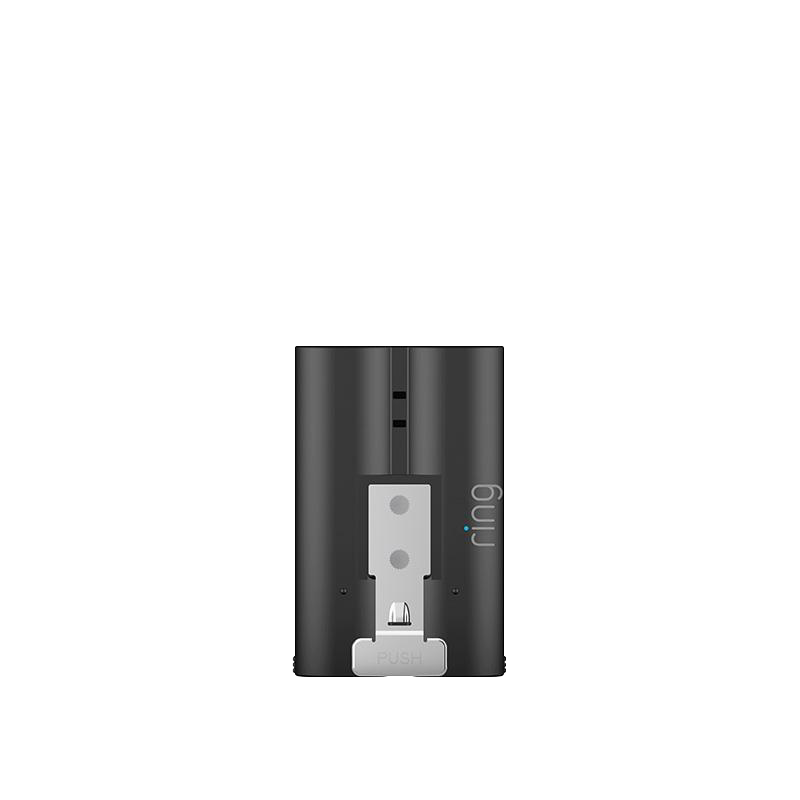
Quick Release Battery Pack
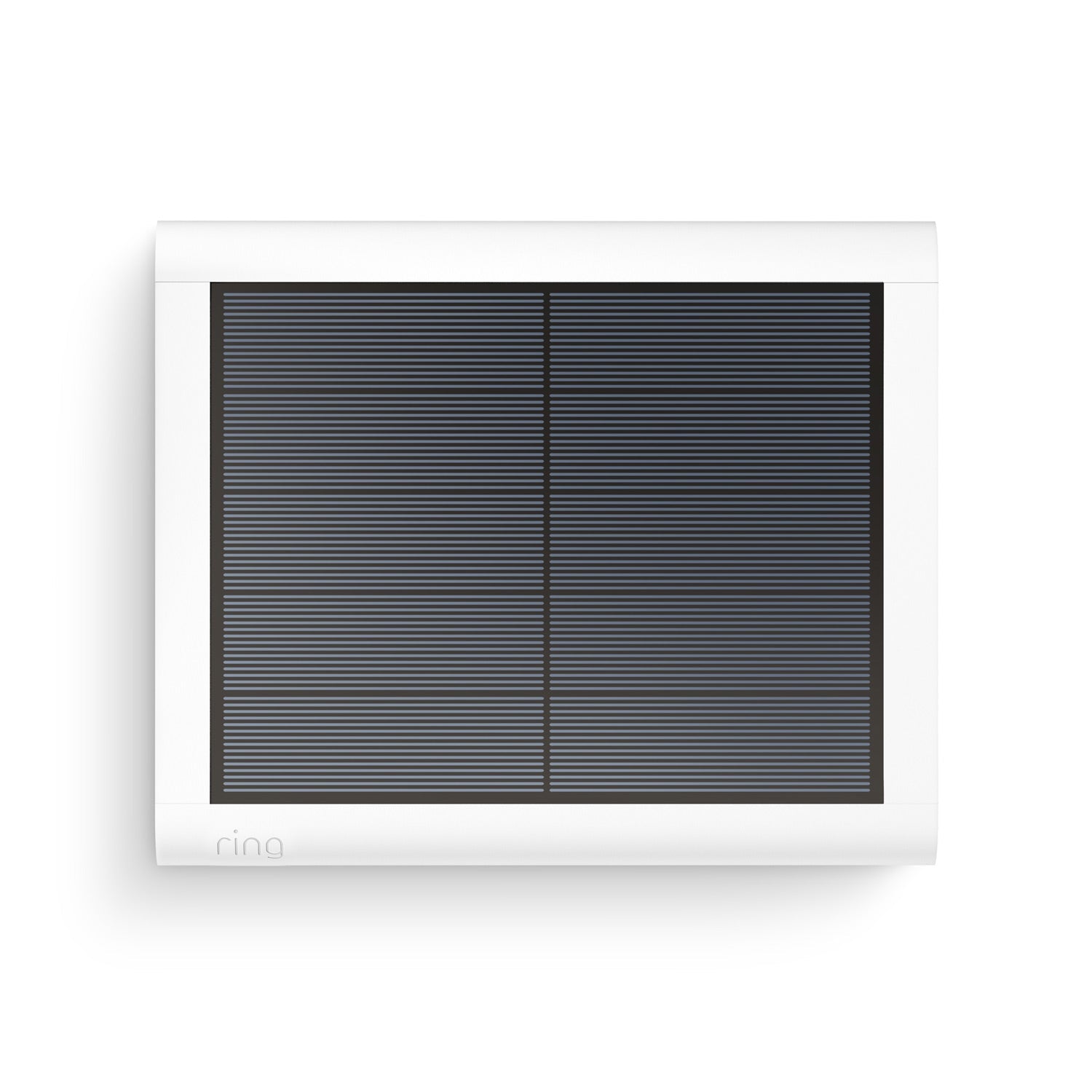
Solar Panel (USB-C)
Chime
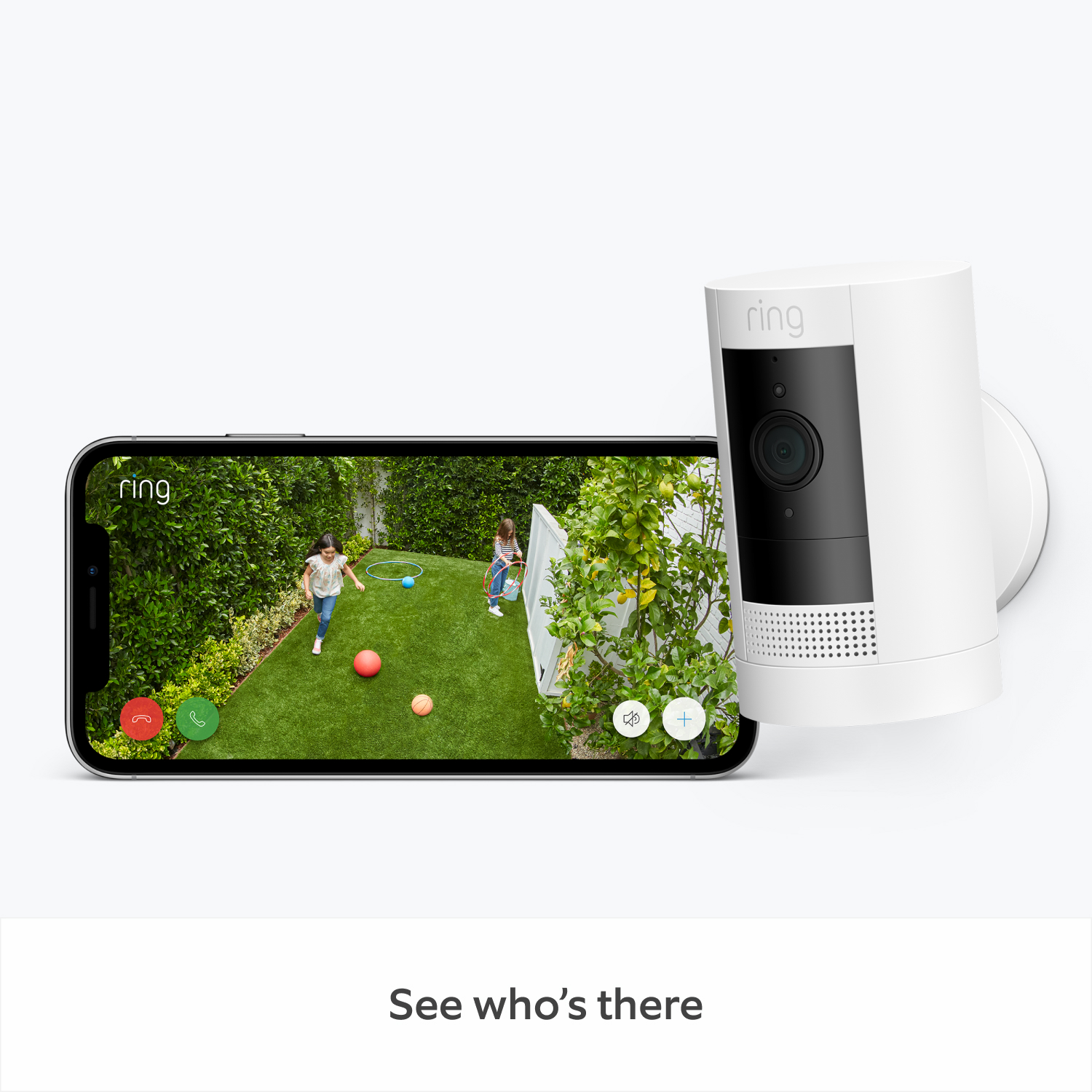
1080p HD Video &
Two-Way Talk
Indoor/Outdoor
Motion-Activated Notifications
Colour Night
Vision
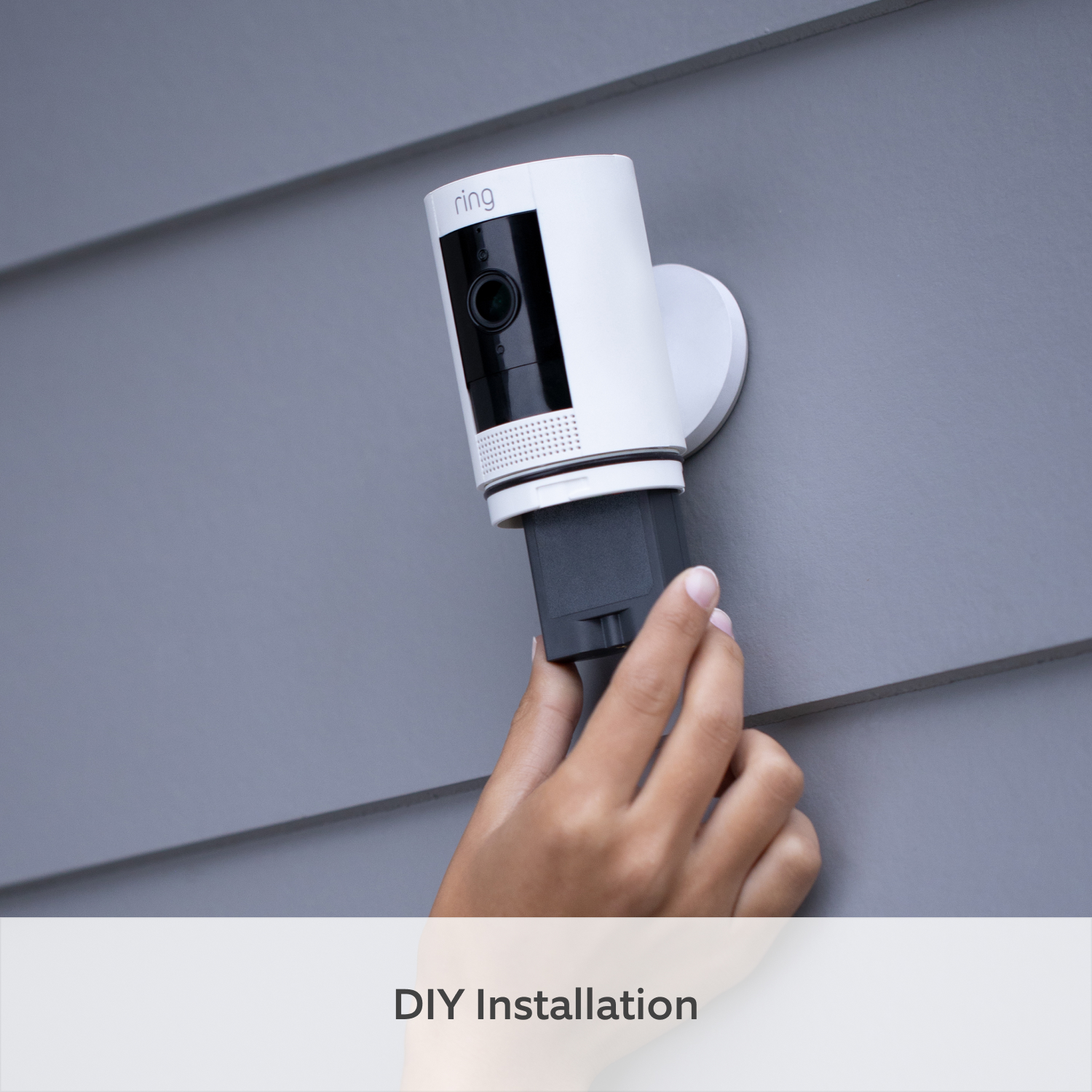
DIY installation
Weather Resistant
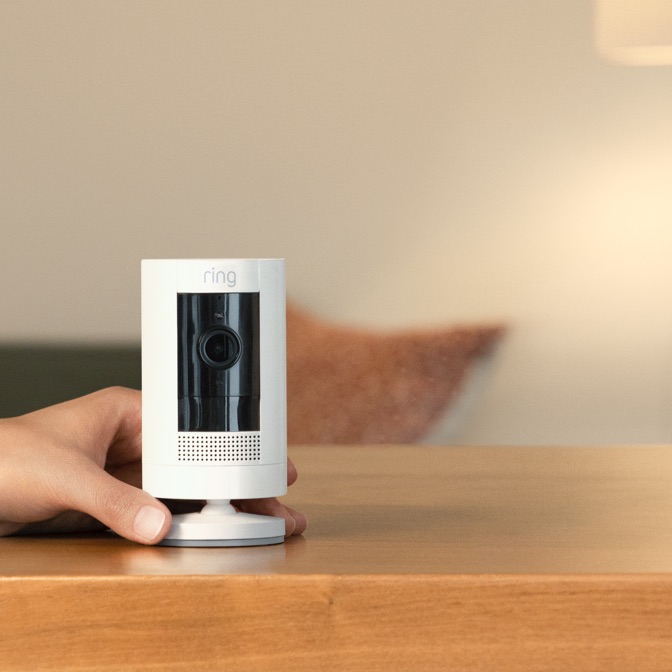


Every moment at your fingertips.
Supercharge your Ring experience with our most advanced video and security features when you subscribe to a Ring Protect plan. An eligible Ring plan is required to access certain features.
Learn More
-
![Up to 180 Days of Video Event History]()
Up to 180 Days of Video Event History
Save, share and replay recorded videos, motion event, and Live View event for up to 180 days.2 -
![AI Video Description]()
AI Video Descriptions
Get important details in your alerts when motion is detected so you can tell the urgent from the everyday without opening the Ring app.6 -
![Person Alerts]()
Person, Package and Vehicle Alerts
Using Ring IQ (our AI innovation), your Ring device can identify people, packages4 and/or vehicles5, so you're only alerted when those things are spotted. -
![Device Modes]()
Device Modes
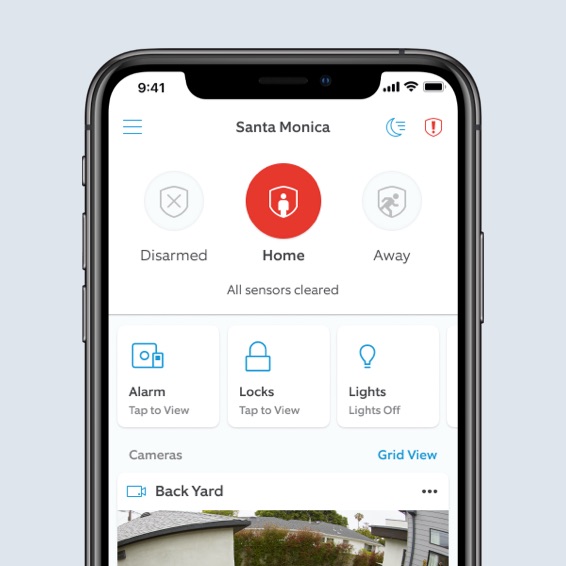
The best smart home security system keeps you in control. Easily change modes and customise settings to have your camera record when you’re away or turn off when you’re home, and more. -
![Video Preview Alerts]()
Video Preview Alerts
See what triggered an alert with a short animated preview of the action right in the notification itself. No need to open the Ring app.


Tech Specs - Outdoor Camera Battery (Formerly: Stick Up Cam (3rd Gen))
Size and Colour
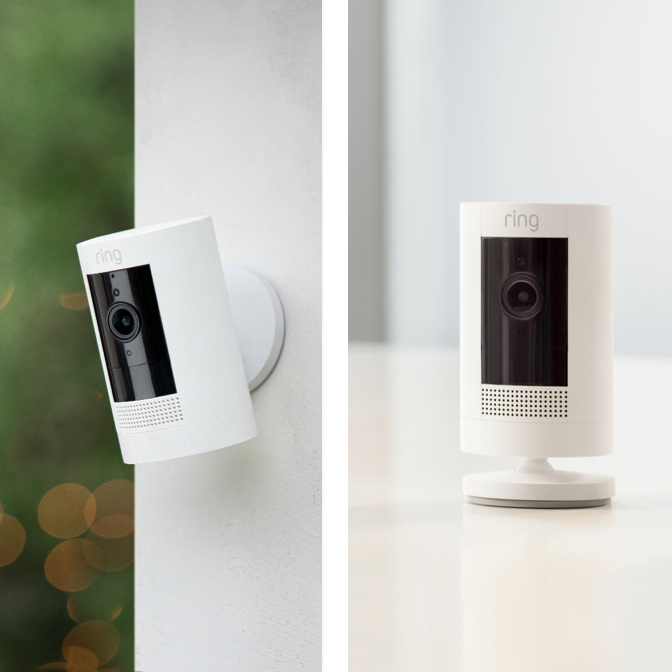
9.7 cm x 6 cm x 6 cm without stand
Black, White
Features
1080p HD, Live View, Colour Night Vision
Advanced Motion Detection with Customisable Motion Zones
130° diagonal, 110° horizontal, 57° vertical
Two-Way Talk with noise cancellation
Power and Connectivity
Quick Release Battery Pack (included), Optional Solar Panel (sold separately)
Recommended minimum upload speed of 2 Mbps per device
802.11 b/g/n Wifi connection @ 2.4GHz
Installation
A few minutes
-20°C to 50°C, Weather Resistant
Integrated mounting base/stand with adjustable angle. Can sit freestanding or mount to a wall
General
Outdoor Camera Battery (Formerly: Stick Up Cam (3rd Gen))
Quick-Release Battery Pack
Micro USB Charging Cable
Screws and Wall Anchors
User Manual
Security Sticker
1-year limited warranty and theft protection
3rd Generation
This device gets software security updates until at least four years after it is bought new from this website. Learn more about these software security updates. If you already own this device, visit Software Security Updates in Ring Control Center for information specific to your device.
Frequently Asked Questions
What’s the difference between this Outdoor Camera (Formerly: Stick Up Cam (3rd Gen)) and the previous generation?
Outdoor Camera (Formerly: Stick Up Cam (3rd Gen)) has been redesigned to give you all the features you need to stay safe – motion-activated notifications, 1080p HD video and Two-Way Talk - in a flexible design. With the updated Outdoor Camera (Formerly: Stick Up Cam (3rd Gen)) you now have all the options to find the perfect solution for your home security, allowing for a quick easy installation. This outdoor security camera is available in multiple power options including wireless (battery), plug-in and solar.
What’s the difference between Outdoor Camera (Formerly: Stick Up Cam (3rd Gen)) Battery and Solar?
The main difference between Outdoor Camera (Formerly: Stick Up Cam (3rd Gen)) Battery and Solar is how they receive power.
Outdoor Camera Battery is powered by the Quick Release Battery Pack, offering a wire-free, hassle-free power solution. You can also purchase the Indoor/Outdoor Power Adapter (sold separately) to connect Outdoor Camera Battery to standard outlets for nonstop power. Or you can connect it to a Solar Panel (sold separately) to keep this outdoor security camera charged with direct sunlight.
Outdoor Camera Solar already comes bundled with a Solar Panel as well as a Quick Release Battery Pack. The Solar Panel requires direct sunlight to keep your device charged. But with the Quick Release Battery Pack, your Stick Up security camera will have backup power in case you don’t have enough sunlight.
Another difference between the Outdoor Camera is the mounting bracket. Outdoor Camera Battery and Solar can be placed on flat surfaces or mounted to a wall, but you will need to purchase a Mount for Outdoor Camera (sold separately) if you’d like to install it on your ceiling or eaves.
What’s the difference between this Outdoor Camera (Formerly: Stick Up Cam (3rd Gen)) and Spotlight Camera?
The main differences between Outdoor Camera (Formerly: Stick Up Cam (3rd Gen)) and Spotlight Cameras are device features, placement and power options.
Spotlight Camera is an outdoor-only Security Camera that comes with built-in LEDs and a security siren. As soon as motion is detected, Spotlight Camera starts streaming video and shines its lights to show you a clear picture in any setting. If you see something suspicious, you can also activate the siren in the app for added protection.
Unlike Spotlight Camera, Outdoor Camera doesn’t have built-in lights and can go anywhere indoors or out.
What’s the dual power? How do I change the power source?
Outdoor Camera (Formerly: Stick Up Cam (3rd Gen)) Battery and Solar have options for dual power. This means it has primary power sources with a backup power source to keep you connected.
Outdoor Camera Solar comes with two power sources with your purchase. It uses the Quick-Release Rechargeable Battery Pack to keep your camera powered and the Solar Panel to keep the battery charged.
Outdoor Camera Battery comes with a Quick-Release Rechargeable Battery Pack, and you can also purchase the Indoor/Outdoor Power Adapter (sold separately) to plug it into standard power outlets. When plugged into an outlet, Outdoor Camera Battery will be powered by the adapter and will use the battery as backup.
What privacy features are included with Ring Outdoor Camera (Formerly: Stick Up Cam (3rd Gen))?
Outdoor Camera (Formerly: Stick Up Cam (3rd Gen)) lets you create privacy zones that black out areas of your home that you don’t want to monitor. You can also disable motion recording, alerts and audio right from the app to give you some peace and quiet. Plus, you can also schedule your motion alerts to turn on at the same time you typically leave the house and turn off at the time you typically return.
How does the ceiling mount work?
The Mount for Outdoor Camera (Formerly: Stick Up Cam (3rd Gen))(sold separately) adds even more flexibility to your wire-free surveillance Outdoor Camera. It allows you to mount your home security camera upside-down on ceilings and eaves. Also, it’s a renter-friendly solution that offers simple installation without damaging the property.
Can the power adaptor work outside?
Yes. The Indoor/Outdoor Power Adaptor is weather-resistant and works anywhere indoors or out. This adaptor does not come included with the Outdoor Camera (Formerly: Stick Up Cam (3rd Gen)) Battery but you can purchase it separately.
Does Outdoor Camera (Formerly: Stick Up Cam (3rd Gen)) save my videos and photos so I can view them later?
If you have a Ring Protect subscription, videos captured by your Video Doorbell or Security Camera will be saved to your Ring account for up to 180 days and photos captured will be saved to your Ring account for up to 7 days, so you can review them at any time.
A free 30-day Ring Protect trial is included with any Ring Outdoor Camera (Formerly: Stick Up Cam (3rd Gen)), Video Doorbell or other security Camera purchase unless you are already subscribed to a Ring plan at the same location of the new device. You can choose to subscribe to Ring Protect at any time to save, review and share all videos and photos captured by your Video Doorbell or Security Camera, and you will be charged when you subscribe to a plan and after your trial ends. More information about video storage can be found here.
If you have a subscription to Ring Protect, you can share your videos and photos with anyone, including neighbours, friends, family and local law enforcement.
Click here to learn more about Ring Protect.
Can I share my videos and photos with people?
If you have a subscription to Ring Protect, you can share your videos and photos with anyone, including neighbours, friends and family. Every Outdoor Camera comes with a free 30-day trial of Ring Protect. You can choose to enroll in a paid subscription of Ring Protect at any time. If you enroll during the free trial, you won’t be charged until the trial ends.
What’s Ring Protect?
Ring Protect is a subscription that gives your Ring experience a boost by changing how your Ring devices work for you. You can receive notifications that look like calls whenever someone presses your Video Doorbell, save and rewatch the moments you missed with up to 180 days of secure cloud storage for your captured videos, get customised Person and Package Alerts, capture every moment with 24/7 Recording with eligible devices (24/7 Continuous Recording add-on required) and more.
Click here to learn more about Ring Protect.
Do I need Ring Protect to use Ring Outdoor Camera (Formerly: Stick Up Cam (3rd Gen))?
No. You can still use Outdoor Camera (Formerly: Stick Up Cam (3rd Gen)) to watch over your home from anywhere, even without a subscription to Ring Protect. Without Ring Protect, you’ll still receive real-time notifications when motion is detected, and you can answer the notification to see, hear and speak to people on camera in real time from your mobile device.
Tap here to learn more about Ring Protect and to choose a plan that works for you.
1Free trial is not applicable for locations / homes with an existing Ring Home Standard or Premium subscription.
2Subscription required (sold separately). Your Ring motion event videos in the cloud are stored temporarily, up to 180 days (depending on user's storage settings). Changing your video storage time will only affect videos that are recorded after you adjust your storage time setting.