Video Doorbells
Browse articles for Ring Video Doorbells or choose your device.
Select Device
Show More
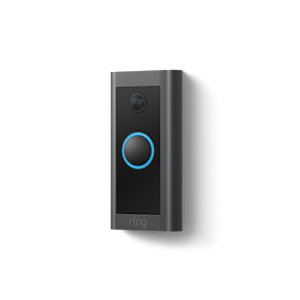
Video Doorbell Wired
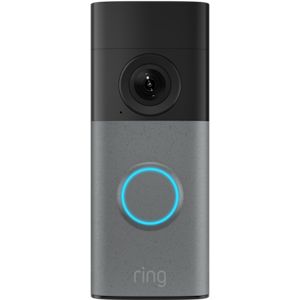
Wired Doorbell 2K
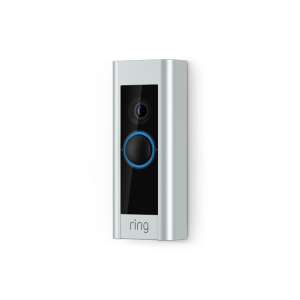
Video Doorbell Pro
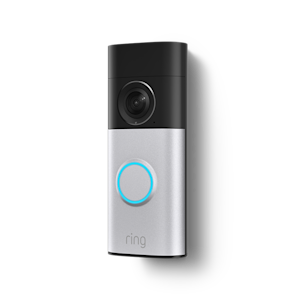
Wired Doorbell 2K Plus
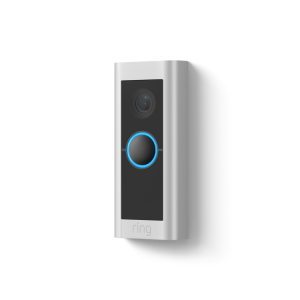
Wired Video Doorbell Pro (formerly Video Doorbell Pro 2)
Related Articles
Important information on upgrading to a Ring Video Doorbell 3 or Ring Video Doorbell 3 Plus
Managing alerts for Video Doorbells and Security Cameras
Learn how to adjust settings for your doorbells and cameras to hear Ring Alerts.
Video doorbell setup guide
Follow these steps to set up your Ring doorbell in the Ring app.
Understanding doorbell light patterns
Learn about light patterns for video doorbells.
Charging your Ring Video Doorbell
Check your battery level and charge your device's battery.
Using Linked Devices
Connect your Ring devices so they can all begin recording whenever any of them is activated.
Using Pre-Roll and Advanced Pre-Roll
Select Ring devices can begin recording video a few seconds prior to motion detection or a doorbell press.
