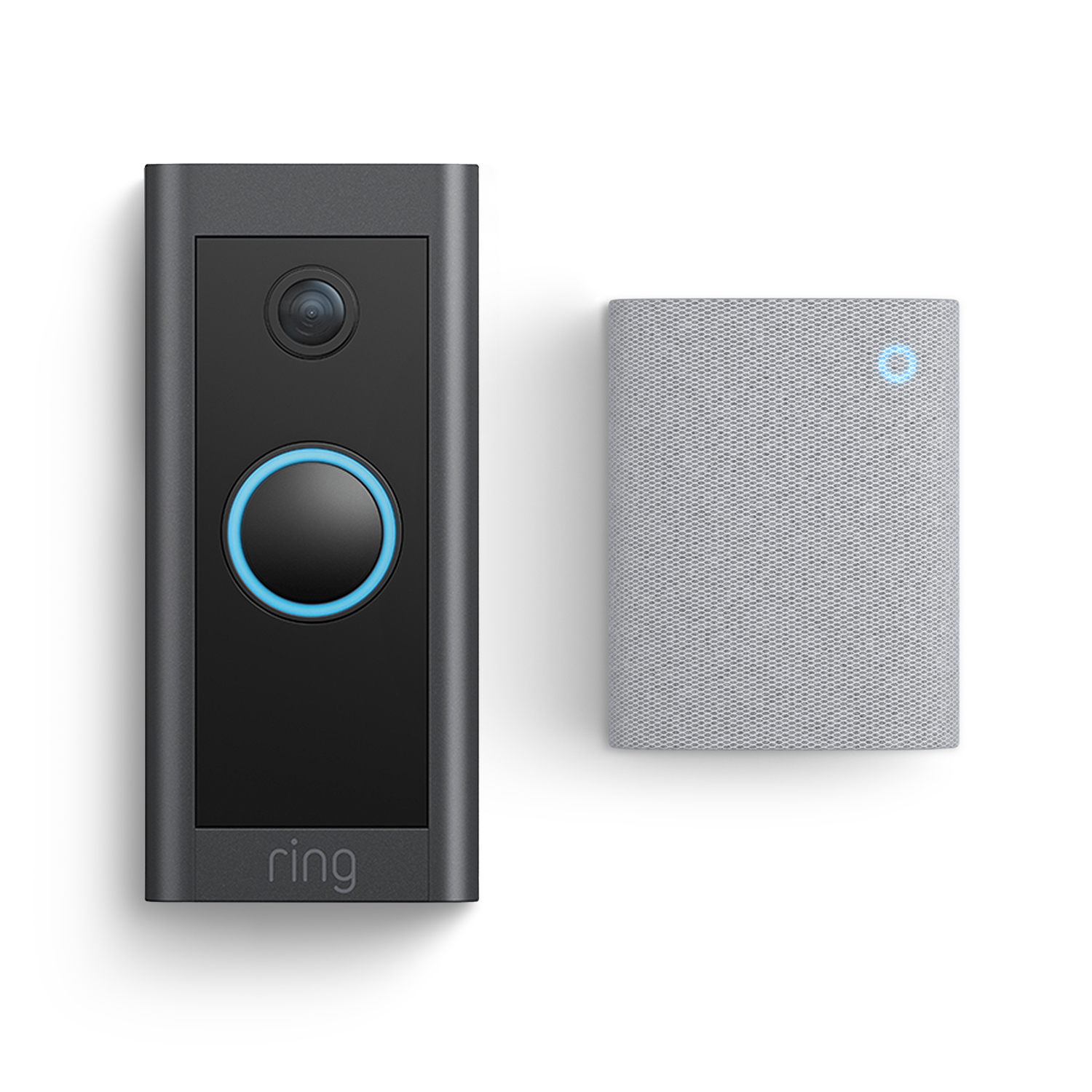
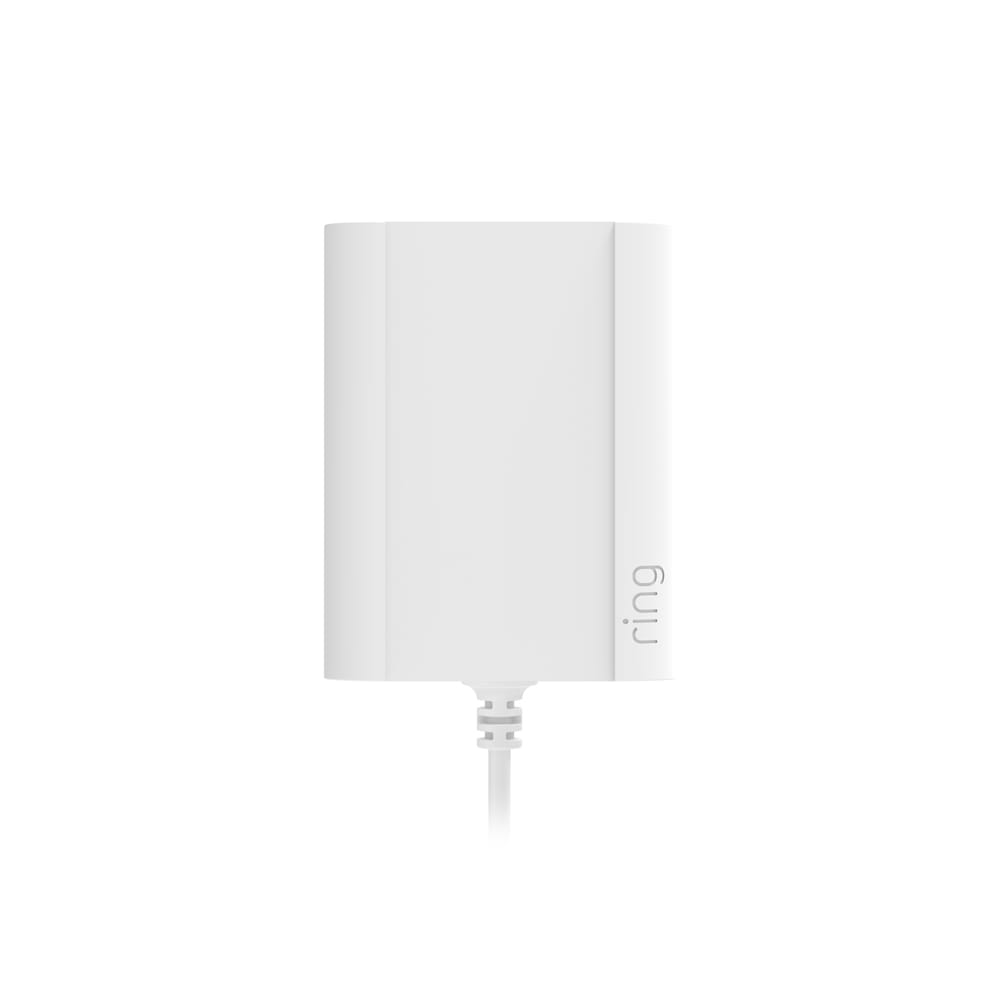
Video Doorbell Wired with Plug-In Adaptor + Chime (3rd Gen)
Compatible accessories
Complete your security setup with these commonly bought items.
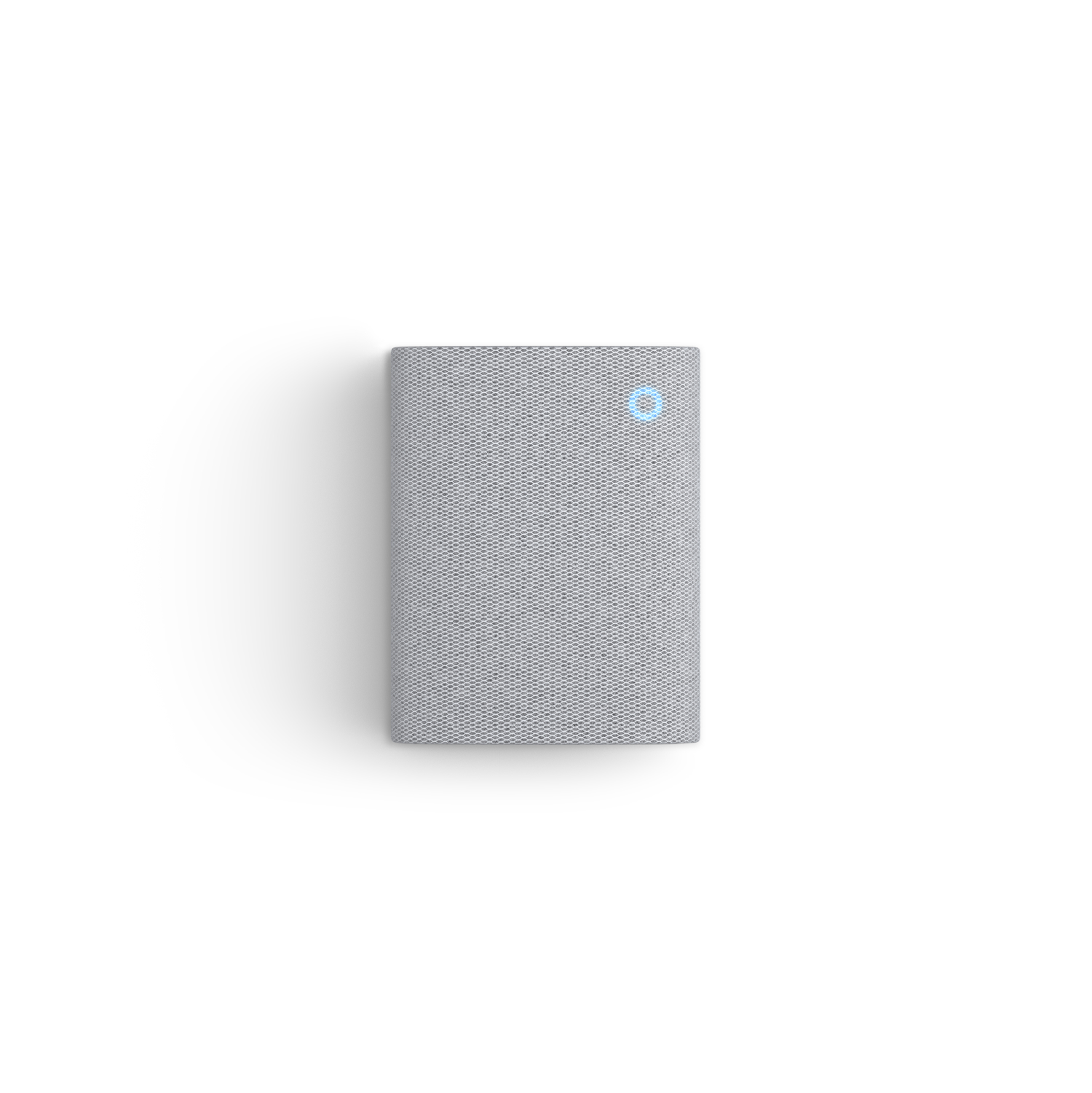
Chime
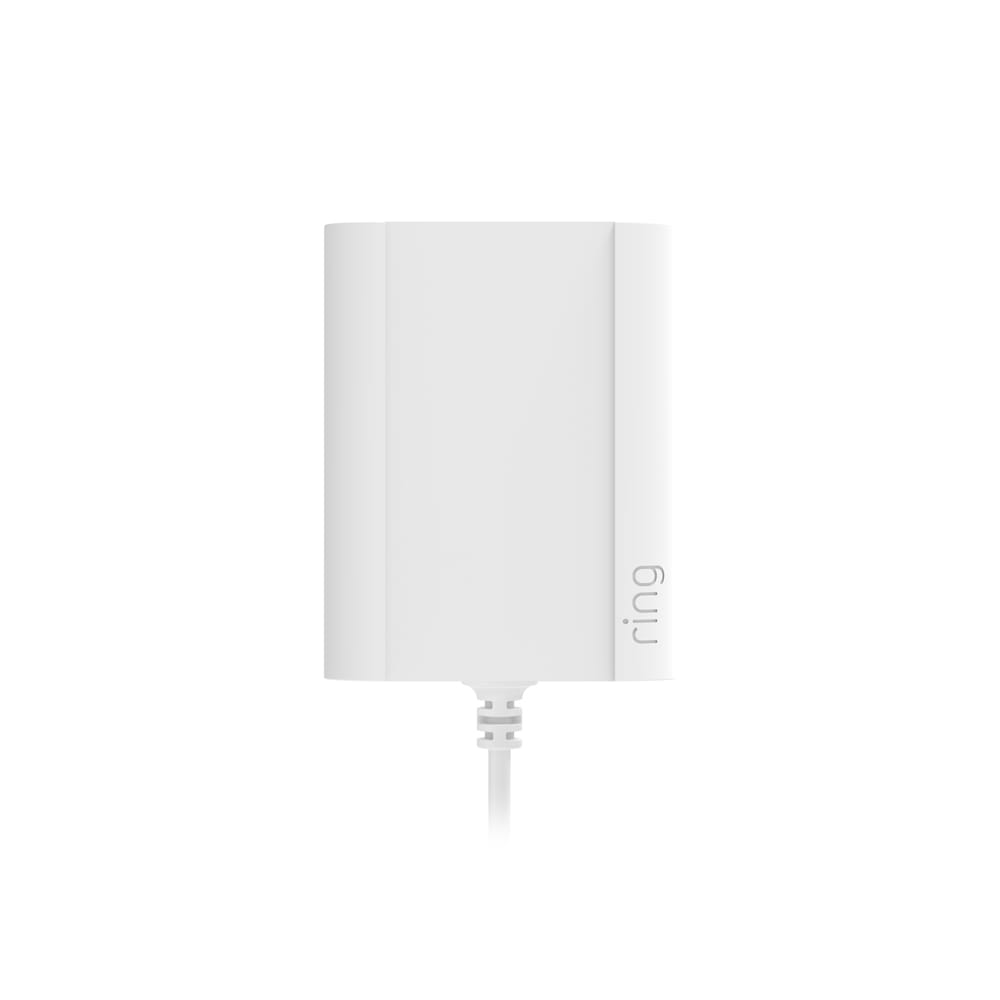
Plug-In Adaptor
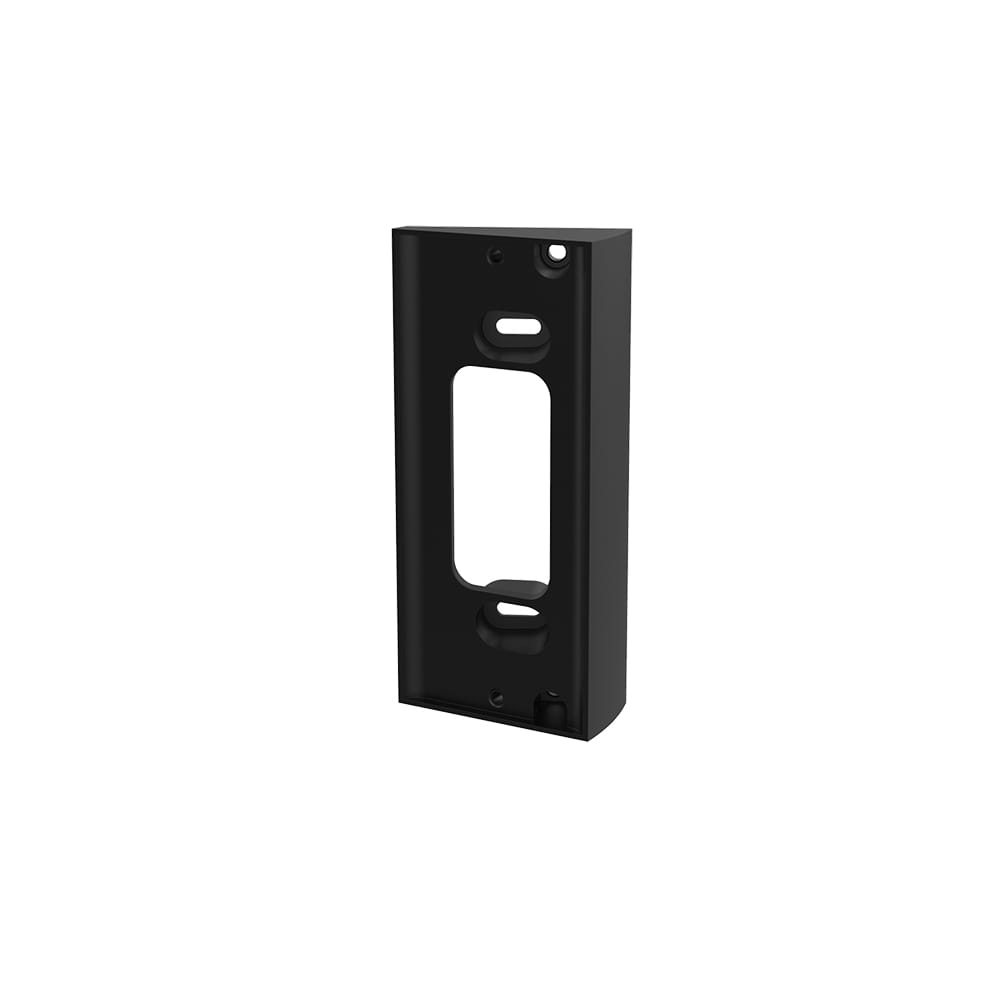
Corner Kit
1080p HD Video
& Two-Way Talk
Motion Detection
& Alerts
Colour Night Vision
Wired Installation
Customisable
Privacy Settings
Works with Alexa

Compare Devices
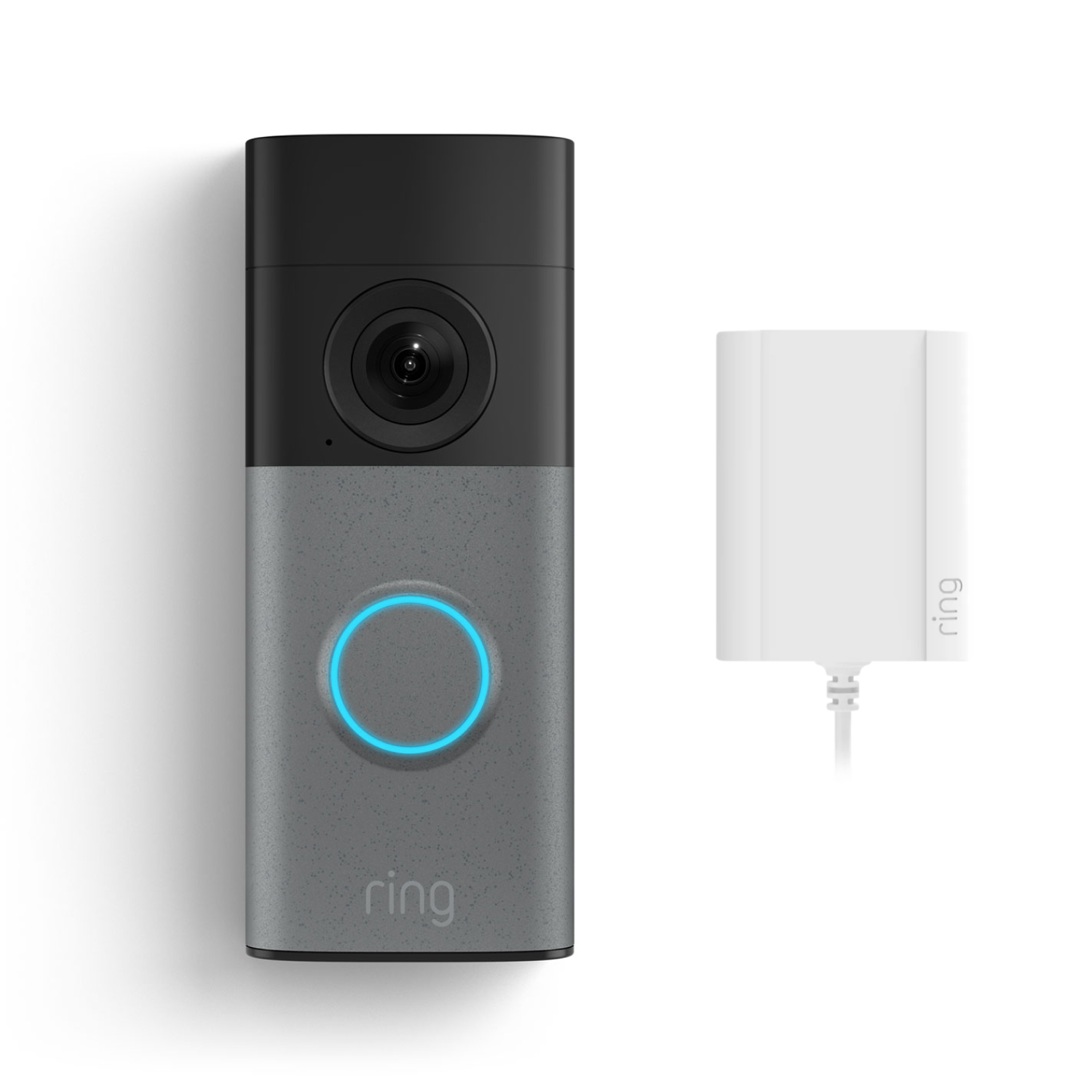
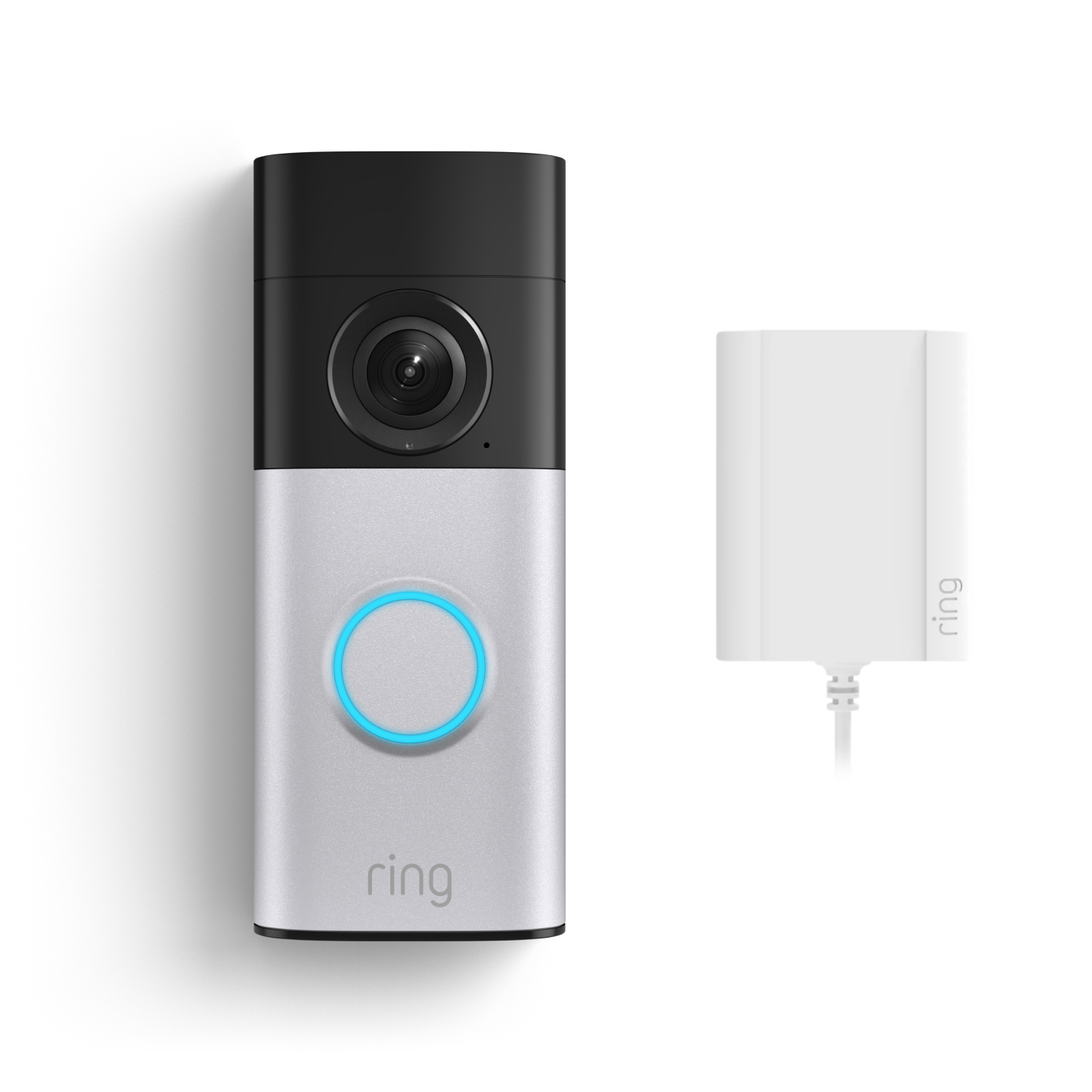
Wired Video Doorbell 2K Plus
(2nd Gen)
Wired Video Doorbell 2K Plus
(2nd Gen)
Plug-In
Now A$119.00
Was A$249.00

Wired Video Doorbell 4K Pro
(3rd Gen)
Wired Video Doorbell 4K Pro
(3rd Gen)
Plug-In
Now A$249.00
Was A$399.00
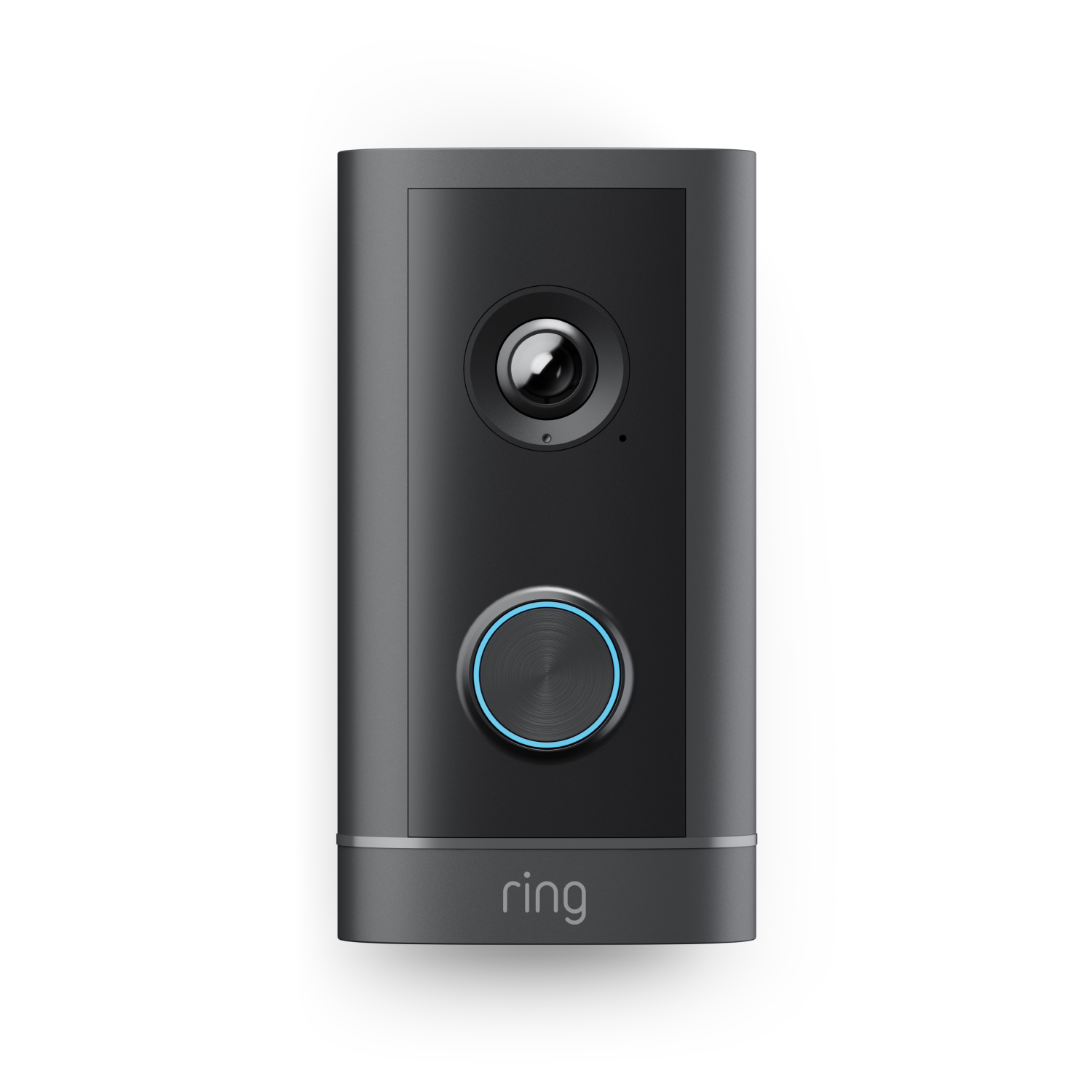
Wired Video Doorbell 4K Elite
(2nd Gen)
Wired Video Doorbell 4K Elite
(2nd Gen)
Power over Ethernet
A$749.00
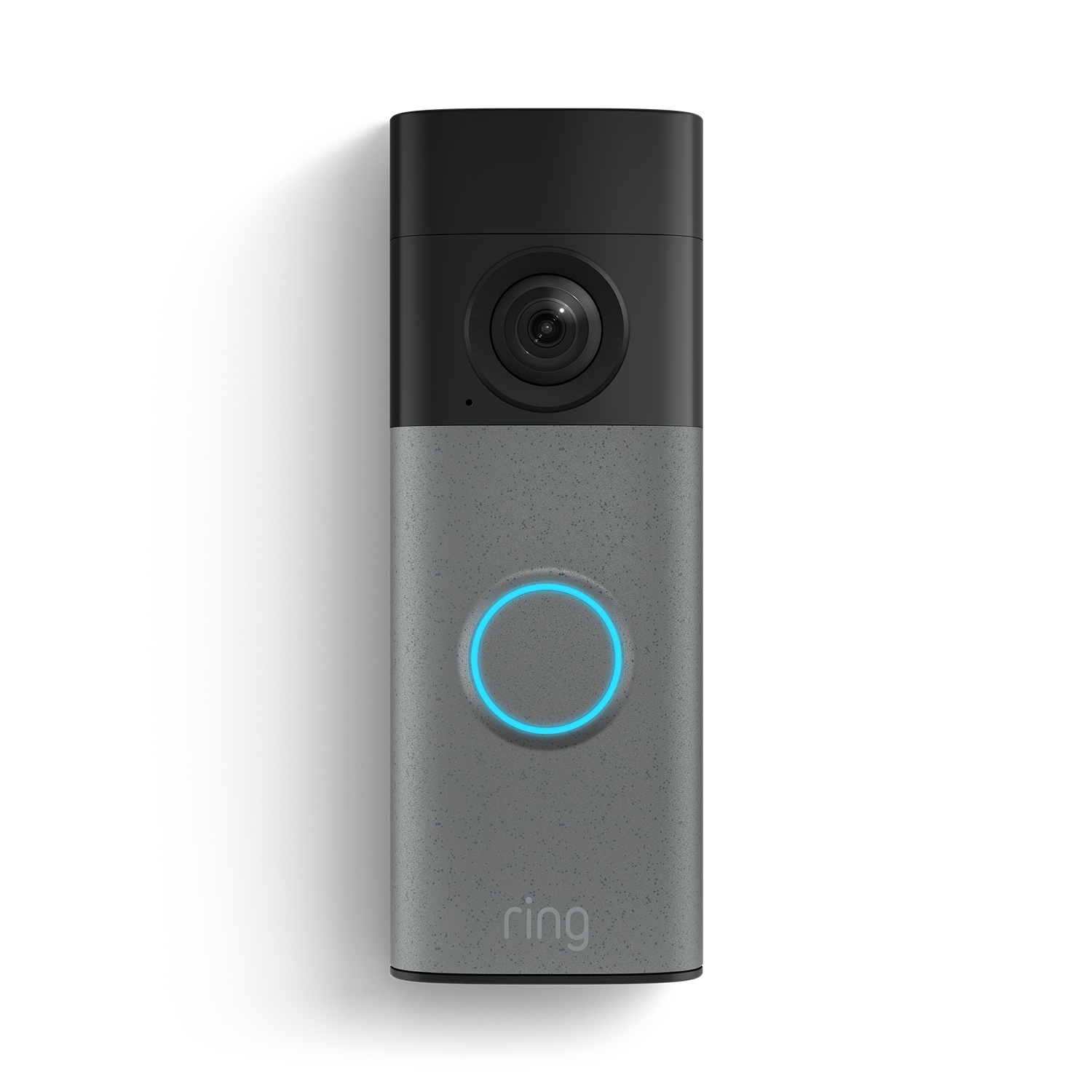
Battery Video Doorbell 2K
(2nd Gen)
Battery Video Doorbell 2K
(2nd Gen)
Battery
Now A$75.00
Was A$149.00
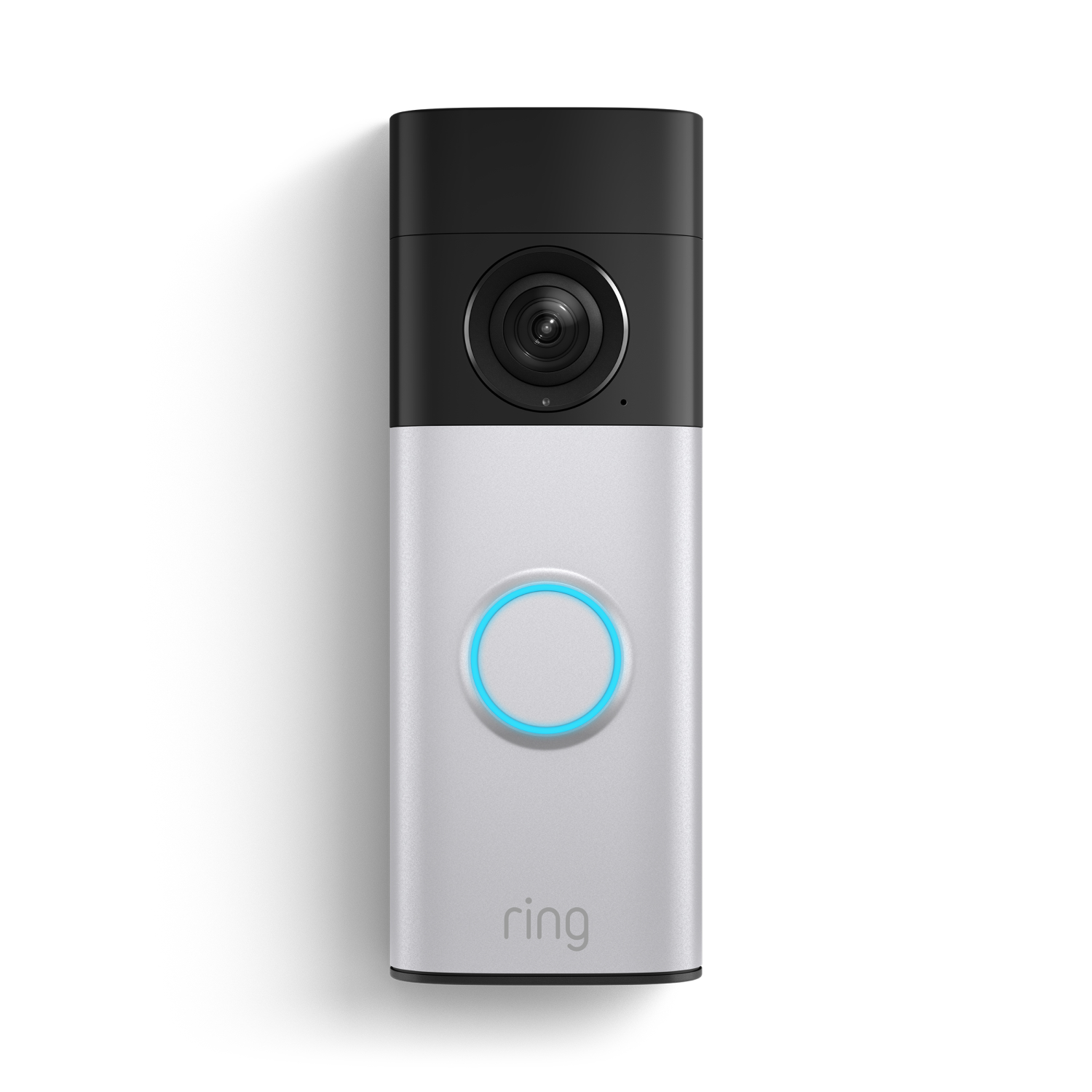
Battery Video Doorbell 2K Plus
(2nd Gen)
Battery Video Doorbell 2K Plus
(2nd Gen)
Battery
Now A$119.00
Was A$249.00
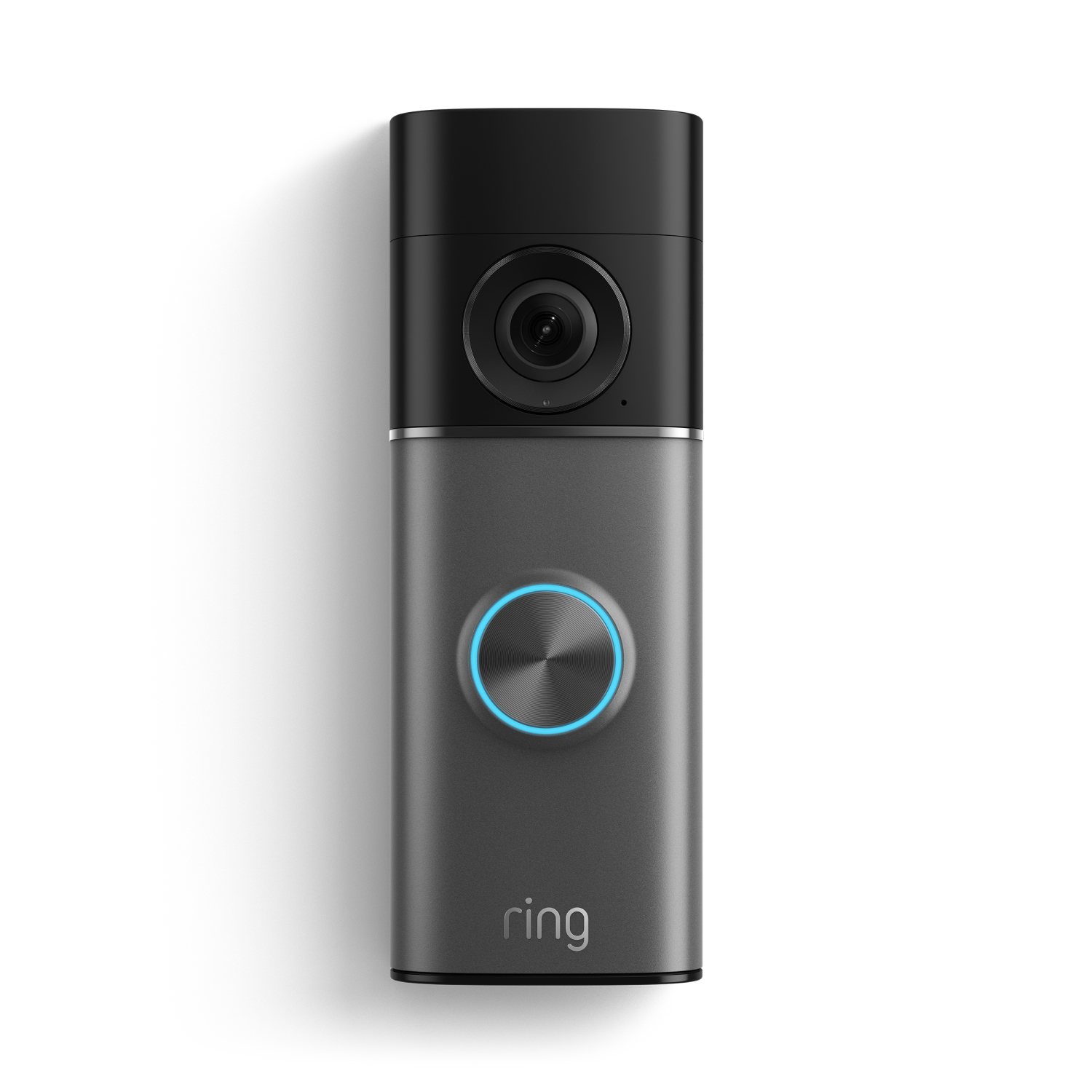
Battery Video Doorbell 4K Pro
(2nd Gen)
Battery Video Doorbell 4K Pro
(2nd Gen)
Battery
Now A$249.00
Was A$399.00

Wired Video Doorbell 2K Plus
(2nd Gen)
Wired Video Doorbell 2K Plus
(2nd Gen)
Wired
Now A$119.00
Was A$249.00
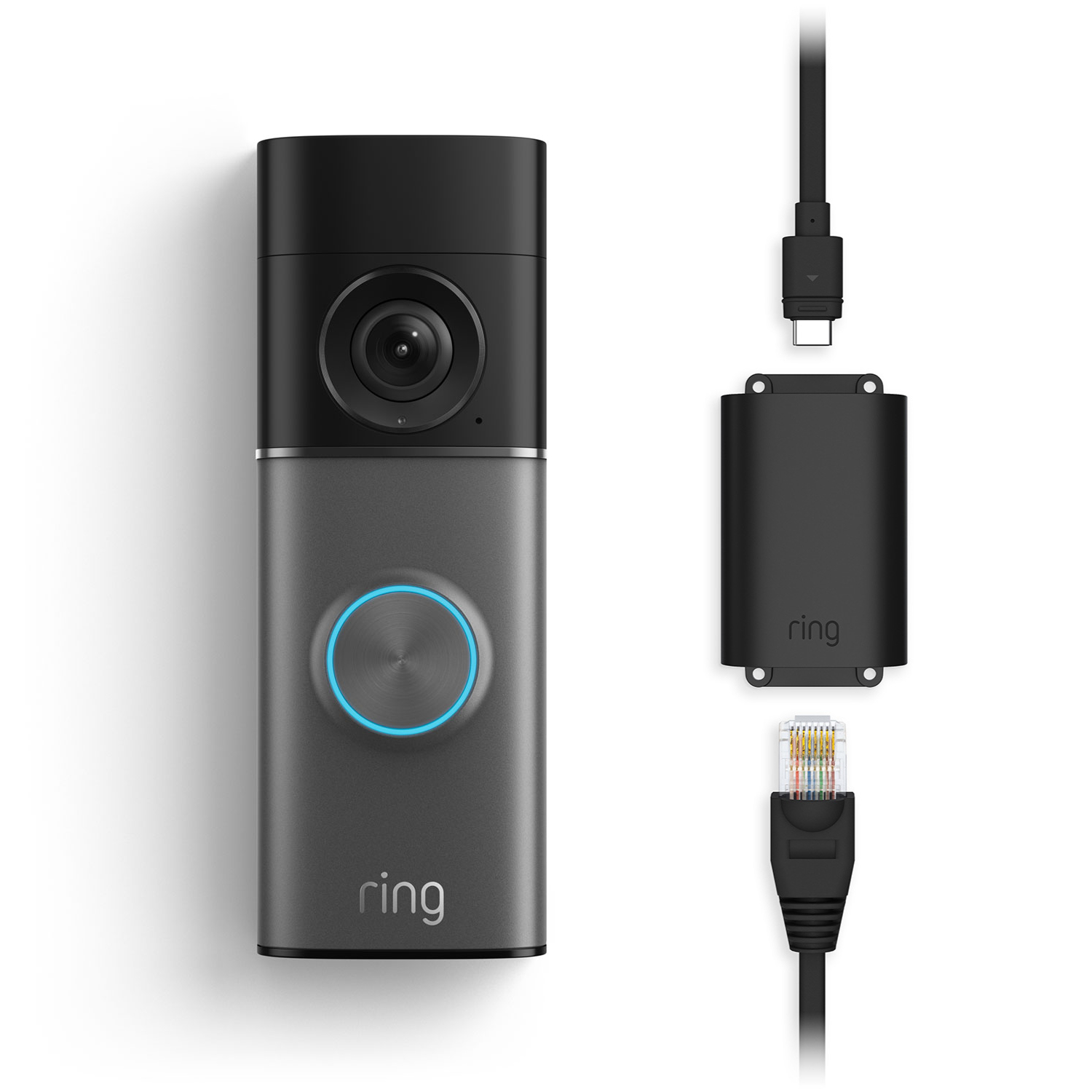
Wired Video Doorbell 4K Pro
(3rd Gen)
Wired Video Doorbell 4K Pro
(3rd Gen)
Power over Ethernet
Now A$299.00
Was A$499.00

Wired Video Doorbell 4K Pro
(3rd Gen)
Wired Video Doorbell 4K Pro
(3rd Gen)
Wired
Now A$249.00
Was A$399.00
Power Source
Compatibility
Features
Compare Devices
Select up to 1 device Select up to 2 devices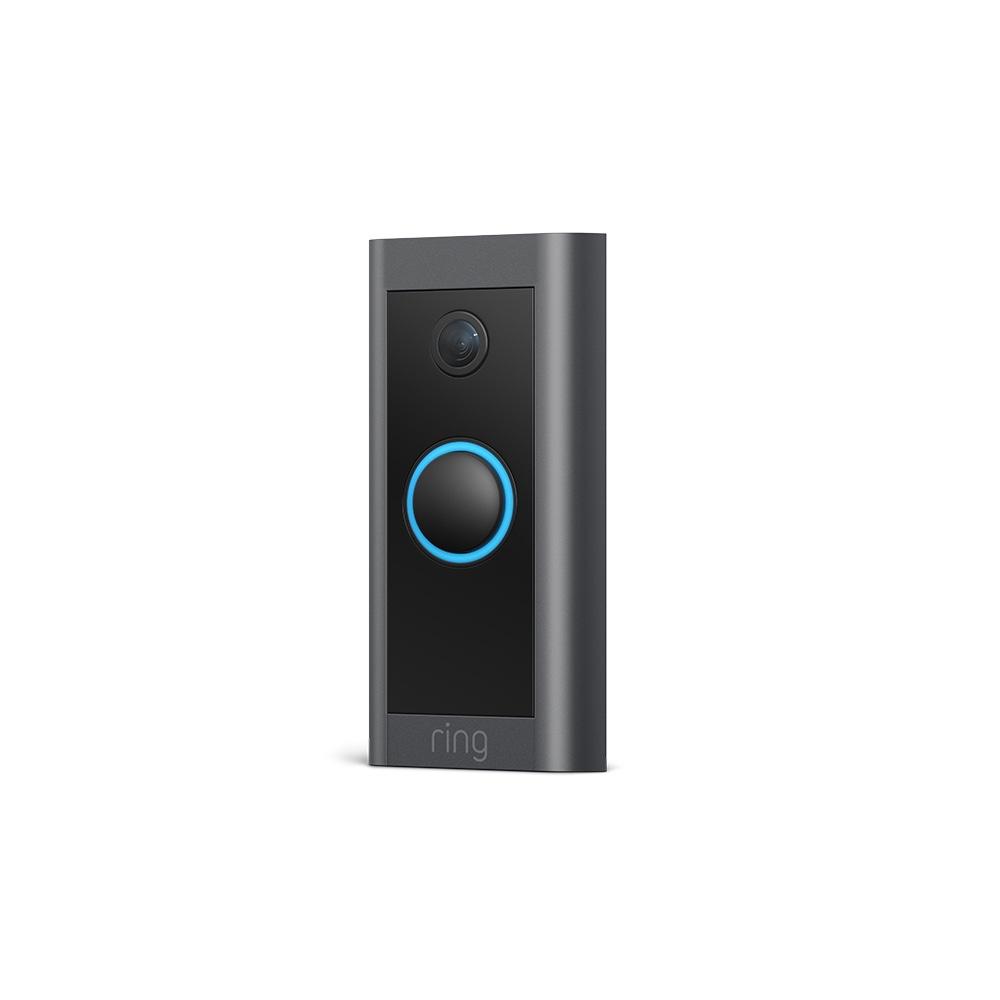
Video Doorbell Wired with Plug-In Adaptor
A$39.00
Wired Video Doorbell 2K
(2nd Gen)
Plug-In
Now A$49.00
Was A$99.00
Wired Video Doorbell 2K Plus
(2nd Gen)
Plug-In
Now A$119.00
Was A$249.00
Wired Video Doorbell 4K Pro
(3rd Gen)
Plug-In
Now A$249.00
Was A$399.00
Wired Video Doorbell 4K Elite
(2nd Gen)
Power over Ethernet
A$749.00
Battery Video Doorbell 2K
(2nd Gen)
Battery
Now A$75.00
Was A$149.00
Battery Video Doorbell 2K Plus
(2nd Gen)
Battery
Now A$119.00
Was A$249.00
Battery Video Doorbell 4K Pro
(2nd Gen)
Battery
Now A$249.00
Was A$399.00
Wired Video Doorbell 2K Plus
(2nd Gen)
Wired
Now A$119.00
Was A$249.00
Wired Video Doorbell 4K Pro
(3rd Gen)
Power over Ethernet
Now A$299.00
Was A$499.00
Wired Video Doorbell 4K Pro
(3rd Gen)
Wired
Now A$249.00
Was A$399.00
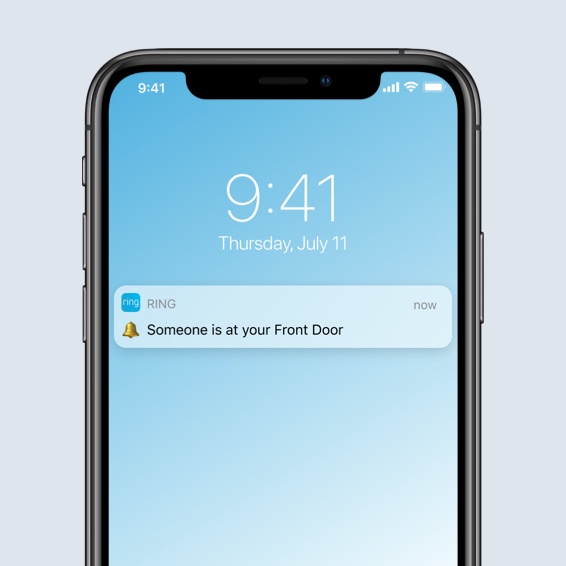
Get the message, wherever you are.
Receive real-time notifications in the Ring app when a visitor presses your doorbell, or triggers the motion sensors. If you’re too busy to answer the door or just don't feel like answering, save time and use Quick Replies to respond with your choice of six preset messages. Watch your messages in real-time using Live View or play them back later with a Ring Protect subscription. It's like an answering machine for your front door.

See who’s there, day or night.
See, hear and speak to anyone at your front door from your phone or tablet in 1080p HD video. Night vision with sharp contrast ensures you’ll never miss a detail – even in the dark.

Choose the right setup for your home
Plug-in your Video Doorbell Wired
If you don't have an existing wired doorbell, or your doorbell wiring is incompatible, you can power Video Doorbell Wired non-stop from a standard electrical socket using Plug-In Adaptor. Alternatively, Video Doorbell Wired can be hardwired using Ring DIN Rail Transformer (sold separately).
Select a socket
Ring Plug-In Adaptor (2nd Gen) includes a 6 metre-long cable, so you'll be able to power Video Doorbell Wired even if your chosen socket isn't next to the front door. Select a socket and run the cable from the socket to the location of your doorbell using the included cable clips, but don't plug it in yet.
Follow the steps on the Ring app
Follow the full installation steps on the free Ring app to install Video Doorbell Wired using Plug-In Adaptor. Don't forget to add a Ring Chime to hear notifications around your home.


Installation
Install my Ring
We have all the help you need to get your Ring device installed in minutes. Check out our Setup Guides and Help Center for step-by-step instructions, or contact our dedicated Support Team to walk you through the entire process.




Every moment at your fingertips.
From reviewing past motion events to intelligent alerts, Ring Protect’s new features help you get more out of your Ring devices with an eligible subscription.
Learn More
-
![Doorbell Calls]()
Doorbell Calls
Cut through notification clutter with an alert that looks like a call when someone presses your Video Doorbell. -
![AI Video Description]()
Video Descriptions
Get important details in your alerts when motion is detected so you can tell the urgent from the everyday without opening the Ring app.5 -
![Up to 180 Days of Video Event History]()
Up to 180 Days of Video Event History
Save, share and replay recorded videos of every doorbell ring, motion event, and Live View event for up to 180 days.2 -
![Person and Package Alerts]()
Person, Package and Vehicle Alerts
Know instantly what's there. Your devices can identify people, packages3 and vehicles4 and will only alert you when those things are spotted. -
![Video Preview Alerts]()
Video Preview Alerts
See what triggered an alert with a short animated preview of the action right in the notification itself. No need to open the Ring app.


Tech Specs - Video Doorbell Wired
Size and Colour
10.1 cm x 4.6 cm x 2.2 cm
Black, Interchangeable Faceplates sold separately
Features
1080 HD Live Video, Live View, Night Vision, Advanced Pre-Roll2
Advanced Motion Detection with Customisable Motion Zones
155° horizontal, 90° vertical
Two-Way Talk with noise cancellation
Power and Connectivity
• Hardwired.
You can hardwired your doorbell if you have a compatible doorbell system (8-24 VAC, 10-40VA, 50/60Hz), or you can use Ring DIN Rail Transformer 2nd Gen (24VDC, 0.42A , 10.0W) sold separately. Doorbell chime must be bypassed. For more support in wiring and compatibility see ring.com/hardwired.
• Plug-In Adaptor.
Use Plug-In adaptor (2nd Gen) sold separately (24VDC. 0.5A, 12W). Plug-In Adaptor features a 6m cable and comes with cable clips. Plugs into standard indoor electrical socket.
Use only Ring DC supplies. Use of 3rd-party DC supplies will result in damage to device.
Recommended minimum upload speed of 2 Mbps per device
802.11 b/g/n wifi connection @2.4GHz
Installation
Please refer to Installation guide here
A few minutes
-20°C to 50°C
General
Video Doorbell Wired
Installation Tools and Screws
Quick Start Guide
User Manual
Security Sticker
Plug-In Adaptor with 6m cable
1-year limited warranty and theft protection
This device gets software security updates until at least four years after it is bought new from this website. Learn more about these software security updates. If you already own this device, visit Software Security Updates in Ring Control Center for information specific to your device.
Tech Specs - Plug-In Adaptor (2nd Gen)
Size and Colour
7 cm x 5.5 cm x 3.7 cm
White
Power and Connectivity
100-240VAC, 50/60Hz, 0.5A
24VDC, 0.5A, 12W
Installation
Plug into standard indoor power outlet only and run the cable to your Doorbell
This device gets software security updates until at least four years after it is bought new from this website. Learn more about these software security updates. If you already own this device, visit Software Security Updates in Ring Control Center for information specific to your device.
Tech Specs - Chime (3rd Gen)
Size and Colour
6.15cm x 6.25cm x 7.8cm (2.42in x 1.96in x 3.07in)
White
Features
Provides audible Video Doorbell and motion notifications.
Select from a list of tones in the Ring app.
Enhanced loudness and clarity.
Single band Wi-Fi connection with Wi-Fi 6.
Power and Connectivity
Mains Powered
- 100–240 VAC 50/60Hz.
2.4 GHz, Wi-Fi 6
Wi-Fi + Bluetooth Low Energy
Installation
Quick Setup
0°C-45°C
Simply plugs into a standard electrical socket.
General
Chime (3rd Gen)
Quick Start Guide w/ QR Code
Warranty and Safety Document
One-year limited warranty, and including theft protection. If you are a consumer, the limited warranty is in addition to your consumer rights, and does not jeopardise these rights in any way. This means you may still have additional rights at law even after the limited warranty has expired. Learn more here.
Security
This device gets software security updates until at least four years after it is bought new from this website. Learn more about these software security updates. If you already own this device, visit Software Security Updates in Ring Control Center for information specific to your device.
Frequently Asked Questions
What are the differences between installation using Plug-In Adaptor and Hardwired installation?
The easiest and fastest way to install your Wired Video Doorbell Pro is to use the included Plug-In Adaptor (2nd Gen). Plug-In Adaptor features a long, 6 metre cable that connects to your Wired Video Doorbell Pro and simply plugs into a standard AU electrical socket, for continuous power and peace of mind.
If you have an existing wired doorbell system at your front door, you need to check that it's compatible (8-24V AC, 10-40 VA, 50/60Hz) or you will need to use the Din-Rail Transformer 2nd Gen (sold separately) for a Hardwired Installation. We recommend calling a professional electrician for this type of installation.
Video Doorbell Wired can be hardwired into an existing doorbell wiring. Is it compatible with my existing doorbell chime?
No, not in this case. Video Doorbell Wired requires you to bypass the existing doorbell chime which means your existing chime will not sound. To continue hearing audio alerts in your home, pair Video Doorbell Wired with a Ring Chime, compatible Alexa device, or select the Video Doorbell Wired + Chime bundle.
What are Quick Replies?
Ideal for when you can't get to the door, or just don't feel like answering, Quick Replies let you set a pre-recorded audio message to play when your doorbell is pressed. Choose from six preset responses, toggle Quick Replies on and off in the Ring app and if you have a Ring Protect subscription you can even ask your visitor to leave a message, which you can playback later. Think of it as an answering machine for your front door.
Does the video doorbell save my videos and photos so I can view them later?
If you have a subscription to Ring Protect, videos captured by your doorbell or camera will be saved to your Ring account for up to 180 days depending on your location and photos captured will be saved to your Ring account for up to 7 days, so you can review them at any time.
A free 30-day Ring Protect Trial is included with any Ring Video Doorbell or Security Camera purchase unless you are already subscribed to a Protect plan at the same location of the new device. You can choose to subscribe to Ring Protect at any time to save, review and share all videos and photos captured by your Video Doorbell or Security Camera, and you will be charged when you subscribe to a plan and after your trial ends. More information about video storage can be found here.
If you have a subscription to Ring Protect, you can share your videos and photos with anyone, including neighbours, friends and family. A free 30-day Ring Protect Trial is included with any Ring Video Doorbell or Security Camera purchase unless you are already subscribed to a Protect Plan at the same location of the new device.1 You can choose to subscribe to Ring Protect at any time to save, review and share all videos and photos captured by your Video Doorbell or Security Camera, and you will be charged when you subscribe to a plan and after your trial ends.
Click here to learn more about Ring Protect.
Do I need Ring Protect to use the video doorbell?
No. You can still use your doorbell or camera to watch over your home and answer the door from anywhere, even without a subscription to Ring Protect. Without Ring Protect, you’ll still receive real-time notifications when anyone comes to your door, and you can answer the notification to see, hear and speak to visitors in real time right from your mobile device.
However, without a subscription to Ring Protect, you won’t be able to review any videos that you missed in real time, and you won’t be able to save your videos or share them with anyone. Photos will not be captured. Click here to learn more about Ring Protect and to choose a plan that works for you.
What is the main difference between this Chime and the previous generation?
The main differences are that the new Chime (3rd Gen) offers enhanced audio capabilities, delivering clearer notifications with fewer distortions throughout your home. The addition of Bluetooth helps provide an easier and more reliable way to connect to your wifi network and Chime (3rd Gen) also has a refreshed, modern design.
Both generations of Chime are compatible with all existing Ring Video Doorbells and Security Cameras and plug into standard wall outlets.
Is my Chime weather-resistant?
Our Chime is designed for indoor use only and should not be used outdoors.
What types of alerts can I customise?
- Choose from various alert tones
- Adjust volume levels
- Set up Do Not Disturb schedules
- Select which Ring devices trigger the Chime
How many Chimes can I connect to my Ring system?
You can connect multiple Ring Chimes throughout your home. Each Ring account supports up to 10 Chime devices.
What's Ring Protect?
Ring Protect is a comprehensive subscription that activates video recording and photo capture, saving and sharing for your Ring Video Doorbell or Security Camera, plus a few extra perks.
Click here to learn more about Ring Protect.
1Free trial is not applicable for locations with an existing subscription. Your free trial begins as soon as you activate your Ring product.
2Subscription required (sold separately). Your Ring motion event videos in the cloud are stored temporarily, up to 180 days (depending on user's storage settings). Changing your video storage time will only affect videos that are recorded after you adjust your storage time setting.
3Subscription required (sold separately). Package Alerts (available for select Ring video doorbells and cameras) work best with medium-to-large shipping boxes. Envelopes, tubes, small boxes, and food deliveries may not be detected. Make sure you have Motion Detection enabled in the Ring app. Learn more here.
4Subscription required (sold separately). Vehicle Detection available for select Ring video doorbells and cameras. Make sure you have Motion Detection enabled in the Ring app. Learn more here
5Ring Protect Pro Plan or Pro Intelligence add-on required for Pro features. Learn more here.
